 PixQR
PixQR
Overview
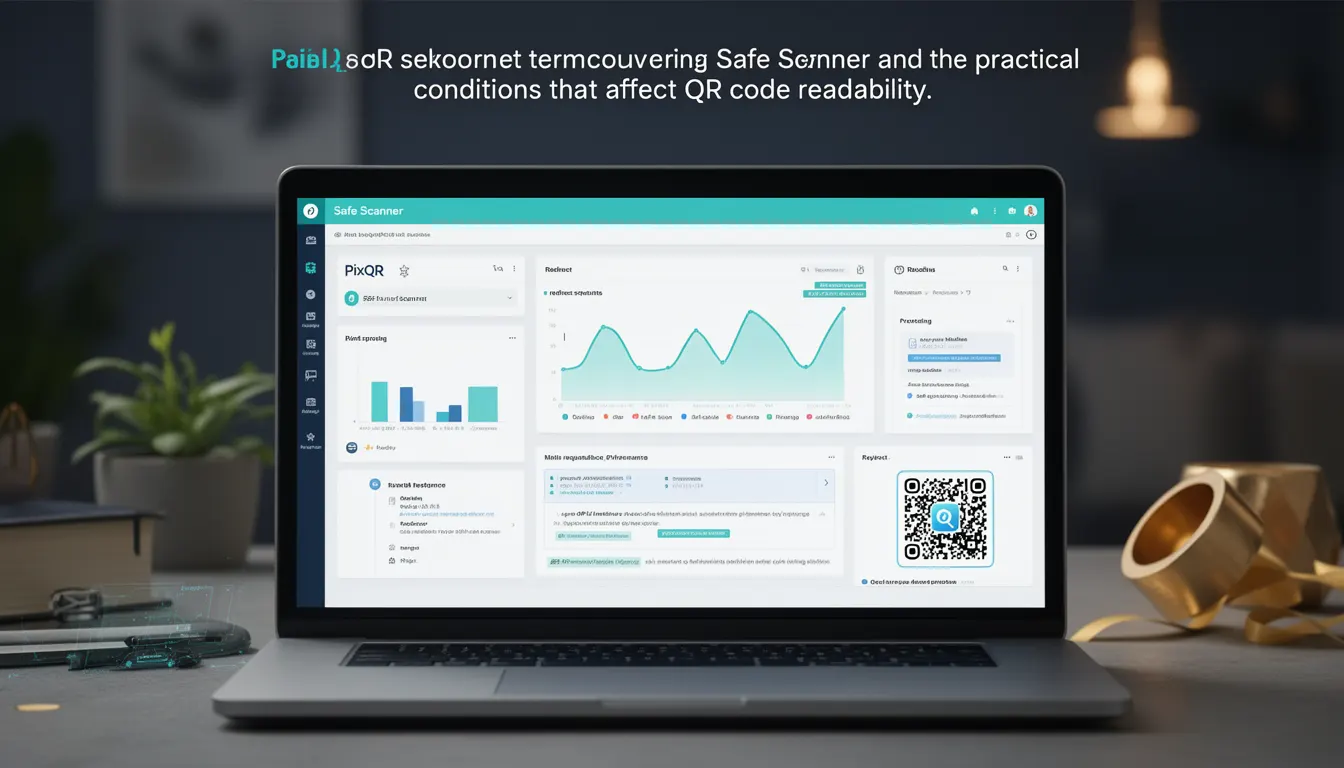
A Safe Scanner refers to a QR code scanning implementation that ensures reliable, secure, and predictable behavior when reading QR codes. In the context of PixQR, a Safe Scanner is designed to maintain high readability under varied conditions while adhering to strict privacy and security guidelines. It addresses the practical challenges of scanning QR codes in real-world environments, where lighting, resolution, damage, or obfuscation can affect readability.
Developers working with PixQR may encounter Safe Scanner configurations when integrating QR code readers into applications, especially when aiming for dynamic redirects, secure link tracking, or brand-safe scanning experiences. A Safe Scanner is not a single technology but a set of practices and tools that improve scanning reliability and reduce false positives or misreads.
Why It Matters
For developers and site operators, Safe Scanner behavior is essential to ensure that QR codes are consistently readable across platforms and environments. Without safe scanning, users may experience failed redirects, incorrect data interpretation, or exposure to malicious links. In PixQR's context, a Safe Scanner helps prevent fraud by ensuring that only valid, pre-approved QR codes are processed and redirected.
From a performance standpoint, a Safe Scanner avoids unnecessary retries, redundant processing, or excessive resource consumption. It also contributes to accessibility compliance by reducing scanning errors that could prevent users with visual impairments from accessing content. For privacy-sensitive deployments, a Safe Scanner ensures that scanning operations are not inadvertently exposing user data or system internals.
How It Works
A Safe Scanner in PixQR operates by combining multiple scanning techniques and validation layers to improve reliability. It typically involves image preprocessing, pattern recognition, and result validation before finalizing a QR code read. The scanner may be configured with parameters that adjust sensitivity, tolerance for noise, or error correction levels.
- Image preprocessing adjusts contrast, brightness, and sharpness to improve QR code detectability.
- Pattern recognition algorithms identify QR code structures and decode the embedded data.
- Validation checks ensure the decoded data matches expected formats (e.g., URL, UUID, or custom payload).
- Security filters prevent processing of malformed or suspicious QR codes.
- Result caching or tracking helps reduce redundant scans and supports analytics.
Quick Reference
| Item | Purpose | Notes |
|---|---|---|
| Scanning sensitivity | Adjusts how strictly the scanner detects QR codes | Higher sensitivity may increase false positives |
| Error correction level | Controls tolerance for damaged or low-quality QR codes | Higher levels improve readability but may slow decoding |
| Preprocessing filters | Adjusts image quality before scanning | Used to enhance or normalize QR code appearance |
| Validation rules | Ensures decoded data meets expected format or security criteria | Prevents processing of invalid or malicious payloads |
| Scan tracking | Logs or reports scanning activity for analytics or debugging | Supports audit trails and fraud detection |
Basic Example
PixQR Example QR
This QR links directly to this glossary page, so printed notes, onboarding docs, and support material can bring scanners back to the current reference.
This basic example shows how a Safe Scanner might be initialized with default settings for use in a QR code reader application.
const scanner = new PixQR.Scanner({
  sensitivity: 0.7,
  errorCorrectionLevel: 'M',
  preprocess: true
});
The sensitivity parameter adjusts how strictly the scanner identifies QR codes. A value of 0.7 is a balanced setting for most use cases. The errorCorrectionLevel ensures that slightly damaged QR codes can still be read. The preprocess flag enables automatic image enhancement for better readability.
Production Example
This production example demonstrates a Safe Scanner configured for robust performance, including validation, tracking, and error handling for enterprise-level deployments.
const scanner = new PixQR.Scanner({
  sensitivity: 0.8,
  errorCorrectionLevel: 'H',
  preprocess: true,
  validate: {
    url: true,
    allowedDomains: ['example.com', 'trusted.org'],
    maxRedirects: 3
  },
  track: true,
  onScan: (result) => {
    if (result.isValid) {
      window.location.href = result.data;
    } else {
      console.warn('Invalid QR code detected:', result);
    }
  }
});
This version includes stricter validation for URLs, limits the number of redirects, and enables tracking for monitoring and analytics. The onScan callback ensures that only valid results are acted upon, improving both security and user experience.
Common Mistakes
- Using default scanner settings without tuning for the specific environment or use case.
- Disabling preprocessing or validation in production, leading to unreliable or insecure scans.
- Ignoring error correction levels, which can cause QR codes to fail in low-quality or damaged states.
- Not implementing scan tracking or logging, making it difficult to debug or monitor scanning behavior.
- Allowing all domains in URL validation, which opens up potential for malicious redirects or phishing.
Security And Production Notes
- Always validate decoded QR code data to prevent injection or redirection to malicious sites.
- Use error correction levels that balance performance with reliability, especially for mobile or print-based QR codes.
- Preprocessing should be optimized to avoid performance bottlenecks in real-time scanning.
- Implement scan tracking and logging to detect and prevent fraudulent or repeated scanning attempts.
- Ensure that scanner configurations are not exposed in client-side code to avoid bypassing security checks.
Related Concepts
Safe Scanner is closely related to several core concepts in QR code development and security:
- Dynamic Redirects: Safe Scanners are often used to process QR codes that point to dynamic or temporary URLs.
- Scan Analytics: Tracking and logging of scanning events are essential for monitoring Safe Scanner behavior and detecting anomalies.
- QR Code Generation: The quality and structure of the QR code itself affects how well a Safe Scanner can read it.
- Privacy Controls: Safe Scanners must respect user privacy by not collecting or exposing personal data from scanned codes.
- Link Management: Safe Scanners help ensure that only valid, approved links are followed, supporting secure link management systems.