 PixQR
PixQR
Overview
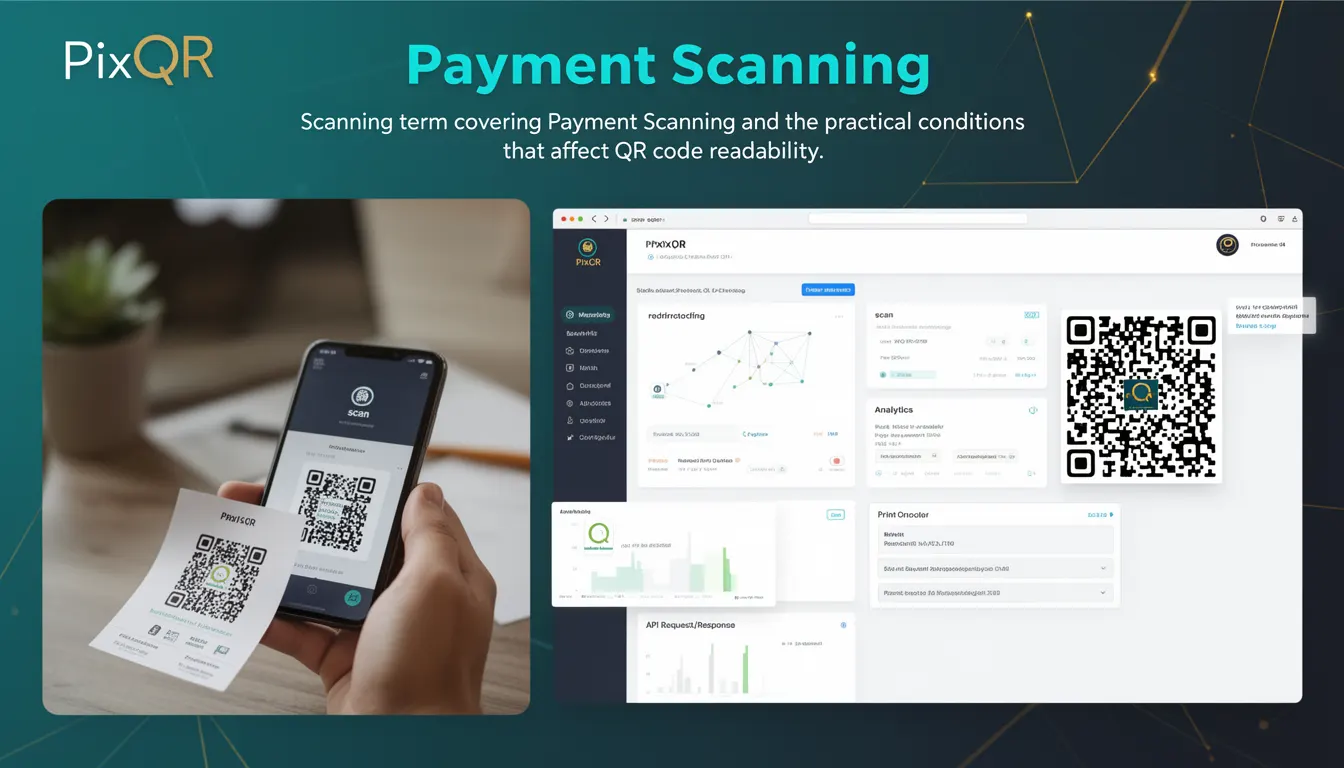
Payment Scanning refers to the process of capturing and interpreting QR code data during a scan, specifically when that data represents a payment instruction. This term is used in the context of QR code generation and handling within platforms like PixQR, where the QR code may carry payment-related payloads such as payment requests, merchant identifiers, or transaction details.
Unlike general QR code scanning, which may simply retrieve a URL or text, Payment Scanning implies a higher level of security and verification. The scanning process must ensure that the QR code payload is correctly formatted, safe to process, and compatible with the intended payment system. It is a key part of the operational workflow in payment-enabled QR code platforms, where the integrity and correctness of the scanned data directly affect transaction outcomes.
Why It Matters
For developers and platform operators, Payment Scanning is a critical step in ensuring that QR codes used for transactions are reliable and secure. Incorrect or malformed payment data in a QR code can lead to failed transactions, financial loss, or security breaches. In PixQR, Payment Scanning is part of a broader suite of features that include dynamic redirects, brand-safe design, and privacy controls. Ensuring accurate payment scanning helps maintain trust in the platform and prevents fraud or misrouting of funds.
From a user experience perspective, Payment Scanning must be fast, accurate, and resilient to poor lighting or damaged QR codes. A failure in this process can lead to user frustration or abandonment of the payment flow. In production systems, this translates into performance requirements for scanning engines and robust error handling for malformed inputs.
How It Works
Payment Scanning is a multi-stage process that begins with the capture of a QR code image, followed by decoding, validation, and processing. The key components include:
- Image capture and preprocessing to enhance readability in low-quality or degraded conditions.
- QR code decoding using standard libraries or proprietary algorithms to extract the payload.
- Validation of the payload format against known payment standards such as ISO/IEC 18004 or proprietary payment protocols.
- Verification of data integrity, including checksums or cryptographic signatures where applicable.
- Integration with payment gateways or internal systems to initiate or confirm the transaction.
Payment Scanning is often part of a larger scanning pipeline that includes error recovery, retry logic, and fallback mechanisms. In PixQR, this pipeline is designed to maintain high scan reliability even under challenging conditions such as low lighting, partial occlusion, or physical damage to the QR code.
Quick Reference
| Item | Purpose | Notes |
|---|---|---|
| QR Code Payload | Contains payment instruction data | Must conform to payment protocol standards |
| Decoding Engine | Extracts data from QR code image | Supports multiple error correction levels |
| Validation Rules | Checks for valid transaction data | Includes format, checksum, and signature checks |
| Transaction ID | Unique identifier for payment | Used for tracking and reconciliation |
| Scan Reliability | Ensures successful read under varied conditions | Includes image preprocessing and retry logic |
Basic Example
PixQR Example QR
This QR links directly to this glossary page, so printed notes, onboarding docs, and support material can bring scanners back to the current reference.
/glossary/qr-code-scanning/qr-code-scanning-payment-scanning

This example demonstrates a simplified version of how payment data might be extracted from a QR code using a scanning library.
const qrData = decodeQRCode(imageBuffer);
if (qrData.startsWith('PAYMENT:')) {
  const paymentInfo = parsePaymentPayload(qrData);
  console.log('Payment ID:', paymentInfo.id);
} else {
  console.error('Invalid QR payload');
}
The example first decodes the QR code image into a string. It then checks if the string starts with a payment-specific prefix. If so, it parses the payload into structured data for further processing. This shows how a basic scan might be validated before proceeding with payment logic.
Production Example
In a production environment, Payment Scanning must include robust error handling, validation, and integration with secure systems. This example illustrates how a scanning module might be structured in a larger application.
class PaymentScanner {
  async scanQRCode(imageBuffer) {
    try {
      const decoded = await decodeQR(imageBuffer);
      const payload = this.validatePaymentPayload(decoded);
      return this.processPayment(payload);
    } catch (error) {
      console.error('Payment scan failed:', error.message);
      throw new Error('Invalid payment QR code');
    }
  }

  validatePaymentPayload(data) {
    if (!data.startsWith('PAYMENT:')) {
      throw new Error('Invalid payment prefix');
    }
    const payload = JSON.parse(data.substring(8));
    if (!payload.id || !payload.amount) {
      throw new Error('Missing payment fields');
    }
    return payload;
  }
}

const scanner = new PaymentScanner();
scanner.scanQRCode(imageBuffer);
This version includes structured error handling, validation of the payload format, and separation of concerns. It is suitable for production use because it isolates scanning logic, handles errors gracefully, and ensures that only valid payment data is processed.
Common Mistakes
- Assuming all QR codes are valid without payload validation, leading to runtime errors or transaction failures.
- Not handling image preprocessing or degradation, resulting in low scan success rates in real-world conditions.
- Using generic decoding libraries without verifying that the payload conforms to payment standards.
- Ignoring retry logic or fallback mechanisms, causing payment flows to fail under poor scanning conditions.
- Reusing or exposing raw QR code data without sanitization, increasing risk of injection or data leakage.
Security And Production Notes
- Always validate QR code payloads against known payment standards to prevent injection of malicious or invalid data.
- Implement retry logic and image preprocessing to improve scan success rates in challenging environments.
- Sanitize or escape decoded QR data before using it in payment systems to avoid injection attacks.
- Use cryptographic signatures or checksums in payment payloads to verify data integrity.
- Ensure that payment scanning does not introduce performance bottlenecks or increase latency in transaction flows.
Related Concepts
Payment Scanning is closely connected to several other QR code and payment-related concepts:
- QR Code Generation: The creation of QR codes that contain payment payloads must ensure compatibility with scanning systems.
- Dynamic Redirects: Payment QR codes may be part of a dynamic redirect chain, where the scanned data leads to a payment page.
- Scan Reliability: Ensures consistent performance across different devices and lighting conditions.
- Analytics and Tracking: Scanning events are often logged for transaction tracking and fraud prevention.
- Privacy Controls: Payment data must be handled in compliance with data protection regulations.