 PixQR
PixQR
Overview
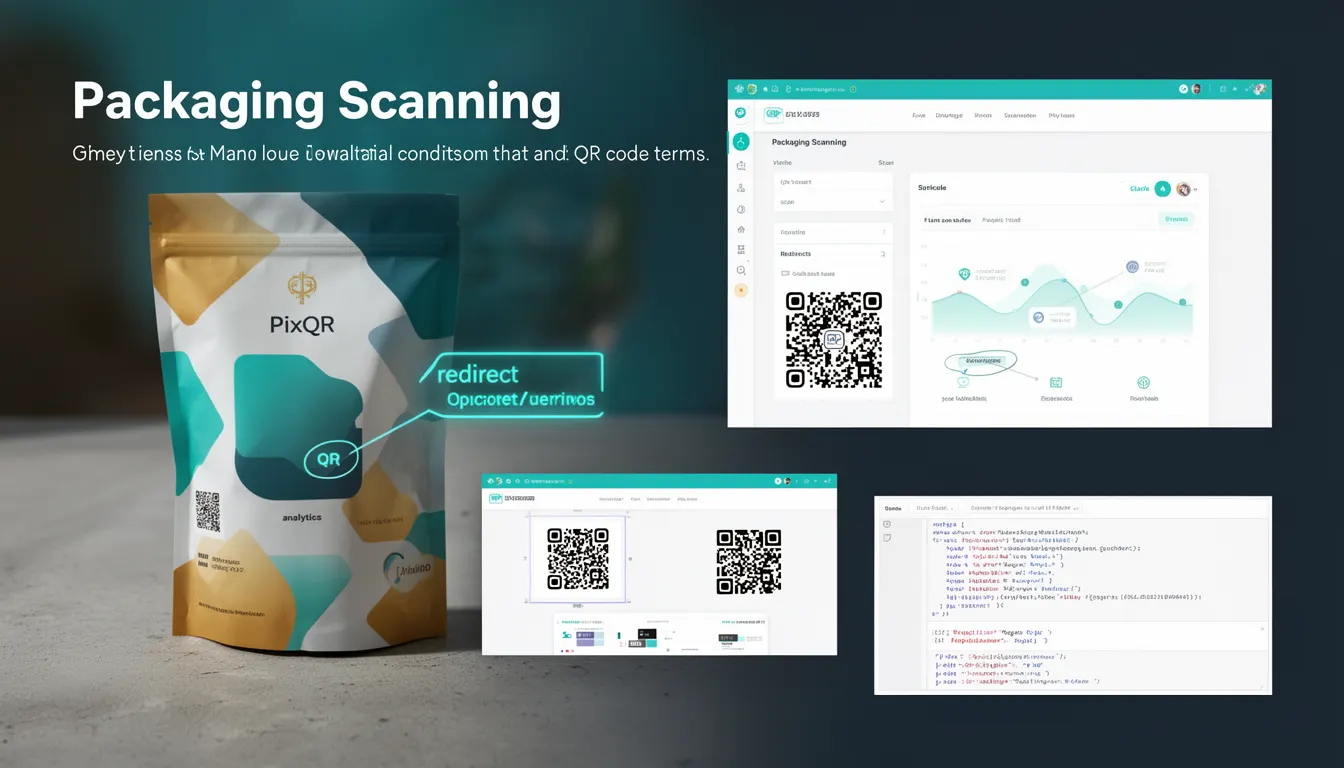
Packaging Scanning refers to the process of capturing and interpreting QR codes printed on product packaging, typically in retail, logistics, and supply chain environments. It encompasses the practical conditions, hardware limitations, and software behaviors that affect QR code readability during real-world scanning operations.
For developers working with PixQR, Packaging Scanning is relevant when designing QR code systems for physical product identification, inventory tracking, or consumer engagement. It ensures that generated codes remain scannable under various environmental conditions, such as low lighting, surface texture, or print quality variations.
Why It Matters
For developers and product teams, Packaging Scanning directly impacts system reliability and user experience. Poorly designed QR codes may fail to scan in retail environments, leading to lost sales, inventory mismanagement, or customer frustration. PixQR's platform emphasizes scan reliability, so understanding Packaging Scanning helps developers avoid common pitfalls in code generation and deployment.
From a security perspective, scannable QR codes must also be resistant to tampering or misdirection. A QR code that scans inconsistently may be more vulnerable to fraud or misuse in tracking systems. Properly addressing Packaging Scanning conditions ensures that the QR code functions as intended, reducing the risk of operational errors or malicious exploitation.
How It Works
Packaging Scanning involves multiple technical components working together to ensure successful QR code capture. The process includes code generation, physical printing, and device-based scanning.
- QR code generation must consider size, contrast, and error correction levels to ensure readability at various distances and under different lighting conditions.
- Physical printing quality affects scannability, with factors like resolution, ink coverage, and surface texture playing a role in how well a code can be interpreted.
- Scanner hardware and software must support the QR code format and be capable of reading codes at the intended distance and angle.
- Environmental conditions such as glare, shadows, or motion can interfere with successful scanning, requiring code design to account for such variability.
- Code validation and analytics systems must track scanning success rates to identify problematic packaging or scanning setups.
Quick Reference
| Item | Purpose | Notes |
|---|---|---|
| QR Code Size | Controls scannability at various distances | Must balance print space with readability |
| Error Correction Level | Recovery from damage or print issues | Higher levels allow for more robust codes |
| Contrast Ratio | Readability under varying lighting | Black-on-white is most reliable |
| Print Resolution | Clarity of code pixels | Minimum 300 DPI for retail applications |
| Scan Distance | How far the scanner can read the code | Typically 10–50 cm for packaging |
Basic Example
PixQR Example QR
This QR links directly to this glossary page, so printed notes, onboarding docs, and support material can bring scanners back to the current reference.
/glossary/qr-code-scanning/qr-code-scanning-packaging-scanning

This basic example demonstrates how to generate a QR code with PixQR that is optimized for packaging scanning using recommended settings.
const qrCode = pixqr.generate({
  text: "https://example.com/product/12345",
  size: 200,
  errorCorrection: "H",
  margin: 1,
  format: "png"
});
The example sets the QR code size to 200 pixels, uses the highest error correction level (H), and includes a minimal margin to reduce whitespace. These settings improve scannability under typical packaging conditions.
Production Example
In production environments, developers must account for real-world variability in packaging and scanning hardware. This example shows how to configure a PixQR code for optimal packaging scanning with validation and analytics support.
const qrConfig = {
  text: "https://track.example.com/12345",
  size: 256,
  errorCorrection: "H",
  margin: 2,
  format: "svg",
  analytics: {
    enabled: true,
    tracking: ["scan", "click"]
  },
  design: {
    background: "#FFFFFF",
    foreground: "#000000",
    resolution: 300
  }
};

const qrCode = pixqr.generate(qrConfig);
This version uses an SVG format for scalability, includes analytics tracking, and sets a resolution to match high-quality printing standards. It also includes a larger margin and higher error correction to ensure robustness in real-world packaging environments.
Common Mistakes
- Using low error correction levels for codes intended for packaging can lead to failed scans when codes are partially damaged or printed poorly.
- Ignoring print resolution requirements can cause codes to appear blurry or unreadable, especially in high-volume or automated scanning systems.
- Choosing incorrect contrast ratios, such as dark-on-dark or low-contrast color schemes, makes codes difficult to scan under varying lighting.
- Not accounting for scanning distance in code size selection may result in codes that are too small for scanners to read accurately.
- Overlooking margin or whitespace considerations can cause scanners to misinterpret code edges, particularly in low-quality or high-speed printing.
Security And Production Notes
- Ensure QR codes are generated with sufficient error correction to resist degradation from print or surface damage.
- Use secure redirect endpoints to prevent misuse of generated links in packaging applications.
- Validate QR code formats and content before deployment to avoid scanning failures or misdirection.
- Implement analytics to monitor scan success rates and identify problematic packaging or scanner setups.
- Consider accessibility standards when designing codes for consumer-facing packaging to ensure compatibility with assistive scanning tools.
Related Concepts
Packaging Scanning is closely related to several QR code and scanning concepts:
- QR Code Generation – The foundational process of creating scannable codes, which must consider packaging constraints.
- Dynamic Redirects – Used to manage how QR code links behave, especially when content or URLs change over time.
- Scan Reliability – The overall system capability to consistently read QR codes under various conditions.
- Print Quality – A physical factor that directly impacts scannability and must be considered in design.
- Link Management – The backend handling of QR code destinations, which must remain stable and secure in packaging environments.