 PixQR
PixQR
Overview
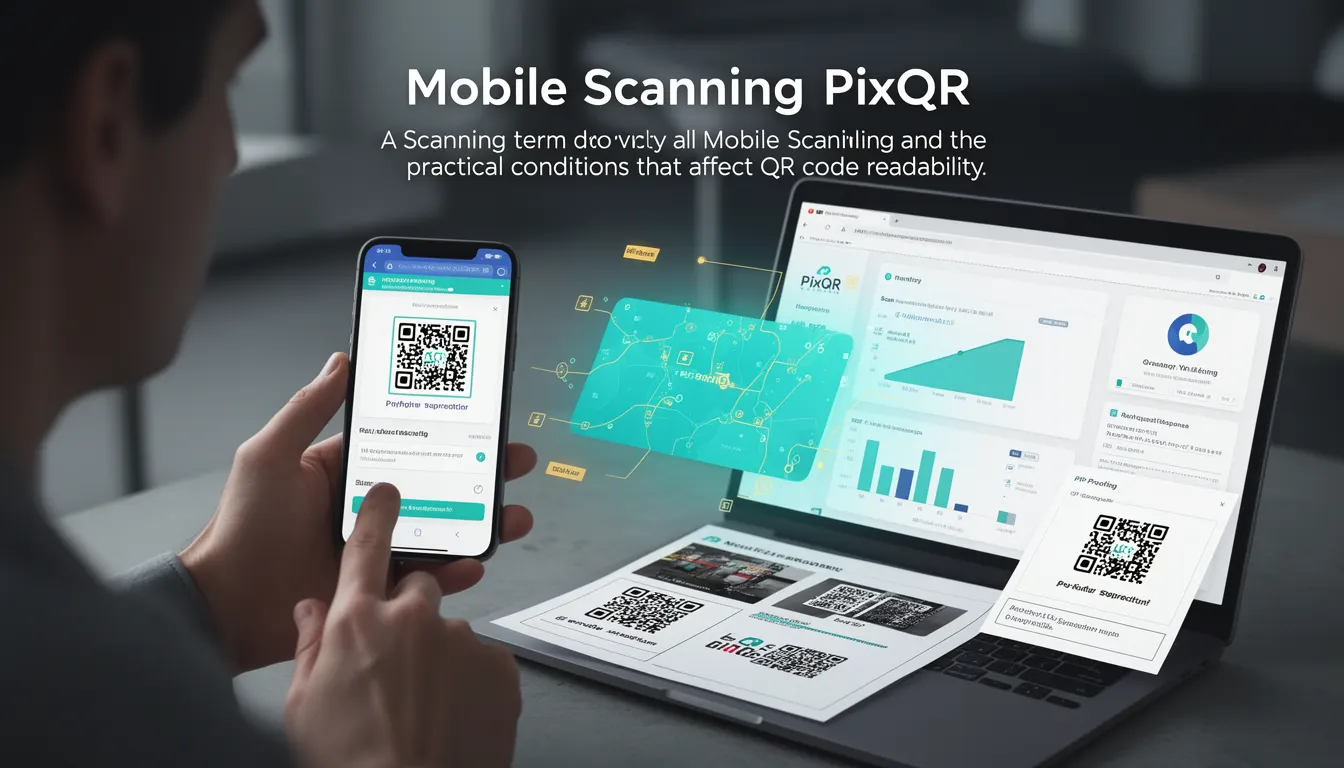
Mobile scanning refers to the process of capturing and interpreting QR codes using mobile devices, typically through built-in camera functionality or dedicated scanning apps. In the context of PixQR, mobile scanning is a critical component of the platform's operational workflow, as it determines how reliably users can interact with generated QR codes in real-world conditions.
Mobile scanning encompasses the technical and environmental conditions that affect QR code readability, including lighting, camera resolution, device orientation, and physical QR code quality. The term is used in PixQR’s analytics and operational dashboards to monitor performance across various mobile platforms, ensuring that QR codes are scannable under diverse conditions.
Why It Matters
For developers and product teams, mobile scanning directly impacts user experience, conversion rates, and platform reliability. If a QR code cannot be scanned reliably on a mobile device, it may fail to deliver its intended redirect, causing user frustration and lost engagement. PixQR's platform ensures that generated codes are optimized for mobile scanning by applying standards-based design parameters and testing under simulated real-world conditions.
From a security perspective, mobile scanning must be robust to prevent exploitation through malformed or malicious QR codes. PixQR implements strict validation and sanitization of QR code content to ensure that redirects are safe and that scan tracking data remains reliable. For site operators, understanding mobile scanning behavior helps in designing better scan workflows and reducing support tickets related to failed scans.
How It Works
Mobile scanning involves a sequence of steps that begin with camera input and end with QR code interpretation. The process is influenced by several technical factors:
- Camera resolution and focus capabilities of the device affect how clearly a QR code is captured.
- Lighting conditions and ambient glare can significantly impact decoding accuracy, especially in low-light or high-contrast environments.
- QR code size and aspect ratio must be optimized for mobile scanning, as smaller codes may be difficult to focus on or misread by the camera.
- Device orientation and movement during scanning can cause misalignment or blurring, which affects decoding speed and success rate.
- QR code design elements such as color contrast, border padding, and error correction levels play a role in ensuring successful scans across different devices.
When a QR code is generated via PixQR, it is validated against a set of mobile scanning standards. The system uses algorithms to simulate how the QR code will appear on various devices and under different lighting conditions. This ensures that the QR code will be scannable on a wide range of mobile platforms without requiring user-specific adjustments.
Quick Reference
| Item | Purpose | Notes |
|---|---|---|
| QR Code Size | Ensures scannability on mobile devices | Minimum 20mm for standard mobile scanning |
| Color Contrast | Improves readability in varying light | Black on white or high-contrast combinations |
| Error Correction Level | Recovery from damage or distortion | Use level H for mobile environments |
| Orientation | Supports device rotation | Design for 360° scanning |
| Lighting Conditions | Simulates real-world performance | Tested under low, medium, and high light |
Basic Example
PixQR Example QR
This QR links directly to this glossary page, so printed notes, onboarding docs, and support material can bring scanners back to the current reference.

This example demonstrates a basic QR code generation with mobile scanning considerations in mind. It shows how to set a minimum size and error correction level to improve scannability.
const qrConfig = {
  size: 200,
  errorCorrection: 'H',
  margin: 1,
  color: {
    dark: '#000000',
    light: '#ffffff'
  }
};

const qrCode = PixQR.generate('https://example.com', qrConfig);
The example sets the QR code size to 200 pixels, uses high error correction (level H), and defines a clear color contrast. These settings ensure that the code is readable on most mobile devices.
Production Example
This example shows a more comprehensive configuration for mobile scanning, including validation, responsive sizing, and analytics tracking. It reflects how a production environment might use PixQR to generate codes that are optimized for real-world scanning.
const generateMobileQR = (url, options = {}) => {
  const config = {
    size: 300,
    errorCorrection: 'H',
    margin: 2,
    color: {
      dark: '#000000',
      light: '#ffffff'
    },
    ...options
  };

  const qrCode = PixQR.generate(url, config);
  PixQR.trackScan(qrCode.id, { platform: 'mobile' });
  return qrCode;
};

const qr = generateMobileQR('https://secure.example.com/redirect');
This version includes analytics tracking and a larger QR code size for better visibility on high-resolution screens. It also ensures that the QR code is generated with sufficient error correction to handle minor distortions during scanning.
Common Mistakes
- Using a QR code that is too small for mobile scanning, resulting in failed scans on low-resolution devices.
- Choosing colors with poor contrast, which causes scanning failures in low-light conditions.
- Ignoring error correction levels, leading to unrecoverable codes when QR codes are partially obscured.
- Not accounting for device orientation, which can cause misalignment during scanning.
- Overlooking the importance of testing QR codes on actual mobile devices rather than simulated environments.
- Assuming all mobile platforms behave the same, which leads to inconsistent scanning performance across devices.
Security And Production Notes
- Always validate QR code content to prevent injection of malicious redirects or scripts.
- Use high error correction levels to ensure codes remain scannable even if slightly damaged or distorted.
- Implement responsive sizing to ensure QR codes are readable on a wide range of screen sizes and resolutions.
- Test QR codes under various lighting conditions to simulate real-world usage.
- Track scan behavior to identify patterns of failed or slow scans, which may indicate design or platform issues.
Related Concepts
Mobile scanning is closely related to several key concepts in QR code development and deployment:
- QR Code Standards define the structure and encoding rules that ensure compatibility across platforms.
- Scan Analytics tracks how often and under what conditions QR codes are successfully scanned.
- Dynamic Redirects allow QR codes to point to URLs that can change without regenerating the code.
- Print Quality ensures that QR codes remain scannable when printed on physical media.
- Privacy Controls govern how scan data is collected and used, especially in regulated environments.