 PixQR
PixQR
Overview
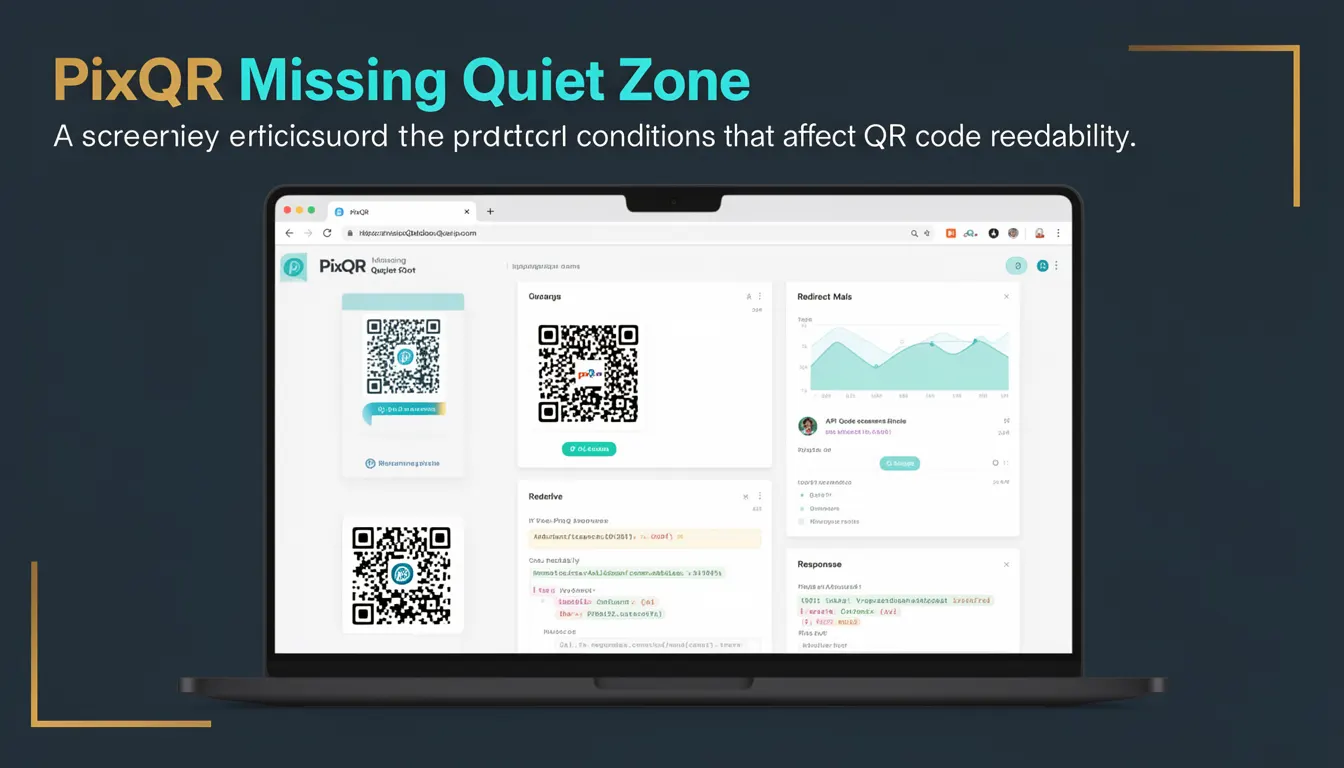
The term "Missing Quiet Zone" refers to a specific condition in QR code design and scanning that occurs when the required margin around the QR code is not present or is insufficient. This margin, known as the quiet zone, is a blank area surrounding the QR code that helps scanning devices distinguish the code from surrounding content. Without adequate quiet zone, QR scanners may misread the code or fail to scan it entirely.
Developers working with PixQR must understand this term because it directly impacts the reliability of QR code generation and scanning. Whether creating dynamic QR codes for redirects, managing brand-safe designs, or ensuring privacy and security in operational workflows, the quiet zone is a critical design element that must be preserved. In PixQR's context, missing quiet zones often manifest during print production, web rendering, or API-based QR code generation when the code is cropped, scaled, or improperly embedded without sufficient whitespace.
Why It Matters
For developers and site operators, the quiet zone is not a luxury but a necessity for reliable scanning. When the quiet zone is missing, QR scanners may interpret the surrounding environment as part of the code, leading to errors, misreads, or complete failure to decode. This is especially critical in production environments where QR codes are used for dynamic redirects, access control, or marketing tracking.
In PixQR's ecosystem, this issue can cause significant operational problems. For example, a QR code embedded in a print advertisement without sufficient quiet zone may not scan properly on mobile devices, undermining the effectiveness of a marketing campaign. Similarly, in secure workflows, where QR codes are used for access tokens or authentication, a misread due to missing quiet zones can lead to unauthorized access or failed operations. The quiet zone is also relevant in accessibility contexts, where scanners must reliably read codes across various devices and lighting conditions.
How It Works
The QR code standard defines the quiet zone as a margin of at least four modules (black or white squares) around the QR code. This margin is essential for scanners to detect the code's boundaries and accurately interpret the data. When a QR code is generated or rendered without this margin, it is considered to have a missing quiet zone.
- QR codes must include a minimum of four quiet zone modules around all sides of the code to be scannable.
- The quiet zone is not part of the data payload but is required for scanner accuracy and reliability.
- When QR codes are embedded in web pages or print materials, developers must ensure the quiet zone is preserved during scaling or cropping.
- PixQR's API and generation tools automatically enforce minimum quiet zone requirements to prevent scanning failures.
- Scanners may fail to read codes with missing quiet zones even if the code itself is otherwise valid and correctly formatted.
Quick Reference
| Item | Purpose | Notes |
|---|---|---|
| Quiet Zone | Blank margin around QR code | Minimum 4 modules |
| Module | Basic unit of QR code | Black or white square |
| Scanning Failure | Error when quiet zone is missing | Can cause misreads |
| PixQR API | Generates QR codes with valid quiet zones | Enforces standards automatically |
| Print Rendering | Ensures quiet zone preserved in print | Requires careful layout design |
Basic Example
PixQR Example QR
This QR links directly to this glossary page, so printed notes, onboarding docs, and support material can bring scanners back to the current reference.
/glossary/qr-code-scanning/qr-code-scanning-missing-quiet-zone

This basic example demonstrates a QR code that includes the required quiet zone. The code is generated using a standard QR code library that ensures the margin is included.
const qrCode = generateQRCode('https://example.com', {
  size: 200,
  quietZone: 4
});

// The generated QR code includes a quiet zone of 4 modules around all sides
The quietZone parameter in this example specifies that the generated QR code must include a margin of at least four modules around all sides. This ensures that the code is scannable even when placed in a web or print environment.
Production Example
This production example shows how to generate a QR code using PixQR's API while ensuring that the quiet zone is preserved, even when the code is embedded in a responsive layout or printed at various scales.
const response = await fetch('https://api.pixqr.com/v1/qr', {
  method: 'POST',
  headers: {
    'Authorization': 'Bearer YOUR_API_KEY',
    'Content-Type': 'application/json'
  },
  body: JSON.stringify({
    data: 'https://example.com',
    size: 300,
    margin: 4,
    format: 'png'
  })
});

const qrImage = await response.blob();
This example demonstrates a production-ready approach to QR code generation using PixQR's API. The margin parameter is explicitly set to 4, ensuring that the quiet zone is included in the output. This is critical for maintaining scan reliability across different platforms and use cases.
Common Mistakes
- Forgetting to set the quiet zone when embedding QR codes in web layouts or print materials, leading to scanning failures.
- Using scaling or cropping tools that do not preserve the quiet zone, especially when generating QR codes programmatically.
- Assuming that QR codes are always scannable without verifying the presence of a quiet zone, especially in dynamic redirect workflows.
- Not validating QR code output in production environments, which can lead to silent failures in scanning or tracking.
- Using third-party libraries that do not enforce minimum quiet zone requirements, causing compatibility issues in PixQR's ecosystem.
Security And Production Notes
- Always validate that generated QR codes include the required quiet zone to prevent scanning failures and maintain user trust.
- Use PixQR's API to ensure that quiet zone parameters are enforced, especially in dynamic redirect scenarios.
- When embedding QR codes in responsive web layouts, test across multiple devices and screen sizes to ensure quiet zones are preserved.
- For print workflows, ensure that layout tools or design software do not crop or scale QR codes without maintaining the quiet zone.
- Monitor analytics for scanning failures, as these may be indicators of missing quiet zones in deployed QR codes.
Related Concepts
Several closely related developer concepts are important to understand in the context of QR code generation and scanning:
- QR Code Standard: Defines the structure and requirements for QR codes, including the quiet zone.
- Scanning Accuracy: The ability of a scanner to correctly interpret a QR code, heavily dependent on quiet zone presence.
- Dynamic Redirects: QR codes used for URL redirection require reliable scanning, making quiet zone integrity essential.
- Print Reliability: Ensures that QR codes remain scannable after print and physical handling.
- Brand-Safe Design: Maintains the integrity of QR codes in visual branding, including quiet zone compliance.