 PixQR
PixQR
Overview
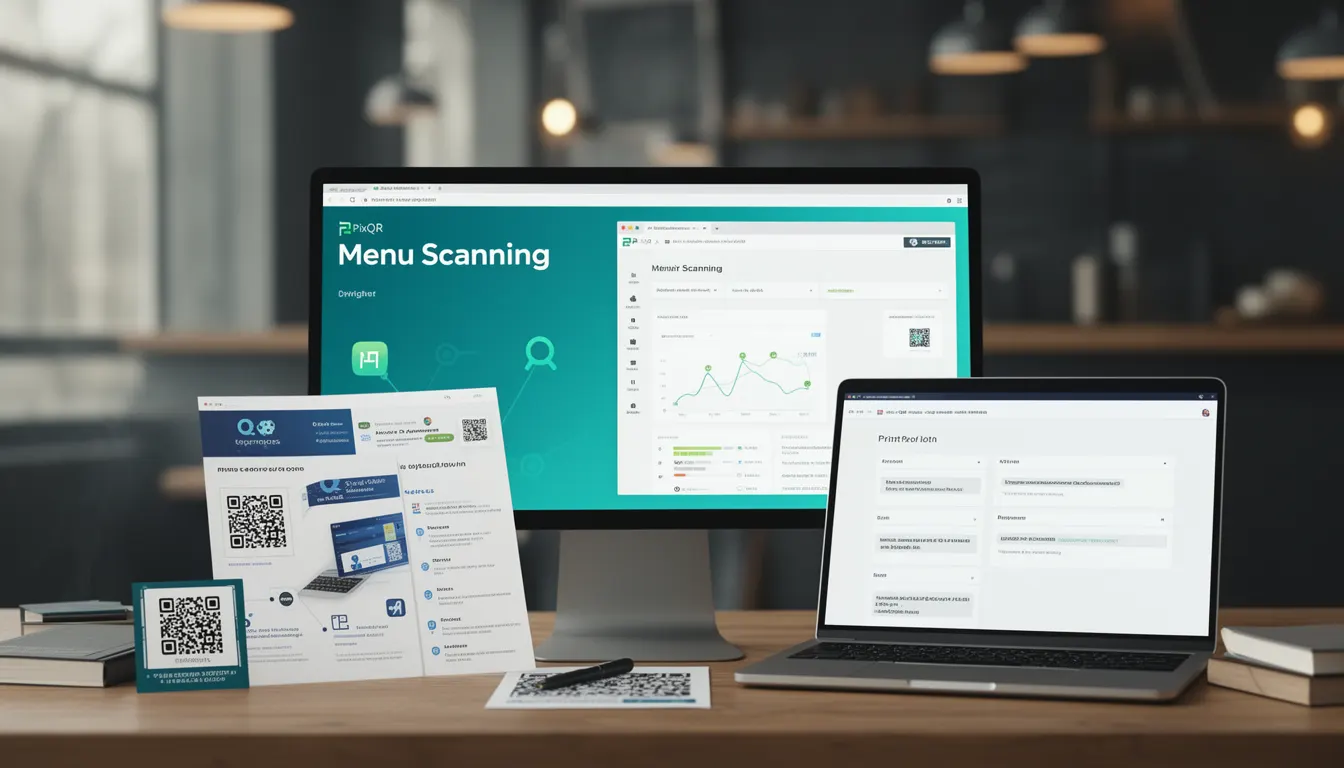
Menu Scanning refers to the process of using QR codes to access digital menu systems, typically in restaurants or food service environments. It encompasses both the technical conditions that affect QR code readability and the practical implementation of scanning workflows for menu access.
For developers working with PixQR, Menu Scanning represents a specialized use case where QR codes are designed to redirect users to menu content, often including dynamic updates, pricing, and accessibility features. The term covers not only the scanning behavior itself but also the underlying conditions that ensure reliable operation in real-world environments.
Why It Matters
For developers and site operators, Menu Scanning directly impacts user experience, operational efficiency, and compliance with accessibility standards. Poorly implemented scanning workflows can lead to failed redirects, delayed access to menu content, or inaccessible interfaces for users with disabilities.
In production environments, reliable Menu Scanning ensures consistent access to updated menu items, supports dynamic pricing, and maintains brand-safe design standards. PixQR's platform specifically optimizes for these conditions, offering tools to validate scan reliability, track user engagement, and maintain secure, compliant redirect paths.
How It Works
Menu Scanning in PixQR involves a multi-layered approach to QR code functionality that includes generation, redirection, analytics, and operational workflows. The process begins with creating a QR code that points to a secure, dynamic menu endpoint.
- QR codes are generated with specific error correction levels to ensure readability under various lighting and environmental conditions.
- Redirects are configured to support both static and dynamic content, allowing menu updates without re-printing physical materials.
- Analytics tracking captures scan behavior, including frequency, device types, and geographic distribution of users.
- Scan reliability is enhanced through PixQR's proprietary algorithms that optimize for print quality, contrast, and resolution.
- Security protocols ensure that redirects are brand-safe, preventing malicious content injection or unauthorized access.
Quick Reference
| Item | Purpose | Notes |
|---|---|---|
| QR Code Error Correction | Ensures readability under poor conditions | Use level H for maximum resilience |
| Dynamic Redirect | Supports real-time menu updates | Requires secure API endpoint |
| Scan Tracking | Monitors user engagement | Includes device and location data |
| Print Quality | Optimizes physical QR code clarity | Supports high-resolution output |
| Brand Safety | Prevents malicious redirects | Enforces content validation |
Basic Example
PixQR Example QR
This QR links directly to this glossary page, so printed notes, onboarding docs, and support material can bring scanners back to the current reference.

This example demonstrates a basic QR code configuration for menu scanning, focusing on the core redirect structure.
<!-- PixQR Menu Scanning Configuration -->
<img src="https://pixqr.com/qr/1234567890" alt="Menu QR Code" />
<!-- Redirects to: https://restaurant.example.com/menu -->
The example shows a simple image tag pointing to a PixQR-generated QR code. The QR code internally redirects to a menu URL. The alt attribute ensures accessibility for screen readers.
Production Example
This example shows a more robust implementation that includes error handling, accessibility features, and analytics tracking.
<!-- PixQR Menu Scanning with Analytics -->
<div class="menu-qr-container">
  <img src="https://pixqr.com/qr/1234567890"
       alt="Scan to view menu"
       data-track="menu-scanning"
       data-location="dining-room" />
  <noscript>
    <p>Please enable JavaScript to access the menu.</p>
  </noscript>
</div>
This version includes data attributes for analytics, a noscript fallback for accessibility, and a container that supports responsive design. It is suitable for production environments where reliability and compliance are critical.
Common Mistakes
- Using low error correction levels in QR code generation, leading to scanning failures in poor lighting conditions.
- Ignoring accessibility requirements by omitting alt text or ARIA attributes in QR code images.
- Not validating redirect destinations, which can result in broken links or security vulnerabilities.
- Overlooking device compatibility, especially with older mobile browsers that may not support modern QR scanning APIs.
- Failing to implement analytics tracking, which prevents monitoring of user engagement and scan reliability.
- Using generic QR code designs that don't account for print quality or contrast requirements in physical environments.
Security And Production Notes
- Always validate redirect destinations to prevent malicious content injection or unauthorized access to internal systems.
- Implement secure API endpoints for dynamic menu content to protect against data breaches or unauthorized modifications.
- Use high error correction levels (H or Q) to ensure QR code readability under varying environmental conditions.
- Test QR code print quality with actual physical printing to verify readability at target distances and lighting.
- Include accessibility features such as alt text and semantic HTML to support users with disabilities.
Related Concepts
Menu Scanning is closely related to several core QR code and web development concepts:
- Dynamic Redirects - The ability to update content without changing the physical QR code.
- Scan Analytics - Tracking user behavior and engagement with QR code content.
- Print Reliability - Ensuring QR codes maintain readability when printed at various resolutions.
- Brand Safety - Protecting against malicious or inappropriate content in QR code redirects.
- Accessibility Compliance - Meeting WCAG standards for QR code usage in public environments.