 PixQR
PixQR
Overview
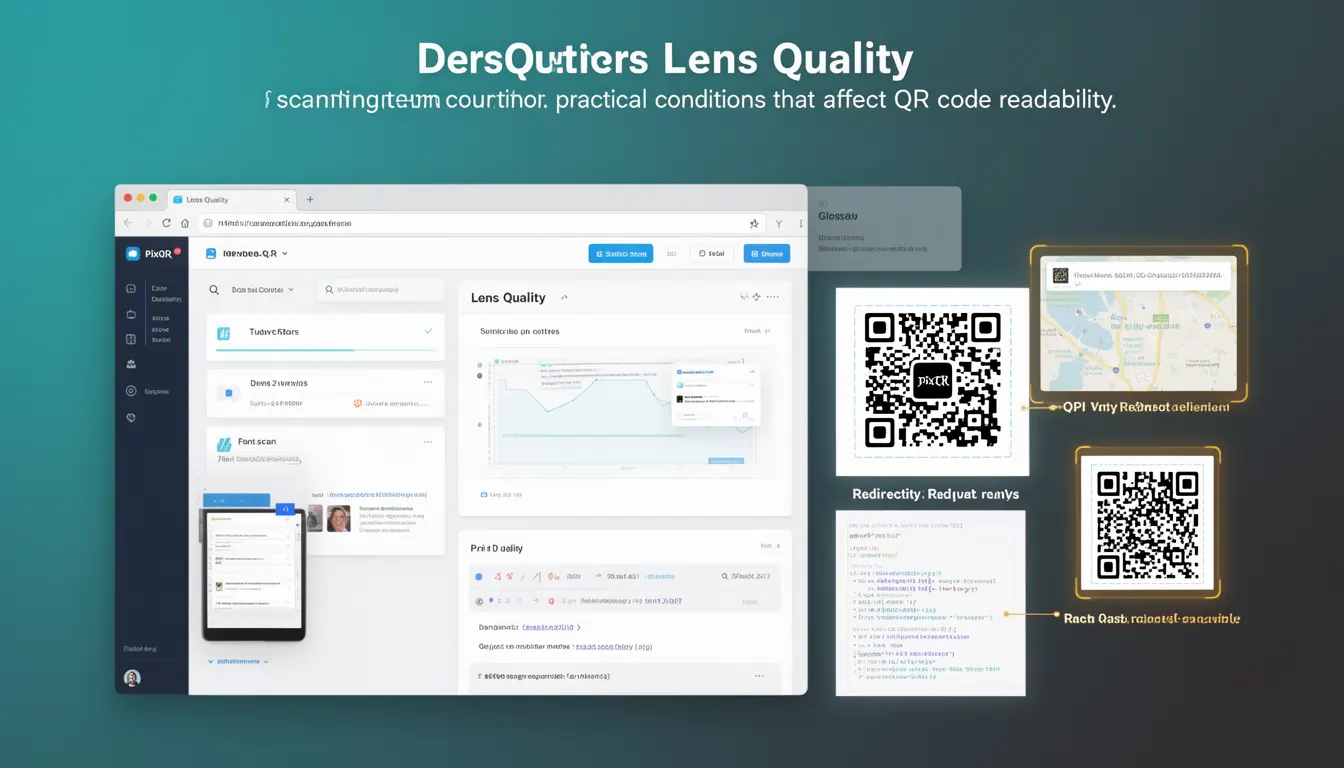
Lens quality is a scanning term that describes the optical clarity and resolution of the camera lens used in QR code readers, including mobile devices, web-based scanners, and dedicated hardware. It directly impacts how accurately a QR code can be read, especially when the code is damaged, printed at low resolution, or scanned under suboptimal lighting.
In PixQR, lens quality is a critical parameter in scanning reliability and performance optimization. It is part of a broader set of scanning conditions that determine whether a QR code can be successfully decoded. The term is particularly relevant for developers working with dynamic redirects, print-based QR code systems, and applications where scanning consistency is essential.
Why It Matters
For developers, lens quality is a practical determinant of QR code scanning success. Poor lens quality can cause a scanner to misread or fail to read a code entirely, especially in production environments where QR codes may be printed on low-quality materials, scanned from varying distances, or under inconsistent lighting. This directly impacts user experience, data integrity, and the reliability of redirect systems.
When integrating PixQR into an application, understanding lens quality helps developers set appropriate expectations for scanning behavior and implement fallback strategies. For example, a system may need to prompt users to reposition a QR code or adjust lighting conditions if scanning fails due to lens limitations.
How It Works
Lens quality affects QR code scanning through several technical mechanisms. The resolution and clarity of the camera lens determine how much detail the scanner can capture from a QR code, particularly in edge cases like degraded print quality or partial occlusion.
- Higher lens quality enables better decoding of low-resolution or degraded QR codes by capturing more precise pixel data.
- Optical distortion from poor lenses can cause skewing or misalignment, leading to decoding failures.
- Resolution limits of the lens affect the minimum QR code size that can be reliably scanned.
- Low-light performance is influenced by lens aperture and sensor quality, which impact how well QR codes are captured in dim environments.
- Modern scanning systems may use lens correction algorithms to mitigate quality issues, but these have limits and can introduce processing overhead.
Quick Reference
| Item | Purpose | Notes |
|---|---|---|
| Camera lens resolution | Determines how much detail can be captured | Higher resolution improves decoding of small or low-quality codes |
| Aperture size | Controls light intake for low-light scanning | Smaller aperture may reduce sharpness in low light |
| Optical distortion | Can cause misalignment of QR code pixels | Corrective algorithms may be required |
| Scanning distance | Directly impacts effective lens resolution | Longer distances may require higher-quality lenses |
| Lighting conditions | Can amplify or reduce lens quality effects | Consistent lighting improves scanning reliability |
Basic Example
PixQR Example QR
This QR links directly to this glossary page, so printed notes, onboarding docs, and support material can bring scanners back to the current reference.

This basic example shows how lens quality might be considered when configuring a scanning system in PixQR. It demonstrates a simplified representation of how quality parameters are applied.
const scannerConfig = {
  lensQuality: 'high',
  minCodeSize: 10,
  lighting: 'stable'
};
The lensQuality parameter indicates the expected camera lens performance. A value of 'high' implies that the system is optimized for accurate decoding of small or low-quality codes. The minCodeSize ensures that only codes of sufficient size are processed, reducing false positives.
Production Example
This example illustrates how lens quality is integrated into a production-grade PixQR scanning workflow, including error handling and configuration validation.
function configureScanner(options) {
  const config = {
    lensQuality: options.lensQuality || 'medium',
    maxRetries: options.maxRetries || 3,
    lighting: options.lighting || 'auto',
    fallbackStrategy: options.fallbackStrategy || 'prompt'
  };

  if (config.lensQuality === 'low') {
    config.minCodeSize = 15;
  }

  return config;
}

const scannerSettings = configureScanner({
  lensQuality: 'high',
  lighting: 'stable'
});
This version is production-ready because it includes default values, validation, and adjusts scanning parameters based on lens quality. It ensures that low-quality lenses are compensated for by increasing the minimum code size threshold, which helps maintain scanning reliability.
Common Mistakes
- Assuming all devices have the same lens quality, leading to inconsistent scanning behavior across platforms.
- Ignoring lens quality in dynamic redirect systems, resulting in failed scans for users with older or low-end devices.
- Setting lens quality to a fixed value without considering environmental conditions or device capabilities.
- Not accounting for lens distortion correction, which can cause misalignment in scanned QR codes.
- Overlooking the impact of lens quality on performance, leading to inefficient scanning workflows or timeouts.
Security And Production Notes
- Ensure that lens quality settings do not introduce predictable scanning patterns that could be exploited for bypassing security checks.
- Validate lens quality parameters to prevent invalid configurations that may lead to scanning failures or misinterpretations.
- Use consistent lens quality thresholds across all scanning endpoints to maintain predictable behavior and avoid user confusion.
- Implement fallback scanning strategies when lens quality is insufficient to decode a QR code reliably.
- Log lens quality and scanning success metrics to identify recurring issues in specific hardware or environments.
Related Concepts
Several related concepts are important when considering lens quality in QR code scanning:
- Scanning Distance: Affects how much detail a lens can capture, and thus how well it can decode QR codes.
- Lighting Conditions: Can amplify or reduce the impact of lens quality, especially in low-light environments.
- Image Resolution: A direct reflection of lens quality, influencing how much detail is preserved in the captured image.
- QR Code Size: Smaller codes are more susceptible to lens quality issues, as they require higher resolution for accurate decoding.
- Optical Distortion: A lens quality issue that causes geometric distortions in scanned images, leading to decoding errors.