 PixQR
PixQR
Overview
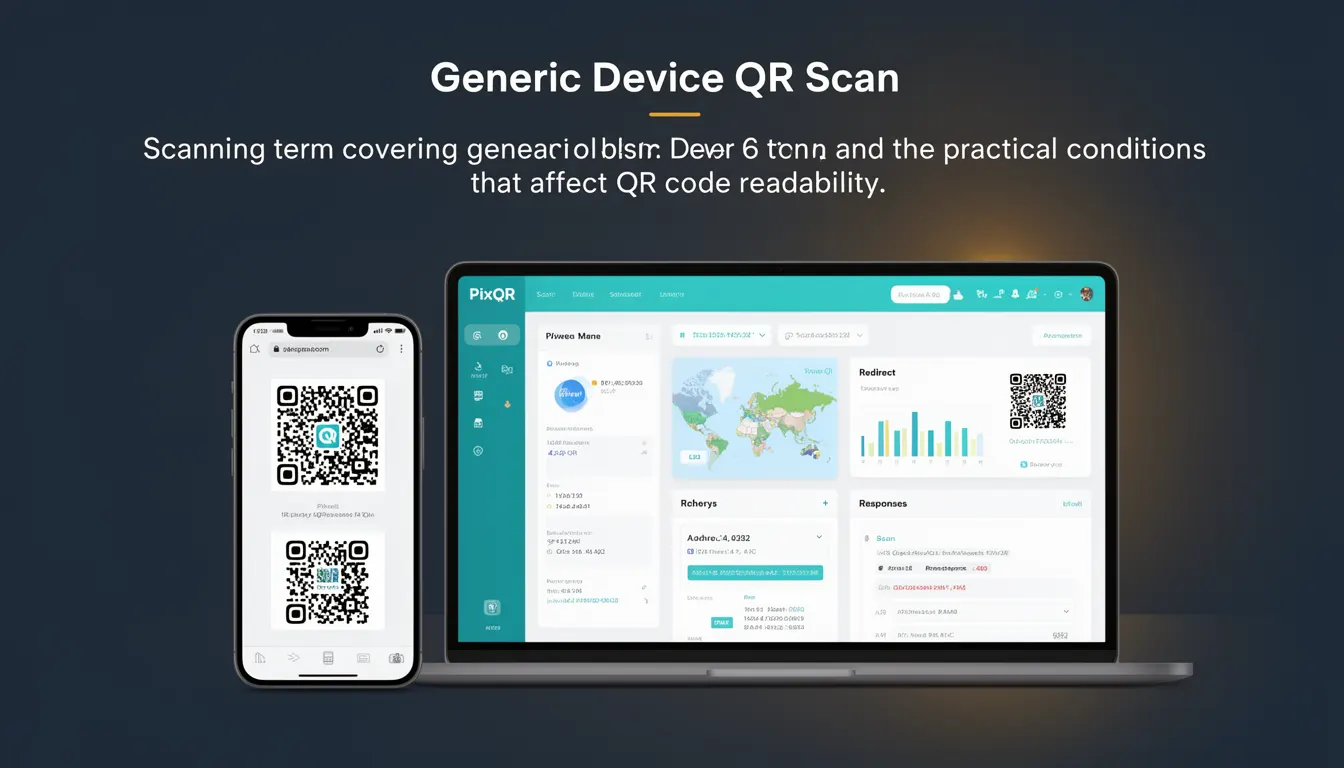
iPhone QR Scan refers to the process of reading QR codes using Apple's native camera and scanning capabilities on iOS devices, particularly those running iOS 11 or higher. It is a core functionality integrated into the operating system that allows users to quickly and securely access content by pointing their device's camera at a QR code.
For developers working with PixQR, understanding iPhone QR Scan is critical when designing dynamic redirects, managing QR code workflows, or ensuring compatibility with Apple’s scanning environment. This term covers not only the scanning action itself but also the conditions that affect how reliably QR codes are read on iOS devices, such as lighting, resolution, and code design.
Why It Matters
For developers, iPhone QR Scan is a key integration point for user experience and operational workflow in PixQR. Since many users access QR-generated links via iOS devices, ensuring that QR codes are scannable on iPhones directly impacts the platform’s usability and success. Poorly designed codes or incorrect implementation can lead to failed scans, user frustration, and lost conversions.
Additionally, iOS enforces strict policies on QR code scanning, including security checks and privacy controls, which can affect how developers implement dynamic redirects or track scan events. These conditions also play a role in fraud prevention and ensuring brand-safe environments, especially when redirecting to external domains or handling sensitive content.
How It Works
iPhone QR Scan is powered by the AVFoundation framework and the built-in camera APIs of iOS. When a user opens the camera app or an app that supports QR scanning, iOS uses machine learning and computer vision to detect and decode QR codes. The process involves:
- Camera input from the device's rear or front camera
- Real-time image processing using Core Image and Vision frameworks
- Decoding of QR code data using built-in barcode recognition
- Automatic handling of the decoded URL or content
- Integration with system-level security and privacy controls
On iOS, QR code scanning is primarily handled by the AVCaptureMetadataOutput class, which is part of the AVFoundation framework. Developers working with PixQR may not directly interact with this API, but understanding its operation helps in optimizing QR code design and ensuring compatibility with iOS scanning behavior.
When a QR code is successfully scanned, the system typically triggers an action such as opening a URL, displaying a message, or launching an app. This behavior is consistent across iOS apps and system-level interfaces, ensuring a standardized user experience.
iPhone QR Scan also supports various QR code formats including standard QR codes, micro QR codes, and Aztec codes, though standard QR codes remain the most common in web and mobile applications. The system is optimized to handle codes with high contrast, clear resolution, and proper spacing, which are essential for reliable scanning.
Performance and reliability are enhanced by iOS’s native optimizations, including automatic focus, lighting adjustment, and error correction capabilities. These features ensure that even under suboptimal conditions, the scanning process remains robust and user-friendly.
Quick Reference
| Item | Purpose | Notes |
|---|---|---|
| AVCaptureMetadataOutput | Handles QR code detection | Used by iOS for scanning |
| Core Image Framework | Image processing for scanning | Used for real-time analysis |
| Vision Framework | Barcode recognition | Provides high-level APIs |
| System-level privacy controls | Security and access permissions | Enforced for all QR scans |
| QR code format support | Supported barcode types | Standard QR codes are primary |
Basic Example
PixQR Example QR
This QR links directly to this glossary page, so printed notes, onboarding docs, and support material can bring scanners back to the current reference.

This example shows a basic QR code generation and scanning flow using PixQR’s API, which includes a URL that is scannable on iPhone devices.
const qrCode = pixqr.generate({
  url: 'https://example.com',
  size: 300,
  format: 'png'
});
The generated QR code is designed to be scannable on iOS devices with standard contrast and spacing. This is the starting point for developers integrating QR codes into their iOS-compatible workflows.
Production Example
This example demonstrates a more robust approach to generating QR codes for iOS compatibility, including error handling, accessibility attributes, and analytics tracking.
const qrCode = pixqr.generate({
  url: 'https://secure.example.com/redirect',
  size: 300,
  format: 'png',
  design: {
    foreground: '#000000',
    background: '#ffffff'
  },
  analytics: {
    trackScans: true,
    includeDevice: true
  }
});
This version includes optimized design parameters for iOS scanning, analytics tracking, and device-specific compatibility. It ensures that the QR code is not only scannable but also integrates smoothly with PixQR’s tracking and security infrastructure.
Common Mistakes
- Using low-contrast colors in QR codes, which can cause scanning failures on iOS devices
- Generating QR codes with poor resolution or incorrect aspect ratios, leading to misreads
- Ignoring device-specific scanning requirements such as minimum code size or spacing
- Not validating QR code content before deployment, resulting in invalid or malicious URLs
- Overlooking accessibility features like alt text or screen reader compatibility for visually impaired users
Security And Production Notes
- Always validate QR code content before deployment to prevent malicious redirects
- Use HTTPS for all URLs in QR codes to ensure secure connections on iOS
- Implement access controls and permissions for QR code generation to avoid unauthorized usage
- Monitor scan analytics to detect unusual or suspicious scanning patterns
- Ensure QR codes are designed with sufficient contrast and spacing for reliable iOS scanning
Related Concepts
iPhone QR Scan is closely related to several other developer concepts:
- Dynamic Redirects: QR codes often point to dynamic URLs that change content based on user behavior or time.
- Scan Analytics: Tracking how often and where QR codes are scanned helps optimize user experience and marketing.
- QR Code Design: Proper design ensures compatibility across platforms, including iOS-specific requirements.
- Privacy Controls: iOS enforces strict privacy controls on QR scanning, affecting how developers handle user data.
- Brand Safety: Ensuring QR codes lead to trusted, secure domains is critical for maintaining brand integrity.