 PixQR
PixQR
Overview
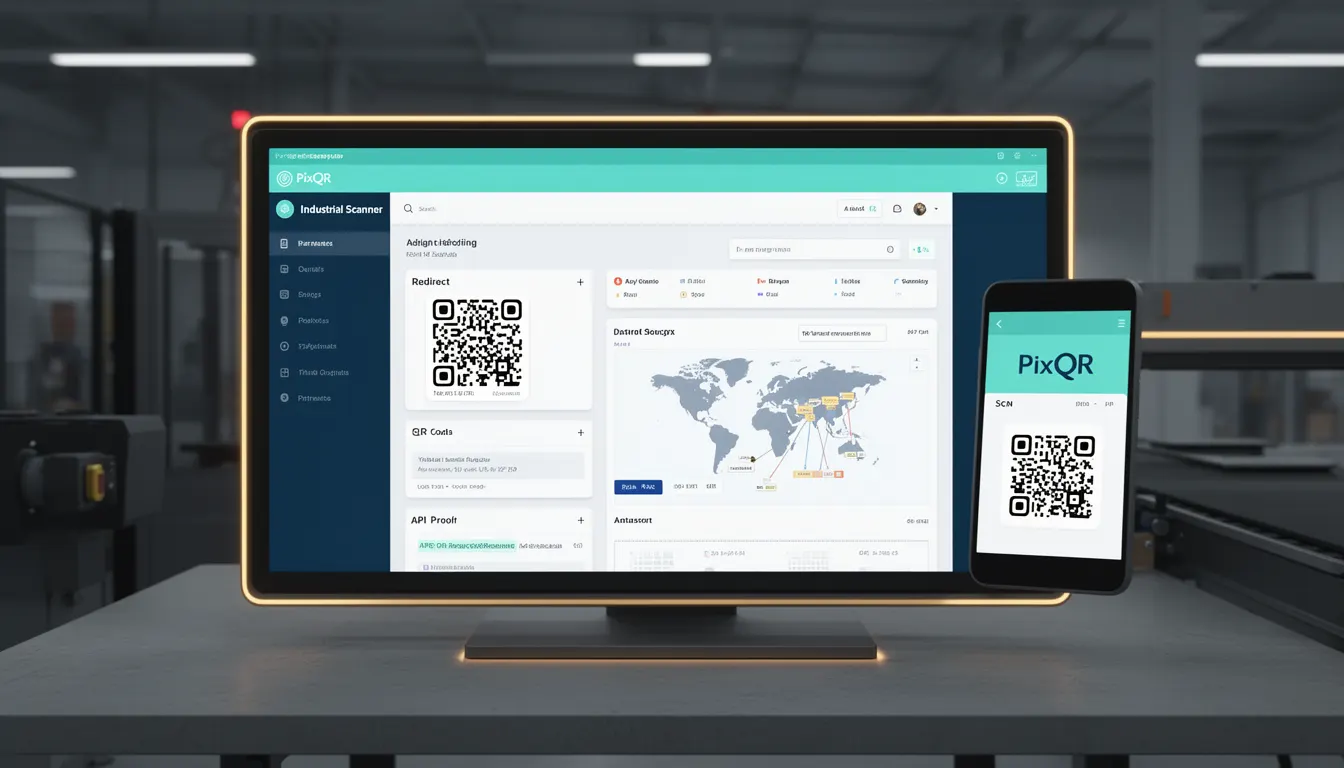
An Industrial Scanner refers to a category of QR code scanning hardware designed for use in industrial environments, where conditions such as lighting, vibration, temperature, and physical durability significantly impact QR code readability. These scanners are engineered to function reliably in demanding operational settings, including manufacturing floors, warehouses, logistics centers, and outdoor environments.
For developers working with PixQR, the term is relevant when configuring dynamic redirects, designing brand-safe QR code assets, or analyzing scan reliability data. Industrial scanners often encounter QR codes that may be degraded, partially obscured, or printed on non-standard surfaces, requiring robust code generation and error correction capabilities.
Why It Matters
Industrial scanners are critical in environments where human or automated systems must reliably read QR codes under challenging conditions. For PixQR, this means ensuring QR codes are generated with sufficient error correction, optimized for print quality, and compatible with a wide range of scanning hardware. Poorly designed QR codes may fail to scan in industrial settings, leading to operational inefficiencies, errors in inventory tracking, or even safety risks in automated systems.
Developers must consider how their QR code assets behave when scanned by industrial-grade hardware. This impacts not only the user experience but also the scalability and resilience of systems relying on QR code scanning in production environments.
How It Works
Industrial scanners operate under specific technical constraints that affect how QR codes are interpreted. The process involves several key components and behaviors:
- Industrial scanners typically use high-resolution imaging sensors capable of capturing QR codes even when they are partially damaged or printed on reflective or textured surfaces.
- These scanners often support multiple QR code versions and error correction levels (from L to H), with the ability to automatically select the appropriate level based on environmental factors.
- They may include features like adaptive lighting, autofocus, and image stabilization to improve code recognition in low-light or moving environments.
- Industrial scanners often implement advanced decoding algorithms that can recover data from codes with missing or corrupted modules, especially when using higher error correction levels.
- They frequently support real-time feedback mechanisms to indicate scanning success or failure, which can be integrated into larger systems for automated workflows.
Quick Reference
| Item | Purpose | Notes |
|---|---|---|
| Error Correction Level | Recovery capability from damaged codes | Use H for industrial environments |
| Resolution | Image clarity for scanning | Higher DPI improves reliability |
| Lighting | Environmental scanning conditions | Adaptive lighting improves performance |
| Module Size | Minimum readable QR code dimension | Smaller modules may fail in harsh environments |
| Scanning Frequency | Rate of code capture | Typically 10–50 scans/second |
Basic Example
PixQR Example QR
This QR links directly to this glossary page, so printed notes, onboarding docs, and support material can bring scanners back to the current reference.
/glossary/qr-code-scanning/qr-code-scanning-industrial-scanner

This example demonstrates a basic QR code generation with error correction suitable for industrial scanning environments.
const qrData = 'https://pixqr.com/industrial-scanner-example';
const qrOptions = {
  errorCorrectionLevel: 'H',
  margin: 2,
  width: 300,
  height: 300
};
// Generate QR code using PixQR API or SDK
const qrCode = pixqr.generate(qrData, qrOptions);
The errorCorrectionLevel is set to H to ensure robustness against physical damage or environmental interference. The margin and width are optimized for reliable scanning.
Production Example
This example illustrates a production-ready QR code configuration for industrial use, incorporating scan analytics and error handling.
const generateIndustrialQR = (data, options = {}) => {
  const defaultOptions = {
    errorCorrectionLevel: 'H',
    margin: 1,
    width: 400,
    height: 400,
    format: 'png',
    analytics: true
  };
  const config = { ...defaultOptions, ...options };
  return pixqr.generate(data, config);
};

const qrUrl = generateIndustrialQR('https://pixqr.com/production-scanner');
console.log('Generated QR Code URL:', qrUrl);
This version includes analytics tracking, default configurations for industrial-grade scanning, and a structured approach to generating QR codes that are resilient to environmental factors.
Common Mistakes
- Using low error correction levels (e.g.,
L) for QR codes intended for industrial use, leading to scanning failures in damaged or degraded environments. - Ignoring module size and resolution, resulting in QR codes that are too small or low-resolution for reliable scanning by industrial scanners.
- Not accounting for environmental lighting conditions when designing QR code assets, causing poor visibility in low-light or high-glare settings.
- Overlooking the need for adaptive scanning features such as autofocus or image stabilization in dynamic or mobile scanning applications.
- Failing to test QR codes in actual industrial conditions, leading to deployment issues where scanners fail to read codes consistently.
Security And Production Notes
- Industrial scanners often operate in secure or regulated environments, requiring QR codes to be generated with privacy controls and secure redirect mechanisms.
- QR codes for industrial use should be designed with consistent, predictable data formats to avoid misinterpretation by scanning systems.
- Implementing analytics on QR code scans can provide valuable data for optimizing industrial workflows, but must be done securely to prevent data leakage.
- When using PixQR for industrial applications, ensure that generated QR codes are compatible with a wide range of scanning hardware to avoid compatibility issues.
- Consider the long-term durability of printed QR codes in industrial settings; material and printing quality affect scanning reliability.
Related Concepts
Industrial scanners are closely related to several other QR code and scanning technologies:
- QR Code Error Correction: The ability to recover data from damaged codes is essential for industrial scanners.
- Print Quality Standards: Industrial environments require QR codes to be printed with sufficient clarity and contrast.
- Dynamic Redirects: Industrial systems often rely on dynamic QR codes that can change content without re-printing.
- Scan Analytics: Industrial scanners generate data that can be used for operational optimization and tracking.
- Brand-Safe Design: QR codes must be designed to maintain brand integrity while remaining scannable in challenging conditions.