 PixQR
PixQR
Overview
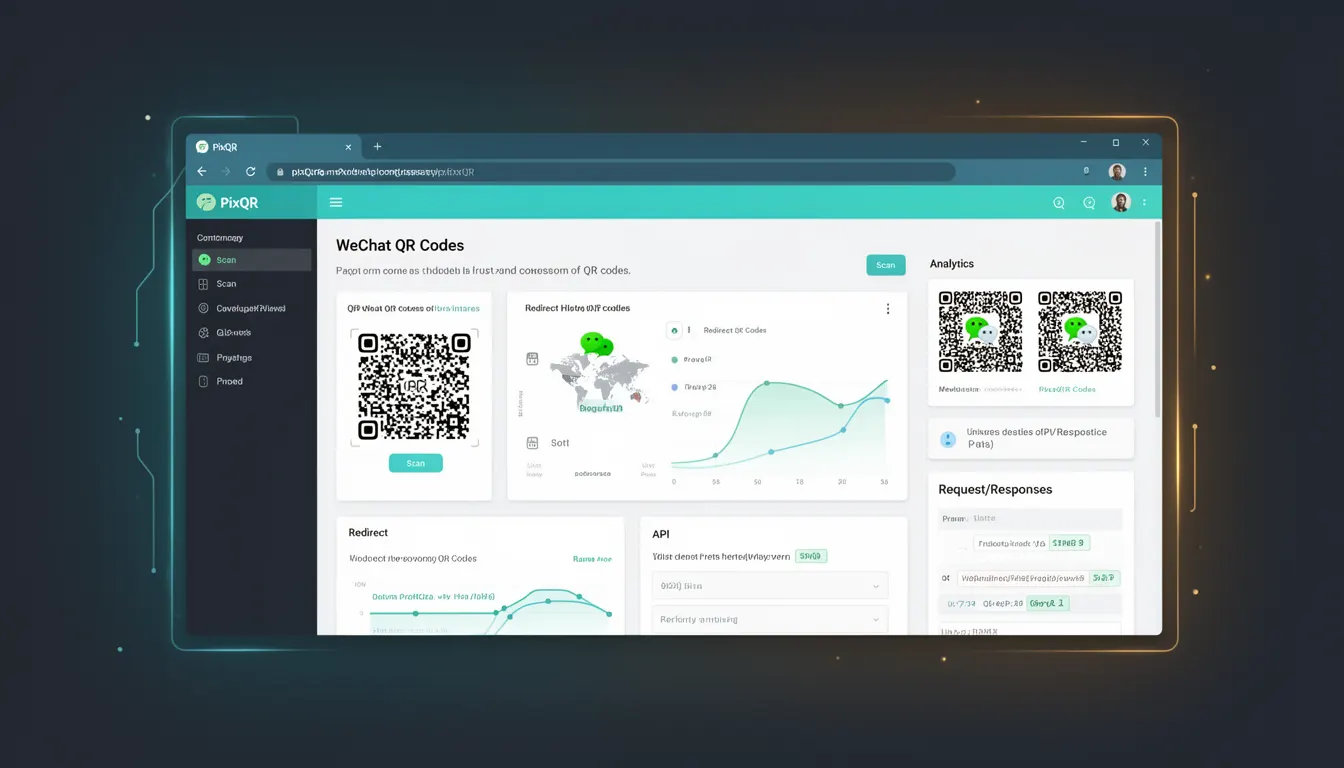
WeChat QR Codes are a specific type of QR code that emerged from the WeChat ecosystem, a widely used messaging and social media platform in China. These QR codes are used to facilitate communication, content sharing, and transactions within the WeChat environment. They typically encode URLs or specific WeChat actions, such as opening a chat with a user or navigating to a WeChat Mini Program.
For developers working with PixQR, understanding WeChat QR Codes is crucial when integrating with Chinese market platforms or when creating QR codes that need to function reliably within WeChat's ecosystem. The format is not standard across all QR code readers, and compatibility with WeChat-specific features requires attention to encoding, size, and data structure.
Why It Matters
For developers building QR code solutions for global or regional markets, particularly in China, WeChat QR Codes are a critical component of platform integration. They are used to enable seamless navigation to content, services, or user interactions within WeChat, which has a dominant presence in the region. The importance lies in ensuring that QR codes generated for WeChat are compatible with the platform's scanning and interpretation mechanisms.
Failure to correctly implement WeChat QR Codes can lead to broken links, incorrect redirects, or inability to open WeChat-specific features. This can affect user experience, reduce engagement, and compromise the operational integrity of applications that rely on WeChat's ecosystem for functionality or distribution.
How It Works
WeChat QR Codes are based on standard QR code specifications but are tailored to support WeChat-specific data formats. They are generated using a specific encoding scheme that allows them to be interpreted by WeChat's native scanning engine. The QR code structure must align with the platform's expectations for data types and formats.
- WeChat QR Codes use a specific data format that includes a prefix to indicate the intended action, such as opening a Mini Program or initiating a chat.
- The QR code must be generated with a size that ensures readability across various WeChat scanning implementations, typically requiring a minimum resolution of 200x200 pixels.
- Data encoding must follow WeChat's guidelines, which may include restrictions on URL length or character sets to prevent compatibility issues.
- QR codes generated for WeChat are often validated by WeChat's backend systems to ensure they are safe and conform to platform policies.
- When a user scans a WeChat QR Code, the platform uses the embedded data to perform an action, such as opening a chat or launching an application.
Quick Reference
| Item | Purpose | Notes |
|---|---|---|
| WeChat QR Code prefix | Identifies the action to be performed | Must begin with specific identifiers for compatibility |
| Encoding format | Defines how data is structured | Uses UTF-8 with specific URL-safe characters |
| Minimum size | Ensures scannability | At least 200x200 pixels recommended |
| URL length limit | Prevents parsing errors | Typically under 1024 characters |
| Validation | Ensures safety and compliance | Must pass WeChat's backend checks |
Basic Example
PixQR Example QR
This QR links directly to this glossary page, so printed notes, onboarding docs, and support material can bring scanners back to the current reference.
/glossary/qr-code-history-of/history-of-qr-codes-wechat-qr-codes
This basic example demonstrates the structure of a WeChat QR Code URL that opens a Mini Program.
https://weixin.qq.com/s/MiniProgram?appid=1234567890&path=page/index&query=param=valueThe URL begins with a WeChat-specific prefix, followed by parameters that define the Mini Program to be launched. The appid identifies the application, and the path and query parameters determine the content or state within the Mini Program.
Production Example
This production example shows how to generate a WeChat QR Code using a PixQR API endpoint with proper encoding and validation.
POST /api/v1/qr/generate
{
  "data": "https://weixin.qq.com/s/MiniProgram?appid=1234567890&path=page/index&query=param=value",
  "size": "300x300",
  "format": "png",
  "wechat_compatible": true
}
This example ensures that the QR code is generated with a size that supports scannability, a format compatible with WeChat, and the necessary flags to indicate compatibility with the WeChat platform. The data is properly encoded to prevent errors in parsing or redirection.
Common Mistakes
- Using non-URL-safe characters in the data payload, which can cause parsing failures or incorrect redirects.
- Generating QR codes below the recommended 200x200 pixel size, leading to scanning issues on mobile devices.
- Ignoring WeChat's URL length restrictions, which can result in failed or truncated links.
- Failing to validate QR code content against WeChat's backend policies, causing rejection during upload or scanning.
- Not using HTTPS for URLs embedded in QR codes, which can be blocked by WeChat's security protocols.
Security And Production Notes
- Always validate QR code data to ensure it conforms to WeChat's expected format and does not contain malicious content.
- Use HTTPS for all URLs embedded in WeChat QR Codes to ensure secure communication and avoid platform restrictions.
- Ensure QR code size is at least 200x200 pixels to maintain scannability across different devices and environments.
- Limit URL length to under 1024 characters to prevent parsing errors or truncation by WeChat's systems.
- Test QR codes in real-world WeChat environments to confirm compatibility and functionality before deployment.
Related Concepts
Several related concepts are closely tied to WeChat QR Codes, including standard QR code generation, URL encoding, platform-specific data formats, and cross-platform compatibility. Understanding how these elements interact is essential for effective development and deployment of QR code solutions within the WeChat ecosystem.
QR code generation, which involves the core process of creating scannable codes, is foundational to WeChat QR Codes. URL encoding ensures that data is correctly formatted for web environments. Platform-specific data formats define how information is interpreted by specific systems. Cross-platform compatibility ensures that QR codes function reliably across different applications and devices.