 PixQR
PixQR
Overview
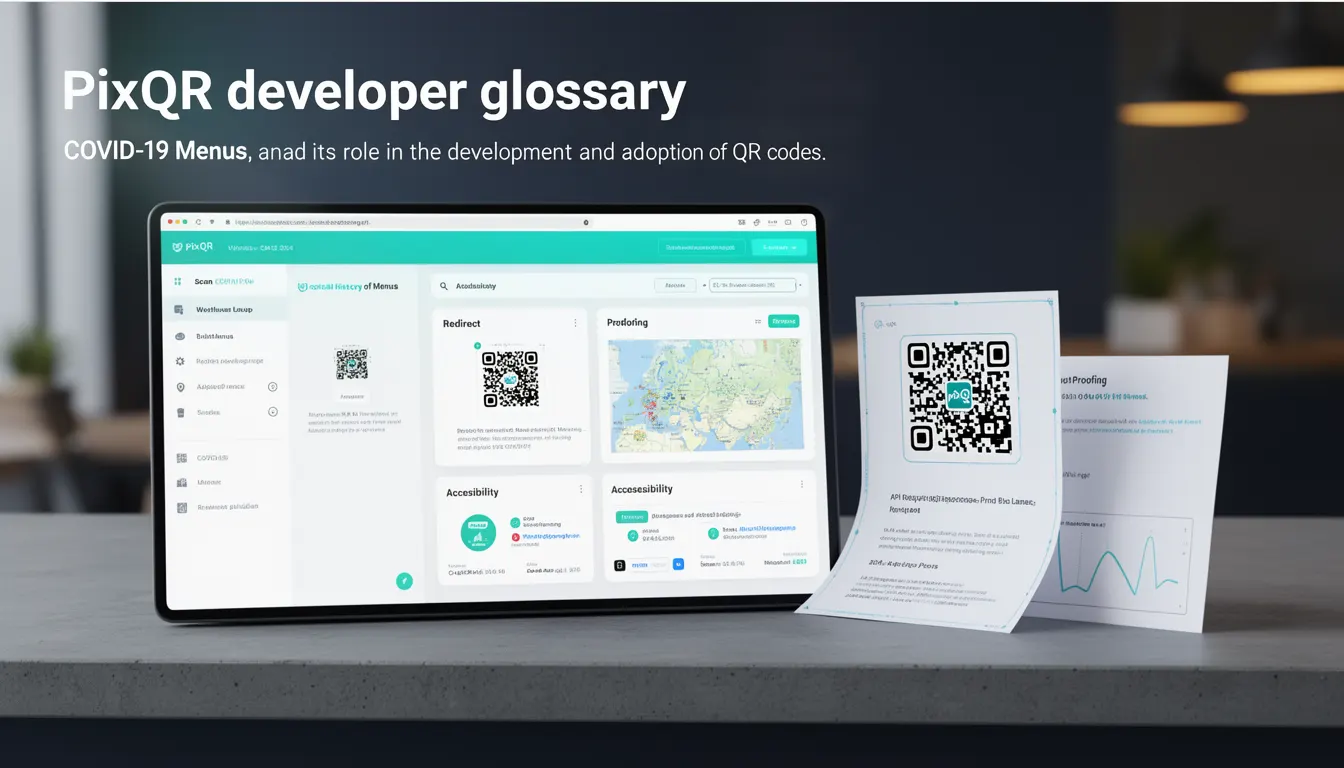
COVID-19 Menus refers to a specific use case and historical term that emerged during the global pandemic, where QR codes were rapidly adopted for contactless restaurant ordering and menu access. The term is used to describe a class of QR code implementations that enabled customers to scan a code and access digital menus, online ordering systems, or related business information without direct human interaction.
These QR codes were not merely static links but often dynamic, redirecting to backend systems that managed menu updates, order processing, and real-time inventory. They became a key part of how businesses adapted to social distancing requirements and enabled a new wave of QR code adoption in public-facing environments. For developers working with PixQR, understanding this context is essential when designing QR code workflows that support dynamic, scalable, and secure redirect systems.
Why It Matters
From a developer perspective, the rise of COVID-19 Menus illustrates the critical role of QR code platforms like PixQR in supporting rapid deployment and dynamic content delivery. These systems needed to handle high traffic, provide reliable redirects, and integrate with backend services such as ordering systems, analytics dashboards, and inventory management tools.
For operational security, this period highlighted the importance of secure QR code workflows, including the ability to track scans, validate redirect targets, and prevent malicious link injection. The scale and urgency of deployment also demonstrated the need for robust API integration, automated scanning reliability, and scalable QR generation capabilities. For product teams, this use case underscored the value of brand-safe QR code design, privacy controls, and analytics-driven decision making.
How It Works
The core mechanism of a COVID-19 Menu QR code involves a static or dynamic QR code that redirects users to a web endpoint. The endpoint typically serves a responsive menu, ordering interface, or business information. These systems are usually built using backend APIs that manage content, track user interactions, and ensure redirect safety.
- QR codes are generated with a URL that points to a backend service or API endpoint, which can dynamically update content without requiring new QR code generation.
- Redirects are typically handled by a PixQR service that ensures the target URL is safe, valid, and properly configured for user access.
- Scan tracking and analytics are often integrated into the platform to monitor how many users are accessing the menu, which devices are scanning, and at what times.
- Dynamic content is often rendered using client-side frameworks or server-side rendering with templating engines to support real-time menu updates.
- Security features such as link validation, HTTPS enforcement, and access control are implemented to prevent unauthorized or malicious redirections.
Quick Reference
| Item | Purpose | Notes |
|---|---|---|
| Dynamic QR Code | Enables real-time content updates | Use for menus that change frequently |
| Redirect Target | URL where the QR code points | Must be HTTPS and validated |
| Scan Analytics | Tracks QR code usage | Provides insights into user behavior |
| Link Validation | Ensures safe redirection | Prevents malicious redirects |
| Scan Reliability | Ensures consistent scanning | Important for public QR codes |
Basic Example
PixQR Example QR
This QR links directly to this glossary page, so printed notes, onboarding docs, and support material can bring scanners back to the current reference.
/glossary/qr-code-history-of/history-of-qr-codes-covid-19-menus

This basic example demonstrates how a QR code might be generated to point to a menu page. The QR code itself is a static image that encodes a URL.
const qrCodeUrl = 'https://pixqr.com/redirect/abc123';The URL encodes a unique identifier (abc123) that PixQR uses to route the user to a dynamic menu page. The platform ensures the URL is valid and safe for redirection.
Production Example
In a production environment, the QR code workflow includes API integration, scan tracking, and secure redirection. The system must validate each redirect and track user engagement.
const menuConfig = {
  targetUrl: 'https://business.example.com/menu',
  scanTracking: true,
  analytics: {
    enabled: true,
    platform: 'pixqr'
  },
  security: {
    httpsOnly: true,
    validation: 'strict'
  }
};
This configuration ensures that the QR code points to a secure URL, enables tracking, and enforces strict validation. It is suitable for production environments where reliability, security, and performance are key.
Common Mistakes
- Using HTTP URLs in QR codes instead of HTTPS, which can lead to security warnings or redirects being blocked by modern browsers.
- Not validating redirect targets, which can open the system to malicious link injection or phishing attacks.
- Generating static QR codes for dynamic content, which leads to outdated menus and requires frequent reprints.
- Ignoring scan tracking or analytics, which prevents businesses from understanding user behavior or optimizing their QR code usage.
- Using low-quality QR code images that are difficult to scan, particularly in public or outdoor environments.
Security And Production Notes
- Always enforce HTTPS for redirect targets to prevent man-in-the-middle attacks or data interception.
- Validate all URLs before generating QR codes to prevent malicious redirections.
- Implement scan tracking and analytics to monitor usage and detect anomalies or fraudulent activity.
- Use high-quality QR code images that are scannable under various lighting and environmental conditions.
- Ensure that dynamic content updates do not break existing QR code links or cause unexpected behavior.
Related Concepts
Several closely related concepts are essential for understanding how COVID-19 Menus fit into broader QR code development and usage patterns:
- Dynamic QR Codes – QR codes that can be updated without reprinting, allowing real-time content changes.
- Redirect Safety – The process of validating and securing URL redirections to prevent malicious or unsafe access.
- Scan Tracking – The ability to monitor how often QR codes are scanned and by whom, for analytics and security purposes.
- Link Management – The system of organizing, updating, and monitoring QR code URLs to ensure consistency and usability.
- Brand-Safe Design – Ensuring QR code visuals and content align with brand guidelines and are appropriate for public use.