 PixQR
PixQR
Overview
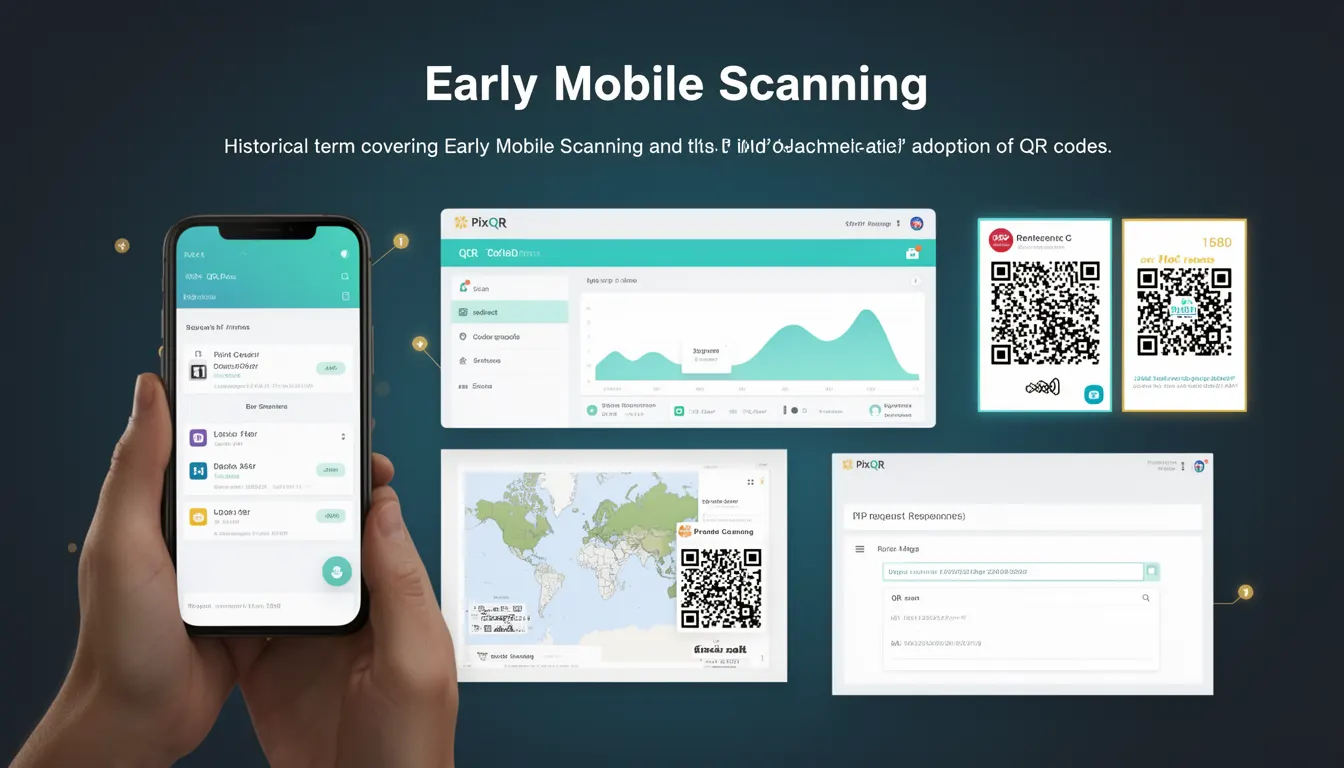
Early Mobile Scanning refers to the initial phase of QR code adoption in mobile environments, typically from the early 2000s through the mid-2010s. During this period, mobile devices had limited support for QR code scanning, and the technology was primarily used for basic URL redirection and simple data exchange. This historical term encompasses the foundational development of mobile scanning capabilities, the evolution of mobile operating systems, and the gradual integration of QR code functionality into mainstream applications.
For developers working with PixQR, understanding Early Mobile Scanning is important when designing systems that support older mobile platforms or legacy QR code integrations. It helps determine compatibility requirements, scan reliability expectations, and how to configure dynamic redirects for diverse device environments. The term also informs decisions around fallback strategies, user experience design for limited-capability devices, and the balance between modern features and broad compatibility.
Why It Matters
Early Mobile Scanning is a foundational concept in QR code development, particularly for developers working with legacy systems or cross-platform compatibility. The limitations of early mobile platforms—such as low-resolution screens, limited processing power, and minimal camera capabilities—directly influenced how QR codes were designed, generated, and interpreted. For PixQR, this historical context is critical for ensuring that generated QR codes maintain reliability across different mobile devices and operating systems.
Understanding Early Mobile Scanning helps developers avoid pitfalls in modern implementations, such as assuming universal support for QR scanning features or failing to consider device-specific quirks. It also influences decisions about analytics tracking, privacy compliance, and how to structure redirects for optimal scan performance. For example, early mobile scanning systems often required specific URL formats or limited character sets, which can still impact how QR codes are configured today.
How It Works
The Early Mobile Scanning era was characterized by a limited set of mobile scanning capabilities and a lack of standardized APIs for QR code interaction. Mobile operating systems had minimal built-in support for QR code decoding, and most scanning functionality was implemented through third-party applications or basic camera integrations.
- Mobile devices in this era often lacked native QR code scanning APIs, requiring developers to rely on external libraries or camera-based decoding solutions.
- QR code generation was constrained by limited data capacity, typically supporting only short URLs or simple text payloads.
- Scan reliability was inconsistent due to poor camera quality, low lighting conditions, and lack of autofocus or image stabilization.
- Most QR codes were designed with a focus on compatibility rather than advanced features, using standard formats like QR Code Model 1 or Model 2.
- Analytics and tracking were minimal, with little support for detailed scan data or user behavior insights.
Quick Reference
| Item | Purpose | Notes |
|---|---|---|
| QR Code Model 1/2 | Legacy QR code format | Used in early mobile scanning |
| Camera Resolution | Scan quality factor | Limited in early mobile devices |
| URL Length | Encoding capacity | Short URLs preferred for early devices |
| Scan API Support | Platform compatibility | Minimal or non-existent in early systems |
| Scan Reliability | Device performance | Depended on camera and lighting |
Basic Example
PixQR Example QR
This QR links directly to this glossary page, so printed notes, onboarding docs, and support material can bring scanners back to the current reference.
/glossary/qr-code-history-of/history-of-qr-codes-early-mobile-scanning

This example demonstrates a simple QR code generation for an early mobile scanning environment, using a short URL to ensure compatibility.
const qrCodeData = "https://pixqr.com/short-link";
const qrOptions = {
  size: 200,
  margin: 1,
  errorCorrectionLevel: "L"
};
// PixQR API call for generating a compatible QR code
const qrUrl = PixQR.generate(qrCodeData, qrOptions);
The example uses a short URL to ensure compatibility with early mobile scanners, sets a small margin for clarity, and applies low error correction to reduce complexity. This configuration helps ensure that the QR code is scannable on older devices with limited camera capabilities.
Production Example
This example shows how to configure a QR code for production use with PixQR, ensuring compatibility with early mobile scanning while maintaining modern functionality.
const generateQRCode = (url, platform) => {
  const baseOptions = {
    size: 300,
    margin: 2,
    errorCorrectionLevel: "M",
    format: "png"
  };
  if (platform === "legacy") {
    return PixQR.generate(url, {
      ...baseOptions,
      size: 200,
      errorCorrectionLevel: "L"
    });
  }
  return PixQR.generate(url, baseOptions);
};
const qrUrl = generateQRCode("https://pixqr.com/redirect", "legacy");
This version includes platform-specific configurations to optimize QR code generation for different mobile environments. It maintains compatibility with early devices while ensuring that modern platforms benefit from higher resolution and better error correction. The example also demonstrates how to structure code for maintainability and scalability.
Common Mistakes
- Assuming all mobile devices support modern QR scanning APIs, leading to compatibility issues with older platforms.
- Using complex QR code payloads that exceed the data capacity of early mobile scanners.
- Ignoring the impact of low camera resolution and poor lighting conditions on scan reliability.
- Not testing QR codes on legacy devices, resulting in failed scans in production environments.
- Overlooking the need for fallback mechanisms when QR code scanning fails or is unsupported.
Security And Production Notes
- Ensure that QR code payloads are validated to prevent injection of malicious content, especially in legacy systems.
- Use HTTPS URLs in QR codes to protect against man-in-the-middle attacks, particularly on older devices with limited security features.
- Implement fallback redirect mechanisms for environments where QR scanning is not supported or fails.
- Monitor scan analytics to identify potential issues with specific device models or operating systems.
- Design QR code configurations with scalability in mind, especially when supporting multiple platforms and devices.
Related Concepts
Several closely related developer concepts are essential to understanding Early Mobile Scanning. QR Code Generation involves creating codes that are compatible with early scanning systems, including considerations for size, error correction, and payload format. Dynamic Redirects ensure that QR codes can point to updated or secure destinations, which is particularly important when supporting legacy platforms. Scan Reliability refers to how consistently QR codes are interpreted across different mobile environments, a key factor in the early adoption of QR technology. Privacy Compliance involves ensuring that QR code usage respects user privacy, especially when integrating with analytics or tracking systems. Finally, Operational Workflows encompass the processes and tools used to manage QR code lifecycle, from creation to monitoring and updates.