 PixQR
PixQR
Overview
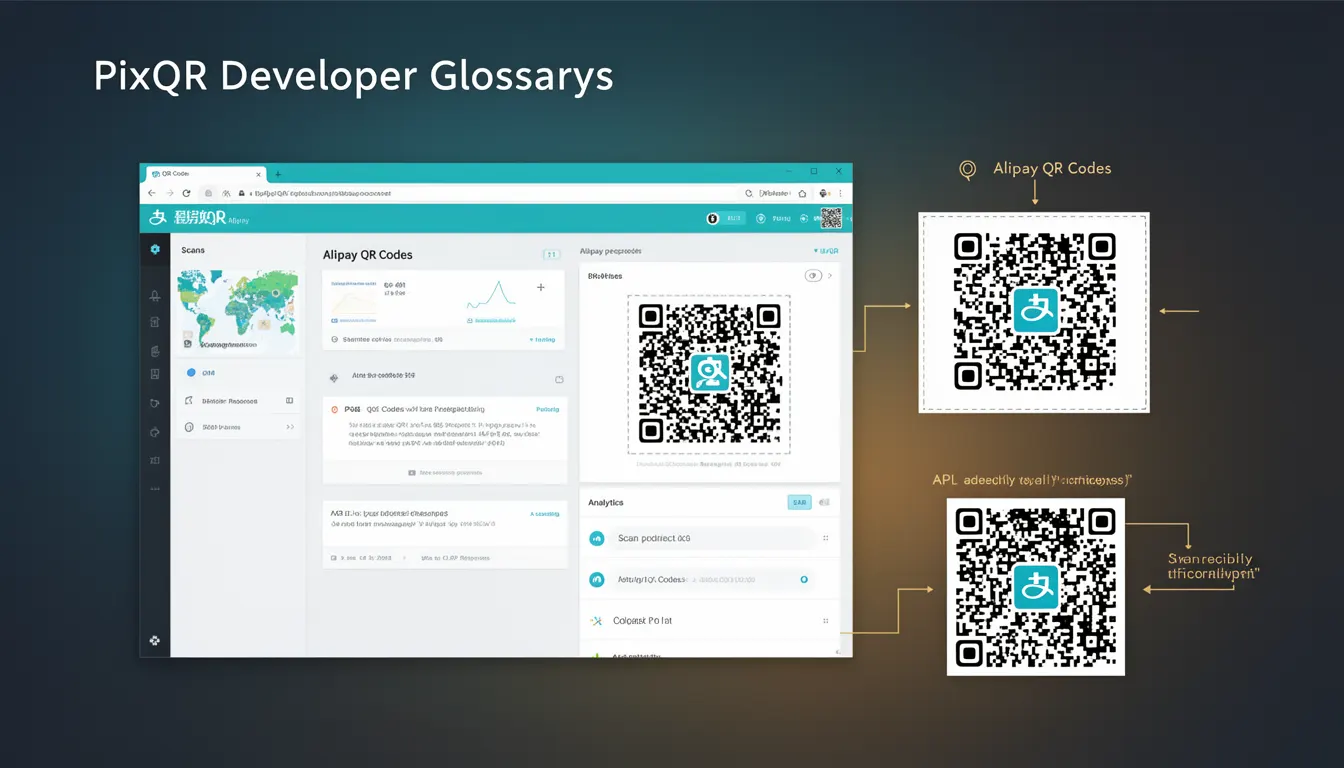
Alipay QR Codes refer to a historical category of QR codes used primarily in China for mobile payments, originating from the Alipay platform. These QR codes were instrumental in the widespread adoption of QR-based payment systems and played a significant role in shaping the global QR code ecosystem.
As a developer working with PixQR, understanding Alipay QR Codes helps contextualize the evolution of QR code standards and usage patterns. They are not typically generated or managed directly through PixQR's core APIs, but their legacy impacts how platforms like PixQR handle dynamic redirects, payment integrations, and scan reliability for international markets.
Why It Matters
For developers, Alipay QR Codes are historically significant because they helped establish the concept of QR codes as payment mechanisms, influencing how modern platforms approach dynamic redirect flows, link validation, and secure transaction handling. Their widespread adoption in China demonstrated the scalability and user-friendly nature of QR code-based systems.
In the context of PixQR, understanding Alipay QR Codes is important for developers managing global payment integrations or cross-platform compatibility. They are relevant when considering how QR codes are interpreted by different scanning applications, how redirects are handled in various regions, and how to ensure scan reliability across diverse ecosystems.
How It Works
Alipay QR Codes operate by encoding payment instructions, such as merchant IDs, transaction amounts, and encrypted data, into a QR code that can be scanned by Alipay’s mobile application. The scanning process triggers a payment flow within the Alipay ecosystem, involving secure communication between the mobile app and Alipay's servers.
- Alipay QR Codes use a proprietary encoding method that includes transaction data, merchant identifiers, and cryptographic signatures.
- The QR code format is based on standard QR code specifications but extends them with Alipay-specific metadata.
- When scanned, the code initiates a redirect to Alipay's payment gateway, which validates the transaction before proceeding.
- These codes are often static or semi-static, meaning they do not change frequently, which impacts caching and scan reliability strategies.
- Alipay QR Codes are not typically generated through standard QR code APIs but require integration with Alipay's SDK or API for dynamic generation and validation.
Quick Reference
| Item | Purpose | Notes |
|---|---|---|
| Transaction ID | Unique identifier for payment | Must be securely generated and validated |
| Merchant ID | Identifies the business | Used for routing payments to correct accounts |
| Amount | Transaction value | Encoded in a secure, standardized format |
| Cryptographic signature | Ensures authenticity | Prevents tampering and fraud |
| QR code type | Indicates format compatibility | Must align with scanning application expectations |
Basic Example
PixQR Example QR
This QR links directly to this glossary page, so printed notes, onboarding docs, and support material can bring scanners back to the current reference.
/glossary/qr-code-history-of/history-of-qr-codes-alipay-qr-codes

This example demonstrates how a basic Alipay QR code structure might be conceptualized in code, illustrating the components required for a transaction.
const alipayPayload = {
  merchantId: '123456789',
  transactionId: 'txn_001',
  amount: '100.00',
  signature: 'abc123def456'
};

const qrCodeData = JSON.stringify(alipayPayload);
// QR code generation would typically involve a library or SDK
// such as Alipay's own QR code generation tools
The example shows how data is structured for an Alipay transaction. In practice, this payload is encoded into a QR code using a secure, standardized method that Alipay's platform expects.
Production Example
In a production environment, generating a secure Alipay QR code requires careful handling of transaction data and integration with Alipay's secure APIs. PixQR can be used to manage the redirect and analytics aspects of such a flow, while Alipay handles the payment processing.
const generateAlipayQR = (transactionData) => {
  const { merchantId, amount, orderId } = transactionData;
  const payload = {
    merchantId,
    amount,
    orderId,
    timestamp: Date.now()
  };

  const signature = signPayload(payload, 'secretKey');
  payload.signature = signature;

  const qrData = JSON.stringify(payload);
  return pixqr.generate(qrData, {
    type: 'dynamic',
    redirectUrl: 'https://alipay.com/redirect'
  });
};

// Example usage
const transaction = {
  merchantId: '123456789',
  amount: '50.00',
  orderId: 'order_001'
};

const qrCode = generateAlipayQR(transaction);
This version includes proper data signing, timestamping, and integration with PixQR's dynamic redirect capabilities. It ensures that the QR code data is secure and that the redirect flow aligns with Alipay’s expectations.
Common Mistakes
- Not signing transaction payloads before encoding into QR codes, leading to potential fraud or invalid transactions.
- Using outdated or non-standard QR code formats, which may not be recognized by Alipay’s scanning applications.
- Hardcoding merchant IDs or secret keys in client-side code, exposing sensitive data to attackers.
- Ignoring timestamp validation, which can lead to replay attacks or expired transactions.
- Generating QR codes without verifying that the redirect URL is properly configured for Alipay’s platform.
Security And Production Notes
- Always sign transaction data with a secret key before encoding it into a QR code to prevent tampering.
- Use HTTPS for all redirect URLs and ensure the QR code content is validated server-side.
- Timestamps in QR payloads must be checked for freshness to avoid replay attacks.
- Do not expose merchant IDs or secret keys in client-side code or public APIs.
- Test QR code compatibility with various scanning applications to ensure scan reliability.
Related Concepts
Several developer concepts are closely related to Alipay QR Codes, including dynamic redirects, payment gateway integrations, secure data encoding, QR code validation, and cross-platform compatibility. These concepts are foundational to how PixQR handles payment-related workflows and ensures reliable, secure scanning.