 PixQR
PixQR
Overview
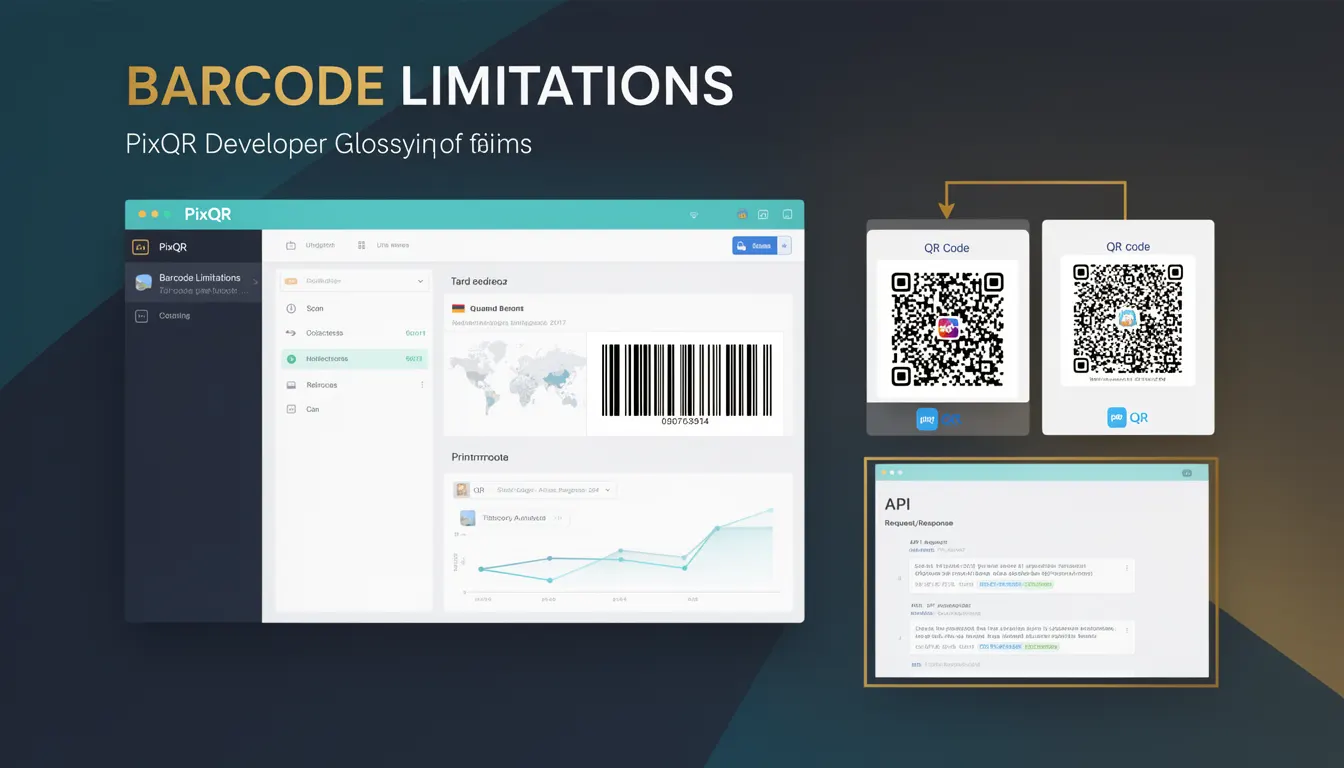
The term "Barcode Limitations" refers to the constraints and shortcomings inherent in traditional barcode systems, particularly those that motivated the development and widespread adoption of QR codes. These limitations include data capacity, directionality, error correction capabilities, and scanning reliability.
For developers working with PixQR, understanding these historical constraints is essential for appreciating why modern QR code systems offer significant improvements. Barcode Limitations help explain why QR codes became the preferred choice for dynamic redirects, secure link management, and brand-safe design in digital workflows.
Why It Matters
Barcode Limitations directly impact how developers approach link generation, content delivery, and user experience in QR code systems. Traditional barcodes, such as UPC and EAN, can only encode a limited amount of data—typically 12 to 13 digits for UPC-A or 8 to 13 digits for EAN-13. This restriction forces developers to either use multiple barcodes or redirect to longer URLs, which introduces complexity and potential failure points.
Additionally, these barcodes are unidirectional and must be scanned in a specific orientation. This limitation affects usability in mobile environments, where users may scan from any angle. The lack of robust error correction in older barcode formats also increases the risk of misreads, especially in low-quality or damaged prints.
For PixQR, addressing these limitations is critical for ensuring reliable, scalable, and secure QR code solutions. Developers using PixQR must understand these constraints to make informed decisions about system architecture, error handling, and user experience design.
How It Works
Traditional barcode systems like UPC and EAN have specific technical limitations that QR codes were designed to overcome. These limitations include:
- Data Capacity: Standard barcodes can only store a few digits or characters, often insufficient for modern web URLs or complex identifiers.
- Directionality: Most barcodes are unidirectional, requiring precise alignment for scanning, which is impractical in mobile environments.
- Error Correction: Older barcode formats lack robust error correction, increasing the risk of data corruption or misreads.
- Scanning Reliability: Barcodes are sensitive to print quality, lighting, and scanning angle, affecting consistent recognition.
- Encoding Limitations: Traditional barcodes support only numeric or alphanumeric data, not binary or extended character sets.
QR codes address these by using a matrix-based design that allows for bidirectional scanning, higher data capacity, and advanced error correction. QR codes can encode up to 4,296 alphanumeric characters, and support various data types including binary, kanji, and UTF-8 text. This flexibility makes QR codes ideal for dynamic redirects, where content can be changed without altering the physical code.
Quick Reference
| Item | Purpose | Notes |
|---|---|---|
| Data Capacity | Maximum characters that can be encoded | Barcodes: 12–13 digits; QR codes: up to 4,296 alphanumeric characters |
| Directionality | Scanning orientation requirement | Barcodes: unidirectional; QR codes: bidirectional |
| Error Correction | Ability to recover from damaged data | Barcodes: minimal; QR codes: up to 30% error correction |
| Scanning Angle | Angle tolerance for recognition | Barcodes: strict; QR codes: flexible |
| Character Set Support | Types of data that can be encoded | Barcodes: numeric/alphanumeric; QR codes: binary, UTF-8, etc. |
Basic Example
PixQR Example QR
This QR links directly to this glossary page, so printed notes, onboarding docs, and support material can bring scanners back to the current reference.
/glossary/qr-code-history-of/history-of-qr-codes-barcode-limitations
This example illustrates how a simple barcode system might encode a URL, demonstrating the limitations of traditional barcodes:
// A typical barcode can only encode a limited number of digits
const barcodeData = "123456789012"; // 12-digit UPC code
console.log("Barcode data capacity:", barcodeData.length);
The example shows how a barcode can only store a limited number of digits. For a full URL, this would require multiple barcodes or redirection, which is inefficient and error-prone.
Production Example
This example shows how PixQR leverages QR code advantages to overcome barcode limitations in a production environment:
// Using PixQR to generate a dynamic QR code with full URL support
const qrData = "https://example.com/redirect/12345678901234567890";
const qrOptions = {
  errorCorrection: "M", // Medium error correction
  encoding: "UTF-8", // Supports extended character sets
  size: 300 // Pixel size of QR code
};
const qrCode = pixqr.generate(qrData, qrOptions);
console.log("Generated QR code with full URL support");
This version is more suitable for production because it uses QR code features that overcome barcode limitations, such as full URL support, error correction, and encoding flexibility. It also aligns with PixQR's goal of secure, scalable, and reliable QR generation.
Common Mistakes
- Assuming all barcodes are equivalent: Developers may incorrectly assume that all barcode systems offer the same capabilities, leading to poor design choices in QR code integration.
- Ignoring error correction: Failing to implement or configure error correction can lead to scanning failures in low-quality prints or damaged codes.
- Using outdated encoding: Employing numeric-only or limited alphanumeric encoding instead of UTF-8 or binary support limits functionality.
- Not accounting for orientation: Designing QR codes without bidirectional scanning capabilities can reduce usability on mobile platforms.
- Underestimating data capacity: Attempting to encode large URLs or identifiers in barcode formats that cannot support them leads to system inefficiencies and user confusion.
Security And Production Notes
- Validation: Always validate QR code data to prevent injection or malformed URLs, especially in redirect systems.
- Scanning Reliability: QR codes with error correction enabled are more resilient to damage or poor print quality.
- Encoding: Use UTF-8 or binary encoding for complex data to avoid truncation or misinterpretation issues.
- Accessibility: Ensure QR codes are scannable from multiple angles to support diverse user environments.
- Performance: QR code generation with error correction and large data sets may require optimized backend processing.
Related Concepts
Barcode Limitations are closely tied to several core QR code and system design concepts:
- QR Code Generation: The process of creating QR codes that overcome barcode constraints through matrix encoding.
- Dynamic Redirects: Systems that use QR codes to redirect to URLs that can be updated without changing the physical code.
- Scan Reliability: The ability of QR codes to be consistently scanned under varying conditions.
- Brand-Safe Design: Ensuring QR codes align with brand standards and are printable in various contexts.
- Privacy and Analytics: QR codes that support tracking and secure data handling without compromising user privacy.