 PixQR
PixQR
Overview
The Camera Phone Era refers to a pivotal period in the evolution of digital communication and mobile technology, spanning roughly from the early 2000s to the mid-2010s. During this time, the widespread adoption of smartphones with built-in cameras enabled new use cases for QR codes, particularly in mobile applications and marketing. QR codes became a critical bridge between physical and digital experiences, allowing users to quickly access online content, promotions, or services by scanning a code with their phone camera.
For developers working with PixQR, understanding the Camera Phone Era is important because it shaped the foundational assumptions about QR code scanning behavior, device compatibility, and user interaction patterns. This era's influence is still evident in how QR code systems are designed today, especially in terms of dynamic redirects, scan tracking, and secure link handling. The legacy of this period is embedded in the operational workflows, analytics systems, and design decisions that PixQR platforms support.
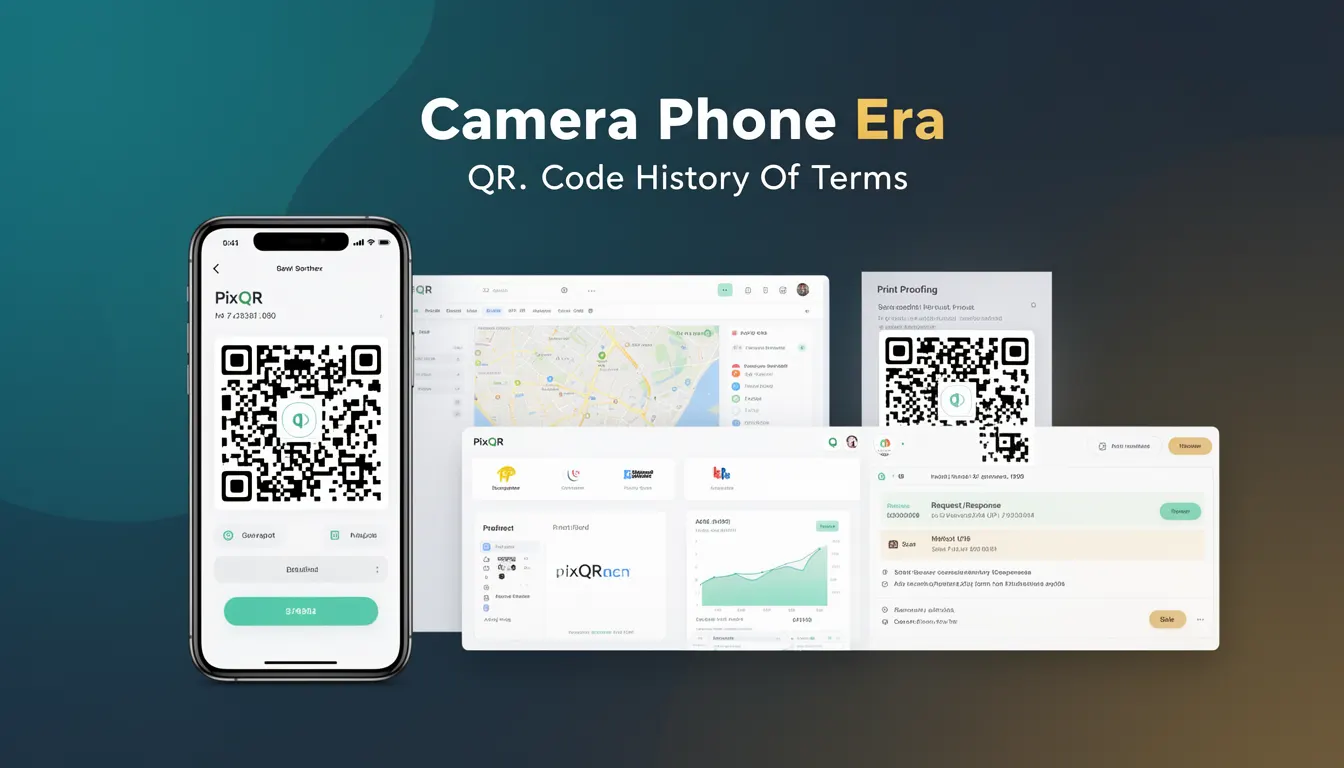
Why It Matters
The Camera Phone Era directly impacts how QR codes are generated, scanned, and tracked in modern systems. During this time, QR codes were often used in print media, billboards, and physical product packaging to drive users to websites or mobile applications. The era introduced the concept of "one-click" digital access, which is foundational to PixQR's dynamic redirect functionality and scan reliability features.
For developers, this historical context is essential for understanding why certain QR code behaviors exist. For example, the reliance on camera-based scanning during this period led to the development of robust error correction and image parsing algorithms. These algorithms are still used in PixQR to ensure high scan success rates across various lighting conditions, device types, and QR code formats. Additionally, the era's emphasis on user convenience and speed influenced the way modern QR systems handle link shortening, analytics, and privacy controls.
How It Works
The Camera Phone Era introduced a paradigm shift in how QR codes were consumed. Prior to widespread smartphone adoption, QR codes were primarily used in specialized applications or static print media. The integration of camera hardware and software in mobile devices enabled a new generation of QR code scanning experiences that were fast, reliable, and user-friendly.
- QR codes during this era were designed to be scannable with standard mobile camera hardware, often requiring minimal lighting or image clarity.
- Mobile applications and operating systems began to include built-in QR code readers, reducing the need for third-party apps.
- Scan tracking and analytics became possible due to the ability to capture user behavior data through QR code interactions.
- Dynamic QR codes, which can be updated after creation, were introduced to support changing content without reprinting physical materials.
- Link management systems evolved to support redirect tracking, ensuring that users could be safely directed to intended destinations while maintaining security and analytics.
Quick Reference
| Item | Purpose | Notes |
|---|---|---|
| QR code scanning behavior | Enables mobile access to digital content | Depends on camera hardware and software |
| Dynamic redirect support | Allows updates to content without reprints | Enabled by backend link management systems |
| Scan analytics | Tracks user behavior and engagement | Requires secure and privacy-compliant data handling |
| Link shortening | Improves QR code readability and usability | Must balance brevity with security |
| Device compatibility | Ensures cross-platform scanning reliability | Must support diverse camera capabilities |
Basic Example
PixQR Example QR
This QR links directly to this glossary page, so printed notes, onboarding docs, and support material can bring scanners back to the current reference.
/glossary/qr-code-history-of/history-of-qr-codes-camera-phone-era

A basic QR code generation example demonstrates how a simple URL can be encoded into a scannable format. This is foundational to understanding how QR codes were used during the Camera Phone Era.
const qrData = "https://example.com";
const qrCode = generateQRCode(qrData);
console.log(qrCode);
The example shows the core concept of QR code creation, where a URL is converted into a visual code. During the Camera Phone Era, this was the starting point for linking physical media to online content, enabling users to scan and navigate directly to web pages or applications.
Production Example
In a production environment, QR code generation and handling must include security, analytics, and scalability considerations. This example demonstrates how a system like PixQR might process and track QR code usage.
const config = {
  url: "https://example.com",
  redirectType: "dynamic",
  analytics: true,
  security: "safe"
};
const qrCode = generateQRCode(config);
trackScan(qrCode.id);
This version is more suitable for production because it includes configuration options for dynamic redirects, analytics tracking, and security settings. It reflects the operational needs of systems that manage QR codes at scale, ensuring both user experience and data integrity.
Common Mistakes
- Assuming all QR codes are scanned with the same device capabilities, leading to poor performance on older or low-end devices.
- Not implementing proper analytics tracking, which results in lost insights into user engagement and behavior.
- Using static QR codes for dynamic content, which prevents updates and leads to outdated information.
- Ignoring error handling for scanning failures, which can cause user frustration and system instability.
- Overlooking privacy compliance when collecting scan data, potentially violating regulations like GDPR or CCPA.
Security And Production Notes
- Ensure QR code links are validated before redirection to prevent phishing or malicious content delivery.
- Implement secure analytics systems that protect user privacy and comply with data protection laws.
- Use dynamic QR codes with backend control to allow real-time updates and content management.
- Design scanning interfaces with accessibility in mind, supporting users with visual impairments or low vision.
- Test QR code generation and scanning across a range of device types to ensure compatibility and reliability.
Related Concepts
Several concepts are closely related to the Camera Phone Era and its impact on QR code systems:
- Dynamic Redirects: QR codes that can be updated post-creation, a feature that emerged during this period to support evolving content.
- Scan Tracking: The process of monitoring and analyzing QR code scans, essential for marketing and user behavior insights.
- Mobile Optimization: Design principles that ensure QR code systems work effectively on mobile platforms.
- Link Management: Systems that handle URL shortening, redirection, and content delivery for QR code links.
- Privacy Controls: Mechanisms to protect user data and ensure compliance with privacy regulations in QR code usage.