 PixQR
PixQR
Overview
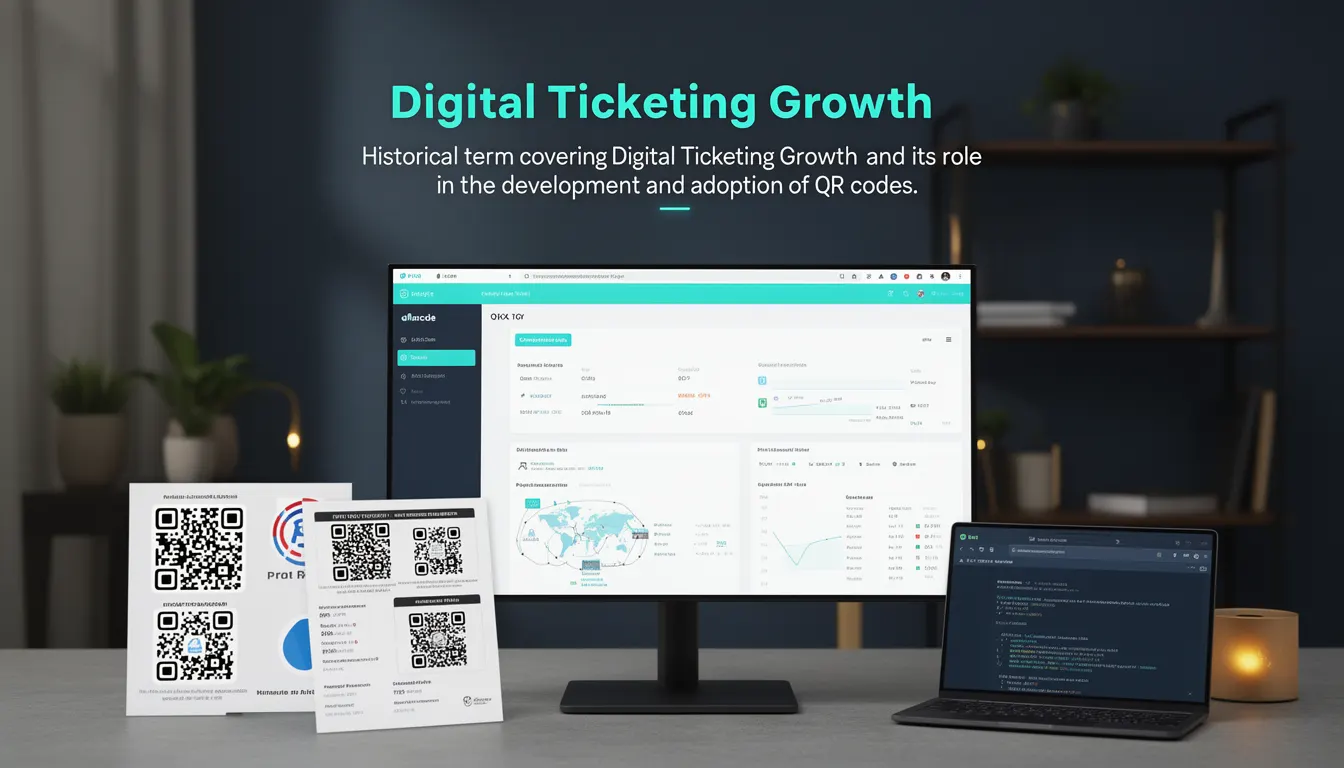
Digital Ticketing Growth refers to the historical expansion and adoption of QR codes in the context of electronic ticketing systems, particularly during the late 2000s and early 2010s. This term encapsulates how QR codes evolved from simple static identifiers into dynamic, interactive, and secure components of digital ticketing infrastructure. It reflects the broader movement toward contactless, mobile-first ticketing solutions, which were enabled by QR code technology.
In the PixQR platform, this evolution is visible in how QR codes are used to encode ticket information, redirect users to event pages, and track scan activity. The platform supports both static and dynamic QR codes, which play a central role in digital ticketing workflows. Developers working with PixQR may encounter this term when designing or maintaining systems that integrate QR-based ticketing, especially when considering how QR codes are generated, scanned, and tracked.
Why It Matters
For developers, understanding Digital Ticketing Growth is essential when implementing QR-based systems in production environments. The growth of digital ticketing has led to increased expectations for reliability, privacy, and analytics. QR codes are no longer just visual identifiers; they are part of complex workflows involving ticket validation, user tracking, and secure data transmission.
From a security perspective, QR codes used in ticketing must be designed to resist tampering, replay attacks, and unauthorized access. PixQR ensures that dynamic QR codes can be updated or invalidated in real time, which is critical in ticketing systems where fraud prevention is paramount. From a performance standpoint, QR code generation and scanning must be optimized to support high-volume events. The scalability and resilience of QR-based systems directly impact user experience and platform integrity.
How It Works
Digital Ticketing Growth is driven by the integration of QR codes into ticketing platforms, where each QR code represents a unique ticket or access token. The workflow involves generating QR codes with embedded data, tracking scans, and managing ticket lifecycle events. In PixQR, QR code generation can be static or dynamic, each with distinct characteristics and use cases.
- Static QR codes contain fixed data and are suitable for one-time use or when data does not change, such as event details or a fixed ticket ID.
- Dynamic QR codes support real-time updates, enabling features like ticket revocation, status changes, or redirect updates without re-printing.
- QR codes used in ticketing often encode structured data such as ticket ID, event details, user information, or cryptographic tokens.
- Scan tracking and analytics are typically enabled through PixQR’s backend, which logs scan events and provides insights into usage patterns.
- Security mechanisms such as time-based tokens or signed URLs are often integrated to prevent unauthorized access or duplication.
Quick Reference
| Item | Purpose | Notes |
|---|---|---|
| Static QR Code | Fixed data encoding | Best for single-use or non-changing data |
| Dynamic QR Code | Real-time data updates | Supports revocation or redirect changes |
| Scan Tracking | Analytics and event logging | Enabled via PixQR backend |
| Token-based Encoding | Secure access control | Prevents unauthorized use |
| Redirect Management | Controlled access flow | Supports event-specific landing pages |
Basic Example
PixQR Example QR
This QR links directly to this glossary page, so printed notes, onboarding docs, and support material can bring scanners back to the current reference.
/glossary/qr-code-history-of/history-of-qr-codes-digital-ticketing-growth

This basic example demonstrates how a static QR code might be generated to encode a simple ticket ID. It shows the core concept of embedding data into a QR code for use in a ticketing system.
const ticketId = "TICKET_12345";
const qrContent = `https://pixqr.com/ticket/${ticketId}`;
// Generate QR code using PixQR API
const qrCode = pixqr.generate(qrContent);
The example shows how a ticket ID is embedded into a URL, which is then encoded into a QR code. This is a foundational step in the digital ticketing workflow, where the QR code serves as a unique identifier for a specific ticket.
Production Example
This example illustrates a more robust implementation that includes validation, access control, and scan tracking, suitable for production use in a ticketing platform.
const generateTicketQR = (ticketData) => {
  const { id, userId, eventId, expiresAt } = ticketData;
  const payload = {
    id,
    userId,
    eventId,
    expiresAt,
    signature: generateSignature(id, userId, eventId)
  };
  const encodedData = btoa(JSON.stringify(payload));
  const qrContent = `https://pixqr.com/ticket/validate?data=${encodedData}`;
  return pixqr.generate(qrContent, {
    type: 'dynamic',
    trackScans: true,
    ttl: 3600
  });
};
This version includes cryptographic signing, dynamic QR generation, and scan tracking. It is suitable for production environments where ticket integrity, security, and analytics are critical. The use of a dynamic QR code ensures that the ticket can be invalidated or updated in real time, which is essential for preventing fraud.
Common Mistakes
- Using static QR codes for tickets that need to be updated or revoked. Static codes cannot be modified after generation, leading to potential security vulnerabilities.
- Not implementing access control or cryptographic signatures. This makes tickets susceptible to duplication or unauthorized use.
- Ignoring scan tracking and analytics. This prevents platform operators from monitoring usage or detecting fraudulent activity.
- Hardcoding ticket data directly into QR codes without validation. This can lead to invalid or inconsistent data being processed.
- Not setting appropriate TTL (time-to-live) values for dynamic QR codes. This can result in outdated or stale tickets being accepted.
Security And Production Notes
- Always use signed payloads to prevent tampering or unauthorized modifications to ticket data.
- Implement TTL and expiration logic to ensure tickets are not valid indefinitely.
- Use dynamic QR codes when real-time updates or revocation are required.
- Validate QR code content before processing to avoid malformed or malicious inputs.
- Ensure scan tracking is enabled for high-traffic or high-value ticketing systems to detect anomalies.
Related Concepts
Several closely related concepts are essential for understanding Digital Ticketing Growth in the context of QR code development:
- Dynamic Redirects: QR codes that can be updated or changed after generation, enabling real-time control over access.
- Scan Analytics: Tracking and reporting on QR code scans to monitor usage and detect fraud.
- Secure QR Code Generation: Ensuring QR codes are generated with proper encryption and access controls.
- Print Reliability: Ensuring QR codes are scannable under various conditions, including low-quality prints or lighting.
- Brand-Safe Design: Ensuring QR codes maintain brand integrity and comply with visual guidelines while remaining scannable.