 PixQR
PixQR
Overview
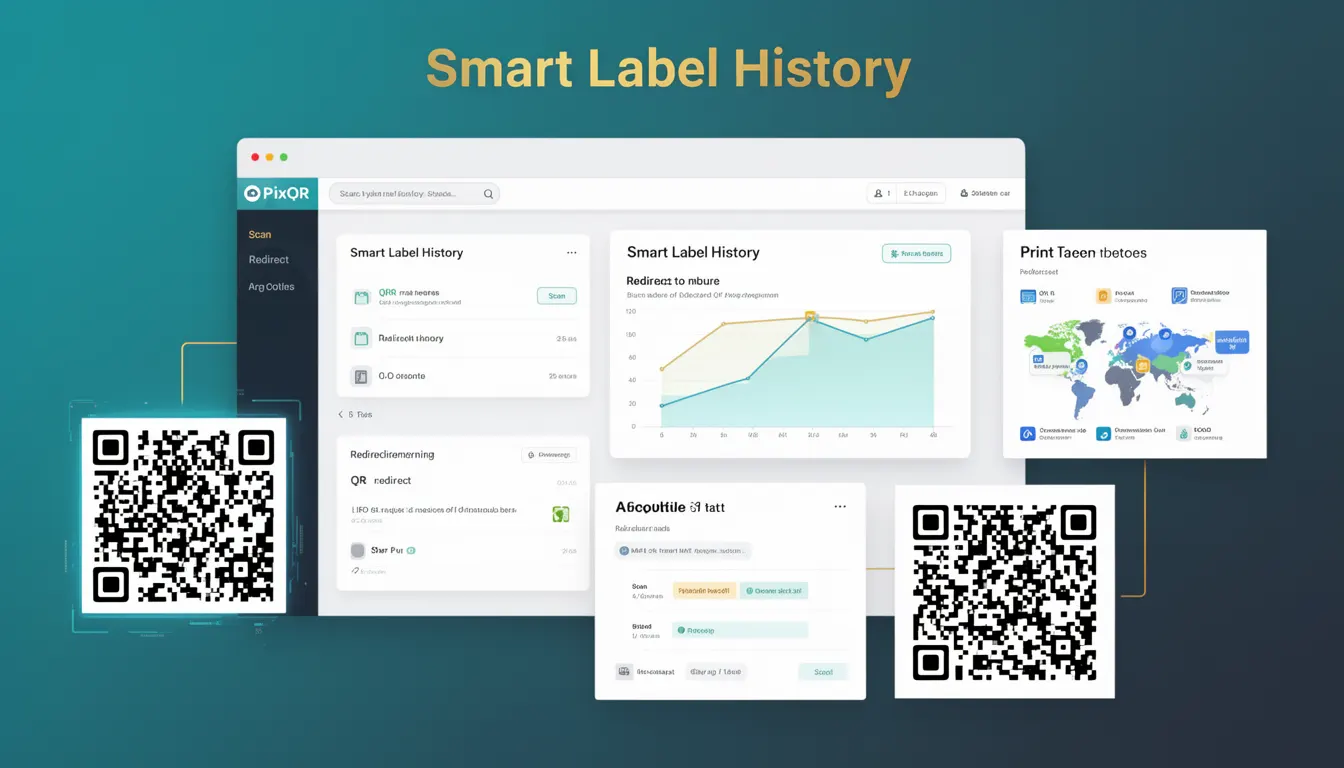
Smart Label History refers to the evolution of QR code labeling practices and their integration into modern digital workflows. In the context of PixQR, this term encompasses how QR codes have been historically labeled, tracked, and managed in systems that support dynamic redirects, scan analytics, and brand-safe design. It covers the historical development of labeling methods used in QR code generation and how these methods impact modern QR code functionality.
For developers working with PixQR, Smart Label History provides a framework for understanding how QR code metadata, tracking identifiers, and branding elements have evolved. This understanding is crucial when designing systems that must maintain backward compatibility while supporting new features such as real-time analytics, secure redirects, or multi-platform compatibility.
Why It Matters
Smart Label History plays a foundational role in QR code systems that rely on metadata and tracking. As PixQR supports dynamic QR code redirects and scan analytics, developers must understand how labels have historically been applied to ensure compatibility with older systems and maintain accurate tracking data. Misalignment in labeling can result in broken redirects, incorrect analytics, or brand inconsistencies in scan results.
From a security standpoint, historical labeling practices can reveal vulnerabilities in older QR code systems. For instance, legacy QR labels that do not enforce HTTPS redirects or lack proper validation may expose users to phishing or man-in-the-middle attacks. Understanding these historical patterns helps developers build secure, compliant systems that mitigate such risks.
How It Works
Smart Label History is implemented through a combination of QR code metadata, system tracking identifiers, and labeling standards that have evolved over time. These elements interact to form a coherent system for managing QR code content and tracking behavior.
- Historically, QR labels were often static and tied directly to a single URL, with no metadata or tracking identifiers.
- Modern implementations, like those in PixQR, often include dynamic label attributes that allow for redirects, analytics, and branding.
- Labels may contain identifiers such as campaign IDs, user session tokens, or redirect paths that are parsed at scan time.
- Smart Label History systems often support versioning, allowing for backward compatibility while enabling new features.
- Tracking identifiers within labels can be used to correlate scan events with specific campaigns or user segments.
Quick Reference
| Item | Purpose | Notes |
|---|---|---|
| Label metadata | Stores tracking and branding information | Must be encoded in QR format for compatibility |
| Redirect path | Defines where the QR code points | Should support HTTPS for security |
| Campaign ID | Tracks QR code usage in analytics | Must be unique per campaign |
| Version identifier | Ensures compatibility with legacy systems | Used in system upgrades |
| Scan tracking token | Identifies unique scan events | Should be securely generated |
Basic Example
PixQR Example QR
This QR links directly to this glossary page, so printed notes, onboarding docs, and support material can bring scanners back to the current reference.
/glossary/qr-code-history-of/history-of-qr-codes-smart-label-history

This basic example demonstrates how a QR label might be structured to support both legacy and modern tracking systems. It shows a simple label that includes a version identifier and a redirect path.
https://pixqr.com/qr/12345?version=2&redirect=https://example.comThe version parameter ensures that older systems can interpret the label correctly. The redirect path defines where the user is sent after scanning the QR code.
Production Example
In a production environment, a Smart Label History system must balance compatibility with security and scalability. This example shows a label structure that includes tracking tokens, campaign IDs, and versioning to support analytics and dynamic redirects.
https://pixqr.com/qr/abc123?token=xyz789&campaign=summer2024&version=3&redirect=https://secure.example.comThis version includes a unique token for tracking, a campaign identifier for analytics, and a version number to ensure compatibility. It also uses HTTPS for secure redirects, which is essential in production environments.
Common Mistakes
- Using static labels without versioning can break compatibility with newer systems.
- Not implementing HTTPS in redirect paths can expose users to security risks.
- Ignoring campaign tracking identifiers leads to incomplete analytics.
- Reusing tokens or identifiers across multiple QR codes can cause tracking confusion.
- Not validating label metadata can lead to invalid redirects or system errors.
Security And Production Notes
- Always validate label metadata to prevent injection or malformed redirects.
- Use HTTPS for all redirect paths to ensure secure transmission of user data.
- Implement token expiration or rotation to avoid long-term tracking vulnerabilities.
- Version labels must be enforced to maintain compatibility across system upgrades.
- Ensure that campaign identifiers are unique and not guessable to prevent abuse.
Related Concepts
Smart Label History connects to several core QR code and digital identity concepts:
- Dynamic Redirects – Smart labels often contain redirect information that enables dynamic behavior.
- Analytics Tracking – Labels may include identifiers that correlate with user behavior data.
- Brand-Safe Design – Labels must align with brand guidelines to maintain trust and consistency.
- Scan Reliability – Label structure affects how reliably QR codes are read and interpreted.
- Privacy Compliance – Labels must be designed to comply with data privacy regulations such as GDPR or CCPA.