 PixQR
PixQR
Overview
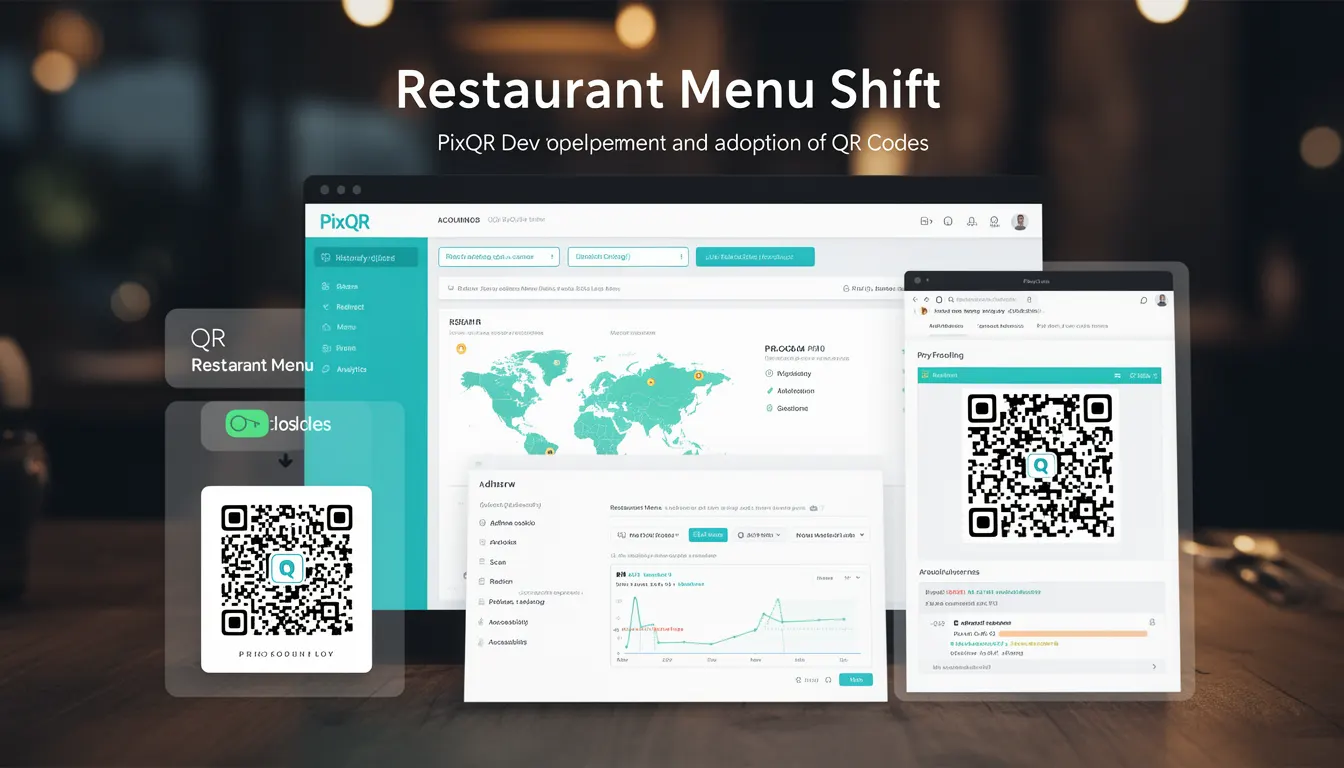
The term Restaurant Menu Shift refers to a historical evolution in how QR codes were adopted and utilized, particularly in the food service industry. It marks a transition from static QR codes used for basic information to dynamic, interactive systems that support menu updates, order placement, and analytics. This shift is foundational to modern QR code platforms like PixQR, which emphasize dynamic redirects, brand-safe design, and operational workflows.
Developers working with QR code systems in hospitality or retail contexts may encounter this term when evaluating how QR codes were initially implemented and how those implementations evolved into more robust, scalable, and data-driven solutions. The shift is not just about technology but also about how businesses adapted to digital trends and user expectations.
Why It Matters
For developers and platform maintainers, understanding the Restaurant Menu Shift is critical because it illustrates the transition from simple static links to complex, data-rich systems. In PixQR, this evolution directly impacts how QR code generation, redirect configuration, and analytics are implemented. Static QR codes, once used to point to a fixed menu PDF or website, are now replaced by dynamic QR codes that can update in real time, track scans, and integrate with point-of-sale systems.
This shift has real-world implications for performance, security, and user experience. For instance, dynamic QR codes must be securely managed to prevent unauthorized changes, and their tracking capabilities must comply with privacy regulations. The transition also affects how developers design APIs, manage content, and ensure system reliability across multiple platforms.
How It Works
The Restaurant Menu Shift represents a progression in QR code functionality, driven by the need for flexibility, data tracking, and user engagement. Key components include:
- Dynamic URL generation that allows real-time updates to menu content without changing physical QR codes.
- Redirect management systems that support multiple endpoints and track scan behavior.
- Analytics integration to monitor QR code performance, user engagement, and conversion metrics.
- Security protocols to ensure that QR code content is not tampered with and that redirects are safe.
- Operational workflows that enable brand-safe design and compliance with industry standards.
In practice, this means that a QR code initially used to point to a static menu URL may later be replaced with a dynamic link that routes to a backend system. That system can then provide real-time updates, track user behavior, and even integrate with third-party services such as ordering platforms or inventory management systems.
Quick Reference
| Item | Purpose | Notes |
|---|---|---|
| Dynamic QR Code | Supports real-time content updates | Requires backend integration for functionality |
| Redirect URL | Routes to target content or service | Must be secure and monitored for misuse |
| Scan Analytics | Tracks user behavior and engagement | Must comply with privacy regulations |
| Content Management | Manages menu and link updates | Requires access control and audit logs |
| Brand-Safe Design | Ensures content aligns with brand standards | Applies to both static and dynamic QR codes |
Basic Example
PixQR Example QR
This QR links directly to this glossary page, so printed notes, onboarding docs, and support material can bring scanners back to the current reference.
/glossary/qr-code-history-of/history-of-qr-codes-restaurant-menu-shift

This basic example demonstrates how a QR code can be generated to point to a dynamic menu URL, using a PixQR-compatible structure:
const qrData = {
  url: "https://pixqr.example/menu/restaurant-123",
  type: "dynamic",
  redirect: true
};

const qrCode = generateQR(qrData);
console.log(qrCode);
The example shows a QR code configuration object that specifies a dynamic URL and enables redirect functionality. This setup allows the QR code to point to a backend service that can update menu content without requiring a new physical QR code.
Production Example
In a production environment, QR code systems must include validation, access control, and analytics. Here is an example that reflects these requirements:
const menuConfig = {
  id: "restaurant-123",
  url: "https://api.pixqr.example/v1/menu/restaurant-123",
  redirect: true,
  analytics: {
    enabled: true,
    tracking: ["scans", "clicks"]
  },
  security: {
    auth: "jwt",
    rateLimit: 1000
  }
};

const qrCode = pixqr.generate({
  data: menuConfig,
  options: {
    design: "brand-safe",
    printQuality: "high"
  }
});
This example demonstrates a production-ready QR code configuration that includes analytics, security, and branding controls. It ensures that the QR code is not only functional but also secure and compliant with operational standards.
Common Mistakes
- Using static QR codes for dynamic content, which leads to outdated information and poor user experience.
- Ignoring analytics or tracking, resulting in missed opportunities for optimization and user insights.
- Not validating redirect URLs, which can introduce security vulnerabilities or broken links.
- Failing to implement access controls for content updates, leading to unauthorized changes or fraud.
- Overlooking brand-safe design, which can result in content that doesn’t align with brand guidelines or user expectations.
Security And Production Notes
- Always validate redirect URLs to prevent open redirects or malicious link injection.
- Implement rate limiting and authentication to prevent abuse of dynamic QR code systems.
- Ensure that QR code content is securely stored and updated through encrypted channels.
- Use analytics responsibly and in compliance with privacy laws like GDPR or CCPA.
- Design QR code systems with scalability in mind to support high-volume usage without performance degradation.
Related Concepts
The Restaurant Menu Shift is closely related to several other concepts in QR code development and management:
- Dynamic QR Code – A QR code that can be updated without changing the physical code, often used in menu systems.
- Redirect Management – The system of routing QR code scans to specific endpoints, often with analytics.
- Scan Analytics – Data collection and reporting on QR code usage to improve user engagement.
- Content Management – The process of updating and controlling QR code content, often via a backend system.
- Brand-Safe Design – Ensuring QR code content aligns with brand standards and user expectations.