 PixQR
PixQR
Overview
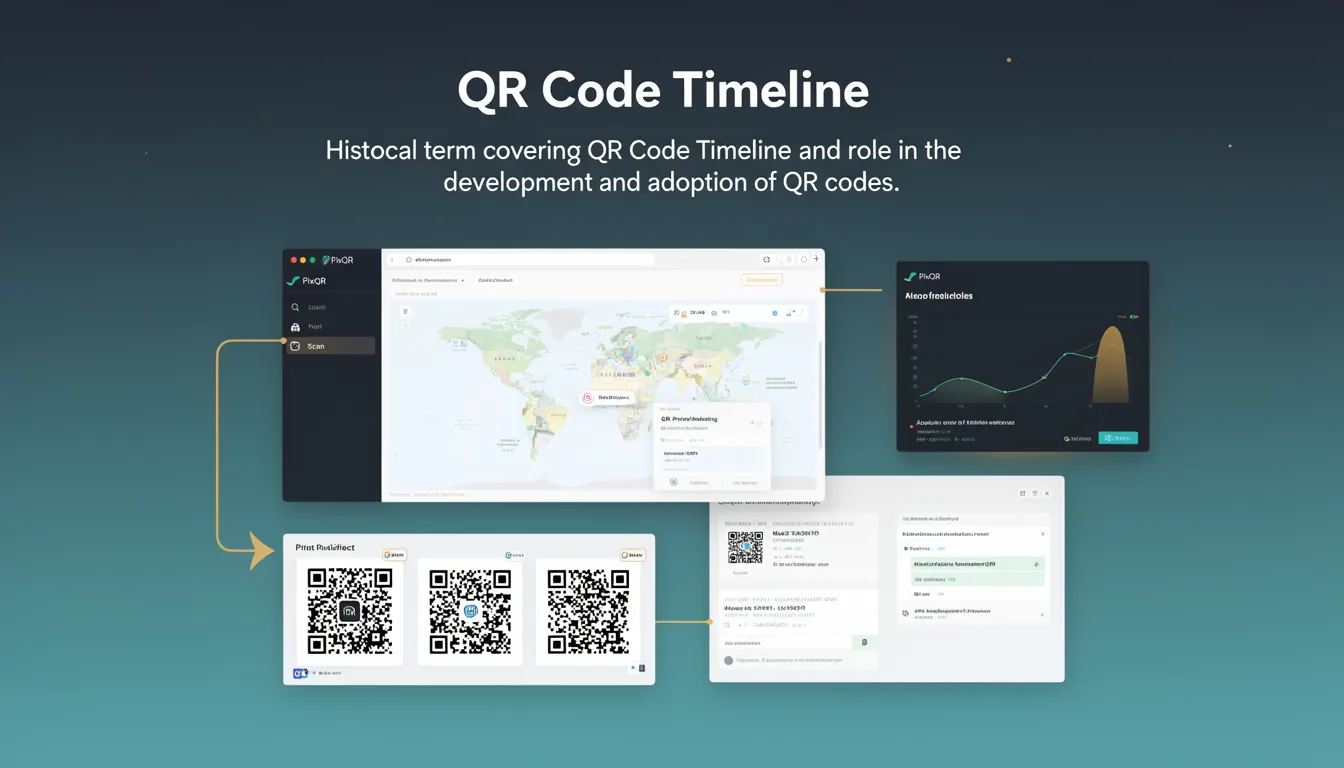
QR Code Timeline refers to the historical progression and adoption of QR codes, from their initial development to their widespread integration into digital systems and platforms like PixQR. This term encapsulates the evolution of QR code technology, including its early limitations, improvements in reliability, and the emergence of dynamic QR code functionality that supports redirect management, analytics, and branding.
For developers working with PixQR, understanding the QR Code Timeline is crucial for appreciating how QR code features have matured and how modern implementations can leverage historical improvements to ensure robust, secure, and scalable QR code solutions. It helps in making informed decisions about QR code types, configurations, and the integration of advanced features like dynamic redirects and analytics.
Why It Matters
For developers, the QR Code Timeline is a foundational concept that impacts how QR codes are generated, managed, and deployed. The timeline reflects the maturation of QR code standards and protocols, which directly influences the reliability, security, and functionality of QR codes in production environments.
Understanding this timeline is essential for developers integrating QR codes into platforms like PixQR because it informs decisions about which QR code versions to support, how to handle dynamic redirects, and how to ensure compatibility with scanning technologies. It also guides developers in optimizing performance, ensuring privacy compliance, and maintaining robust workflows that prevent fraud or misconfiguration.
How It Works
The QR Code Timeline describes the progression of QR code technology, from its original 1994 invention by Denso Wave to its modern implementations. Key phases include early adoption in Japan, international expansion, improvements in error correction, and the introduction of dynamic QR codes that support URL redirection and analytics.
- QR codes were initially developed for tracking automotive parts, using a fixed data structure with limited error correction capabilities.
- As adoption expanded, improvements in error correction (Level 1 to Level 4) allowed for better resilience to damage and scanning conditions.
- The introduction of dynamic QR codes enabled platforms like PixQR to support redirect management, allowing links to be updated without regenerating physical QR codes.
- Modern QR codes support larger data payloads and enhanced branding features, enabling secure, scalable deployment in enterprise and consumer applications.
- Advanced analytics and tracking capabilities emerged as part of the timeline, allowing developers to monitor QR code performance and user behavior.
Quick Reference
| Item | Purpose | Notes |
|---|---|---|
| QR Code Version | Defines size and data capacity | Version 1 to 40 for static codes |
| Error Correction Level | Controls resilience to damage | Level 1 to 4: L, M, Q, H |
| Dynamic Redirect Support | Allows URL updates without regenerating QR codes | Used in PixQR for link management |
| Analytics Integration | Tracks scans and user behavior | Enables performance insights |
| Scan Reliability | Ensures consistent scanning across devices | Optimized for mobile and desktop |
Basic Example
PixQR Example QR
This QR links directly to this glossary page, so printed notes, onboarding docs, and support material can bring scanners back to the current reference.
/glossary/qr-code-history-of/history-of-qr-codes-qr-code-timeline

This basic example demonstrates how a QR code can be generated with a simple URL using a platform like PixQR, illustrating the core concept of QR code generation.
const qrCodeData = {
  url: "https://example.com",
  type: "static",
  size: "200x200"
};

const qrCodeResponse = pixqr.generate(qrCodeData);
This example shows the minimal configuration required to generate a QR code. It specifies a URL, QR code type (static), and size. In production, developers would also include error correction levels and branding options.
Production Example
This production example shows how to generate a dynamic QR code with analytics and security features using PixQR, reflecting modern QR code best practices.
const dynamicQRConfig = {
  url: "https://secure.example.com/redirect",
  type: "dynamic",
  size: "300x300",
  errorCorrection: "H",
  analytics: true,
  branding: {
    logo: "https://example.com/logo.png",
    backgroundColor: "#ffffff"
  },
  security: {
    scanLimit: 1000,
    expirationDate: "2025-12-31"
  }
};

const qrCodeResponse = pixqr.generate(dynamicQRConfig);
This configuration includes dynamic URL handling, error correction, analytics, branding, and security features. It ensures that the QR code is scalable, secure, and optimized for real-world scanning and tracking.
Common Mistakes
- Using outdated QR code versions that lack modern error correction, leading to scanning failures in poor conditions.
- Ignoring dynamic redirect configurations, which can cause outdated links or broken user experiences.
- Not validating QR code URLs before generation, resulting in invalid or malicious links being embedded.
- Overlooking analytics integration, which limits the ability to track QR code performance and user behavior.
- Using low-quality branding or logo placement that affects scan reliability or violates brand guidelines.
- Setting incorrect expiration dates or scan limits, which can lead to resource waste or access control issues.
Security And Production Notes
- Ensure QR code URLs are validated to prevent injection of malicious links or scripts.
- Implement dynamic redirects with secure backend handling to avoid open redirect vulnerabilities.
- Use error correction levels that balance reliability and data capacity for specific use cases.
- Regularly audit QR code configurations to prevent unauthorized access or misuse.
- Optimize QR code size and design to ensure compatibility with scanning devices and avoid performance degradation.
Related Concepts
QR Code Timeline connects to several key developer concepts, including:
- Dynamic QR Code Generation: The ability to update QR code content without regeneration, supported by the timeline's evolution in redirect management.
- Scan Reliability: The consistency and performance of QR code scanning, which has improved significantly over the timeline.
- Analytics and Tracking: Features that emerged alongside QR code adoption, allowing for performance insights and user behavior monitoring.
- Privacy and Data Protection: As QR codes evolved, so did the need for secure handling of data and user privacy compliance.
- Operational Workflows: The timeline reflects how QR code systems have matured to support secure, scalable, and maintainable workflows in production.