 PixQR
PixQR
Overview
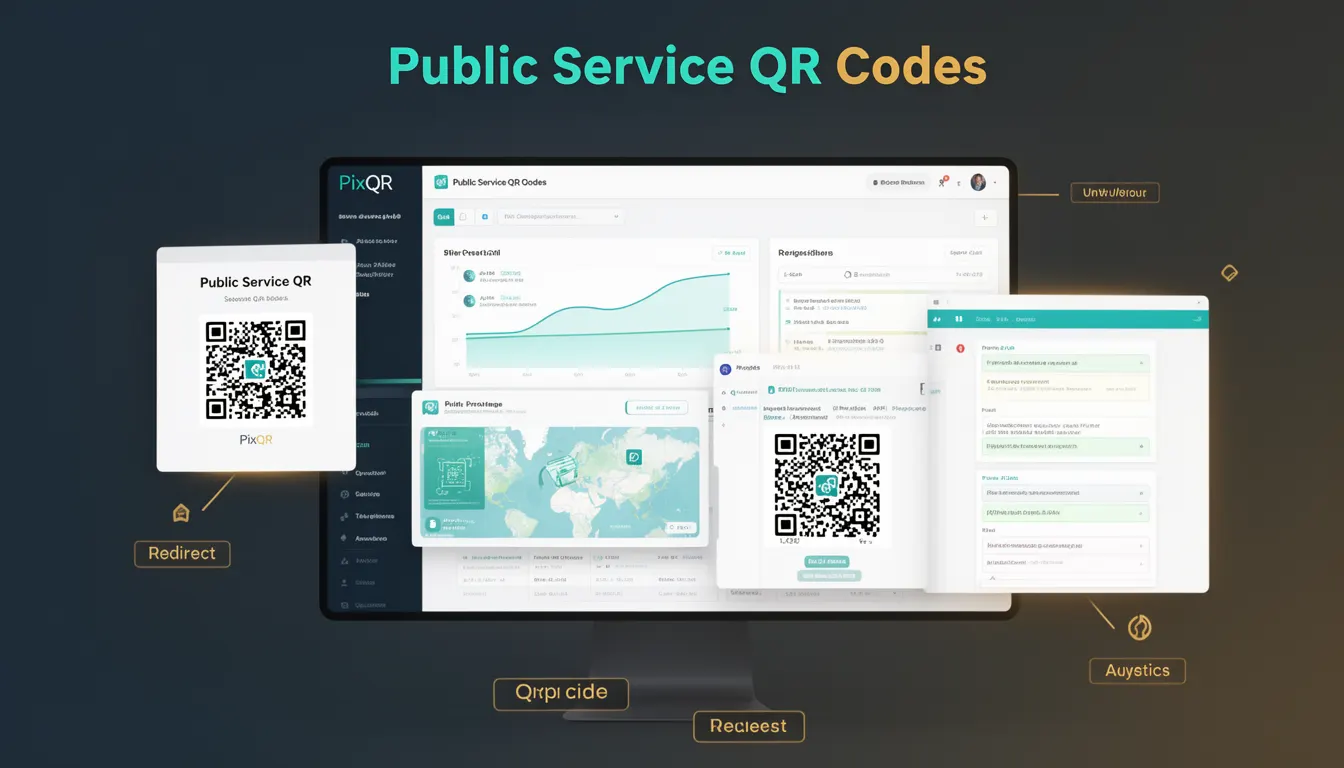
Public Service QR Codes (PSQCs) is a historical term that refers to early QR code implementations used by government agencies, public institutions, and non-profit organizations for communication, service delivery, and information dissemination. These codes were often deployed in physical spaces like transit stations, libraries, museums, and public buildings to direct users to digital resources or services.
PSQCs played a foundational role in the adoption of QR codes by demonstrating practical, scalable use cases in real-world environments. The term also encompasses the early standards and practices that emerged from these deployments, which later influenced how QR codes are used in commercial and enterprise contexts today.
Why It Matters
For developers working with PixQR, understanding the origins and practices of PSQCs provides valuable context for building secure, accessible, and reliable QR code systems. PSQCs emphasized usability, reliability, and accessibility, which are core principles in modern QR code design. They also influenced early decisions around dynamic redirect systems, analytics integration, and privacy controls—topics that remain critical in today’s PixQR platform.
PSQCs were instrumental in establishing trust in QR code technology, particularly in environments where public safety and information accuracy were paramount. This history directly informs how modern developers approach scan reliability, brand-safe design, and fraud prevention in their PixQR implementations.
How It Works
Public Service QR Codes functioned as a bridge between physical and digital environments, often linking to websites, digital brochures, or public service portals. These QR codes were designed with a focus on accessibility, clarity, and longevity. Key implementation mechanisms included:
- Use of standard QR code versions (1 to 40) with error correction levels (L, M, Q, H) to ensure scannability in various conditions.
- Deployment of static URLs or short-lived dynamic links to reduce maintenance overhead and improve reliability.
- Integration with analytics platforms to track usage, helping public institutions optimize their digital outreach strategies.
- Adherence to accessibility standards such as WCAG 2.1 to ensure compatibility with assistive technologies.
- Implementation of brand-safe design guidelines to prevent misuse, phishing, or confusion in public environments.
In PixQR, PSQCs can be implemented using dynamic redirect capabilities, allowing for real-time updates to target URLs without re-printing physical materials. The platform supports both static and dynamic QR codes, enabling developers to choose based on use case requirements. PSQCs often required long-term stability, so developers used consistent, non-breaking URLs or implemented URL shortening with robust tracking mechanisms.
Quick Reference
| Item | Purpose | Notes |
|---|---|---|
| QR Code Version | Defines size and data capacity | Use versions 1–40 for different data needs |
| Error Correction Level | Controls scannability under damage | Level H for public environments |
| Redirect Type | Determines URL behavior | Static for stability, dynamic for updates |
| Analytics Integration | Tracks usage and performance | Enable for public service reporting |
| Design Compliance | Ensures accessibility and safety | Follow WCAG and brand guidelines |
Basic Example
PixQR Example QR
This QR links directly to this glossary page, so printed notes, onboarding docs, and support material can bring scanners back to the current reference.
/glossary/qr-code-history-of/history-of-qr-codes-public-service-qr-codes

This example demonstrates a simple static QR code implementation using PixQR’s API for a public library’s catalog system.
const qrData = {
  "url": "https://library.example.org/catalog",
  "errorCorrection": "H",
  "version": 10,
  "size": "200x200"
};

const response = await fetch('/api/qr/generate', {
  method: 'POST',
  body: JSON.stringify(qrData),
  headers: { 'Content-Type': 'application/json' }
});

const qrImage = await response.blob();
The code sets a high error correction level for durability, specifies a QR version suitable for the data size, and ensures a fixed-size output. This approach aligns with PSQC principles of reliability and long-term usability.
Production Example
This example shows how a public transit authority might use PixQR to generate dynamic QR codes with analytics and brand-safe features.
const dynamicQrConfig = {
  "url": "https://transit.example.org/realtime",
  "redirectType": "dynamic",
  "analytics": true,
  "brandSafe": true,
  "errorCorrection": "Q",
  "version": 20,
  "size": "300x300",
  "expiresIn": 30
};

const response = await fetch('/api/qr/generate', {
  method: 'POST',
  body: JSON.stringify(dynamicQrConfig),
  headers: { 'Content-Type': 'application/json' }
});

const qrCode = await response.json();
This version enables dynamic updates, integrates analytics, and enforces brand safety. The 30-day expiration ensures that outdated links do not persist, reducing the risk of phishing or misinformation.
Common Mistakes
- Using low error correction levels for outdoor or high-traffic QR codes, leading to scan failures in poor lighting or physical damage.
- Implementing static URLs without a plan for updates, resulting in outdated or broken links after content changes.
- Ignoring accessibility standards when designing QR code visuals, which may exclude users with visual impairments.
- Not configuring analytics for public service codes, which limits the ability to measure impact or optimize outreach.
- Reusing QR code designs across different services without ensuring brand-safe compliance, risking confusion or fraud.
- Using QR codes without testing their scannability in real-world conditions, such as on printed materials or mobile devices.
Security And Production Notes
- Always validate the target URL before generating a QR code to prevent malicious redirections.
- Use dynamic redirects with short expiration times for public service codes to limit exposure to outdated or compromised links.
- Implement analytics with privacy controls to ensure user data is handled in compliance with regulations like GDPR or CCPA.
- Ensure QR code designs meet accessibility standards, such as providing sufficient contrast and avoiding patterns that interfere with scanning.
- Test QR codes in real-world environments to confirm scannability under various conditions, including lighting and surface textures.
Related Concepts
Public Service QR Codes are closely related to several other QR code and digital communication concepts:
- Dynamic QR Codes – PSQCs often used dynamic links to allow real-time updates without re-printing materials.
- Scan Reliability – The focus on durability and usability in PSQCs aligns with modern PixQR scan reliability standards.
- Brand Safety – Public institutions required QR codes to be clearly branded and not misused for phishing or fraud.
- Analytics Integration – PSQCs often included tracking to measure public engagement and service effectiveness.
- Privacy Controls – Early PSQCs were designed with user privacy in mind, setting a precedent for modern secure QR systems.