 PixQR
PixQR
Overview
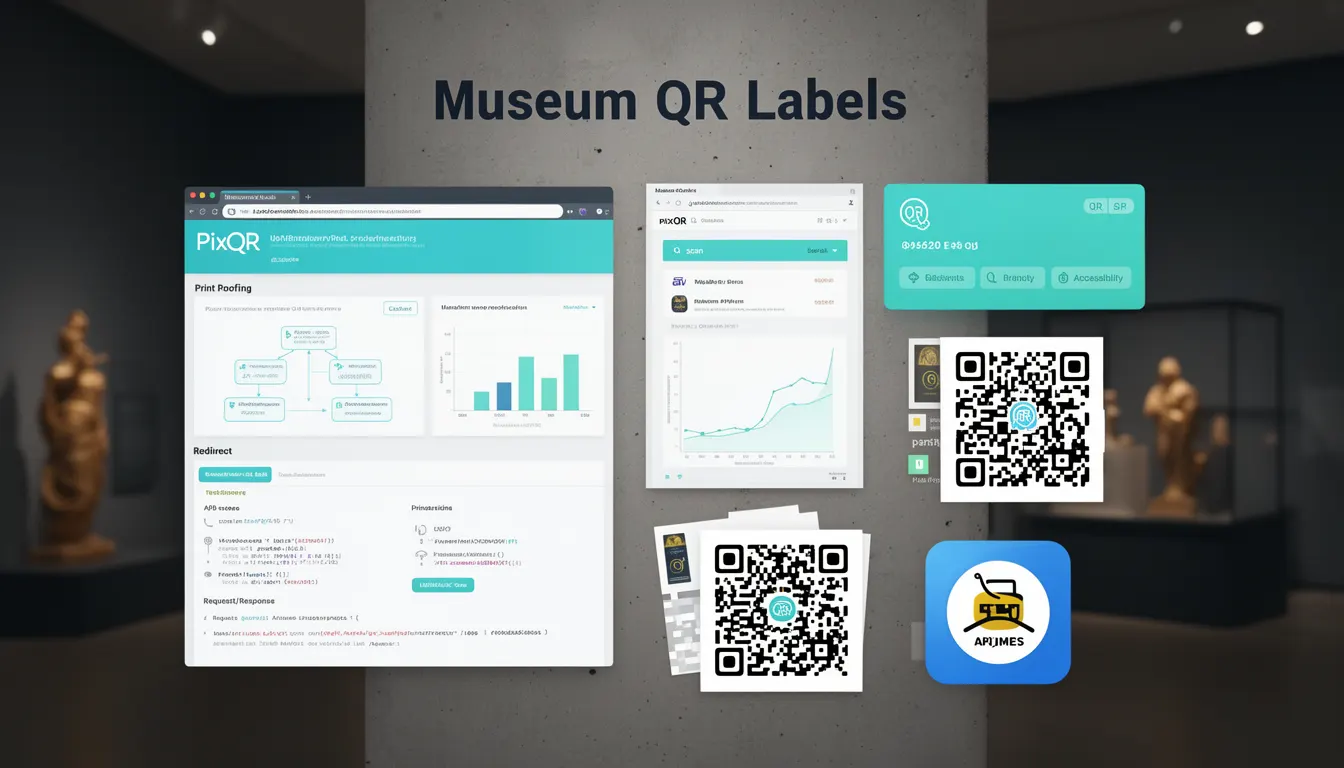
Museum QR Labels represent a foundational use case for QR code technology that emerged in the early 2000s, where QR codes were first widely adopted in cultural institutions. These labels were used to provide visitors with instant access to rich digital content—such as historical information, multimedia presentations, or interactive exhibits—by scanning a QR code with a mobile device. This application was instrumental in demonstrating the practical utility of QR codes beyond simple text or URL encoding.
In the context of PixQR, Museum QR Labels serve as a historical reference point for understanding how QR code platforms evolved to support dynamic content delivery, secure redirects, and analytics tracking. The term encapsulates the early adoption of QR codes for digital signage and visitor engagement, which later influenced how modern platforms like PixQR implement features such as dynamic link management, scan tracking, and brand-safe design.
Why It Matters
For developers working with PixQR, understanding Museum QR Labels provides insight into the core requirements that shaped QR code platform functionality. The term highlights the importance of reliable scan behavior, secure redirect handling, and content delivery consistency—features that are foundational to modern QR platform design. In production, these elements ensure that visitors receive accurate, safe, and accessible content, regardless of the device or network used.
From a user experience perspective, Museum QR Labels underscore the need for performance and accessibility. A QR code that fails to redirect or provides outdated content can frustrate users and diminish the value of the platform. In terms of platform security, the early adoption of QR codes in museums also introduced concerns around link integrity, which later influenced how PixQR implements fraud prevention and scan reliability features.
How It Works
Museum QR Labels function as a bridge between physical and digital content, relying on QR code generation, redirect management, and scan analytics. The process involves creating a QR code that encodes a URL or a dynamic identifier, which when scanned, redirects users to a web page or content resource. This system evolved to include backend tracking, analytics, and content personalization.
- QR codes are generated with specific data structures, often using standardized formats such as UTF-8 encoding to support multilingual content.
- Each QR label is associated with a unique identifier that allows for tracking of scans, user engagement, and content delivery performance.
- Dynamic redirects are used to ensure that the destination URL can be updated without changing the physical QR code itself.
- Scan reliability is enhanced through error correction levels (L, M, Q, H) and optimized for various scanning environments.
- Content delivery is managed through secure, brand-safe domains to prevent malicious redirection or content injection.
Quick Reference
| Item | Purpose | Notes |
|---|---|---|
| QR Code Data Format | Encodes content for scanning | Must support UTF-8 for multilingual labels |
| Redirect Method | Manages destination URL | Dynamic redirects allow updates without physical changes |
| Scan Tracking | Monitors user engagement | Enables analytics and content optimization |
| Error Correction | Ensures readability | Level H for maximum robustness in public environments |
| Content Delivery | Provides digital resources | Must be secure and brand-safe |
Basic Example
PixQR Example QR
This QR links directly to this glossary page, so printed notes, onboarding docs, and support material can bring scanners back to the current reference.
/glossary/qr-code-history-of/history-of-qr-codes-museum-qr-labels
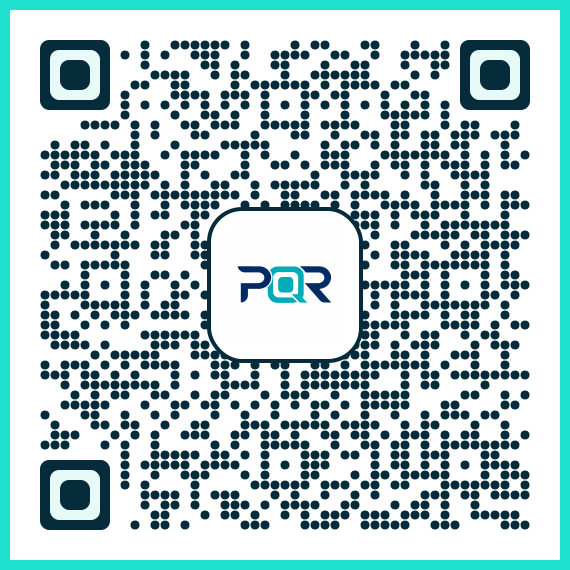
This example demonstrates a basic QR code label configuration for a museum exhibit. It uses a simple URL and a standard QR code generation method to encode a link to exhibit information.
<!-- Example: Basic QR label setup -->
<img src="https://pixqr.com/api/qr?data=https://museum.example.com/exhibit/123" alt="Exhibit QR Code" />
The example encodes a URL into a QR code image. The URL points to a digital exhibit page, and the QR code is generated using the PixQR API. The alt attribute ensures accessibility for screen readers.
Production Example
This production-ready example shows how a museum might configure a QR label with dynamic redirect and analytics tracking. It uses PixQR’s platform features to manage content updates and ensure secure delivery.
<!-- Example: Production QR label with dynamic redirect -->
<img src="https://pixqr.com/api/qr?data=https://pixqr.com/r/abc123&size=200x200&ecc=H" alt="Museum Exhibit QR Code" />
<!-- Redirect ID 'abc123' is managed via PixQR dashboard -->
This version uses a dynamic redirect ID, which allows the destination URL to be updated without modifying the physical QR code. The ecc=H parameter ensures high error correction for robust scanning in outdoor or low-light environments. The size parameter controls image resolution for print clarity.
Common Mistakes
- Using static URLs in QR codes without dynamic redirect support, leading to outdated content if the link changes.
- Ignoring error correction levels, which can cause scanning failures in low-quality or high-contrast environments.
- Not validating QR code output for accessibility, such as omitting
altattributes or low contrast. - Overlooking analytics integration, resulting in missed opportunities for content optimization and user engagement insights.
- Using insecure or unbranded domains in QR code redirects, which can expose users to phishing or malicious content.
Security And Production Notes
- Always use dynamic redirects to avoid embedding sensitive or changing URLs directly in QR codes.
- Implement error correction levels based on environment—higher levels for outdoor or public use.
- Ensure all QR code images are generated with accessibility in mind, including alt text and contrast.
- Validate all redirect destinations to prevent malicious or broken links from being scanned.
- Use secure, brand-safe domains to maintain trust and prevent content injection or phishing risks.
Related Concepts
Several concepts are closely related to Museum QR Labels, including dynamic QR code generation, secure redirect protocols, scan analytics, brand-safe content delivery, and QR code error correction. These concepts collectively shape how modern platforms like PixQR support digital signage, visitor engagement, and content management in public environments.