 PixQR
PixQR
Overview
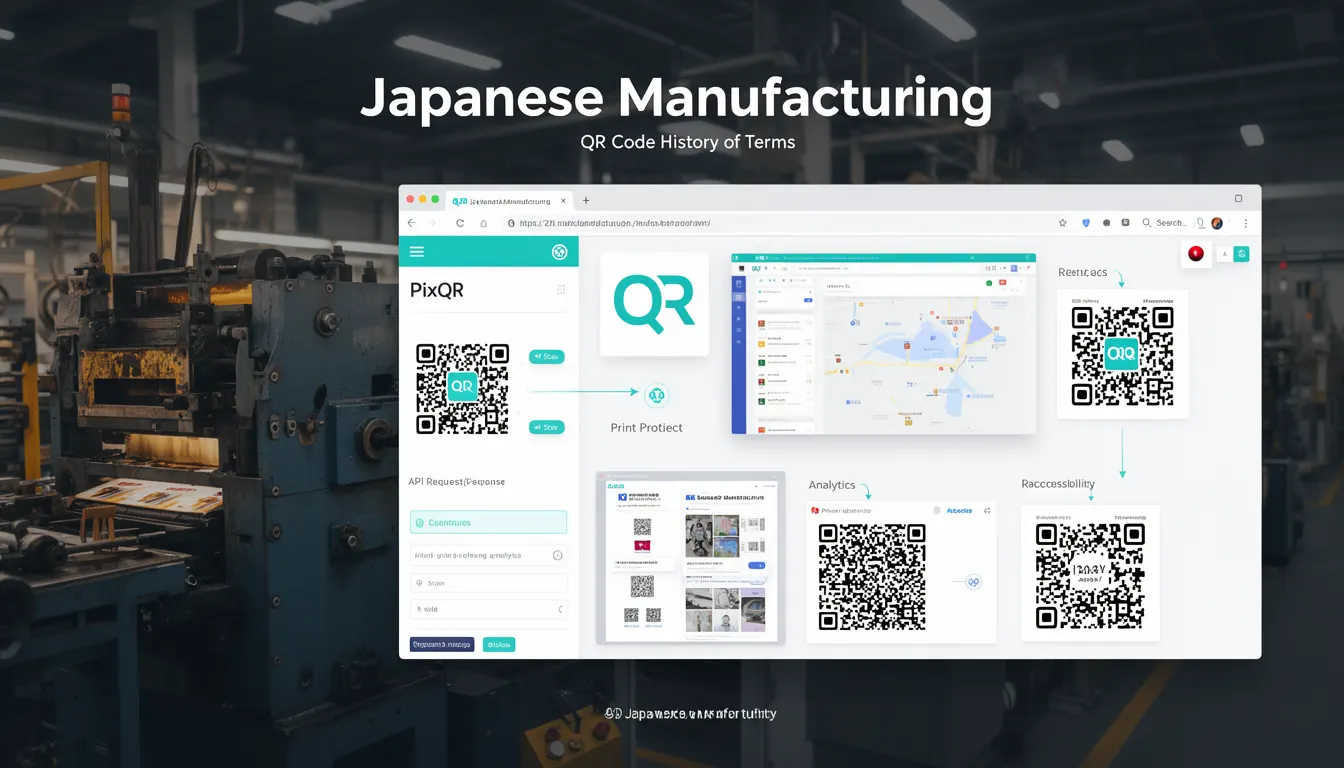
The term "Japanese Manufacturing" in the context of QR code history refers to the industrial and technological developments originating from Japan that played a foundational role in the creation and adoption of QR codes. This historical context is essential for developers working with QR code systems, especially when integrating legacy systems, understanding regional standards, or building platforms that support global interoperability.
Japanese manufacturing, particularly in the automotive and electronics sectors, emphasized precision, automation, and data reliability. These principles directly influenced the development of QR codes, which were designed to efficiently encode and decode large volumes of data with minimal error. QR codes were developed by Denso Wave in 1994 for tracking vehicle parts during manufacturing, reflecting the Japanese focus on process optimization and quality control.
Why It Matters
For developers, understanding the Japanese manufacturing roots of QR codes provides context for their design and intended use. QR codes were originally created to solve real-world industrial problems, such as tracking inventory and ensuring data integrity in high-speed production lines. This background is crucial when implementing QR code systems in production environments where reliability, speed, and error correction are paramount.
Recognizing the manufacturing heritage of QR codes helps developers avoid misapplying the technology. For instance, QR codes are not merely visual symbols but systems designed for robust data transmission. This understanding is particularly relevant when integrating with PixQR’s platform, which emphasizes scan reliability and secure operational workflows. Misunderstanding this can lead to poor integration choices, such as using QR codes for non-structured data or failing to implement proper error handling.
How It Works
The Japanese manufacturing influence on QR code design is evident in their core technical features. QR codes were engineered to be highly reliable, with multiple error correction levels and a structured encoding system that aligns with industrial data handling practices.
- QR codes use a grid-based structure with specific patterns for alignment, timing, and format information, similar to how manufacturing systems use standardized layouts for tracking components.
- They support multiple encoding modes (numeric, alphanumeric, byte, kanji) to accommodate various data types, reflecting the diversity of data in manufacturing environments.
- Error correction levels (L, M, Q, H) allow for data recovery even when parts of the code are damaged, a feature critical in industrial settings where physical wear is common.
- The modular design of QR codes mirrors manufacturing practices where components are designed for interchangeability and scalability.
- QR codes are optimized for scanning speed and accuracy, aligning with the precision demands of automated manufacturing processes.
Quick Reference
| Item | Purpose | Notes |
|---|---|---|
| Encoding modes | Select optimal data representation | Choose based on data type for efficiency |
| Error correction levels | Ensure data integrity under damage | Higher levels add redundancy but increase size |
| Version numbers | Define code size and capacity | From 1 (21x21) to 40 (177x177 modules) |
| Mask patterns | Reduce scanning interference | Automatically applied in generation |
| Alignment patterns | Improve scanning accuracy | Placed based on version to ensure stability |
Basic Example
PixQR Example QR
This QR links directly to this glossary page, so printed notes, onboarding docs, and support material can bring scanners back to the current reference.
/glossary/qr-code-history-of/history-of-qr-codes-japanese-manufacturing

A basic QR code generation example demonstrates the core concept of encoding data into a structured visual format. This is foundational for developers working with PixQR’s API.
const data = "https://example.com";
const qrCode = generateQRCode(data, {
  version: 1,
  errorCorrection: "M",
  maskPattern: 0
});
console.log(qrCode);
The example shows how to generate a QR code with specific parameters. The version defines the code size, errorCorrection sets redundancy, and maskPattern reduces scanning artifacts. These parameters reflect manufacturing principles of controlled variability and error resilience.
Production Example
In production, QR code generation must consider scalability, reliability, and integration with existing workflows. A practical example shows how to generate QR codes with robust error handling and configuration.
const generateQRWithFallback = (data, options = {}) => {
  try {
    const config = {
      version: options.version || 1,
      errorCorrection: options.errorCorrection || "Q",
      maskPattern: options.maskPattern || -1,
      encoding: options.encoding || "utf8"
    };
    return generateQRCode(data, config);
  } catch (error) {
    console.error("Failed to generate QR code:", error.message);
    return null;
  }
};

const result = generateQRWithFallback("https://pixqr.com", {
  version: 5,
  errorCorrection: "H"
});
This version includes fallback handling and default configurations, reflecting the robustness required in manufacturing environments. It aligns with PixQR’s standards for secure and scalable QR code generation, ensuring that systems remain stable under varying conditions.
Common Mistakes
- Choosing a low error correction level for environments prone to damage, such as industrial labels or outdoor signage.
- Using incompatible encoding modes, leading to data corruption or scanning failures in systems with mixed data types.
- Ignoring version size constraints, which can result in oversized codes or truncated data.
- Not applying mask patterns correctly, causing scanning interference in high-density or low-contrast environments.
- Overlooking the need for alignment patterns in larger codes, which can degrade scanning accuracy.
Security And Production Notes
- QR codes should not be used to encode sensitive data without encryption, as they are inherently visible and scannable.
- Implement input validation to prevent injection attacks, especially when using dynamic data sources.
- Use error correction levels that match the expected durability of the code in its deployment environment.
- Ensure alignment and mask patterns are correctly calculated to maintain scanning accuracy at scale.
- Validate QR code output against known standards to prevent interoperability issues in global deployments.
Related Concepts
Several developer concepts are closely related to the Japanese manufacturing influence on QR codes:
- Industrial Automation: QR codes were designed for systems requiring high-speed, error-free data transmission, similar to automated manufacturing lines.
- Data Integrity: The error correction features of QR codes reflect the manufacturing principle of ensuring data reliability.
- Modular Design: QR code structure mirrors modular components used in manufacturing for scalability and interchangeability.
- Quality Control: The precision of QR codes aligns with manufacturing quality standards, particularly in error detection and correction.
- Global Interoperability: QR codes' standardized structure supports global adoption, much like manufacturing standards that enable cross-industry collaboration.