 PixQR
PixQR
Overview
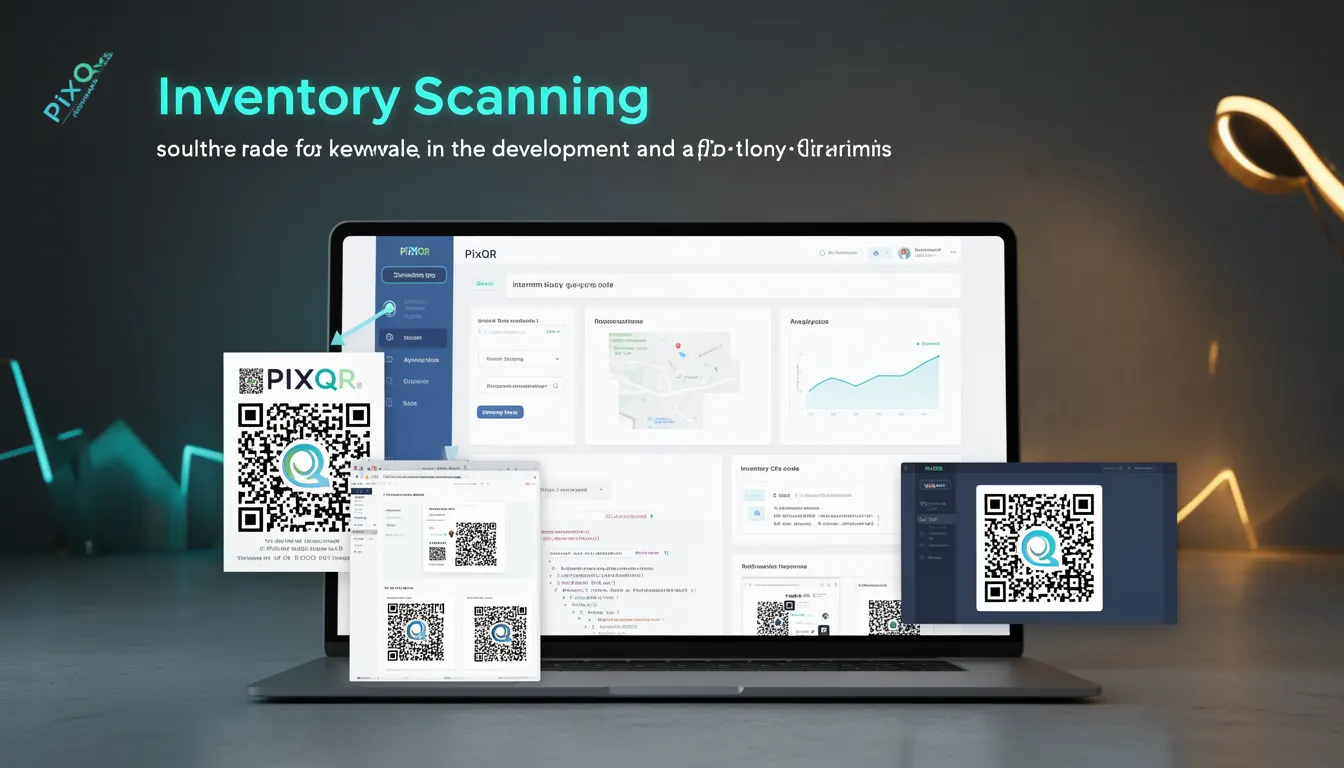
Inventory Scanning refers to the historical application of QR codes for tracking and managing physical stock, assets, or inventory items. It was one of the earliest and most widely adopted use cases for QR codes in enterprise and retail environments. The term is used in the context of QR code history to denote the foundational role that inventory management played in the development and standardization of QR code systems.
For developers working with PixQR, understanding Inventory Scanning is important because it shaped the underlying design principles for QR code generation, redirect handling, and analytics features. The need for reliable, scalable, and secure QR code solutions in inventory systems directly influenced how modern platforms like PixQR approach dynamic redirects, scan tracking, and brand-safe QR design.
Why It Matters
In production environments, Inventory Scanning has direct implications for performance, data integrity, and user experience. The early adoption of QR codes for inventory management required systems to support high-volume scanning, real-time updates, and integration with backend databases. These requirements led to the development of robust APIs, secure protocols, and scalable QR generation methods.
For developers maintaining QR code systems, understanding this history helps in choosing appropriate configurations for dynamic redirects and ensuring that scanned QR codes are reliably tracked and linked to backend systems. PixQR's approach to privacy, analytics, and secure operational workflows stems directly from the lessons learned during early inventory scanning implementations.
How It Works
Inventory Scanning with QR codes involves generating unique identifiers for each item, encoding them into QR codes, and using scanning devices or mobile apps to read those codes. The system then maps the scanned QR code to a database entry, enabling inventory updates, tracking, and analytics.
- QR codes are generated with unique identifiers for each item, often using a structured format like a product ID or serial number.
- Scanning devices read the QR code and send the data to a backend system for processing.
- Backend systems update inventory records, log scan events, and may trigger alerts or actions based on the data.
- Analytics features track scan frequency, location, and item movement to improve inventory management.
- Dynamic redirects may be used to ensure that QR codes always point to the most current inventory information or product pages.
Quick Reference
| Item | Purpose | Notes |
|---|---|---|
| Unique identifier | Identifies inventory items | Must be consistent and unique across systems |
| QR code generation | Creates scannable codes | Should support dynamic content and secure encoding |
| Scan tracking | Records scan events | Enables analytics and inventory updates |
| Dynamic redirect | Routes to updated content | Ensures links remain valid over time |
| Backend integration | Updates inventory records | Requires secure API access and data validation |
Basic Example
PixQR Example QR
This QR links directly to this glossary page, so printed notes, onboarding docs, and support material can bring scanners back to the current reference.
/glossary/qr-code-history-of/history-of-qr-codes-inventory-scanning

A basic Inventory Scanning system might generate a QR code for a product with a unique ID and store the mapping in a database.
const productId = 'P12345';
const qrCodeData = `https://inventory.example.com/product/${productId}`;
// QR code is generated using PixQR API with qrCodeData
// When scanned, the QR code redirects to the product page
This example demonstrates how a QR code encodes a unique identifier and links to a backend system. In production, this would involve secure API calls and proper error handling.
Production Example
In a production environment, Inventory Scanning requires robust handling of data, security, and analytics. A more realistic example includes validation, secure redirect logic, and scan logging.
const generateInventoryQR = (productId, locationId) => {
  const url = `https://inventory.example.com/product/${productId}?location=${locationId}`;
  const qrData = {
    url: url,
    redirect: true,
    analytics: true,
    brandSafe: true
  };
  // PixQR API call to generate QR code with secure parameters
  return pixqr.generate(qrData);
};

// On scan, log event and update inventory
const handleScan = (scanData) => {
  const { productId, locationId } = parseScanData(scanData);
  logScanEvent(productId, locationId);
  updateInventory(productId, locationId);
};
This version is more suitable for production because it includes secure redirect handling, analytics logging, and proper integration with backend inventory systems.
Common Mistakes
- Using non-unique identifiers in QR codes, leading to data conflicts and incorrect inventory updates.
- Ignoring scan analytics, which can result in missed opportunities for inventory optimization.
- Hardcoding QR code URLs instead of using dynamic redirects, causing outdated links.
- Not validating scanned data, which can lead to security vulnerabilities or system errors.
- Failing to implement secure backend integration, exposing inventory data to unauthorized access.
Security And Production Notes
- Ensure all QR code identifiers are unique and securely generated to prevent collisions or data corruption.
- Implement dynamic redirects to ensure QR codes always point to valid, updated content.
- Validate all scanned data before processing to avoid injection or malformed input errors.
- Use secure API keys and authentication for backend inventory updates to prevent unauthorized access.
- Log scan events with timestamps and metadata for audit and analytics purposes.
Related Concepts
Inventory Scanning is closely related to several key developer concepts:
- Dynamic Redirects: QR codes often point to dynamic URLs that update in real time, a concept that evolved from inventory scanning needs.
- Scan Analytics: Tracking QR code scans for inventory insights is a core feature of modern inventory systems.
- Brand-Safe Design: QR codes must be visually distinct and safe for branding, a requirement that emerged from early inventory applications.
- Privacy Controls: Ensuring that inventory data does not leak or expose sensitive information is a key concern in production systems.
- Operational Workflows: Inventory scanning systems often require multi-step processes, which inform modern QR code platform design.