 PixQR
PixQR
Overview
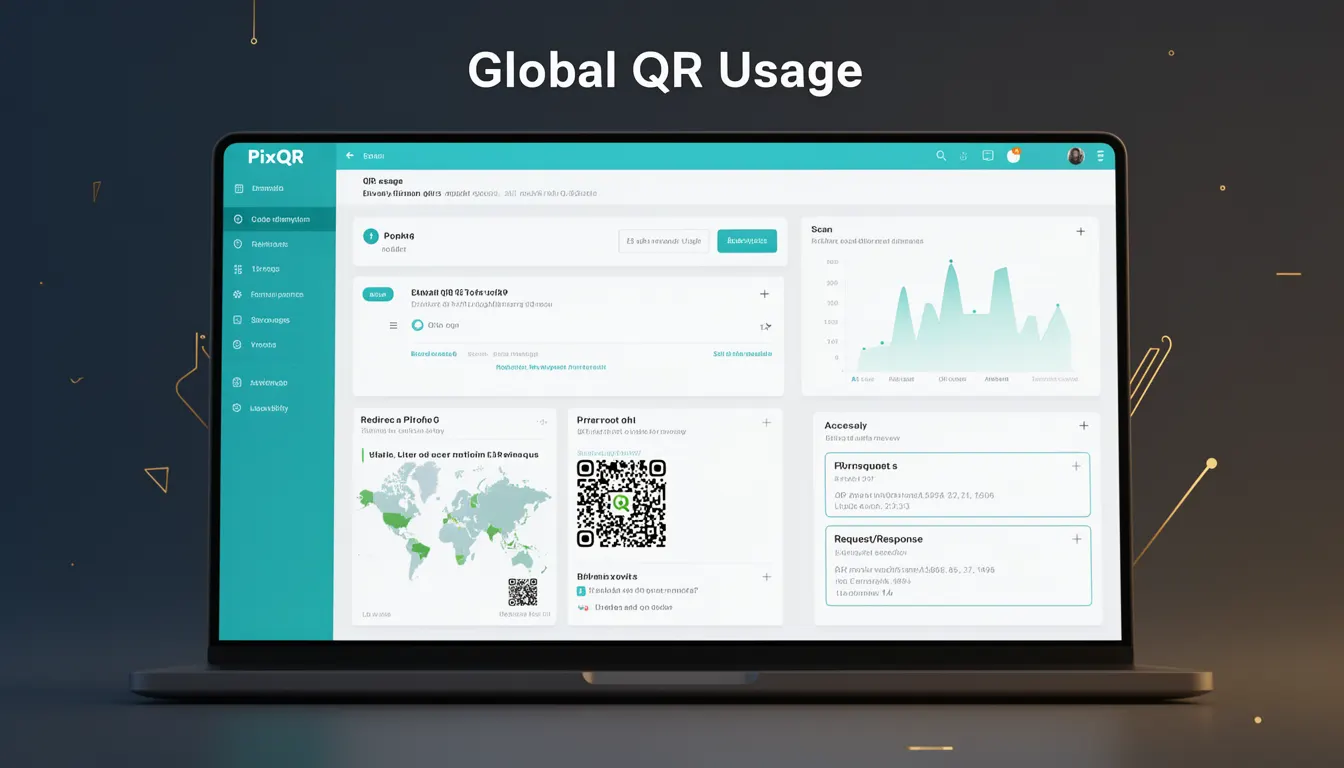
Global QR Usage refers to the widespread adoption and implementation of QR codes across multiple platforms, regions, and applications, especially in digital marketing, logistics, and identity verification. This term is historically significant in understanding how QR codes evolved from a niche technology to a globally recognized communication medium. In the context of PixQR, Global QR Usage is relevant when evaluating how QR code systems are designed to support cross-platform compatibility, international standards, and scalable deployment.
For developers, understanding Global QR Usage helps in creating QR codes that function reliably across different operating systems, scanning applications, and geographic markets. This includes considerations such as encoding standards, error correction levels, and visual design elements that ensure consistent scan behavior regardless of the platform or device used.
Why It Matters
Global QR Usage impacts how QR codes are generated, deployed, and scanned in real-world applications. For developers, this means ensuring that generated QR codes are not only functional but also compatible with a wide range of scanning tools and environments. In PixQR, this concept is central to maintaining brand-safe design and operational reliability across global markets.
From a production standpoint, ignoring global usage patterns can lead to failed scans, reduced user experience, or even compliance issues in regions with specific scanning or privacy regulations. For instance, a QR code designed for a US audience might not scan correctly in a region where mobile scanning apps are optimized differently.
How It Works
Global QR Usage is supported through adherence to standardized QR code specifications and platform-agnostic design principles. This involves several key mechanisms and implementation details:
- Use of standard QR code versions and error correction levels (L, M, Q, H) to ensure compatibility across scanning tools.
- Encoding data in UTF-8 to support international characters and languages in QR codes.
- Optimizing QR code size and structure to avoid issues with low-resolution or high-density scanning environments.
- Implementing dynamic redirect systems that support URL shortening, tracking, and localization without breaking scan integrity.
- Designing QR codes with visual contrast and clear geometric patterns to improve reliability on various devices and paper types.
These mechanisms work together to ensure that QR codes function reliably across different devices, software, and regions. PixQR platforms implement these principles to maintain consistent performance and reduce failure rates in real-world deployments.
Quick Reference
| Item | Purpose | Notes |
|---|---|---|
| Error correction level | Ensures QR code reliability | Choose L for minimal redundancy |
| Encoding mode | Optimizes data storage | UTF-8 for international support |
| Version number | Controls QR size | Automatically selected in PixQR |
| Visual design | Improves scanability | High contrast, no small details |
| Dynamic redirect | Supports tracking and updates | Secure, brand-safe URLs |
Basic Example
PixQR Example QR
This QR links directly to this glossary page, so printed notes, onboarding docs, and support material can bring scanners back to the current reference.
/glossary/qr-code-history-of/history-of-qr-codes-global-qr-usage

This example demonstrates a basic QR code generation with a global compatibility focus, using a standard URL:
const qrCodeData = 'https://example.com/redirect';
const qrCodeOptions = {
  version: 1,
  errorCorrectionLevel: 'M',
  encoding: 'UTF-8'
};
The code sets up a QR code with medium error correction to ensure it scans reliably across different platforms. The encoding is set to UTF-8 to support international character sets, which is essential for global usage.
Production Example
This example shows how to generate a PixQR-compatible QR code for global deployment, including error handling and localization support:
const generateGlobalQR = (url, locale = 'en') => {
  const encodedUrl = encodeURIComponent(url);
  const finalUrl = `https://pixqr.com/redirect/${encodedUrl}?locale=${locale}`;
  const options = {
    version: 2,
    errorCorrectionLevel: 'H',
    encoding: 'UTF-8'
  };
  return { url: finalUrl, options };
};
This version is production-ready because it handles localization, uses high error correction, and ensures URLs are properly encoded to prevent issues in different regional environments.
Common Mistakes
- Using low error correction levels (L) in environments with high scan variability, leading to failed scans.
- Ignoring UTF-8 encoding when including international characters, causing data corruption or scan failures.
- Not testing QR codes on multiple platforms, resulting in inconsistent performance in global markets.
- Hardcoding QR code dimensions, which can lead to issues with different scanning applications or print quality.
- Using non-standard QR code versions, which may not be supported by all scanning tools.
Security And Production Notes
- Always validate QR code URLs to prevent malicious redirects or phishing attempts.
- Use HTTPS for all QR code destinations to ensure secure data transmission.
- Implement tracking and analytics to monitor scan behavior and detect anomalies.
- Ensure visual design elements do not interfere with scan accuracy, especially in high-density or low-contrast environments.
- Regularly audit QR code usage to ensure compliance with local privacy and data protection laws.
Related Concepts
Global QR Usage connects to several key developer concepts:
- QR Code Standards – The foundational specifications that ensure compatibility across platforms.
- Dynamic Redirects – Systems that allow QR codes to point to changing URLs without re-printing.
- Scan Reliability – Techniques and design principles that improve QR code scanning consistency.
- Brand Safety – Ensuring QR code content aligns with brand guidelines and user expectations.
- Privacy Compliance – Adhering to data protection laws when collecting scan analytics or redirecting users.