 PixQR
PixQR
Overview
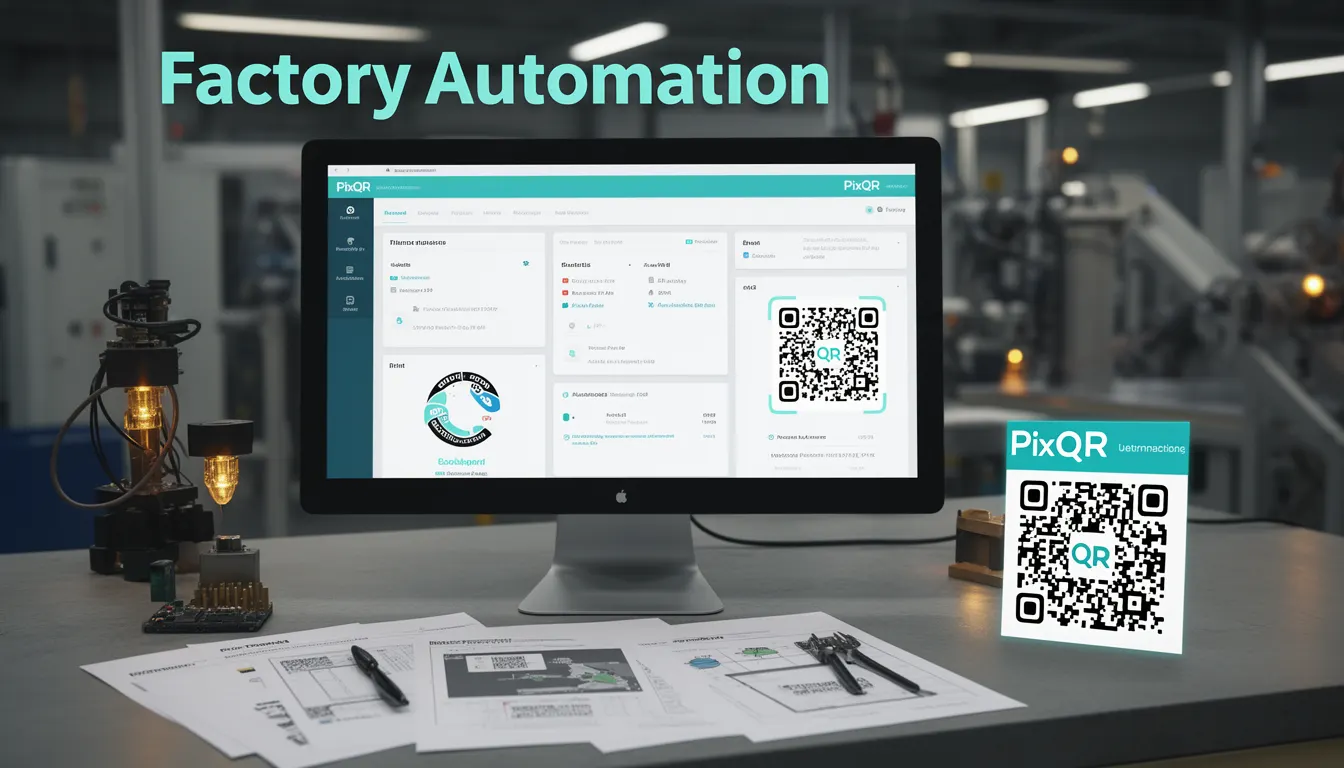
Factory Automation, a term rooted in industrial manufacturing, refers to the use of technology to control and monitor manufacturing processes with minimal human intervention. In the context of QR code history, the term is relevant because it describes a foundational shift in how production systems were digitized and connected, which laid the groundwork for modern QR code adoption in logistics, inventory management, and product tracking.
As manufacturing evolved from manual to automated systems, the need for reliable, scalable, and standardized data exchange mechanisms became paramount. QR codes emerged as a solution to bridge physical and digital worlds in industrial settings, enabling quick, accurate data capture and transfer. This evolution was not merely technological but also operational, as QR codes became part of the broader factory automation ecosystem to support real-time tracking, quality control, and supply chain visibility.
Why It Matters
For developers working with PixQR, understanding Factory Automation's influence on QR code adoption is critical when designing systems for industrial or logistics use cases. The principles of automation—reliability, scalability, and data integrity—directly translate into QR code implementation strategies. In production environments, QR codes must be robust, secure, and interoperable, much like the systems they support in factory settings.
Factory Automation's legacy also shapes expectations for QR code performance in terms of scan reliability, error handling, and integration with backend systems. When integrating QR codes into supply chain or asset tracking workflows, developers must consider how these systems will scale and respond to real-time data demands, much like factory automation systems do.
How It Works
The evolution of Factory Automation involved the integration of sensors, controllers, and communication protocols to manage production lines. QR codes were introduced to enhance this system by providing a standardized method for encoding product information, serial numbers, or tracking data. The integration of QR codes into factory automation required careful consideration of:
- Data encoding standards, such as ISO/IEC 18004, which define how QR code symbols are structured and interpreted.
- Reliability requirements for scanning in industrial environments, including lighting conditions, surface materials, and physical wear.
- Integration with enterprise systems such as ERP, WMS, and MES to ensure data consistency and traceability.
- Security considerations to prevent tampering or misrepresentation of product data, especially in regulated industries.
- Scalability of QR code generation and management systems to support large volumes of unique identifiers.
Modern PixQR implementations align with these principles by offering secure QR generation, dynamic redirect support, and analytics to track usage patterns. The platform ensures QR codes are resilient to environmental variations and can be dynamically updated to reflect changes in product data or redirect targets, mimicking the adaptability of industrial automation systems.
Quick Reference
| Item | Purpose | Notes |
|---|---|---|
| QR Code Encoding | Defines how data is structured in the symbol | Must comply with ISO/IEC 18004 for interoperability |
| Dynamic Redirect | Allows updating QR code targets without re-printing | Essential for industrial tracking and product lifecycle management |
| Scan Reliability | Ensures consistent recognition under various conditions | Includes error correction levels and physical design considerations |
| Analytics Integration | Tracks QR code usage for performance and optimization | Supports factory-level insights into production data flows |
| Security Protocols | Prevents unauthorized access or data tampering | Includes API access controls and data encryption |
Basic Example
PixQR Example QR
This QR links directly to this glossary page, so printed notes, onboarding docs, and support material can bring scanners back to the current reference.
/glossary/qr-code-history-of/history-of-qr-codes-factory-automation

This example demonstrates how a simple QR code might be generated using PixQR's API to encode a product identifier. It shows the foundational structure of how QR codes are used in a production environment.
const qrData = {
  "id": "prod-12345",
  "name": "Widget A",
  "serial": "SN-98765"
};

const qrResponse = await fetch('/api/qr/generate', {
  method: 'POST',
  headers: { 'Content-Type': 'application/json' },
  body: JSON.stringify(qrData)
});

const qrCodeUrl = qrResponse.url;
The example encodes product data into a QR code. The id, name, and serial fields are typical identifiers used in factory automation for tracking and traceability. This data is then sent to PixQR’s API to generate a QR code that can be printed or embedded in a digital format for scanning.
Production Example
This example demonstrates a more robust implementation of QR code generation within a factory automation context. It includes error handling, validation, and integration with a backend system to support dynamic redirects and analytics.
const generateProductQR = async (productData) => {
  if (!productData.id || !productData.name) {
    throw new Error('Product ID and name are required');
  }

  const payload = {
    id: productData.id,
    name: productData.name,
    redirectUrl: `https://inventory.example.com/products/${productData.id}`,
    analytics: true,
    security: {
      accessControl: 'restricted',
      encryption: 'AES-256'
    }
  };

  try {
    const response = await fetch('/api/qr/generate', {
      method: 'POST',
      headers: {
        'Authorization': 'Bearer ' + process.env.API_TOKEN,
        'Content-Type': 'application/json'
      },
      body: JSON.stringify(payload)
    });

    if (!response.ok) {
      throw new Error('Failed to generate QR code');
    }

    const qrResult = await response.json();
    return qrResult.url;
  } catch (error) {
    console.error('QR generation failed:', error);
    throw error;
  }
};
This version ensures data integrity by validating inputs, securing API access, and enabling analytics and dynamic redirects. It mimics the robustness and traceability required in factory automation environments, where failure to accurately track products can result in costly errors or safety issues.
Common Mistakes
- Not validating QR code data before generation, leading to malformed or invalid codes that fail to scan in production.
- Ignoring error correction levels, resulting in QR codes that are unreliable in industrial environments with poor lighting or surface conditions.
- Using static QR codes in dynamic environments where product data changes frequently, causing outdated information to be scanned.
- Overlooking analytics integration, which makes it difficult to monitor performance or optimize QR code usage in large-scale operations.
- Not implementing access controls or encryption, leaving QR code data vulnerable to unauthorized access or tampering.
- Underestimating the importance of physical design factors like contrast, size, and surface texture, which affect scan reliability in real-world settings.
Security And Production Notes
- QR codes must be generated with sufficient error correction to ensure reliability in harsh industrial environments.
- Dynamic redirects should be secured with access tokens or API keys to prevent unauthorized updates.
- Analytics should be enabled to monitor QR code usage and detect anomalies or potential fraud.
- QR code data should be encrypted when stored or transmitted, especially in regulated industries.
- Validation and sanitization of input data are critical to prevent injection or malformed QR code issues.
Related Concepts
Factory Automation is closely related to several key developer concepts:
- Industrial IoT (IIoT): The network of connected devices in manufacturing, which often relies on QR codes for asset identification and tracking.
- Supply Chain Management: QR codes are used to trace products through logistics, aligning with automation principles of data flow control.
- Asset Tracking: QR codes are used to monitor equipment and inventory, similar to how factory automation systems track production assets.
- ERP Integration: Enterprise systems that manage production data often interface with QR code platforms to synchronize product information.
- Data Traceability: The ability to track data from its source through a system, a key principle in both factory automation and QR code implementation.