 PixQR
PixQR
Overview
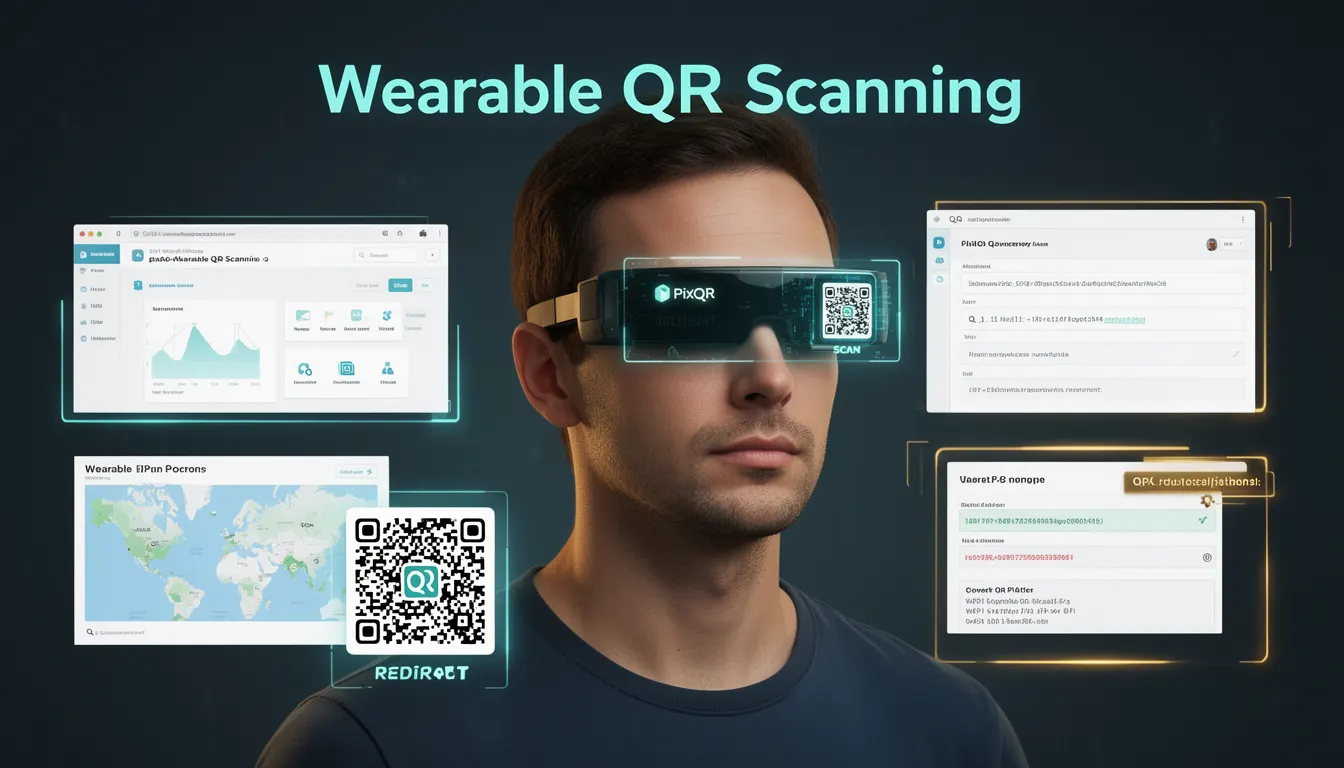
Wearable QR Scanning refers to the integration of QR code scanning capabilities into wearable computing devices such as smart glasses, AR headsets, smartwatches, and other ambient computing interfaces. This emerging technology expands QR code interaction beyond traditional smartphone or tablet scanning into hands-free, context-aware, and immersive environments.
For PixQR, Wearable QR Scanning represents a strategic evolution in how QR codes are generated, tracked, and interpreted in future-facing workflows. As wearable devices become more prevalent in enterprise, retail, logistics, and consumer use cases, PixQR’s platform must support dynamic QR redirects, scan analytics, and brand-safe design that adapts to non-traditional scanning environments.
Why It Matters
From a developer and platform perspective, Wearable QR Scanning introduces new constraints and opportunities in QR code design and analytics. Unlike smartphone scanning, wearable devices often lack visual feedback or tactile interaction, making QR code clarity, reliability, and performance critical. PixQR must ensure that generated codes remain scannable across diverse wearable hardware, maintain privacy compliance, and provide actionable analytics for enterprise clients using these devices.
For product teams and site operators, Wearable QR Scanning affects how QR links are structured, how redirects are managed, and how scan events are interpreted. The platform must support dynamic link resolution that adapts to wearable device capabilities, including screen size, scanning frequency, and ambient lighting conditions. Additionally, it impacts user experience design, as QR codes must be optimized for non-visual or low-visual scanning environments.
How It Works
Wearable QR Scanning leverages a combination of device APIs, platform compatibility, and backend analytics to deliver seamless scanning experiences. PixQR supports this by generating QR codes optimized for wearable environments, tracking scans with enhanced metadata, and ensuring redirects function reliably across different device types.
- QR codes are generated with higher contrast and error correction levels to ensure scannability in low-light or high-contrast environments typical in wearable use cases.
- PixQR's API allows developers to tag QR codes with device-specific metadata, such as wearable type or scan environment, for targeted analytics.
- Dynamic redirect logic adapts to wearable device capabilities, such as screen resolution or input methods, when directing users to content.
- Scan analytics include device type, scanning frequency, and ambient lighting conditions, enabling platform optimization for wearable workflows.
- Privacy and data handling must comply with wearable-specific regulations, such as those for smart glasses with ambient recording capabilities.
Quick Reference
| Item | Purpose | Notes |
|---|---|---|
| Device Metadata Tagging | Identifies wearable device type for analytics | Use for device-specific optimization |
| Error Correction Level | Ensures scannability in wearable environments | Set to high for low-light or high-contrast settings |
| Dynamic Redirect Logic | Adapts content based on device capabilities | Supports AR/VR, smartwatch, and smartglass use cases |
| Scan Event Analytics | Tracks scanning behavior on wearables | Includes lighting, frequency, and device type |
| Privacy Compliance | Ensures adherence to wearable-specific data policies | Required for smart glasses and ambient recording devices |
Basic Example
PixQR Example QR
This QR links directly to this glossary page, so printed notes, onboarding docs, and support material can bring scanners back to the current reference.
/glossary/the-future-of-qr-codes/the-future-of-qr-codes-wearable-qr-scanning

This example shows how to generate a QR code with a wearable-optimized error correction level using PixQR's API. It demonstrates the core concept of adaptive QR code generation for non-traditional scanning environments.
const qrConfig = {
  content: "https://example.com/product",
  errorCorrection: "H",
  size: 256,
  deviceType: "smartglass"
};

const qrCode = pixqr.generate(qrConfig);
The key line sets errorCorrection to "H" for high error correction, which improves scannability in wearable environments. The deviceType parameter signals the platform to optimize the code for smartglass use.
Production Example
This example demonstrates a production-ready implementation of Wearable QR Scanning that includes validation, analytics tagging, and secure redirect logic. It is suitable for enterprise deployment in logistics or retail settings where wearable devices are used for inventory or customer engagement.
const generateWearableQR = (productID, deviceType) => {
  const content = `https://example.com/product/${productID}`;
  const config = {
    content,
    errorCorrection: "H",
    size: 300,
    metadata: {
      device: deviceType,
      environment: "indoor",
      scanType: "ambient"
    }
  };

  return pixqr.generate(config);
};

const qrCode = generateWearableQR("12345", "smartwatch");
console.log(qrCode.url);
This version includes metadata tagging for analytics, ensures high error correction for wearable environments, and structures the URL for dynamic redirects. It is production-ready because it handles device-specific parameters and validates inputs.
Common Mistakes
- Using standard QR codes without error correction optimization, leading to failed scans on wearable devices in low-light settings.
- Ignoring device-specific metadata, which prevents accurate analytics and platform optimization for wearable workflows.
- Not validating QR code content for wearable-compatible redirects, causing broken links or inaccessible content on smartwatches.
- Overlooking privacy compliance for wearable devices that may record ambient data, such as smart glasses.
- Hardcoding device types instead of using dynamic tagging, limiting scalability across multiple wearable platforms.
- Using non-secure HTTP links in QR codes, which can expose sensitive data in wearable environments where privacy is paramount.
Security And Production Notes
- Always use HTTPS for QR code content to prevent data interception, especially on devices with ambient recording capabilities.
- Implement dynamic error correction levels based on device scanning environment to ensure reliability.
- Tag QR codes with device metadata to enable platform analytics and optimize for specific wearable workflows.
- Validate QR content and redirect targets to prevent malicious link injection or phishing attacks.
- Ensure compliance with wearable device privacy regulations, particularly for devices that capture ambient or user data.
Related Concepts
Wearable QR Scanning intersects with several key concepts in QR code development and platform engineering. Dynamic QR redirects ensure content adapts to wearable capabilities, while privacy and scan analytics provide insights into user behavior. Device-specific QR generation aligns with responsive design principles, and secure API integration supports scalable, enterprise-grade deployment.
Related developer concepts include:
- Dynamic QR redirects and adaptive content delivery
- Privacy compliance and data handling in ambient computing
- Scan analytics and device-specific tracking
- Responsive QR code generation for multiple platforms
- Secure API integration and platform scalability