 PixQR
PixQR
Overview
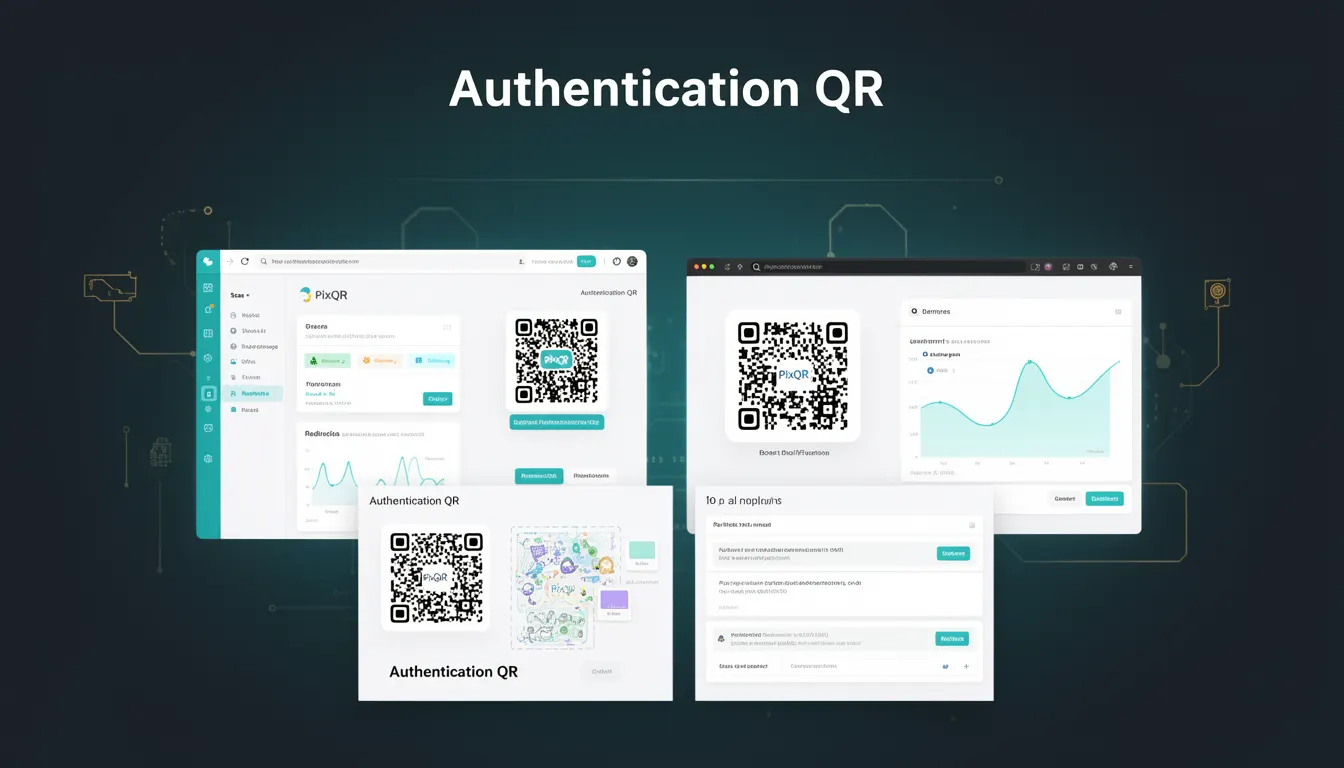
An Authentication QR, also known as an Auth QR, is a specialized QR code variant designed to facilitate secure user authentication directly through mobile scanning. Unlike traditional QR codes used for link redirection or content display, Auth QRs are engineered to transmit cryptographic tokens or authentication instructions to a mobile device or browser, which then initiate an authentication flow.
In the context of PixQR, an Authentication QR is a dynamic QR code that encodes structured data such as a one-time token, session ID, or authentication challenge, often leveraging secure protocols like OAuth 2.0 or OpenID Connect. This enables seamless, secure login experiences for users, particularly in scenarios such as two-factor authentication (2FA), single sign-on (SSO), or secure device pairing.
Why It Matters
Authentication QRs address the growing need for secure, user-friendly authentication in digital environments. As mobile-first applications become the norm, traditional password-based login methods are increasingly vulnerable to phishing, credential theft, and user fatigue. Auth QRs provide a frictionless alternative by leveraging the secure, encrypted nature of QR code scanning, where the scanned data is interpreted and validated by a device's native authentication system or a secure browser extension.
For developers working with PixQR, Auth QRs are critical for integrating secure authentication flows into platforms that support dynamic QR generation. They allow for seamless integration with backend authentication systems, reduce reliance on passwords, and support compliance with security standards such as NIST SP 800-63B or ISO/IEC 24765. Additionally, they enhance user experience by minimizing input errors and reducing the risk of credential exposure during authentication.
How It Works
Authentication QRs function by encoding structured data into a QR code that, when scanned, triggers an authentication process on the device. The data typically includes cryptographic tokens, URLs with embedded parameters, or identifiers that can be resolved by a backend system. The process involves several key components:
- The QR code is generated with a payload that includes an authentication challenge or token, often encoded in a format like JSON Web Token (JWT) or a secure URL with parameters.
- Upon scanning, the device's QR reader or browser parses the payload and initiates an authentication flow, which may involve redirecting to an OAuth provider or validating a token against a secure backend.
- Security measures such as time-based expiration, one-time use, or encryption are implemented to prevent replay attacks or unauthorized access.
- Authentication QRs may be static or dynamic, with dynamic versions allowing for real-time updates to the payload or expiration behavior.
- Integration with PixQR’s API allows developers to programmatically generate Auth QRs with specific parameters, track scans, and manage access control.
These QR codes are particularly effective in environments where security is paramount, such as financial services, healthcare, or enterprise applications. The QR payload can be encrypted using AES or RSA, ensuring that sensitive data is protected during transmission.
Quick Reference
| Item | Purpose | Notes |
|---|---|---|
| QR Payload Format | Encodes authentication data | Should be structured, such as JWT or URL-encoded parameters |
| Dynamic vs Static | Controls payload flexibility | Dynamic QRs allow real-time updates and expiration |
| Scan Tracking | Monitors QR usage | PixQR supports scan analytics for authentication QRs |
| Security Protocol | Ensures secure data transmission | Use HTTPS, token expiration, and encryption |
| Integration API | Enables programmatic QR generation | Supports OAuth and SSO workflows |
Basic Example
PixQR Example QR
This QR links directly to this glossary page, so printed notes, onboarding docs, and support material can bring scanners back to the current reference.
/glossary/the-future-of-qr-codes/the-future-of-qr-codes-authentication-qr

This example demonstrates a simple Auth QR payload that encodes a session identifier and an expiration timestamp. The QR code, when scanned, would redirect to a login endpoint with these parameters.
https://api.pixqr.com/auth?session_id=abc123&expires=1698765432The URL encodes a session identifier and a Unix timestamp for expiration. When scanned, the device parses the URL and initiates a login flow using these parameters. This approach is lightweight and suitable for basic authentication workflows.
Production Example
This example shows a more secure and scalable approach using a JWT-encoded payload. It includes token signing, expiration, and a structured payload that can be validated by the backend.
https://api.pixqr.com/auth?token=eyJhbGciOiJIUzI1NiIsInR5cCI6IkpXVCJ9.eyJzZXNzaW9uX2lkIjoiYWJjMTIzIiwiZXhwaXJlcyI6MTY5ODc2NTQzMn0.SflKxwRJSMeKKF2QT4fwpMeJf36POk6yJV_adQssw5cThis version uses a signed JWT, which allows the backend to verify the authenticity and integrity of the data without relying on external databases. It is more suitable for production environments where security and scalability are critical.
Common Mistakes
- Using static QR codes for authentication without expiration or token validation, which increases the risk of replay attacks.
- Not encrypting sensitive data within the QR payload, leading to exposure of session identifiers or tokens.
- Generating QR codes without tracking or analytics, making it difficult to monitor usage or detect suspicious activity.
- Using insecure protocols like HTTP instead of HTTPS, which can allow man-in-the-middle attacks.
- Ignoring user privacy concerns, such as collecting unnecessary scan data or failing to implement secure data deletion policies.
Security And Production Notes
- Always use HTTPS for QR payloads to prevent interception of sensitive data during transmission.
- Implement token expiration and one-time use policies to mitigate replay attacks and unauthorized access.
- Encrypt sensitive data within QR codes using strong encryption algorithms like AES-256 to prevent unauthorized decryption.
- Track QR scans securely and log relevant metadata to detect anomalies or misuse.
- Validate all QR payload data on the backend to ensure integrity and prevent injection attacks.
Related Concepts
Authentication QRs are closely related to several key technologies and practices in secure digital systems. OAuth 2.0 and OpenID Connect are foundational protocols that often underpin the data encoded in Auth QRs. QR code generation APIs, such as those offered by PixQR, provide the infrastructure for creating and managing these codes. Dynamic redirects and secure link management are essential for ensuring that the QR payload is correctly interpreted and processed. Additionally, analytics and scan tracking play a crucial role in monitoring and optimizing authentication workflows. Finally, access control and privilege management are vital for ensuring that only authorized users can complete authentication flows initiated by an Auth QR.