 PixQR
PixQR
Overview
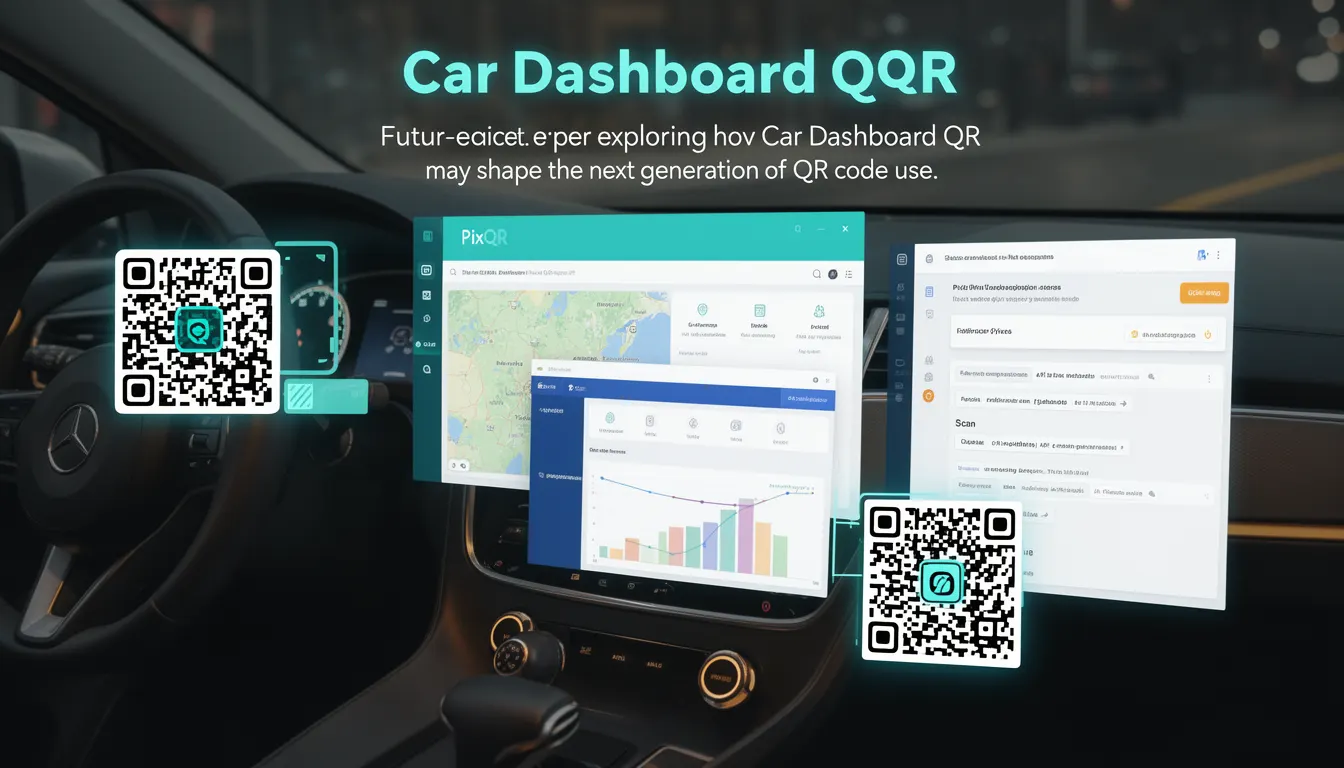
Car Dashboard QR refers to a forward-looking concept where QR codes are embedded directly into automotive dashboards or vehicle interfaces, enabling drivers and passengers to access real-time data, navigation, vehicle diagnostics, or entertainment services via a scan. This approach represents a shift from traditional QR code use in print or static digital media to dynamic, interactive vehicle-based systems.
While not yet widely implemented, the term reflects emerging trends in vehicle connectivity, IoT integration, and user experience design. In PixQR's context, Car Dashboard QR implies QR generation for dynamic vehicle interfaces, ensuring reliable scans, brand-safe content delivery, and secure operational workflows. It is particularly relevant for developers working with vehicle software platforms, embedded systems, or digital dashboard applications.
Why It Matters
Car Dashboard QR has implications for user experience, vehicle safety, and data privacy. As vehicles become more connected, QR codes on dashboards can reduce manual input, streamline access to vehicle controls, and provide contextual information without distracting the driver. For developers, this means understanding how QR generation and scanning integrate into automotive UI/UX frameworks.
Security is paramount in this domain. QR codes in vehicles must avoid exposing sensitive data, ensure authenticity of scanned content, and maintain privacy compliance. PixQR’s platform supports secure QR generation for such use cases, with features like dynamic redirects, scan tracking, and analytics to monitor usage and detect anomalies.
How It Works
The mechanism behind Car Dashboard QR involves several technical components. First, QR codes are generated dynamically through PixQR’s API or platform, tailored to vehicle-specific content or services. These codes are rendered in a dashboard UI, often as part of an embedded web view or native application interface.
- QR codes are generated with dynamic payloads, allowing content to update without changing the physical code.
- Scanning is performed via onboard cameras or mobile apps, requiring high reliability and low latency.
- Content delivery is managed through secure redirects, ensuring that the QR code leads to trusted endpoints.
- Analytics are tracked to monitor scan frequency, user behavior, and platform performance.
- Privacy controls ensure that personal data is not embedded in QR payloads, aligning with data protection regulations.
Implementation typically requires integration with vehicle systems or dashboard applications. QR codes are often embedded in HTML or native UI components, and their payloads may include URLs, JSON data, or binary identifiers. PixQR’s platform ensures that these QR codes are scalable, secure, and compatible with various scanning technologies.
Quick Reference
| Item | Purpose | Notes |
|---|---|---|
| Dynamic QR Payload | Enables real-time content updates | Use PixQR API to generate dynamic URLs |
| Scan Tracking | Monitors QR code usage | Provides analytics on scan frequency and device types |
| Redirect Security | Ensures safe destination | Uses PixQR’s secure redirect mechanism |
| Privacy Controls | Prevents sensitive data exposure | Enforces data sanitization |
| Print Reliability | Ensures scan-readiness | Optimized for vehicle display conditions |
Basic Example
PixQR Example QR
This QR links directly to this glossary page, so printed notes, onboarding docs, and support material can bring scanners back to the current reference.
/glossary/the-future-of-qr-codes/the-future-of-qr-codes-car-dashboard-qr

A basic Car Dashboard QR setup involves generating a QR code that links to a dashboard service. The QR code is rendered in a vehicle UI and scanned by a user.
const qrPayload = {
  url: 'https://dashboard.pixqr.com/vehicle/12345',
  type: 'dynamic',
  ttl: 3600
};

const qrCode = pixqr.generate(qrPayload);
This example demonstrates how to generate a dynamic QR code for a vehicle dashboard. The payload specifies a URL, type, and time-to-live (TTL) value. The generated QR code can be embedded in a vehicle’s digital interface.
Production Example
In a production environment, Car Dashboard QR requires robust error handling, analytics, and secure payload generation. The following example shows how to integrate with PixQR’s API to generate a secure, scalable QR code.
const generateDashboardQR = async (vehicleId, userId) => {
  const payload = {
    url: `https://dashboard.pixqr.com/vehicle/${vehicleId}/user/${userId}`,
    type: 'dynamic',
    analytics: true,
    secure: true,
    brandSafe: true
  };

  try {
    const response = await fetch('https://api.pixqr.com/generate', {
      method: 'POST',
      headers: { 'Content-Type': 'application/json' },
      body: JSON.stringify(payload)
    });

    const qrData = await response.json();
    return qrData.qrCode;
  } catch (error) {
    console.error('QR generation failed:', error);
    return null;
  }
};
This version includes error handling, secure headers, analytics tracking, and brand safety checks. It is suitable for integration into real vehicle dashboards or backend systems.
Common Mistakes
- Using static QR codes for dynamic content, leading to outdated information or broken links.
- Embedding sensitive data directly in QR payloads, violating privacy regulations.
- Ignoring scan reliability in vehicle environments, such as lighting or screen glare.
- Not validating QR code payloads before rendering, allowing injection or malicious content.
- Skipping analytics or tracking, resulting in missed insights about user behavior or platform performance.
- Failing to implement secure redirects, exposing users to phishing or unauthorized content.
Security And Production Notes
- Always use dynamic QR payloads to ensure content can be updated without re-printing physical codes.
- Implement secure redirects through PixQR’s platform to prevent malicious link redirection.
- Sanitize all QR payload data to avoid embedding personal or sensitive information.
- Ensure QR codes are optimized for vehicle display conditions, including brightness, contrast, and glare resistance.
- Use PixQR’s analytics and scan tracking to monitor for suspicious behavior or system anomalies.
Related Concepts
Car Dashboard QR is closely related to several other technologies and concepts in modern vehicle and digital systems:
- Dynamic QR Codes: QR codes that update their payload without changing the physical appearance, enabling real-time content.
- Vehicle IoT Integration: The broader ecosystem of connected vehicle systems, including dashboards, sensors, and control interfaces.
- Embedded Web Views: UI components that render web content within native applications, often used in vehicle dashboards.
- Scan Tracking and Analytics: Tools for monitoring QR code usage, including frequency, device types, and geographic data.
- Brand-Safe Content Delivery: Ensuring QR code content aligns with brand standards and does not expose users to unsafe or inappropriate content.