 PixQR
PixQR
Overview
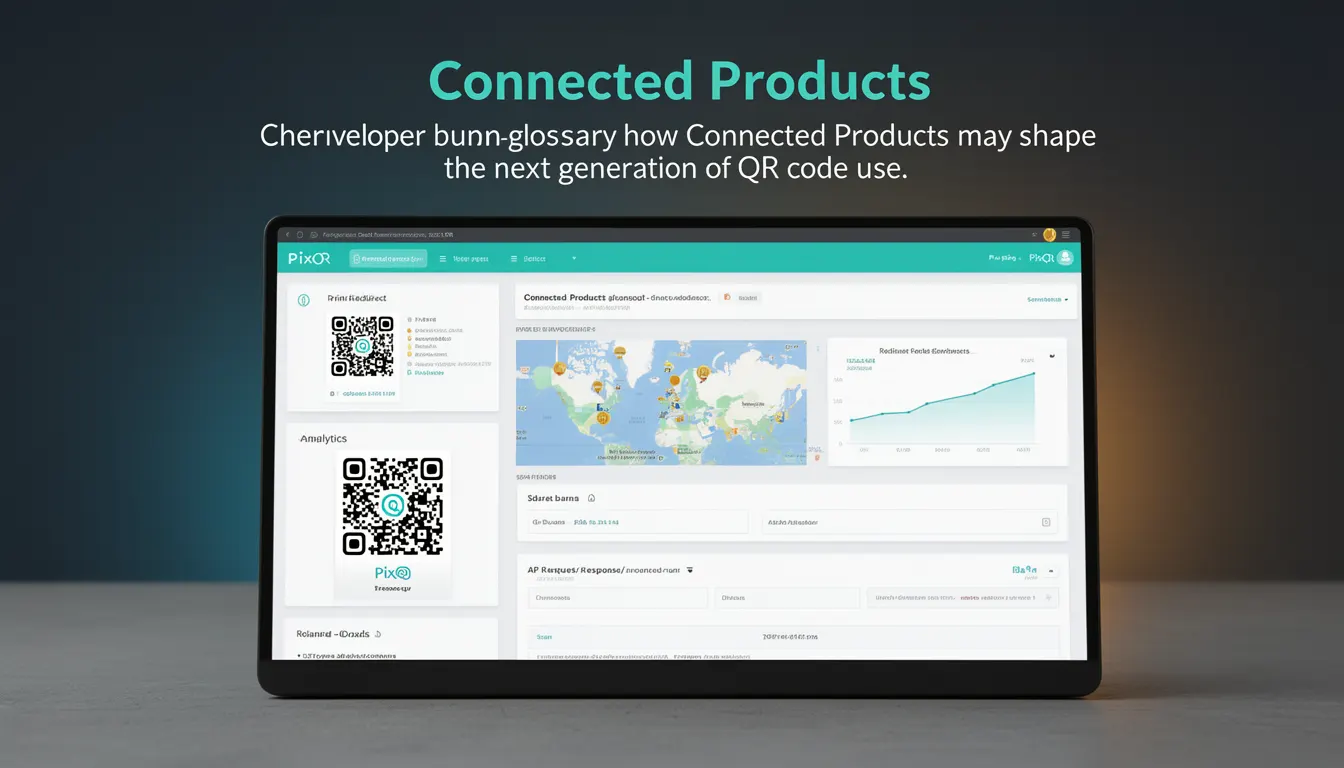
Connected Products represent a paradigm shift in how QR codes are used beyond simple static links. In the context of PixQR, they refer to physical products or items that are equipped with embedded QR codes to enable dynamic, interactive, and context-aware experiences. These products can be anything from consumer goods to industrial equipment, each capable of responding to QR scans with dynamic content, redirects, or API integrations.
Connected Products leverage QR codes not merely as static data carriers but as entry points to dynamic systems. For instance, a QR code on a product can redirect to a personalized landing page, trigger a service request, or even update product firmware. This approach allows developers and product teams to build more intelligent, responsive, and data-driven product experiences.
Why It Matters
Connected Products significantly enhance the utility and value of QR codes in real-world applications. From a developer perspective, this concept opens up possibilities for real-time data integration, user engagement, and dynamic content delivery. For product teams, it enables the creation of smart, adaptive product experiences that respond to user interactions and environmental conditions.
From a security standpoint, Connected Products demand robust authentication and authorization mechanisms to ensure that only legitimate users or systems can access dynamic content or trigger actions. For operational workflows, this model increases the complexity of QR code management but also improves tracking, analytics, and user behavior insights. For example, a smart packaging system using Connected Products can collect data on product usage, distribution, and customer interaction, all of which can be tracked and analyzed through PixQR's platform.
How It Works
The core functionality of Connected Products involves integrating QR codes with backend systems to dynamically generate or redirect content based on scan events. This process typically involves several key components and steps:
- QR code generation with unique identifiers that map to backend product records or dynamic content configurations.
- Scan event handling through PixQR's API or platform, which triggers a lookup or action based on the scanned QR code.
- Dynamic content or redirect generation using backend logic, potentially involving user context, product state, or real-time data.
- Secure handling of user data and system access to prevent unauthorized actions or data breaches.
- Analytics and tracking of scan events to inform product improvements, marketing, or user behavior analysis.
Connected Products are often implemented using PixQR's dynamic QR generation features, which allow developers to assign a QR code to a specific product and configure how that QR code behaves when scanned. This includes setting up redirects, content triggers, or API endpoints. The system typically supports multiple types of dynamic behaviors, such as redirecting to a URL, displaying a message, or initiating a service request.
Quick Reference
| Item | Purpose | Notes |
|---|---|---|
| Dynamic QR Code ID | Unique identifier for a product's QR code | Used in backend lookups to determine behavior |
| Redirect Configuration | Defines where a scan redirects | Can be static or dynamic based on context |
| Scan Event Handler | Processes QR scan data and triggers actions | Can include analytics, user data, or API calls |
| Product Context | Data about the scanned product | Used for personalization or conditional logic |
| Security Token | Ensures only authorized systems can act on scans | Required for sensitive operations |
Basic Example
PixQR Example QR
This QR links directly to this glossary page, so printed notes, onboarding docs, and support material can bring scanners back to the current reference.
/glossary/the-future-of-qr-codes/the-future-of-qr-codes-connected-products

A basic Connected Product implementation involves creating a QR code that, when scanned, redirects to a dynamic URL. This URL is generated based on a product ID and user context.
const productId = 'prod-12345';
const userId = 'user-67890';
const dynamicUrl = `https://api.pixqr.com/redirect/${productId}?user=${userId}`;
// QR code points to dynamicUrl
This example demonstrates how a product's unique identifier and user context can be used to generate a dynamic redirect. The QR code itself is static, but the destination changes based on the parameters passed.
Production Example
In a production environment, a Connected Product system might integrate with a backend service to dynamically generate content based on scan events and user data. This example includes validation, error handling, and secure API usage:
const scanHandler = async (qrId, userData) => {
  try {
    const response = await fetch(`https://api.pixqr.com/scan/${qrId}`, {
      method: 'POST',
      headers: {
        'Authorization': `Bearer ${process.env.API_TOKEN}`,
        'Content-Type': 'application/json'
      },
      body: JSON.stringify({
        user: userData,
        timestamp: Date.now()
      })
    });
    const result = await response.json();
    return result.redirectUrl;
  } catch (error) {
    console.error('Scan handling failed:', error);
    return '/error';
  }
};
This version includes proper error handling, API token usage, and structured data passing. It's suitable for production because it ensures secure communication and graceful failure handling.
Common Mistakes
- Not validating QR code identifiers before processing scans, leading to potential injection or unauthorized access.
- Hardcoding API tokens or secrets in client-side code, exposing them to attackers.
- Using static redirects instead of dynamic ones, limiting product interactivity and data collection.
- Ignoring scan analytics or user data, missing opportunities for product insights and improvements.
- Not implementing timeouts or retries for API calls, causing system instability during high traffic.
- Failing to sanitize user data passed to backend systems, risking data corruption or security vulnerabilities.
Security And Production Notes
- Always validate QR code identifiers against a secure database to prevent unauthorized access or manipulation.
- Never expose API tokens or secrets in client-side code; use server-side authentication and token rotation.
- Implement rate limiting and input sanitization to prevent abuse or data injection attacks.
- Use HTTPS for all API communications to ensure data integrity and confidentiality.
- Design systems to handle high-volume scan events with efficient caching and asynchronous processing.
Related Concepts
Connected Products are closely related to several key concepts in QR code development and product design:
- Dynamic QR Codes: QR codes that can change their content or redirect behavior over time, enabling flexible product experiences.
- Scan Analytics: The collection and analysis of QR scan data to understand user behavior and product performance.
- Redirect Safety: Ensuring that QR code redirects are safe and do not lead to malicious or unauthorized content.
- Brand-Safe Design: Ensuring that QR code content aligns with brand guidelines and user expectations.
- Operational Workflows: The processes and systems that manage QR code generation, distribution, and usage across platforms.