 PixQR
PixQR
Overview
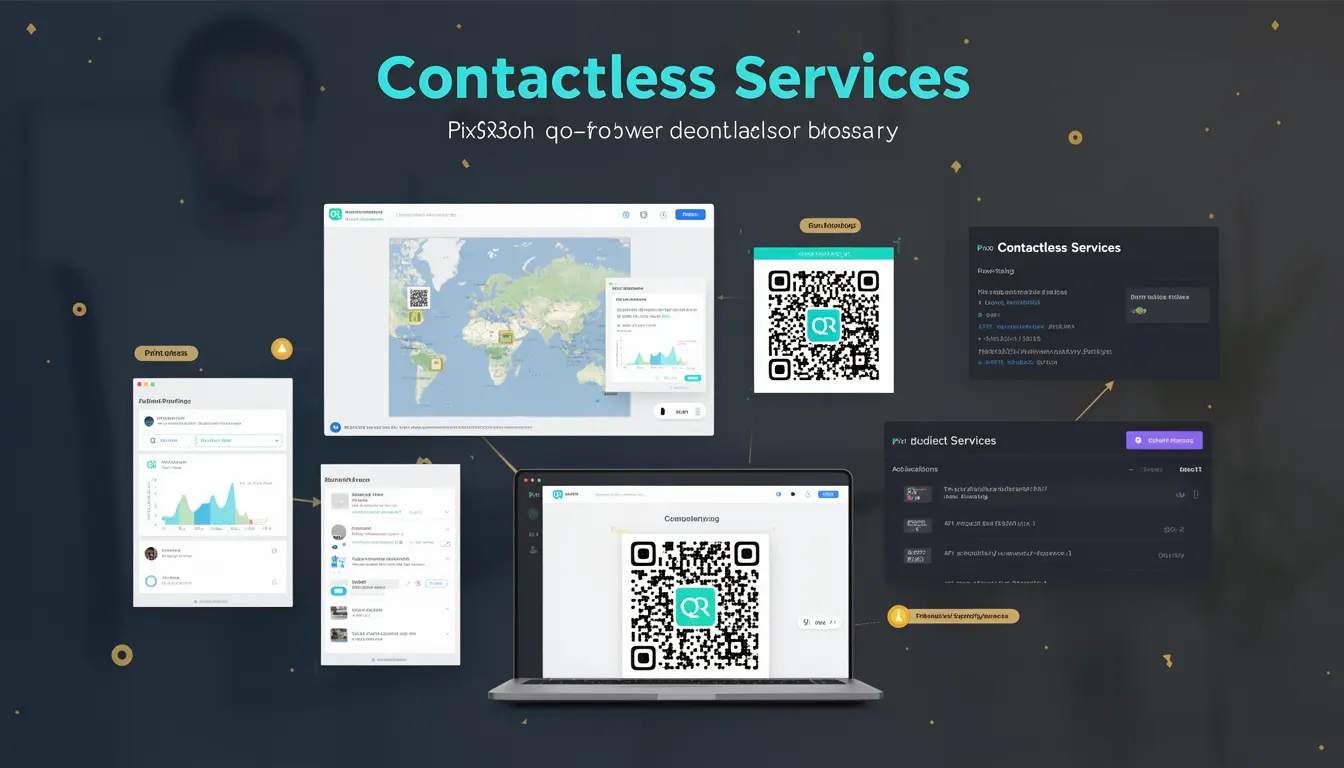
Contactless Services represent a transformative approach to QR code usage, where QR codes serve as secure, dynamic entry points for digital interactions without requiring physical contact. In the context of PixQR, these services enable businesses to provide seamless, brand-safe experiences through QR codes that support secure redirects, scan analytics, and operational workflows. The core idea is to move beyond static QR codes—typically used for links or basic data—to support more complex, secure, and user-centric digital experiences.
Developers working with PixQR encounter Contactless Services when building systems that require secure, scalable, and privacy-conscious QR code functionality. These systems often involve dynamic redirects, user authentication, event registration, or secure payment processing. The term is particularly relevant in scenarios where QR code scanning is used as a primary interaction method, such as in retail, healthcare, transportation, or event management.
Why It Matters
For developers, Contactless Services are critical because they enable secure, scalable, and future-proof QR code implementations. In PixQR, this approach ensures that QR codes are not only reliable but also protect user privacy, support analytics, and integrate smoothly with backend systems. The shift toward Contactless Services addresses growing user expectations for secure and seamless experiences, especially in sensitive environments such as healthcare or finance.
From a production standpoint, Contactless Services help avoid common pitfalls like static QR codes that become outdated, lack analytics, or expose users to fraud. PixQR's implementation of Contactless Services supports secure redirect chains, scan tracking, and compliance with privacy regulations such as GDPR or CCPA, which are essential for businesses operating in regulated environments.
How It Works
At its core, a Contactless Service uses a QR code as a secure, dynamic entry point to a digital experience. The QR code itself typically encodes a unique identifier or token that maps to a backend service, which then handles user interaction. This mechanism allows for secure redirects, real-time analytics, and integration with third-party systems without exposing sensitive data in the QR code itself.
- QR codes encode a unique identifier or token, not direct URLs or sensitive data.
- Backend systems resolve the identifier to a dynamic redirect or action.
- Scan tracking and analytics are captured at the PixQR platform level.
- Secure operational workflows are enforced through token-based access control.
- Privacy compliance is maintained by avoiding sensitive data in QR code payloads.
When a user scans a QR code, the PixQR platform receives the scan event and uses the identifier to determine the appropriate action, such as redirecting to a secure page or triggering a backend process. This architecture supports scalable and secure systems that can adapt to evolving user needs.
Quick Reference
| Item | Purpose | Notes |
|---|---|---|
| Dynamic QR Code Identifier | Maps to backend service | Never expose sensitive data |
| Secure Redirect Chain | Ensures safe navigation | Enforced by PixQR platform |
| Scan Analytics | Tracks user interactions | Available via API or dashboard |
| Token-Based Access | Controls access to services | Prevents unauthorized use |
| Privacy Compliance | Ensures GDPR/CCPA alignment | Configurable through platform |
Basic Example
PixQR Example QR
This QR links directly to this glossary page, so printed notes, onboarding docs, and support material can bring scanners back to the current reference.
/glossary/the-future-of-qr-codes/the-future-of-qr-codes-contactless-services

This basic example shows how a QR code can be generated to point to a dynamic service. The QR code itself contains a unique identifier that PixQR resolves to a secure redirect.
const qrData = {
  identifier: "service_12345",
  redirectUrl: "https://secure.example.com/redirect",
  expiry: "2025-06-01T00:00:00Z"
};

// Generate QR code with PixQR API
const qrCode = await pixqr.generate(qrData);

// Output the QR code identifier for scanning
console.log(qrCode.identifier); // service_12345
This example demonstrates how a QR code identifier is used to map to a backend service. The identifier is never exposed to the user, and the actual redirect is managed securely by the PixQR platform.
Production Example
In production, Contactless Services are implemented with robust error handling, analytics tracking, and secure redirect chains. This example shows how a QR code service might be integrated into a larger system.
const generateContactlessQR = async (payload) => {
  const { userId, serviceType, expiry } = payload;

  // Validate input
  if (!userId || !serviceType) {
    throw new Error('Missing required fields');
  }

  // Create secure token
  const token = await createSecureToken({
    userId,
    serviceType,
    expiry
  });

  // Generate QR code with PixQR
  const qrResponse = await pixqr.create({
    token,
    redirectUrl: `https://secure.example.com/${serviceType}`,
    analytics: true,
    privacy: 'strict'
  });

  return qrResponse;
};

// Usage
const qr = await generateContactlessQR({
  userId: 'user_98765',
  serviceType: 'payment',
  expiry: '2025-06-01T00:00:00Z'
});

console.log(qr.url); // Secure QR code URL for scanning
This version includes input validation, secure token generation, and privacy settings. It is production-ready and integrates well with PixQR's analytics and operational workflows.
Common Mistakes
- Embedding sensitive data directly in QR code payloads, which exposes users to privacy risks and reduces security.
- Ignoring scan analytics or redirect tracking, which limits insights and operational effectiveness.
- Using static QR codes instead of dynamic ones, leading to outdated or broken links.
- Failing to enforce secure redirect chains, which may allow malicious redirects or bypasses.
- Not configuring privacy settings, which can result in non-compliance with regulations like GDPR.
Security And Production Notes
- Always use token-based identifiers instead of direct URLs in QR codes to prevent data leakage.
- Implement secure redirect chains to avoid open redirect vulnerabilities.
- Enable analytics tracking to monitor usage and detect anomalies.
- Configure privacy settings to ensure compliance with data protection regulations.
- Validate all inputs and enforce access control to prevent unauthorized use of QR codes.
Related Concepts
Contactless Services are closely related to several key technologies and practices in QR code development. Dynamic QR codes ensure that the underlying service can be updated without changing the QR code itself. Secure redirects maintain trust in the user experience by ensuring safe navigation. Scan analytics provide insights into user behavior and platform performance. Privacy compliance ensures that QR code usage aligns with data protection laws. Operational workflows govern how QR codes are managed and tracked across systems.