 PixQR
PixQR
Overview
Wallet Connect QR refers to a specific type of QR code used to facilitate secure communication between a user’s wallet and a decentralized application (dApp). It is a future-facing term that reflects the evolving role of QR codes in blockchain and decentralized identity ecosystems. Unlike traditional QR codes that link to static web URLs, Wallet Connect QR codes encode a connection protocol that allows secure, encrypted communication between a wallet and a dApp.
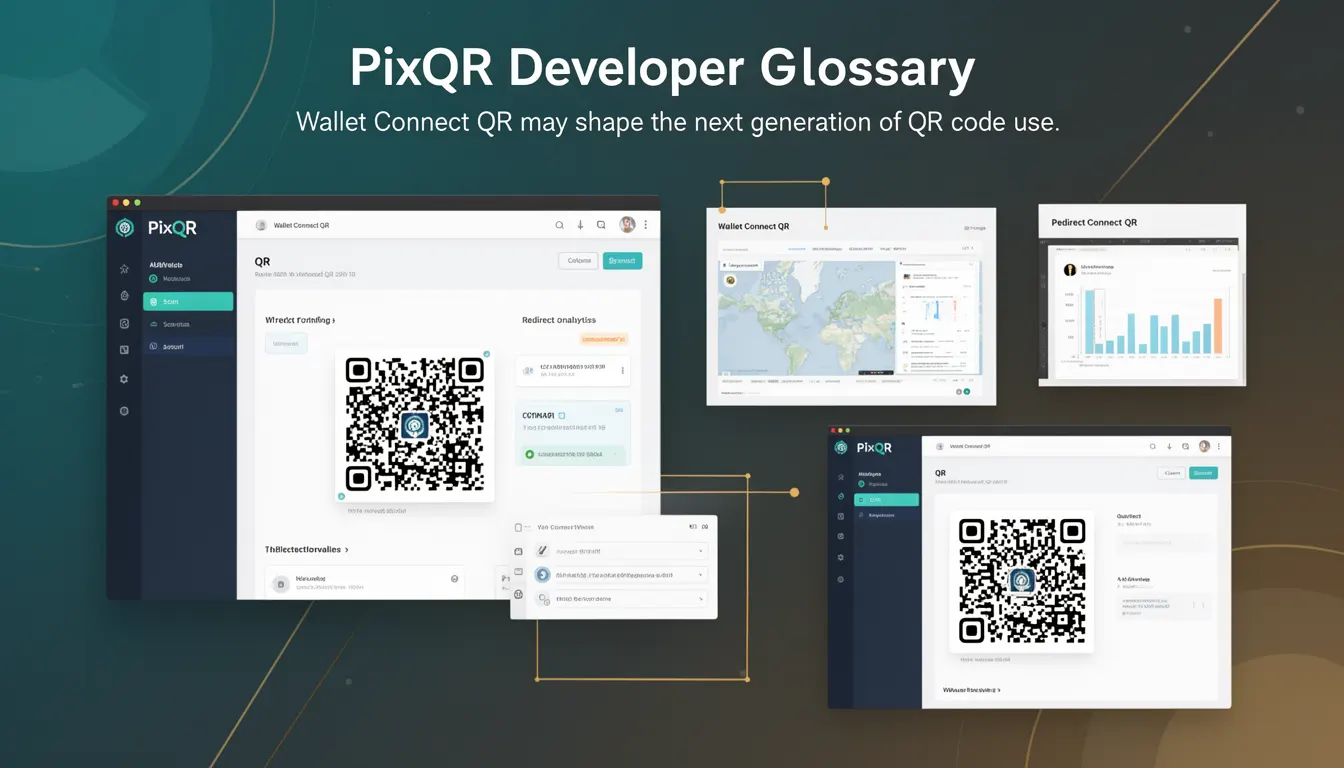
In the context of PixQR, Wallet Connect QR is a specialized variant that supports dynamic redirects, secure connection initiation, and privacy-preserving data exchange. It is used in scenarios where a user needs to authenticate or authorize a transaction through a mobile wallet, such as in decentralized finance (DeFi) or non-fungible token (NFT) applications. These QR codes are generated with specific cryptographic parameters and are designed to be scanned by wallet applications that support the Wallet Connect protocol.
Why It Matters
For developers working in blockchain or decentralized ecosystems, Wallet Connect QR is a critical component for enabling secure and user-friendly wallet interactions. It reduces friction in the user onboarding process by replacing complex manual wallet connection steps with a single scan. For site operators and platform maintainers, Wallet Connect QR supports secure, scalable authentication flows that integrate with PixQR's privacy-preserving infrastructure.
From a security perspective, Wallet Connect QR ensures that sensitive data is not exposed in plain text and that all communication is encrypted. It also supports dynamic redirect workflows, which are essential for platforms that need to track scan events or manage session lifecycles. The integration of such QR codes into a PixQR-powered platform ensures compliance with industry standards for secure transaction handling and reduces the risk of phishing or unauthorized access.
How It Works
The Wallet Connect QR mechanism relies on a standardized protocol that encodes a session initiation request. When a user scans a Wallet Connect QR, the wallet app decodes the QR content, establishes a secure WebSocket connection, and authenticates the user through a cryptographic handshake.
- Wallet Connect QRs are generated using a specific URL format that includes a session key and protocol metadata.
- The QR code encodes a connection string that includes a unique identifier and encryption keys for secure communication.
- Once scanned, the wallet app initiates a secure WebSocket connection to a relay server specified in the QR content.
- The connection process involves a cryptographic handshake that verifies the identity of both parties and negotiates session parameters.
- PixQR supports dynamic QR generation and can track scan events, ensuring that session lifecycles are monitored and managed securely.
For developers, the Wallet Connect protocol provides a structured approach to integrating wallet authentication into applications. PixQR's infrastructure allows for seamless QR generation and integration into existing workflows, ensuring that QR codes are both reliable and secure.
Quick Reference
| Item | Purpose | Notes |
|---|---|---|
| Connection string | Encodes session metadata for wallet connection | Must be valid Wallet Connect v2 format |
| Session key | Unique identifier for secure session | Generated using cryptographic randomization |
| Relay server | WebSocket endpoint for secure communication | Must support secure TLS connections |
| Scan tracking | Monitors QR scan events for analytics | Supported via PixQR analytics engine |
| Dynamic redirect | Redirects user after successful connection | Configurable via PixQR dashboard |
Basic Example
PixQR Example QR
This QR links directly to this glossary page, so printed notes, onboarding docs, and support material can bring scanners back to the current reference.
/glossary/the-future-of-qr-codes/the-future-of-qr-codes-wallet-connect-qr
A basic Wallet Connect QR is generated with a session key and relay server URL. The QR code encodes a connection string that can be scanned by a compatible wallet.
const qrContent = 'wc:54114444444444444444444444444444@2?relay-protocol=irn&symKey=12345678901234567890123456789012';This string encodes a connection request with a unique session key and relay protocol. When scanned, the wallet app decodes the string and initiates a secure connection using the specified relay server.
Production Example
In a production environment, Wallet Connect QR generation involves validating inputs, ensuring secure key handling, and integrating with PixQR’s analytics and redirect systems.
const sessionKey = generateSecureKey();
const relayServer = 'wss://relay.walletconnect.com';
const qrContent = `wc:${sessionKey}@2?relay-protocol=irn&symKey=${sessionKey}`;
const qrUrl = pixqr.generate(qrContent, {
  redirectUrl: 'https://app.example.com/connected',
  trackScans: true,
  privacySafe: true
});
This example shows how to generate a secure QR with dynamic redirect and scan tracking. The session key is generated using a secure method, and the PixQR API ensures that the QR code is compliant with privacy and security standards.
Common Mistakes
- Using static session keys instead of dynamically generated ones leads to security vulnerabilities and session replay attacks.
- Not validating QR content before generation can result in malformed QRs that fail to scan or connect properly.
- Ignoring secure TLS requirements for relay servers may expose data during connection negotiation.
- Disabling scan tracking or analytics in PixQR can prevent monitoring of user engagement and session lifecycles.
- Hardcoding relay server URLs instead of using dynamic configuration can limit scalability and failover capabilities.
Security And Production Notes
- Always use cryptographic randomization for session keys to prevent predictable connection patterns.
- Ensure relay servers support TLS 1.3 or higher to protect communication integrity.
- Validate QR content against Wallet Connect protocol specifications to avoid connection errors.
- Enable PixQR's privacy-safe mode to ensure no user data is exposed during QR generation or scanning.
- Implement secure redirect handling to prevent open redirect vulnerabilities in dApp integrations.
Related Concepts
Wallet Connect QR is closely related to several other technologies and protocols in the decentralized ecosystem:
Web3 Wallet Integration: Wallet Connect QR is a core component of Web3 wallet authentication, enabling seamless interaction between dApps and user wallets.
QR Code Generation: PixQR's infrastructure supports dynamic QR generation with support for redirects, analytics, and scan tracking.
Secure Session Handling: The protocol ensures that all session data is encrypted and handled securely.
Decentralized Identity: Wallet Connect QR enables identity verification in decentralized applications without relying on central authorities.
Dynamic Redirects: PixQR’s redirect capabilities allow for post-connection user routing and analytics.