 PixQR
PixQR
Overview
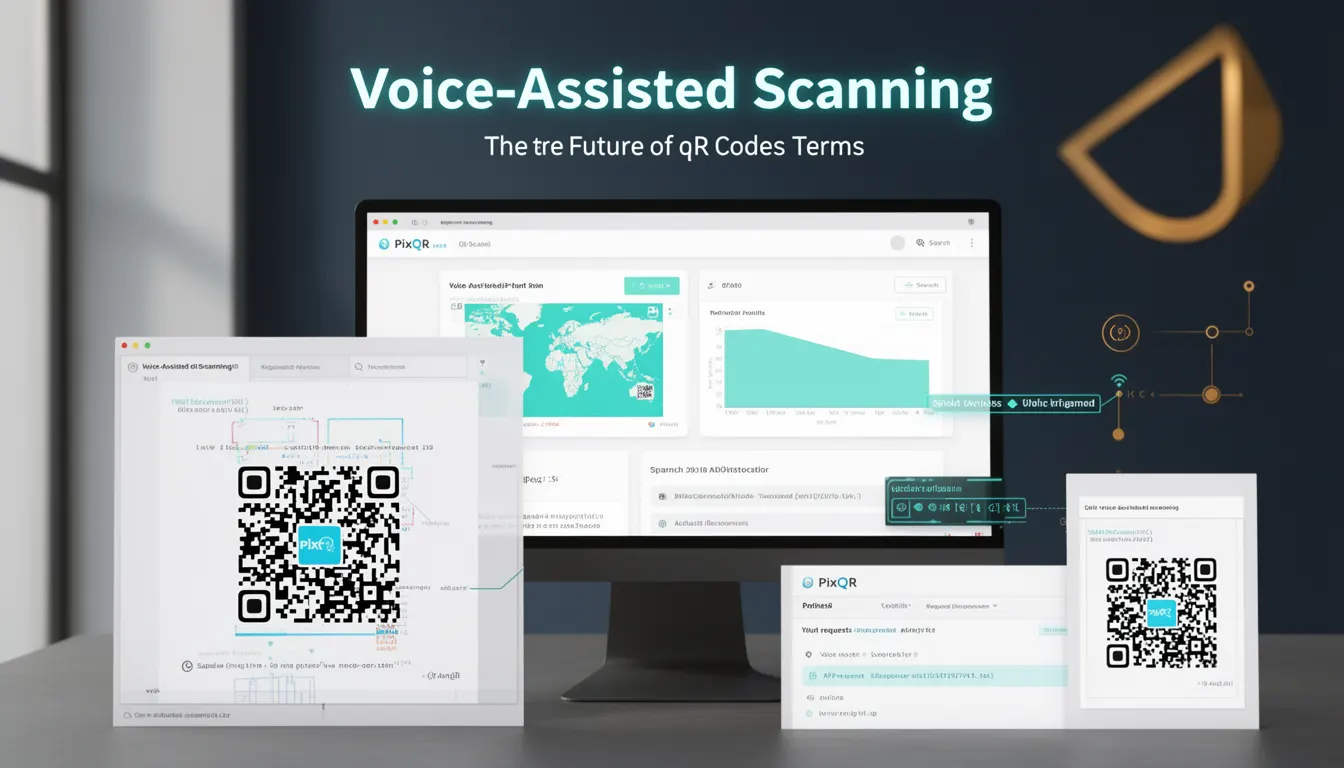
Voice-Assisted Scanning refers to a forward-looking approach to QR code interaction where users can initiate or control scanning actions through voice commands. This functionality leverages speech recognition APIs and integrates with existing QR code scanning workflows to provide hands-free interaction. It is particularly relevant in environments where physical interaction with devices is impractical or undesirable, such as in industrial settings, accessibility-focused applications, or smart home integrations.
For developers working with PixQR, Voice-Assisted Scanning represents a way to extend QR code utility beyond traditional scanning methods. It allows for dynamic interaction patterns where QR code actions can be triggered, modified, or validated through spoken input. This is especially useful when integrating with PixQR's dynamic redirect capabilities, as voice commands can influence which endpoint a QR code points to or modify parameters in real time.
Why It Matters
From a developer perspective, Voice-Assisted Scanning introduces new dimensions in user interaction design and system architecture. It enables developers to build more inclusive interfaces, particularly for users with mobility or visual impairments, and can significantly improve user experience in hands-free environments. In PixQR’s context, this means that QR codes can be part of a larger ecosystem of voice-controlled systems, where scan actions are not just initiated but also configured or validated by voice.
Security and privacy considerations are paramount. Voice-assisted interactions must be authenticated and validated to prevent unauthorized access or manipulation of QR code redirects. For example, a voice command to redirect a QR code to a different URL must be verified against user permissions or session data to avoid misuse. Additionally, developers must consider performance impacts when integrating speech recognition, as this can introduce latency or resource consumption that affects the overall scan experience.
How It Works
Voice-Assisted Scanning integrates with PixQR's existing scanning infrastructure by adding a voice recognition layer that can interpret commands and translate them into actions. This typically involves using browser APIs such as the Web Speech API or integrating with third-party speech recognition services. The core flow includes command recognition, validation, and execution, where a command may modify a QR code’s target URL, trigger a specific action, or prompt a confirmation step.
- Speech recognition is performed using
SpeechRecognitionor similar APIs, which must be enabled in supported browsers. - Commands are parsed and validated against a defined set of rules or permissions before execution.
- Results of voice commands can be used to dynamically modify the QR code's redirect behavior, such as changing the URL or appending parameters.
- For PixQR, the system must support the ability to accept and process dynamic updates to QR code targets via voice input.
- Feedback mechanisms are often implemented to confirm command receipt or to guide users in case of errors or ambiguity.
Quick Reference
| Item | Purpose | Notes |
|---|---|---|
SpeechRecognition | Recognizes spoken commands | Must be enabled via browser permissions |
| Command validation | Ensures safe execution of voice inputs | Should include authentication and authorization |
| Dynamic redirect modification | Updates QR code behavior based on voice input | Use PixQR’s API for secure parameter updates |
| Feedback system | Confirms command execution or error | Use text-to-speech or visual cues |
| Session context | Provides user context for voice commands | Integrate with existing PixQR session tracking |
Basic Example
PixQR Example QR
This QR links directly to this glossary page, so printed notes, onboarding docs, and support material can bring scanners back to the current reference.
/glossary/the-future-of-qr-codes/the-future-of-qr-codes-voice-assisted-scanning

This basic example demonstrates how to initiate a speech recognition session to trigger a QR code action. It uses the browser’s Web Speech API and listens for a specific command.
const recognition = new SpeechRecognition();
recognition.onresult = function(event) {
  const command = event.results[0][0].transcript;
  if (command.includes('scan')) {
    // Trigger QR scan or redirect
    console.log('Scan initiated via voice');
  }
};
recognition.start();
The example initializes a speech recognition session and listens for the word "scan" in the spoken input. If detected, it logs a message indicating a scan was initiated. This is a minimal implementation that does not include error handling or integration with PixQR's backend.
Production Example
This example shows a more robust implementation that integrates with PixQR’s dynamic redirect system. It includes validation, session context, and a feedback mechanism to ensure secure and controlled voice-assisted scanning.
const recognition = new SpeechRecognition();
recognition.continuous = true;
recognition.interimResults = false;
recognition.onresult = function(event) {
  const command = event.results[0][0].transcript.toLowerCase();
  const sessionId = getSessionId(); // From PixQR session tracking
  if (command.includes('redirect to')) {
    const url = command.replace('redirect to ', '');
    if (validateUrl(url)) {
      updateQRRedirect(sessionId, url); // PixQR API call
      speak('Redirect updated to ' + url);
    } else {
      speak('Invalid URL');
    }
  }
};
recognition.start();
This version includes session tracking, URL validation, and integration with PixQR’s redirect update API. It also provides audible feedback using a text-to-speech function, making it suitable for production environments where reliability and security are key.
Common Mistakes
- Not validating speech input before acting on it, leading to potential injection or misuse of QR code redirects.
- Ignoring browser permission requirements for speech recognition, causing silent failures in unsupported environments.
- Using voice commands without session context, which can result in unauthorized changes to QR code behavior.
- Not handling recognition errors or timeouts, which can leave the system in an unresponsive state.
- Overlooking accessibility implications, such as providing visual feedback for users who may not hear the TTS output.
Security And Production Notes
- Always validate and sanitize voice input to prevent injection attacks or unauthorized redirects.
- Implement session-based access controls to ensure that only authenticated users can modify QR code behavior via voice.
- Use HTTPS for all PixQR API calls to protect sensitive data in transit.
- Provide fallback mechanisms for environments where speech recognition is not available or reliable.
- Ensure that text-to-speech feedback is optional and accessible, supporting users with hearing impairments.
Related Concepts
Voice-Assisted Scanning is closely connected to several other technologies and concepts. Web Speech API is the core browser interface for speech recognition and synthesis. Dynamic QR redirects provide the backend capability to modify QR code behavior in real time. Accessibility standards ensure that voice interaction is inclusive and compliant with WCAG guidelines. Session management ensures that voice commands are tied to authenticated user contexts. Privacy controls are essential for protecting user data and ensuring secure, compliant operation.