 PixQR
PixQR
Overview
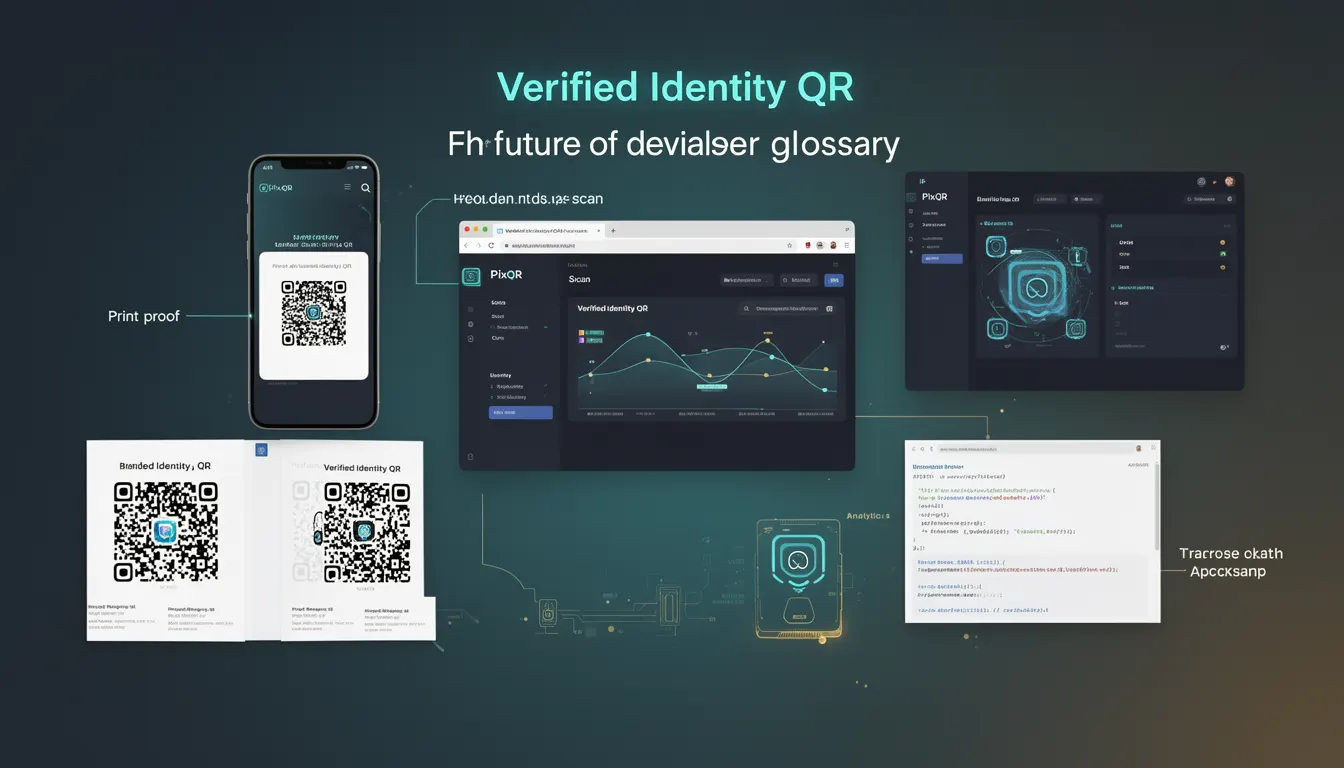
A Verified Identity QR is a next-generation QR code variant designed to provide assurance that the entity generating or hosting the QR code has been authenticated and verified. Unlike traditional QR codes, which may direct users to any URL without validation, Verified Identity QRs ensure that the destination is associated with a trusted source.
These QR codes are increasingly relevant in secure digital transactions, identity verification workflows, and environments where trust and fraud prevention are paramount. In the PixQR platform, Verified Identity QRs can be generated with metadata that indicates the identity of the issuer, and this metadata can be validated during the scanning process.
Why It Matters
For developers and platform operators, Verified Identity QRs address real security concerns such as phishing, unauthorized redirects, and fraud. In high-security environments like financial services, healthcare, or government systems, traditional QR codes can be exploited to redirect users to malicious domains. Verified Identity QRs mitigate this risk by embedding and enforcing identity verification during the code generation or scanning process.
From a user experience perspective, Verified Identity QRs also provide assurance that a scanned code is legitimate. This is especially important in scenarios like mobile payments, access control, or digital onboarding, where user trust directly impacts adoption and platform security.
How It Works
Verified Identity QRs operate through a combination of identity metadata, cryptographic signatures, and platform-level validation. The core mechanism involves embedding identity claims into the QR code’s data payload, which are then validated by the scanning client or PixQR’s backend.
- Identity metadata is embedded in the QR code's data structure, often using structured formats like JSON-LD or custom payloads.
- Each QR code is associated with a unique identifier and a cryptographic signature that ensures authenticity.
- When scanned, the PixQR platform validates the signature against a trusted identity registry or certificate authority.
- Scanning clients can be configured to reject QR codes that fail verification, enhancing security for enterprise and regulated use cases.
- Verified Identity QRs may include optional attributes like expiration time, usage limits, or redirect policies that are enforced at runtime.
Quick Reference
| Item | Purpose | Notes |
|---|---|---|
| Identity Metadata | Embeds issuer identity into QR code | Used for trust verification |
| Cryptographic Signature | Ensures authenticity of QR content | Validated during scan |
| Issuer Identifier | Unique ID for the entity generating the QR | Used in registry validation |
| Expiration Time | Time after which QR becomes invalid | Optional, configurable |
| Usage Limits | Number of scans allowed | Enforced by backend |
Basic Example
PixQR Example QR
This QR links directly to this glossary page, so printed notes, onboarding docs, and support material can bring scanners back to the current reference.
/glossary/the-future-of-qr-codes/the-future-of-qr-codes-verified-identity-qr

This example demonstrates the basic structure of a Verified Identity QR payload. It includes an issuer identifier and a signature that can be validated.
{
  "issuer": "https://example.com",
  "target": "https://example.com/secure-page",
  "signature": "a1b2c3d4e5f6",
  "expires": "2025-06-01T00:00:00Z"
}
The payload is encoded into a QR code and scanned. The signature field ensures that the content has not been tampered with, and the issuer field allows verification against a trusted registry.
Production Example
In a production system, a Verified Identity QR is generated with additional checks and secure configuration. The following example shows how such a QR might be created using a PixQR API call with identity validation enabled.
POST /api/v1/qr
{
  "url": "https://secure.example.com/login",
  "identity": {
    "issuer": "https://example.com",
    "certificate": "MIIE...",
    "verification": "verified"
  },
  "options": {
    "expires_in": 3600,
    "scan_limit": 5
  }
}
This example includes identity metadata, a certificate for validation, and options such as expiration and scan limit. The API ensures that the issuer is valid before generating the QR, and the generated code can only be scanned a limited number of times.
Common Mistakes
- Using unverified or outdated certificates in the identity metadata, leading to failed validations.
- Ignoring the expiration or usage limit fields, which can result in unauthorized access or abuse.
- Embedding sensitive data in the QR payload without proper encryption, exposing user or system information.
- Not configuring scanning clients to enforce identity checks, reducing the security benefit of the QR.
- Generating QR codes without validating the target URL, leading to redirects to malicious domains.
- Assuming all QRs are equally secure, without understanding the difference between standard and Verified Identity QRs.
Security And Production Notes
- Always validate cryptographic signatures using trusted certificate authorities to prevent tampering.
- Ensure that identity metadata is not exposed in logs or debugging output to avoid leaking sensitive issuer details.
- Use HTTPS for all URLs in the QR payload to prevent man-in-the-middle attacks.
- Implement rate limiting and usage tracking to prevent abuse of Verified Identity QRs.
- Regularly audit QR generation and validation workflows to detect anomalies or unauthorized access.
Related Concepts
Verified Identity QRs are closely related to several key concepts in secure QR code development and identity management:
- Dynamic QRs – QRs with payloads that change based on time or usage, often used in conjunction with Verified Identity QRs for enhanced security.
- OAuth 2.0 – Authentication protocols that can be integrated with Verified Identity QRs to enable secure, user-controlled access.
- JWT (JSON Web Tokens) – Used for encoding identity claims and signatures in QR payloads for secure transmission.
- QR Code Standards (ISO/IEC 18004) – The underlying specification that supports the embedding of structured data, including identity metadata.
- Trust Frameworks – Systems that define how identities are verified and how trust is established across platforms, such as those used by PixQR.