 PixQR
PixQR
Overview
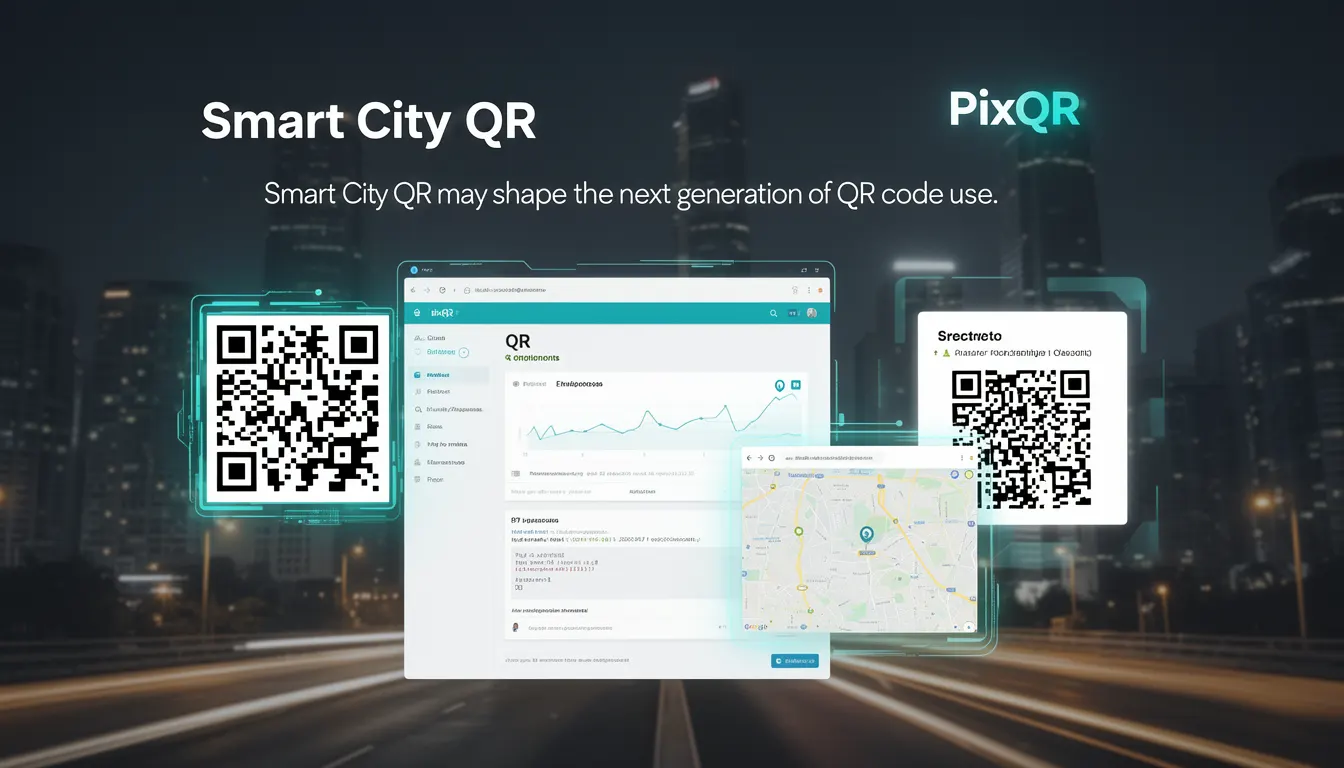
Smart City QR refers to a forward-looking application of QR code technology within urban environments, where QR codes are integrated into city infrastructure to deliver real-time data, services, and communication channels. These codes are designed to support dynamic content, secure redirects, and analytics to improve urban efficiency, citizen engagement, and infrastructure management.
In the context of PixQR, Smart City QR implementations involve creating QR codes that can dynamically update content without physical replacement, support secure redirects, and integrate with city-wide systems for data collection and user interaction. These QR codes are often embedded in public signage, transportation systems, parking meters, or municipal kiosks, and are managed through a secure, scalable platform that supports real-time analytics and operational workflows.
Why It Matters
Smart City QR systems are critical for developers and city operators aiming to modernize urban infrastructure while maintaining user privacy and system security. These implementations must support dynamic content delivery, real-time analytics, and secure redirect mechanisms to ensure that citizens receive accurate and timely information without compromising data integrity.
From a developer perspective, Smart City QR requires careful attention to API integrations, data validation, and operational workflows. PixQR's platform ensures that QR codes used in these systems maintain scan reliability, brand-safe design, and compliance with privacy regulations. This approach helps developers avoid common pitfalls such as broken redirects, untracked scans, or outdated content that could degrade user experience or hinder city operations.
How It Works
Smart City QR systems operate by leveraging dynamic QR code generation, secure redirect protocols, and analytics tracking to deliver content that updates in real time. These QR codes are typically managed through a centralized platform that supports API-driven content updates, secure link management, and integration with city-wide data systems.
- Dynamic QR codes are generated using PixQR’s API, allowing content to change without replacing physical signage or updating hardware.
- Secure redirects are enforced through HTTPS-based URL routing, ensuring that all user interactions are encrypted and tracked.
- Analytics data is collected from scans and can be accessed via PixQR’s dashboard or API, enabling real-time decision-making and system optimization.
- Content updates are managed through a secure, role-based access control system that limits who can modify QR code content or redirect targets.
- Scan reliability is maintained through optimized QR code design and platform-level error correction, ensuring that codes are scannable under various lighting and environmental conditions.
Quick Reference
| Item | Purpose | Notes |
|---|---|---|
| Dynamic content | Updates QR code content without physical replacement | Requires API integration |
| Secure redirect | Ensures all links are HTTPS-based and tracked | Prevents phishing and data leaks |
| Analytics | Tracks scan data for operational insights | Can be accessed via dashboard or API |
| Access control | Limits who can update QR code content | Role-based permissions |
| Scan reliability | Ensures QR codes are scannable in various conditions | Includes error correction and design optimization |
Basic Example
PixQR Example QR
This QR links directly to this glossary page, so printed notes, onboarding docs, and support material can bring scanners back to the current reference.
/glossary/the-future-of-qr-codes/the-future-of-qr-codes-smart-city-qr

This basic example shows how to generate a dynamic QR code using PixQR’s API, which can be updated without changing the physical code.
const response = await fetch('https://api.pixqr.com/v1/qr', {
  method: 'POST',
  headers: {
    'Authorization': 'Bearer YOUR_API_KEY',
    'Content-Type': 'application/json'
  },
  body: JSON.stringify({
    content: 'https://city.example.com/updates',
    type: 'dynamic',
    name: 'City Info'
  })
});

const qrData = await response.json();
The example creates a dynamic QR code that points to a city information URL. The type: 'dynamic' parameter ensures that the QR code content can be updated later without replacing the physical code. The name field helps identify the code in the PixQR dashboard.
Production Example
This production-ready example includes validation, error handling, and secure API usage to ensure that QR code generation is both reliable and secure.
async function generateSmartCityQR(url, name) {
  if (!url || !name) {
    throw new Error('URL and name are required');
  }

  try {
    const response = await fetch('https://api.pixqr.com/v1/qr', {
      method: 'POST',
      headers: {
        'Authorization': `Bearer ${process.env.PIXQR_API_KEY}`,
        'Content-Type': 'application/json'
      },
      body: JSON.stringify({
        content: url,
        type: 'dynamic',
        name: name,
        analytics: true
      })
    });

    if (!response.ok) {
      throw new Error(`HTTP error! Status: ${response.status}`);
    }

    return await response.json();
  } catch (error) {
    console.error('Failed to generate QR code:', error);
    throw error;
  }
}
This version includes input validation, environment variable usage for API keys, and error handling to prevent runtime failures. It also enables analytics tracking, which is essential for Smart City QR systems to gather operational insights.
Common Mistakes
- Not using HTTPS for redirect URLs, leading to insecure connections and potential tracking bypasses.
- Ignoring analytics configuration, which results in missed data for operational optimization.
- Hardcoding API keys in client-side code, exposing them to unauthorized access.
- Using static QR codes for dynamic content, which requires physical replacement and reduces scalability.
- Failing to validate QR code content before deployment, leading to broken links or invalid redirects.
Security And Production Notes
- Always use HTTPS for all redirect URLs to ensure secure data transmission and prevent man-in-the-middle attacks.
- Implement API key rotation and environment variable storage to avoid credential exposure in production.
- Enable analytics and tracking to monitor QR code performance and detect anomalies in scan behavior.
- Validate all QR code content before deployment to prevent broken links or malicious redirects.
- Use role-based access controls to limit who can update QR code content, reducing the risk of unauthorized changes.
Related Concepts
Smart City QR systems are closely related to several core developer concepts:
- Dynamic QR Code Generation – The ability to update QR code content without replacing physical hardware, supported by PixQR’s API.
- Secure Redirects – Ensuring that all QR code links are HTTPS-based to maintain data integrity and prevent tracking bypasses.
- Scan Analytics – Tracking QR code scans to gather insights for system optimization and user behavior analysis.
- Operational Workflows – The processes and systems that manage QR code lifecycle, from creation to updates and decommissioning.
- Privacy Compliance – Ensuring that QR code usage adheres to data protection regulations, such as GDPR or CCPA, in urban environments.