 PixQR
PixQR
Overview
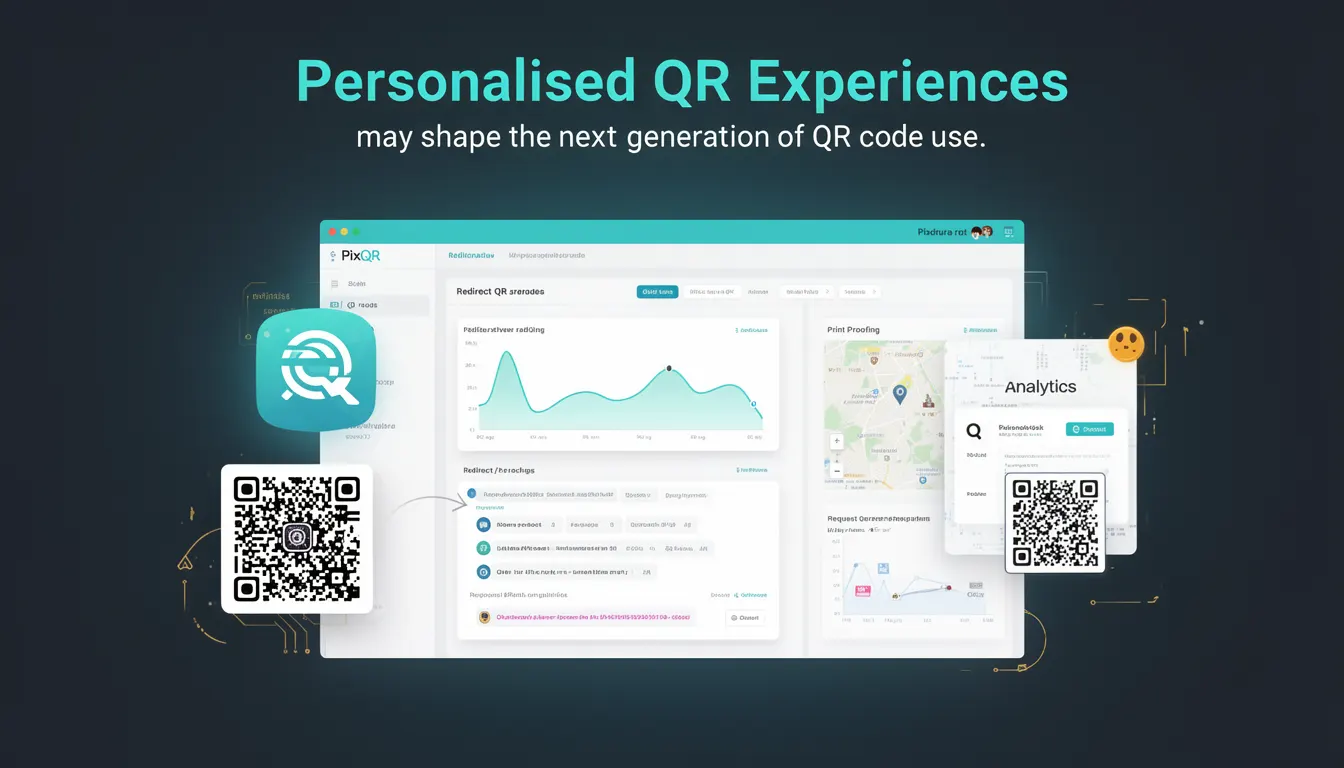
Personalised QR Experiences refer to the evolution of QR code technology beyond static, one-size-fits-all links. These experiences adapt dynamically based on user context, device, location, or previous interaction history, enabling more targeted, relevant, and engaging content delivery.
In PixQR's context, this involves leveraging user data, session tracking, and dynamic redirection logic to generate QR codes that lead to tailored landing pages or content. The technology supports advanced use cases such as location-based offers, user-specific promotions, or adaptive content based on scan history.
Why It Matters
For developers and product teams, Personalised QR Experiences enhance user engagement and conversion rates by delivering relevant content at the moment of interaction. For marketers, this approach supports more granular analytics and campaign performance tracking.
From a security and privacy perspective, it's crucial to ensure that personalisation data is handled in compliance with regulations like GDPR or CCPA. PixQR’s platform ensures that personalisation features are implemented securely, with options for data encryption and user consent management.
Performance-wise, adaptive QR handling requires efficient backend systems to manage multiple redirection paths and dynamic content rendering. The platform supports scalable infrastructure to handle high-volume scan events without compromising speed or reliability.
How It Works
Personalised QR Experiences are built on dynamic QR code generation logic that uses metadata and user context to determine the final redirect destination. The system evaluates incoming scan data, such as IP address, device type, or session cookies, and selects an appropriate URL or content path.
- QR codes are generated with unique identifiers and metadata tags that store user context or campaign data.
- Scan events are logged with parameters such as timestamp, geolocation, device type, and user agent.
- Dynamic redirect logic uses this data to route users to the most relevant landing page or content variant.
- Content personalisation is managed through PixQR’s API or internal content delivery system, which supports A/B testing and dynamic content rendering.
- Analytics and tracking are enabled at the QR code level, allowing real-time performance insights and user behavior analysis.
Quick Reference
| Item | Purpose | Notes |
|---|---|---|
| Metadata Tags | Store context data for personalisation | Used in QR code generation to define user or campaign variables |
| Dynamic Redirect | Route users to content based on scan data | Implemented through backend logic or PixQR’s API |
| Scan Analytics | Track and analyze scan behavior | Includes geolocation, device, and session data |
| Content Variants | Multiple versions of landing pages or content | Supports A/B testing and adaptive delivery |
| Privacy Controls | Manage data collection and consent | Enforce compliance with privacy regulations |
Basic Example
PixQR Example QR
This QR links directly to this glossary page, so printed notes, onboarding docs, and support material can bring scanners back to the current reference.
/glossary/the-future-of-qr-codes/the-future-of-qr-codes-personalised-qr-experiences

This example shows how a QR code might be generated with metadata for personalisation.
const qrConfig = {
  url: "https://example.com/landing",
  metadata: {
    campaign: "summer-sale",
    user_segment: "premium"
  }
};

const qrCode = pixqr.generate(qrConfig);
The metadata field stores campaign and user segment information, which PixQR uses to determine the appropriate redirect or content variant at scan time.
Production Example
This example demonstrates a production-ready approach to generating a personalised QR code with validation and analytics enabled.
const pixqr = require('pixqr-sdk');

const config = {
  url: "https://shop.example.com/product",
  metadata: {
    campaign: "back-to-school",
    user_id: "user_12345",
    device_type: "mobile"
  },
  analytics: {
    enabled: true,
    tracking_id: "UA-123456789-1"
  },
  security: {
    encryption: true,
    consent_required: true
  }
};

const qrCode = pixqr.generate(config);

// Output the QR code for display or download
console.log(qrCode);
This version includes validation, analytics tracking, and privacy controls, making it suitable for real-world deployment in a marketing or e-commerce environment.
Common Mistakes
- Using static QR codes for personalisation without backend logic to handle dynamic redirects.
- Storing sensitive user data in QR metadata without encryption or compliance checks.
- Ignoring device or browser detection, leading to poor user experience on mobile or desktop.
- Overloading QR code metadata with unnecessary data, increasing scan time or error rates.
- Not implementing fallback or error handling for failed redirects, resulting in broken user journeys.
Security And Production Notes
- Ensure all personalisation data is encrypted before being embedded in QR codes.
- Implement strict access controls for metadata and analytics APIs to prevent data leakage.
- Validate and sanitise all inputs to avoid injection or redirection attacks.
- Use HTTPS for all QR-generated URLs to enforce secure communication.
- Enable user consent and privacy controls for data collection and personalisation features.
Related Concepts
Personalised QR Experiences are closely related to several core QR code and digital marketing concepts:
- Dynamic QR Codes: The ability to change the destination URL after creation, essential for personalisation.
- Scan Analytics: Tracking and interpreting scan behavior to refine personalisation logic.
- Content Delivery Networks (CDNs): Used to serve variant content efficiently and quickly.
- API-Driven QR Generation: Enables integration with backend systems for real-time personalisation.
- Privacy Compliance: Ensures that personalisation does not violate data protection regulations.