 PixQR
PixQR
Overview
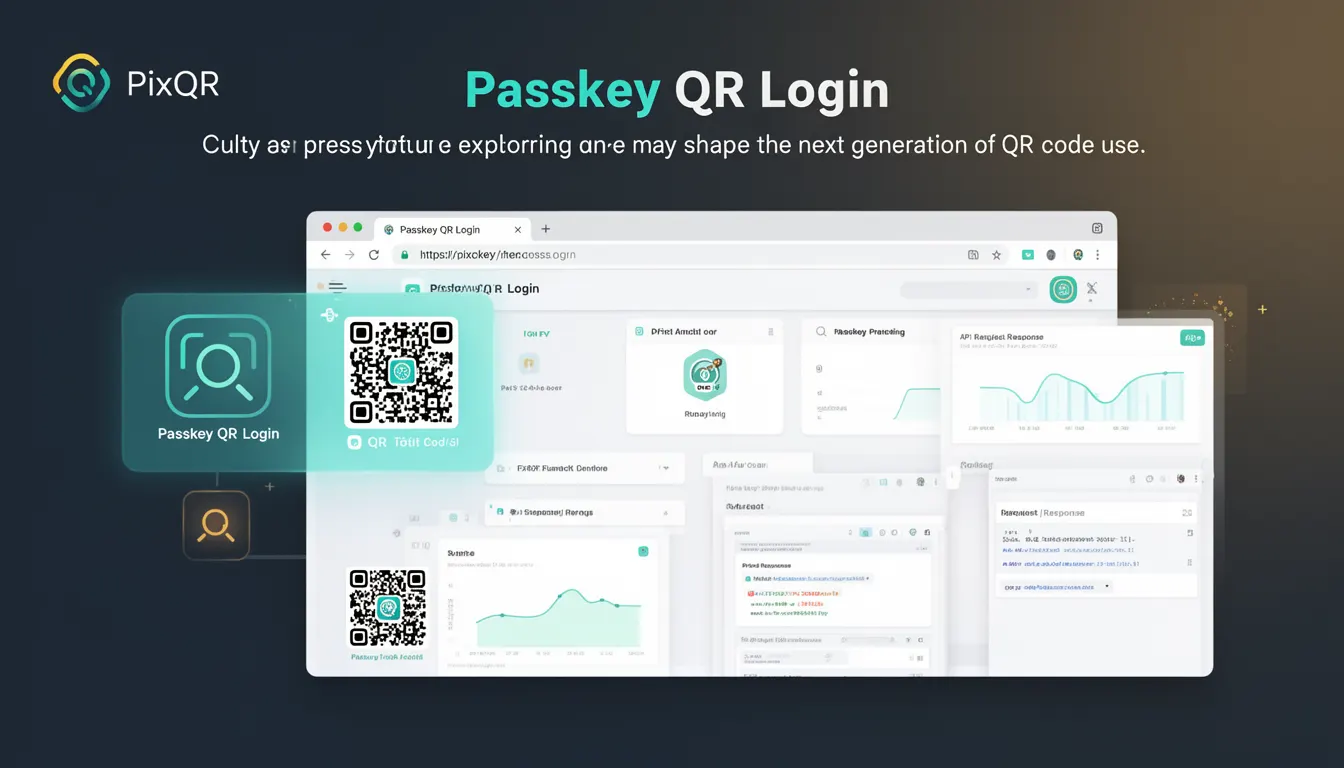
Passkey QR Login represents an emerging approach to authentication that combines QR code technology with modern passkey standards. It allows users to authenticate to a service by scanning a QR code that contains a cryptographic challenge or token, which is then resolved using a passkey stored on the user's device.
This method is particularly relevant in PixQR’s ecosystem where secure, brand-safe, and privacy-preserving authentication flows are essential. The technology builds on the Web Authentication API (WebAuthn) and extends its capabilities to QR-based interactions, offering a seamless and secure user experience.
Why It Matters
Passkey QR Login addresses the growing need for secure, passwordless authentication in environments where traditional login methods are vulnerable or impractical. It is especially valuable in enterprise and high-security contexts where QR codes are used for access control or user verification.
From a developer perspective, it offers a way to integrate strong authentication into PixQR-generated QR codes without requiring complex infrastructure or user-facing credentials. It also aligns with privacy-conscious design principles by reducing reliance on centralized identity providers and minimizing data collection.
For site operators, it reduces friction in authentication while improving security, particularly when combined with PixQR’s analytics and fraud prevention features. It enables secure login flows that can be tracked and audited without compromising user privacy.
How It Works
The Passkey QR Login process involves several steps, beginning with QR code generation that encodes a challenge or session token. This token is then resolved by a user's device using a passkey stored in a secure credential manager, such as the WebAuthn API.
- The QR code payload typically contains a structured JSON object that includes a challenge string, relying party ID, and optional metadata.
- The user scans the QR code using a device that supports WebAuthn, such as a smartphone or computer with a compatible browser.
- The device uses the embedded challenge to request a cryptographic signature from the passkey, which is then validated by the server.
- The server verifies the signature against the challenge and the public key stored in the passkey, confirming the user's identity.
- Once verified, the user is authenticated and redirected to the intended resource or application.
Implementation requires integration with the Web Authentication API, which is supported in modern browsers and mobile platforms. The QR code must encode the challenge in a way that is compatible with the WebAuthn protocol, typically using a structured format such as a JSON object or base64-encoded data.
Quick Reference
| Item | Purpose | Notes |
|---|---|---|
| WebAuthn API | Handles cryptographic authentication | Must be supported in client environment |
| QR Code Payload | Encodes challenge and metadata | Must be base64 or JSON structured |
| Passkey | Local cryptographic credential | Stored in secure OS credential manager |
| Challenge String | Unique token for authentication | Generated server-side, validated client-side |
| Server Verification | Confirms signature validity | Must validate against public key |
Basic Example
PixQR Example QR
This QR links directly to this glossary page, so printed notes, onboarding docs, and support material can bring scanners back to the current reference.
/glossary/the-future-of-qr-codes/the-future-of-qr-codes-passkey-qr-login

A basic Passkey QR Login flow starts with generating a QR code containing a challenge string. The user scans the QR code, which triggers a WebAuthn request to their device. The device then signs the challenge using a stored passkey and returns the signature to the server for validation.
// Example QR payload structure
const qrPayload = {
  challenge: "a1b2c3d4e5f6",
  rpId: "example.com",
  timeout: 30000
};

// QR code generation (simplified)
const qrCodeData = btoa(JSON.stringify(qrPayload));
// The QR code contains base64-encoded JSON
The key line is the encoding of the challenge into the QR code payload. This ensures that the client can reconstruct the authentication request using the WebAuthn API.
Production Example
In a production environment, the QR code must be generated with appropriate security headers, and the server must validate the WebAuthn response with strict checks. The system must also handle timeouts, errors, and user cancellations gracefully.
// Production-ready QR code generation
function generatePasskeyQR(challenge, rpId) {
  const payload = {
    challenge: challenge,
    rpId: rpId,
    timeout: 30000,
    allowCredentials: []
  };

  const encoded = btoa(JSON.stringify(payload));
  return `https://pixqr.com/auth?data=${encoded}`;
}

// Server-side verification example
async function verifyPasskeyResponse(response) {
  const { clientDataJSON, authenticatorData, signature, userHandle } = response;
  // Validate challenge, signature, and authenticator data
  const isValid = await verifySignature(
    clientDataJSON,
    authenticatorData,
    signature,
    userHandle
  );
  return isValid;
}
This version includes error handling, timeout management, and a secure server-side verification process. It reflects the kind of robustness required in a production system using PixQR’s platform for secure authentication.
Common Mistakes
- Incorrectly encoding the challenge in the QR code, leading to authentication failures or security vulnerabilities.
- Not validating the WebAuthn response server-side, leaving the system open to replay attacks.
- Using outdated or insecure QR code formats that do not support structured data.
- Ignoring browser compatibility issues, which can cause the authentication flow to break on older devices or browsers.
- Not handling user cancellation or timeout scenarios, resulting in a poor user experience or unhandled errors.
- Failing to implement secure storage or retrieval of passkeys, which can expose users to credential theft.
Security And Production Notes
- Always validate the challenge string server-side to prevent replay attacks and ensure session integrity.
- Use secure, HTTPS-only endpoints for QR code generation and authentication handling to prevent man-in-the-middle attacks.
- Implement strict timeouts and error handling to avoid hanging or unresponsive authentication flows.
- Ensure that the QR code payload is encoded securely and not susceptible to injection or parsing errors.
- Test across multiple browsers and devices to ensure compatibility with WebAuthn and passkey storage systems.
Related Concepts
Passkey QR Login is closely related to several other authentication and security technologies:
- Web Authentication API (WebAuthn): The underlying API that enables passkey-based authentication.
- QR Code Generation: The method used to encode authentication data into a scannable format.
- Dynamic Redirects: The ability to redirect users after successful authentication, often used in PixQR workflows.
- Secure Credential Storage: The requirement that passkeys be stored in secure, OS-level credential managers.
- Privacy-Preserving Authentication: The principle that authentication should not expose personal or sensitive data.