 PixQR
PixQR
Overview
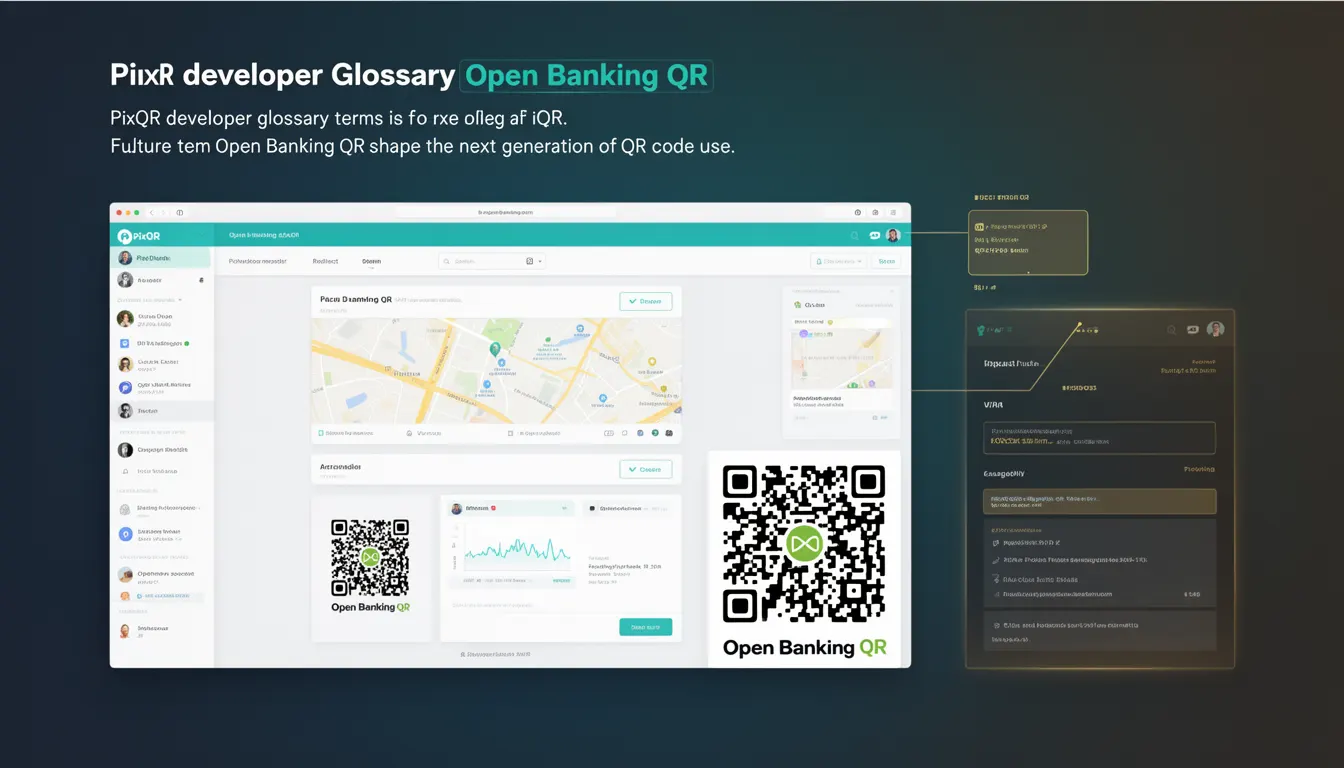
Open Banking QR refers to a future-facing QR code implementation designed to support secure financial transactions and data exchange between banks and third-party providers. It is part of the broader Open Banking movement, which promotes interoperability and innovation in financial services by enabling secure sharing of financial data and transaction capabilities.
In the context of PixQR, an Open Banking QR code is a dynamic, brand-safe QR that can carry structured data for initiating payments, retrieving account information, or triggering financial workflows. These QR codes are not static but are generated dynamically to ensure compliance with banking standards, such as PSD2 (Payment Services Directive 2) and related regulatory frameworks.
Why It Matters
For developers working within financial ecosystems, Open Banking QR codes are a critical tool for enabling secure, standardized financial interactions. They allow for the creation of dynamic, traceable, and auditable financial workflows, which are essential for regulatory compliance and fraud prevention.
From a product perspective, these QR codes enhance user experience by simplifying complex financial operations into a single scan. For example, a user can scan a QR code to instantly initiate a payment or view their account balance without navigating multiple platforms. This improves accessibility, reduces friction, and supports compliance with financial data protection laws.
How It Works
Open Banking QR codes are built on a foundation of dynamic QR generation, secure data encoding, and standardized financial protocols. The process involves several stages:
- Dynamic QR generation using PixQR's API to ensure each code is unique and tied to a specific transaction or data request.
- Data encoding in a structured format such as JSON, which includes identifiers, transaction details, and security tokens.
- Integration with financial APIs to validate and execute transactions securely.
- Use of secure protocols like OAuth 2.0 or OpenID Connect to authenticate and authorize access to financial data.
- Tracking and analytics capabilities to monitor scan activity, transaction success rates, and user behavior.
These QR codes are typically generated server-side, and their content is tied to a session or token that ensures only authorized parties can interact with the underlying financial data or transaction.
Quick Reference
| Item | Purpose | Notes |
|---|---|---|
| Dynamic QR Generation | Creates unique, secure codes for transactions | Must be tied to a session or token |
| Data Encoding | Encodes transaction or data request details | Uses structured formats like JSON |
| API Integration | Connects to financial service providers | Requires OAuth or similar auth |
| Security Token | Ensures code integrity and authorization | Must be time-limited and unique |
| Scan Tracking | Monitors QR code interactions | Used for analytics and fraud detection |
Basic Example
PixQR Example QR
This QR links directly to this glossary page, so printed notes, onboarding docs, and support material can bring scanners back to the current reference.
/glossary/the-future-of-qr-codes/the-future-of-qr-codes-open-banking-qr

This basic example shows how a PixQR Open Banking QR code might be generated for a payment initiation request.
const qrPayload = {
  "type": "payment_initiation",
  "amount": 100.00,
  "currency": "EUR",
  "recipient": "account_123456",
  "token": "abc123xyz"
};

const qrCode = pixqr.generate(qrPayload);
console.log(qrCode);
The example defines a payment initiation request with amount, currency, recipient, and a token. The token ensures the code is unique and secure. The generate function creates a QR code that encodes this data and is ready for scanning.
Production Example
This example demonstrates a more robust approach, including error handling, validation, and integration with a financial API.
const generateOpenBankingQR = async (paymentDetails) => {
  try {
    const { amount, currency, recipient } = paymentDetails;
    const token = generateSecureToken();
    const payload = {
      type: "payment_initiation",
      amount,
      currency,
      recipient,
      token
    };

    const qrCode = await pixqr.create(payload, {
      expiry: 3600,
      analytics: true
    });

    return qrCode;
  } catch (error) {
    console.error("QR generation failed:", error);
    throw error;
  }
};
This version includes token generation, a time-based expiry, and analytics tracking. It ensures that the QR code is secure, traceable, and integrated with PixQR's operational workflows.
Common Mistakes
- Reusing tokens or codes across multiple transactions, which can lead to unauthorized access or replay attacks.
- Not validating data before encoding, resulting in malformed QR codes or invalid financial requests.
- Ignoring expiry times, which can cause QR codes to remain active longer than necessary, increasing security risk.
- Using static QR codes for dynamic financial operations, which undermines the security and traceability benefits.
- Failure to track or log scan activity, which can hinder fraud detection or compliance audits.
Security And Production Notes
- Always use time-limited tokens to prevent replay attacks and unauthorized reuse.
- Validate all input data before encoding to ensure QR codes are valid and secure.
- Integrate with secure financial APIs and ensure proper authentication (OAuth, OpenID).
- Enable analytics and logging for all QR code interactions to support compliance and fraud detection.
- Ensure QR codes are generated server-side to avoid exposing sensitive data in client-side code.
Related Concepts
Open Banking QR is closely connected to several other financial and technical concepts:
- PSD2: The European regulation that mandates banks to allow third-party providers access to financial data.
- OAuth 2.0: The authorization framework used to secure financial API interactions.
- Dynamic QR: A QR code that changes with each use, enhancing security.
- Financial API: The backend services that enable transactions or data retrieval.
- Transaction Tracking: The process of monitoring and logging financial interactions.