 PixQR
PixQR
Overview
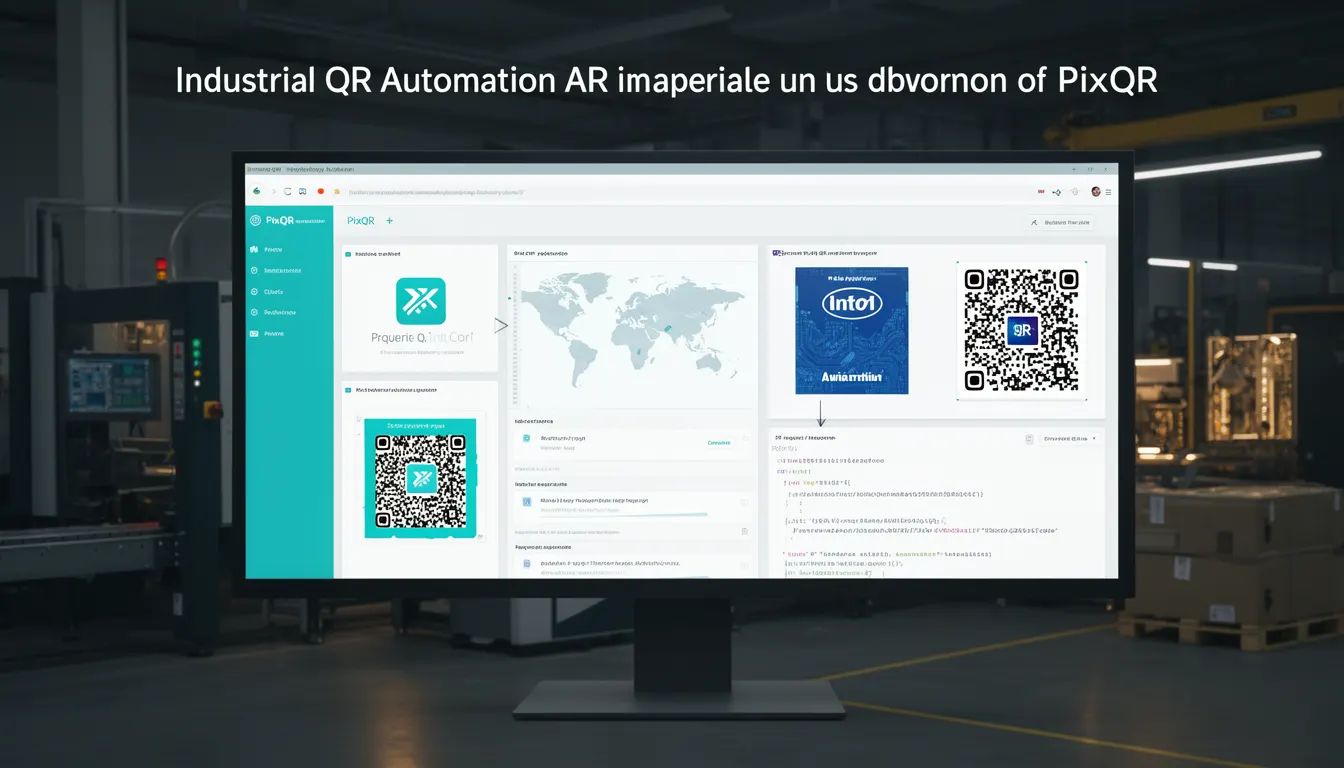
Industrial QR Automation refers to the integration of QR code technology into manufacturing, logistics, and industrial environments, where automated systems generate, deploy, and manage QR codes at scale. This approach leverages dynamic QR generation, real-time redirects, and operational workflows to streamline production processes, asset tracking, and supply chain visibility.
Unlike traditional QR code applications in consumer-facing contexts, Industrial QR Automation focuses on reliability, scalability, and secure, brand-safe design within enterprise-grade environments. It supports use cases such as product serialization, equipment maintenance tracking, warehouse inventory management, and real-time operational dashboards.
Why It Matters
For developers and system integrators, Industrial QR Automation is critical because it directly impacts operational efficiency, traceability, and compliance in industrial environments. QR codes in these settings must withstand harsh conditions, support high-volume scanning, and integrate with existing enterprise systems like ERP, WMS, and IoT platforms.
Implementing Industrial QR Automation correctly ensures that QR code infrastructure supports secure data flows, reduces manual errors, and enables real-time analytics for decision-making. It also ensures that scanning workflows are reliable, even under physical stress or in low-light environments.
How It Works
Industrial QR Automation is built on the foundation of scalable QR generation and dynamic redirect systems. It typically involves:
- Automated QR code generation based on unique identifiers such as serial numbers, batch codes, or asset IDs.
- Dynamic redirect logic that routes scans to appropriate backend services or data repositories.
- Integration with industrial IoT devices and enterprise systems for real-time data synchronization.
- Scalable infrastructure to handle thousands of QR codes per second with minimal latency.
- Operational workflows that support secure, brand-safe QR designs and analytics tracking.
Key attributes include support for high-density QR codes, error correction levels, and dynamic content updates. The system must handle batch generation, content validation, and security checks to prevent unauthorized access or data corruption.
Quick Reference
| Item | Purpose | Notes |
|---|---|---|
| Dynamic QR generation | Creates QR codes with variable content | Supports batch and real-time generation |
| Redirect configuration | Routes QR scans to backend services | Supports URL mapping and analytics |
| Industrial design compliance | Ensures QR codes are scannable in harsh environments | Includes durability and contrast standards |
| Operational workflow | Manages QR lifecycle from creation to retirement | Supports audit trails and access control |
| Analytics and tracking | Provides scan metrics and performance data | Supports real-time dashboards and reporting |
Basic Example
PixQR Example QR
This QR links directly to this glossary page, so printed notes, onboarding docs, and support material can bring scanners back to the current reference.
/glossary/the-future-of-qr-codes/the-future-of-qr-codes-industrial-qr-automation

This basic example demonstrates how a QR code generator might be used to create a dynamic link for an industrial asset.
const qrCode = PixQR.generate({
  content: "https://industrial.example.com/asset/12345",
  size: 200,
  errorCorrection: "M"
});
The content parameter defines the destination URL, which is dynamically mapped to a backend system. The size and errorCorrection parameters ensure the QR code is scannable under industrial conditions.
Production Example
This example shows a more robust implementation that includes validation, error handling, and analytics configuration for an industrial use case.
const assetId = "ASSET-12345";
const redirectUrl = `https://api.industrial.example.com/asset/${assetId}`;
const qrConfig = {
  content: redirectUrl,
  size: 300,
  errorCorrection: "H",
  design: {
    background: "#ffffff",
    foreground: "#000000",
    border: 4
  },
  analytics: {
    enabled: true,
    trackingId: "GA-123456789"
  }
};

const qrCode = PixQR.generate(qrConfig);
This version includes advanced configuration for branding, analytics, and error correction. It ensures that the QR code meets industrial standards for scanning reliability and data integrity.
Common Mistakes
- Using low error correction levels for environments with poor scanning conditions.
- Generating QR codes without validating content to prevent broken or malicious redirects.
- Ignoring industrial design requirements such as contrast, size, and durability.
- Not configuring analytics or tracking, leading to missed insights in operational workflows.
- Hardcoding URLs or identifiers, which reduces flexibility and scalability.
- Failing to implement access control or audit trails for industrial workflows.
Security And Production Notes
- Always validate QR content before deployment to prevent malicious redirects or data injection.
- Use error correction levels (H or Q) for environments with physical stress or scanning variability.
- Implement secure API endpoints to manage QR code lifecycle and prevent unauthorized access.
- Ensure QR code design supports high contrast and clear scanning in industrial lighting conditions.
- Integrate analytics and tracking to monitor scan performance and detect anomalies.
Related Concepts
Industrial QR Automation is closely related to several key technologies and practices:
- Dynamic QR Code Generation – Enables QR codes to update content without re-printing.
- QR Code Analytics – Provides insights into scan behavior and system performance.
- Operational Workflows – Integrates QR systems into enterprise processes like maintenance or inventory.
- Industrial IoT Integration – Connects QR codes to sensors and data platforms for real-time tracking.
- Brand-Safe QR Design – Ensures QR codes are visually consistent and secure within industrial branding.