 PixQR
PixQR
Overview
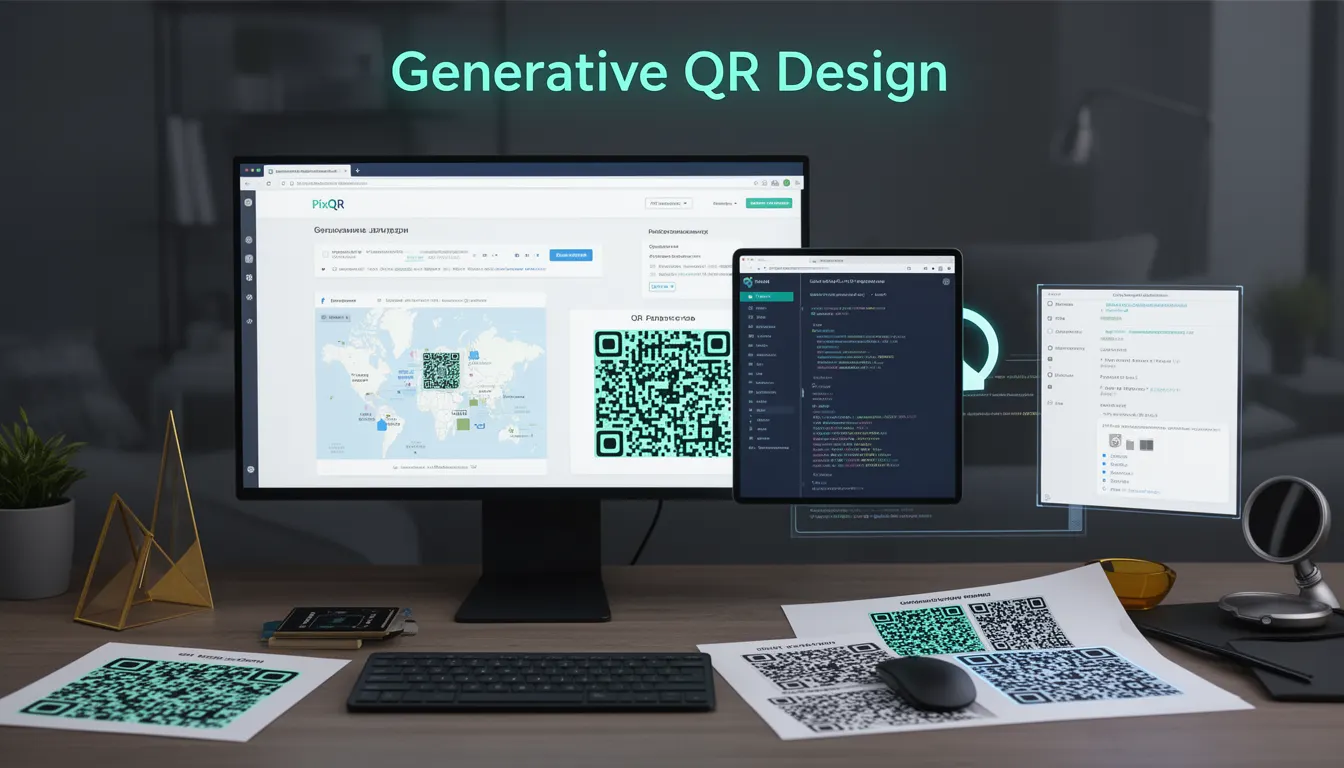
Generative QR Design refers to an evolving approach in QR code development that uses algorithmic or machine learning techniques to dynamically create QR codes based on input parameters, brand guidelines, or contextual data. Unlike static QR codes, generative designs can adapt in real time to user context, brand assets, or content types, while maintaining full compatibility with standard QR code readers.
This term is increasingly relevant in modern QR code platforms such as PixQR, where developers and marketers seek more flexibility in QR code creation without sacrificing reliability, scan performance, or compliance. Generative QR Design is not about altering the QR code's data structure but about how its visual form is generated, especially in dynamic or branded environments.
Why It Matters
For developers, Generative QR Design enables more adaptive and responsive QR code experiences. It allows for dynamic branding, real-time content updates, and improved user engagement by aligning QR code aesthetics with user context or campaign goals. For example, a QR code might change color, shape, or even embedded metadata based on the device or location of the scan.
From a product and security perspective, generative QRs must maintain compatibility with all QR code readers and comply with industry standards such as ISO/IEC 18004. PixQR ensures that generative QRs are always scannable, regardless of how they are generated, and supports analytics tracking that can distinguish between different code variants without breaking the core QR functionality.
How It Works
Generative QR Design is a process where QR code visual elements are programmatically altered while preserving the underlying data structure. The system typically accepts input parameters and applies rules or algorithms to determine visual attributes such as color, shape, pattern, or embedded elements.
- Input parameters may include brand colors, background styles, embedded logos, or contextual metadata.
- The system uses a QR code generator engine that supports visual customization while maintaining scannability.
- Visual attributes such as foreground and background colors are applied via configuration, not by altering the QR matrix itself.
- Advanced implementations may use AI or ML to dynamically select design elements based on user behavior or device type.
- Generated QR codes are validated for scannability and compliance with QR standards before deployment.
Quick Reference
| Item | Purpose | Notes |
|---|---|---|
| brand_color | Sets primary color of QR code | Must be valid hex or RGB |
| logo_placement | Defines where embedded logo appears | Supports center, corner, or custom placement |
| scan_tracking | Enables analytics for QR scans | Requires valid PixQR API key |
| data_matrix | Controls QR matrix structure | Read-only for scannability |
| fallback_image | Image to display if QR fails | Must be 1:1 aspect ratio |
Basic Example
PixQR Example QR
This QR links directly to this glossary page, so printed notes, onboarding docs, and support material can bring scanners back to the current reference.
/glossary/the-future-of-qr-codes/the-future-of-qr-codes-generative-qr-design

This example shows how a basic generative QR code might be created using a configuration object with branding parameters.
const qrConfig = {
  data: "https://example.com",
  brand_color: "#007BFF",
  logo_placement: "center",
  size: 200
};

const qrCode = generateQR(qrConfig);
The example sets a brand color and logo position, then passes these to a QR generation function. The function ensures that the QR code remains scannable while applying the visual settings.
Production Example
This example shows how a production-ready generative QR code system might integrate with analytics and validation to ensure both branding and reliability.
const generateBrandedQR = (options) => {
  const { data, brand_color, logo_url, tracking_id } = options;

  if (!isValidURL(data)) {
    throw new Error("Invalid URL provided");
  }

  const qrConfig = {
    data: data,
    foreground_color: brand_color,
    logo: logo_url,
    analytics: tracking_id
  };

  const qrCode = pixqr.generate(qrConfig);

  if (!qrCode.isScannable) {
    throw new Error("Generated QR code is not scannable");
  }

  return qrCode;
};
This version includes URL validation, error handling, and ensures QR code scannability before returning the result. It's suitable for integration into larger systems where reliability and compliance are critical.
Common Mistakes
- Using invalid color formats that break QR generation or cause rendering issues in browsers.
- Embedding large or high-resolution logos that distort the QR matrix and prevent scanning.
- Forgetting to validate QR code scannability after generation, leading to broken user experiences.
- Overriding QR code standards by altering matrix values instead of applying visual styles.
- Not setting proper analytics tracking or failing to associate tracking IDs with generated codes.
Security And Production Notes
- Always validate input data to prevent injection attacks or malformed QRs.
- Ensure that QR code visuals do not include elements that could mislead users or obscure scanning.
- Use HTTPS for all embedded assets like logos to prevent mixed-content warnings.
- Test generated QRs across multiple readers and devices to confirm scannability.
- Implement logging for analytics tracking to monitor usage and detect anomalies.
Related Concepts
Generative QR Design is closely related to several core QR code development concepts:
- Dynamic QR Redirects – Enables QR codes to point to variable URLs, which can be combined with generative design for context-aware links.
- QR Code Analytics – Tracking scans and behavior is essential for evaluating generative code performance and user interaction.
- Brand-Safe Design – Ensures QR codes maintain brand integrity and visual consistency while remaining scannable.
- Scan Reliability – The core requirement that any generative QR must remain fully scannable across all platforms and devices.
- Privacy-First QR Systems – Generative systems must avoid embedding sensitive data or tracking user behavior without consent.