 PixQR
PixQR
Overview
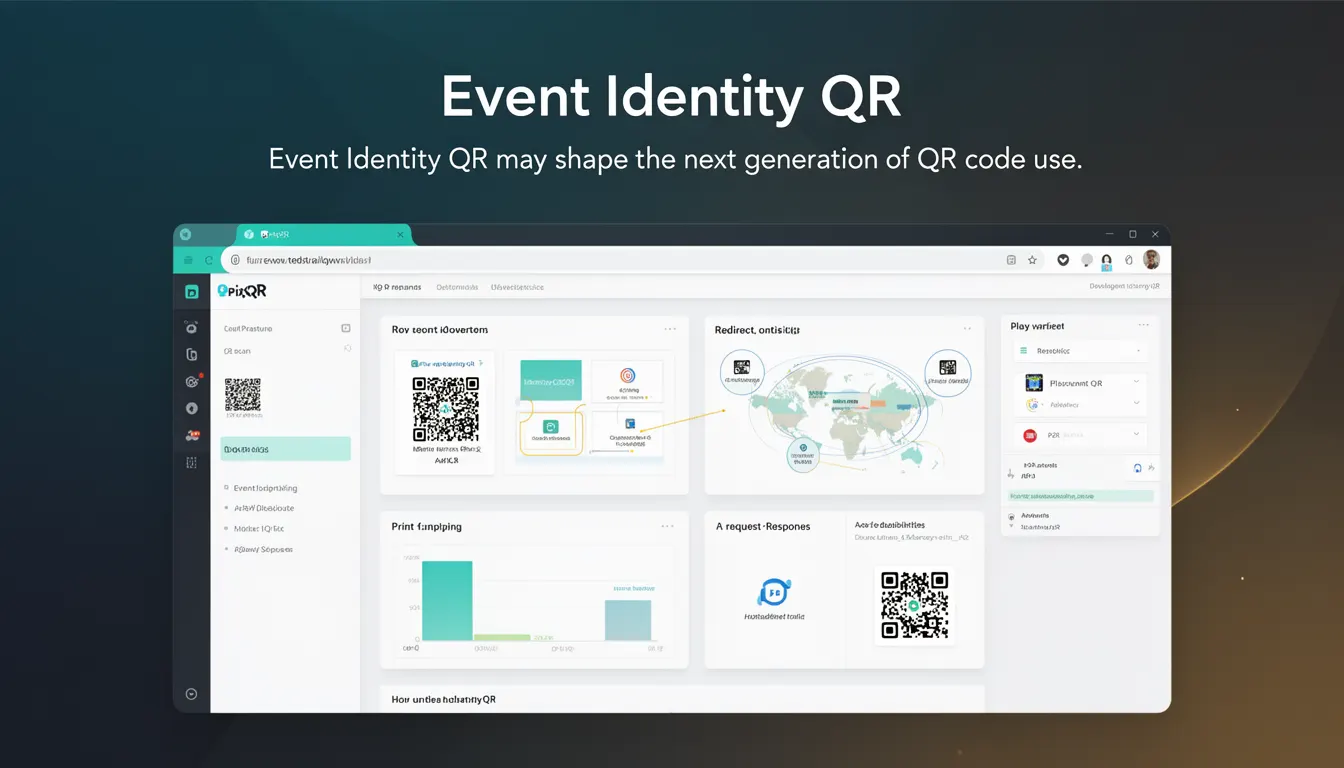
Event Identity QR is a future-facing concept within the PixQR platform that extends the traditional use of QR codes beyond simple link redirection. It represents a paradigm shift toward QR codes that carry contextual identity information, enabling dynamic, secure, and traceable interactions for event-based applications.
While standard QR codes typically encode a single URL or text string, Event Identity QR introduces a structured identity layer that allows for more sophisticated behavior. This includes associating QR codes with event-specific metadata, user permissions, and real-time analytics, all while maintaining PixQR’s core principles of brand-safe design, privacy, and operational reliability.
Why It Matters
For developers working with PixQR, Event Identity QR offers a scalable and secure way to manage event-based QR code systems. It enables dynamic content delivery, reduces the need for frequent QR code regeneration, and supports real-time tracking of event participation, attendance, and engagement.
From a security perspective, Event Identity QR helps prevent unauthorized use or tampering of QR codes by embedding cryptographic identifiers and access control metadata. It also supports compliance with privacy regulations by enabling granular control over data collection and user tracking.
From a performance standpoint, this approach reduces backend load by predefining QR code behavior, minimizing server-side processing during scan events. It also allows for better analytics and reporting, which is essential for event organizers and platform operators.
How It Works
Event Identity QR codes operate through a combination of structured metadata, dynamic content management, and secure token-based access. The QR code itself encodes a unique identifier or token that references an event-specific configuration stored on the PixQR backend.
- The identifier is typically a UUID or hash-based token that maps to an event configuration in the PixQR system.
- Each QR code can be associated with multiple attributes such as event start/end times, location data, user access levels, and redirect targets.
- When scanned, the QR code triggers a lookup in PixQR’s secure database to retrieve the event-specific metadata and redirect logic.
- Event Identity QR supports dynamic redirection, where the target URL can change based on event state, time, or user permissions.
- Scan analytics are automatically captured and can be queried through PixQR’s API, enabling real-time dashboards and event tracking.
Quick Reference
| Item | Purpose | Notes |
|---|---|---|
| Event ID | Unique identifier for the event | Must be globally unique, typically UUID |
| Access Token | Secure token for QR code access | Encrypted and stored on PixQR backend |
| Redirect URL | Target destination for QR scan | Can be static or dynamic based on event state |
| Metadata | Event-specific data attached to QR | Includes time, location, permissions |
| Scan Analytics | Tracking and reporting of QR scans | Available via PixQR API or dashboard |
Basic Example
PixQR Example QR
This QR links directly to this glossary page, so printed notes, onboarding docs, and support material can bring scanners back to the current reference.
/glossary/the-future-of-qr-codes/the-future-of-qr-codes-event-identity-qr

This example demonstrates how a basic Event Identity QR might be generated using PixQR’s API. The QR code encodes an event identifier and a redirect URL.
const eventQR = {
  "event_id": "e7d5f3a1-b1c2-4d3e-8f4a-5b6c7d8e9f0a",
  "redirect_url": "https://event.pixqr.com/entry",
  "metadata": {
    "start_time": "2025-04-01T10:00:00Z",
    "location": "Convention Center A",
    "access_level": "attendee"
  }
};
This configuration defines a QR code for an event that redirects to a specific entry page. The metadata provides context for how the QR code should behave during a scan.
Production Example
This more robust example includes validation, error handling, and dynamic behavior. It simulates how a system might generate and validate an Event Identity QR before deployment.
function generateEventQR(eventConfig) {
  const eventId = generateUUID();
  const token = generateSecureToken();
  const qrData = {
    event_id: eventId,
    access_token: token,
    redirect_url: eventConfig.redirect_url,
    metadata: {
      start_time: eventConfig.start_time,
      location: eventConfig.location,
      access_level: eventConfig.access_level || "public"
    }
  };
  // Validate event config
  if (!qrData.redirect_url || !qrData.metadata.start_time) {
    throw new Error("Invalid event configuration");
  }
  return qrData;
}

// Example usage
const event = {
  redirect_url: "https://event.pixqr.com/attendee-checkin",
  start_time: "2025-04-01T10:00:00Z",
  location: "Main Hall",
  access_level: "registered"
};

const qrCode = generateEventQR(event);
console.log(qrCode);
This version includes validation logic, token generation, and structured metadata, making it suitable for production systems. It ensures that all required fields are present and that the QR code configuration aligns with PixQR’s operational standards.
Common Mistakes
- Not validating event metadata before QR generation, leading to runtime errors or invalid scans.
- Reusing event identifiers, which can cause conflicts in analytics or access control.
- Storing sensitive access tokens in client-side code or logs, exposing QR code access.
- Ignoring scan analytics or not integrating them into monitoring systems, reducing the utility of the QR code.
- Using static redirect URLs in dynamic event environments, causing incorrect or outdated behavior.
Security And Production Notes
- Event Identity QR codes must be generated with secure tokens to prevent unauthorized access or tampering.
- Metadata should not include sensitive or personal data to comply with privacy regulations.
- All QR code configurations should be validated before deployment to avoid runtime issues.
- Scan tracking and analytics should be enabled to monitor event performance and detect anomalies.
- QR code identifiers should be globally unique and follow UUID standards to avoid collisions.
Related Concepts
Event Identity QR is closely related to several core PixQR concepts:
- Dynamic Redirects – Event Identity QR leverages dynamic redirection to adapt content based on event conditions.
- Scan Analytics – QR code tracking and event participation data are core to the identity system.
- Privacy Controls – The system must support granular access controls and data minimization.
- Operational Workflows – Event Identity QR integrates with PixQR’s secure workflow systems for event management.
- Brand-Safe Design – QR codes must maintain brand integrity and avoid unsafe redirects or content.