 PixQR
PixQR
Overview
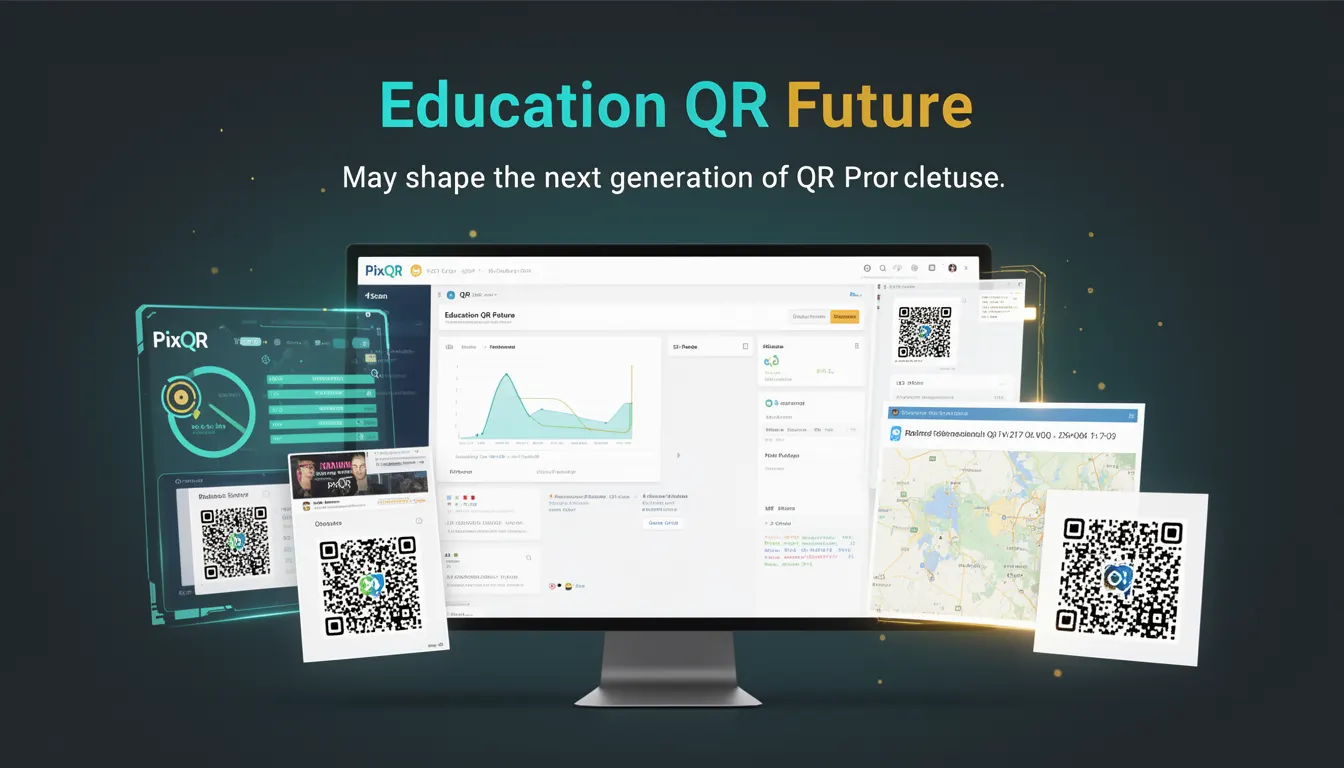
Education QR Future refers to the evolving role of QR codes within educational environments, particularly how they may be used to enhance learning, accessibility, and engagement. As educational institutions and content creators increasingly adopt digital tools, QR codes are becoming more than simple link generators. They are being integrated into learning management systems, interactive textbooks, and campus infrastructure to provide seamless access to multimedia content, course materials, and real-time feedback.
For developers working with PixQR, this term is relevant when designing QR code solutions that support dynamic content delivery, analytics tracking, and secure access controls for educational use cases. The focus is on leveraging QR code technology to bridge physical and digital learning environments, improving user experience, and enabling scalable deployment.
Why It Matters
For developers, the concept of Education QR Future is significant because it demands attention to scalability, security, and accessibility. QR codes in educational settings often serve as gateways to sensitive content, including student data, assessments, and proprietary curriculum materials. PixQR's platform must ensure that QR code generation and redirection support secure workflows, reliable scanning, and compliance with privacy regulations like FERPA or GDPR.
From a performance standpoint, QR codes in education may be scanned in high-volume, low-latency environments such as classrooms or campus events. Ensuring fast, stable redirects and analytics tracking without degradation is critical. Additionally, developers must consider accessibility implications—QR codes must not exclude students with disabilities, and their integration into learning tools should support assistive technologies.
How It Works
The mechanism behind Education QR Future involves a combination of dynamic QR generation, content management, and analytics. PixQR supports the creation of QR codes that can be updated in real time, allowing educators to modify content without re-printing physical materials. These QR codes can redirect to resources such as video lectures, interactive quizzes, or external learning platforms.
- QR codes can be generated with dynamic payloads that update without changing the physical code.
- Each QR code can be assigned metadata, including content type, access permissions, and expiration dates.
- Analytics tracking is enabled to monitor scan rates, geographic distribution, and user engagement with educational content.
- Redirects can be configured to support secure HTTPS endpoints, ensuring data integrity and privacy.
- Integration with learning management systems (LMS) allows for tracking student progress through QR-enabled materials.
Quick Reference
| Item | Purpose | Notes |
|---|---|---|
| Dynamic QR payload | Allows updates without re-printing | Use with PixQR API for real-time content modification |
| Metadata fields | Provides context for content and access | Supports permissions and expiration |
| Redirect URL | Defines where the QR code points | Must support HTTPS for security |
| Analytics tracking | Monitors usage and engagement | Includes scan count, time, and location |
| Integration with LMS | Enables progress tracking | Requires API support for data exchange |
Basic Example
PixQR Example QR
This QR links directly to this glossary page, so printed notes, onboarding docs, and support material can bring scanners back to the current reference.
/glossary/the-future-of-qr-codes/the-future-of-qr-codes-education-qr-future
This example demonstrates how to generate a basic QR code with a dynamic redirect using PixQR's API. It shows a simple payload that points to a video lecture.
const qrPayload = {
  url: "https://example.com/lecture1",
  type: "dynamic",
  metadata: {
    title: "Introduction to Quantum Physics",
    subject: "Physics"
  }
};

const response = await fetch("/api/qr/generate", {
  method: "POST",
  headers: { "Content-Type": "application/json" },
  body: JSON.stringify(qrPayload)
});

const qrCodeUrl = response.json().url;
The example shows how to define a dynamic QR code with metadata. The payload includes a URL, type, and optional metadata fields. The API response provides the generated QR code URL, which can be embedded in printed materials or digital content.
Production Example
This production-ready example includes validation, access control, and analytics. It ensures that QR codes are generated securely and trackable, suitable for educational environments.
const generateEducationalQR = async (courseId, contentId, userId) => {
  const payload = {
    url: `https://lms.example.com/content/${contentId}`,
    type: "dynamic",
    metadata: {
      courseId,
      contentId,
      subject: "Mathematics",
      accessLevel: "student"
    },
    analytics: {
      enabled: true,
      trackLocation: true,
      trackDevice: true
    }
  };

  const response = await fetch("/api/qr/generate", {
    method: "POST",
    headers: { "Content-Type": "application/json", "Authorization": "Bearer " + token },
    body: JSON.stringify(payload)
  });

  if (!response.ok) {
    throw new Error("Failed to generate QR code");
  }

  return await response.json();
};
This version includes validation, access control via authorization headers, and analytics configuration. It is suitable for integration into LMS or campus-wide systems where data integrity, user tracking, and compliance are essential.
Common Mistakes
- Using static QR codes for content that changes frequently, leading to outdated links and user confusion.
- Not validating QR code payloads, which can introduce security vulnerabilities or redirect to malicious URLs.
- Ignoring analytics settings, resulting in missed opportunities to track student engagement or content effectiveness.
- Using insecure HTTP redirects instead of HTTPS, exposing sensitive educational data to interception.
- Overlooking accessibility considerations, such as lack of alt text or contrast for visually impaired users.
Security And Production Notes
- Always use HTTPS for QR code redirects to protect data in transit and maintain compliance with privacy regulations.
- Implement payload validation to prevent injection or redirection to unsafe domains.
- Set access controls on QR code metadata to ensure only authorized users can view or interact with content.
- Use expiration dates on dynamic QR codes to limit access to time-sensitive materials.
- Ensure analytics are configured securely to avoid tracking personal or sensitive information without consent.
Related Concepts
Education QR Future intersects with several core concepts in QR code development and digital learning:
- Dynamic QR Generation – The ability to modify QR code content without re-printing physical materials.
- Scan Analytics – Tracking how QR codes are used to improve educational content delivery.
- Secure Redirects – Ensuring QR code redirects are safe and comply with data protection standards.
- Content Management – Integrating QR codes with learning platforms for seamless access to resources.
- Accessibility Compliance – Ensuring QR codes are usable by students with disabilities, including screen readers and high contrast support.