 PixQR
PixQR
Overview
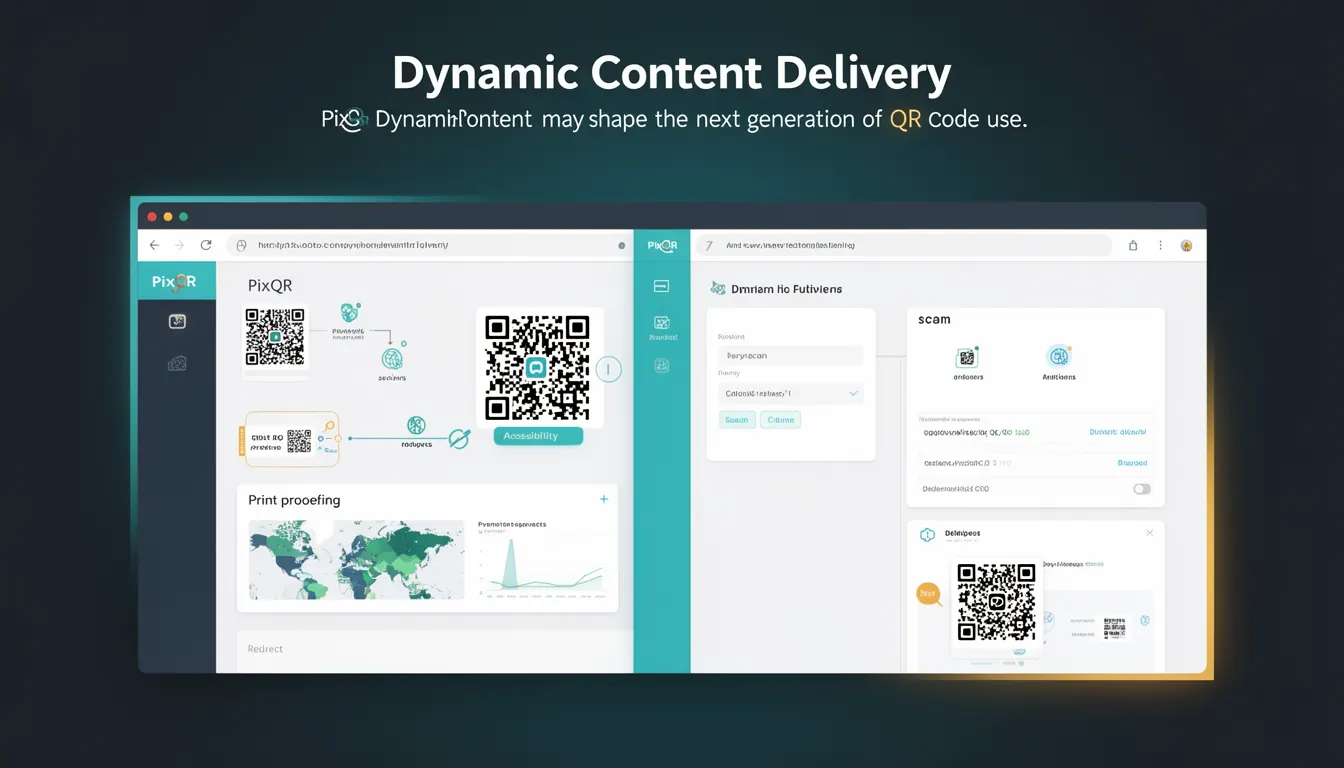
Dynamic Content Delivery (DCD) is a technology concept that describes the ability to deliver content to a user's device based on real-time conditions, such as user location, device type, time of day, or user behavior. In the context of PixQR, DCD enables QR codes to function as intelligent links that can dynamically adapt their destination content based on environmental factors or user-specific data.
Unlike traditional QR codes that point to a fixed URL, a dynamically delivered QR code can redirect users to different content depending on context. This allows for more personalized, adaptive experiences, which are particularly valuable in marketing, analytics, and user engagement workflows. For developers working with PixQR, DCD is a key enabler for creating advanced QR code systems that respond to data in real time.
Why It Matters
Dynamic Content Delivery is essential in modern QR code platforms because it allows for more flexible, user-centric experiences. For example, a QR code used in a retail environment could redirect to a localized product page, promotional offer, or store-specific inventory information based on the user’s location or previous purchase history. This level of adaptability enhances both the user experience and the effectiveness of marketing campaigns.
From a developer perspective, DCD enables scalable and maintainable QR code systems. Instead of managing multiple static QR codes, a single QR code can serve many use cases through backend logic. This also reduces the need for physical or digital reprints, which is particularly important for print-based campaigns or long-term branding efforts. For PixQR, this means better operational workflows, improved analytics, and more robust security through centralized content control.
How It Works
Dynamic Content Delivery in the context of QR codes typically involves a backend system that evaluates incoming scan data or environmental variables and selects an appropriate URL or content payload to deliver. The process begins when a user scans a QR code, which triggers a request to the PixQR platform. The platform then processes this request through a set of logic rules or API integrations to determine the content to serve.
- Upon scanning, the QR code sends a request to PixQR's API endpoint, including scan metadata such as timestamp, IP address, and device type.
- The system evaluates this data against a set of configured rules or external data sources (e.g., user profiles, geolocation services, or CRM data).
- Based on the evaluation, the platform selects a dynamic URL or content payload from a configured content pool.
- The system then redirects the user to the selected destination, which may be a landing page, a mobile app, or a dynamic web experience.
- Analytics are recorded for each scan and delivery, providing insights into user behavior and campaign performance.
Quick Reference
| Item | Purpose | Notes |
|---|---|---|
| Scan metadata | Provides context for content selection | Includes IP, timestamp, device type |
| Content pool | Stores possible destinations | Can be static or dynamic |
| Rule engine | Processes logic to select content | Supports conditional logic |
| Analytics tracking | Records delivery outcomes | Used for optimization |
| Redirect URL | Final destination after content selection | Must be secure and valid |
Basic Example
PixQR Example QR
This QR links directly to this glossary page, so printed notes, onboarding docs, and support material can bring scanners back to the current reference.
/glossary/the-future-of-qr-codes/the-future-of-qr-codes-dynamic-content-delivery

This basic example shows how a PixQR system might select a content URL based on a simple device type check.
function selectContent(scanData) {
  const { deviceType } = scanData;
  if (deviceType === 'mobile') {
    return 'https://example.com/mobile-offer';
  } else {
    return 'https://example.com/desktop-offer';
  }
}
The example demonstrates a simple content selection mechanism based on device type. In a real system, this logic would be extended to include more complex rules and data sources.
Production Example
This production-ready example shows a more robust implementation of content selection, including validation and fallback logic.
function processScan(scanData) {
  const { userAgent, ip, timestamp } = scanData;
  let selectedUrl = 'https://example.com/default';

  if (isMobile(userAgent)) {
    selectedUrl = 'https://example.com/mobile';
  } else if (isTablet(userAgent)) {
    selectedUrl = 'https://example.com/tablet';
  }

  if (!isValidUrl(selectedUrl)) {
    selectedUrl = 'https://example.com/error';
  }

  return selectedUrl;
}

function isMobile(userAgent) {
  return /Mobile|Android|iPhone|iPad/.test(userAgent);
}

function isValidUrl(url) {
  try {
    new URL(url);
    return true;
  } catch (e) {
    return false;
  }
}
This version includes user agent parsing, URL validation, and fallback behavior, which are essential for a stable and secure production system. It also reflects how a PixQR platform might process real scan events.
Common Mistakes
- Not validating URLs before redirecting, which can lead to open redirect vulnerabilities.
- Using hardcoded device detection logic, which can break with new browser versions or devices.
- Ignoring analytics or tracking, leading to missed optimization opportunities.
- Not implementing fallbacks for failed content selection, resulting in broken user experiences.
- Overcomplicating rule logic without proper testing, which can cause performance or logic errors.
Security And Production Notes
- Always validate and sanitize dynamic URLs to prevent open redirect or phishing attacks.
- Implement rate limiting to prevent abuse of dynamic content delivery logic.
- Use HTTPS for all dynamic destinations to ensure secure content delivery.
- Log all scan events and content selections for security auditing and analytics.
- Ensure that content selection logic is resilient to unexpected inputs or edge cases.
Related Concepts
Dynamic Content Delivery is closely related to several key concepts in modern web development and QR code systems:
- Server-Side Rendering (SSR): DCD can be used to determine what content to render on the server before sending it to the client.
- Content Management Systems (CMS): DCD often integrates with CMS platforms to fetch and deliver content dynamically.
- API Gateway: The logic for DCD often resides within an API gateway or similar backend service.
- Geolocation Services: Location-based content selection is a common application of DCD in QR code systems.
- Behavioral Analytics: DCD often relies on user behavior or session data to make content decisions.