 PixQR
PixQR
Overview
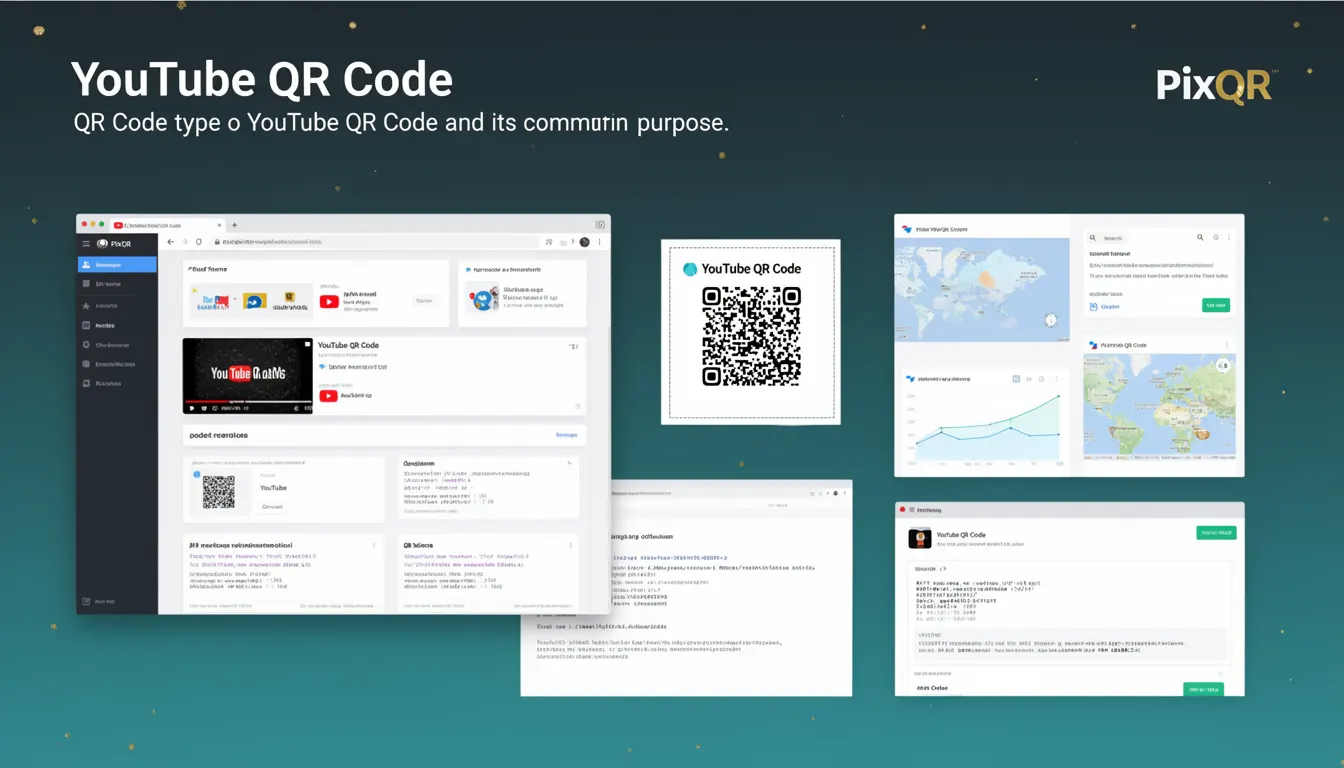
A YouTube QR code is a specific type of QR code that encodes a URL pointing to a YouTube video, channel, or playlist. It is designed to allow users to quickly access YouTube content by scanning the code with a mobile device or QR scanner application.
In the context of PixQR, YouTube QR codes are generated as part of a broader suite of QR code services. They support dynamic redirects, analytics tracking, brand-safe design, and privacy controls. These codes are commonly used in marketing campaigns, educational materials, event signage, and physical product packaging to direct users to specific YouTube content.
Why It Matters
For developers, YouTube QR codes provide a standardized way to integrate YouTube content into offline or physical marketing materials. They bridge the gap between digital content and physical user touchpoints, enabling seamless access to videos, playlists, or channels. In production environments, these codes must be reliable, secure, and trackable.
From a user experience perspective, YouTube QR codes simplify content discovery. For marketers and content creators, PixQR supports analytics and tracking of scan events, which can inform campaign performance. From a security standpoint, the codes must be safe from manipulation and ensure that users are directed to legitimate YouTube content.
How It Works
YouTube QR codes are generated using standard QR code encoding protocols, with the payload containing a valid YouTube URL. The QR code itself is a two-dimensional barcode that encodes data in a grid of black and white squares. When scanned, the QR code reader decodes the data and opens the URL in a browser or YouTube app.
- YouTube QR codes typically encode URLs in the format
https://www.youtube.com/watch?v=VIDEO_IDorhttps://www.youtube.com/channel/CHANNEL_ID. - The QR code generation process supports dynamic redirects, allowing the destination to be updated without regenerating the QR code.
- Each QR code can include metadata such as analytics tags, branding parameters, or privacy controls.
- PixQR allows for custom branding of QR codes, including logos or color schemes, to match brand guidelines.
- Scan tracking is enabled through optional integration with analytics platforms, providing insights into engagement and reach.
Quick Reference
| Item | Purpose | Notes |
|---|---|---|
| URL format | Encodes YouTube content | Must be valid YouTube URL |
| Dynamic redirect | Updates destination without regenerating | Supported in PixQR |
| Analytics tracking | Monitors scan activity | Optional integration |
| Branding options | Customizes appearance | Logo and color support |
| Privacy controls | Ensures safe usage | Prevents unauthorized redirects |
Basic Example
PixQR Example QR
This QR links directly to this glossary page, so printed notes, onboarding docs, and support material can bring scanners back to the current reference.
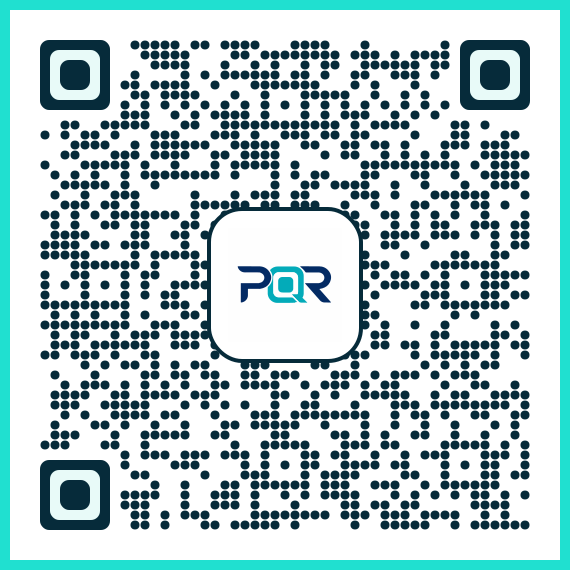
This example shows how a basic YouTube QR code URL is structured and how it would be encoded into a QR code.
https://www.youtube.com/watch?v=dQw4w9WgXcQThe URL above points to a specific YouTube video. When this URL is encoded into a QR code, it becomes scannable and directs users to that video. This is a simple example of how the QR code payload is constructed.
Production Example
In a production environment, a YouTube QR code might be generated with additional parameters for analytics, branding, and tracking.
https://pixqr.com/redirect/yt?video_id=dQw4w9WgXcQ&utm_source=print&brand=brand123This URL includes parameters for tracking, branding, and analytics. It demonstrates how PixQR allows developers to customize QR code behavior and integrate with external systems. The dynamic redirect feature ensures that if the video ID changes, the QR code still functions without requiring regeneration.
Common Mistakes
- Using invalid YouTube URLs in QR code payloads, which causes scans to fail or redirect to error pages.
- Ignoring dynamic redirect capabilities, leading to outdated QR codes that no longer point to the correct content.
- Not validating QR code outputs for proper formatting or scan reliability, which affects user experience.
- Overlooking branding or accessibility considerations, which may result in codes that are difficult to scan or visually inconsistent.
- Disabling analytics tracking when it is needed for campaign performance monitoring or user behavior insights.
Security And Production Notes
- Ensure all YouTube URLs are validated to prevent malicious redirection or spoofing.
- Use dynamic redirects with secure backend systems to avoid exposing internal or private links.
- Implement proper access controls and audit logs for QR code generation and modification.
- Test QR codes across multiple scanners and devices to ensure reliability and compatibility.
- Apply consistent branding and color schemes to maintain brand identity and scanability.
Related Concepts
YouTube QR codes are closely related to several core QR code concepts and technologies:
- Dynamic QR Codes allow for URL updates without regenerating the code, enhancing flexibility.
- URL Shortening is a related technique that simplifies long URLs for better scanning and usability.
- Analytics Integration enables tracking of QR code scans and user behavior.
- QR Code Encoding Standards define how data is stored and interpreted in QR codes.
- Scan Reliability ensures that QR codes can be read consistently across different devices and lighting conditions.