 PixQR
PixQR
Overview
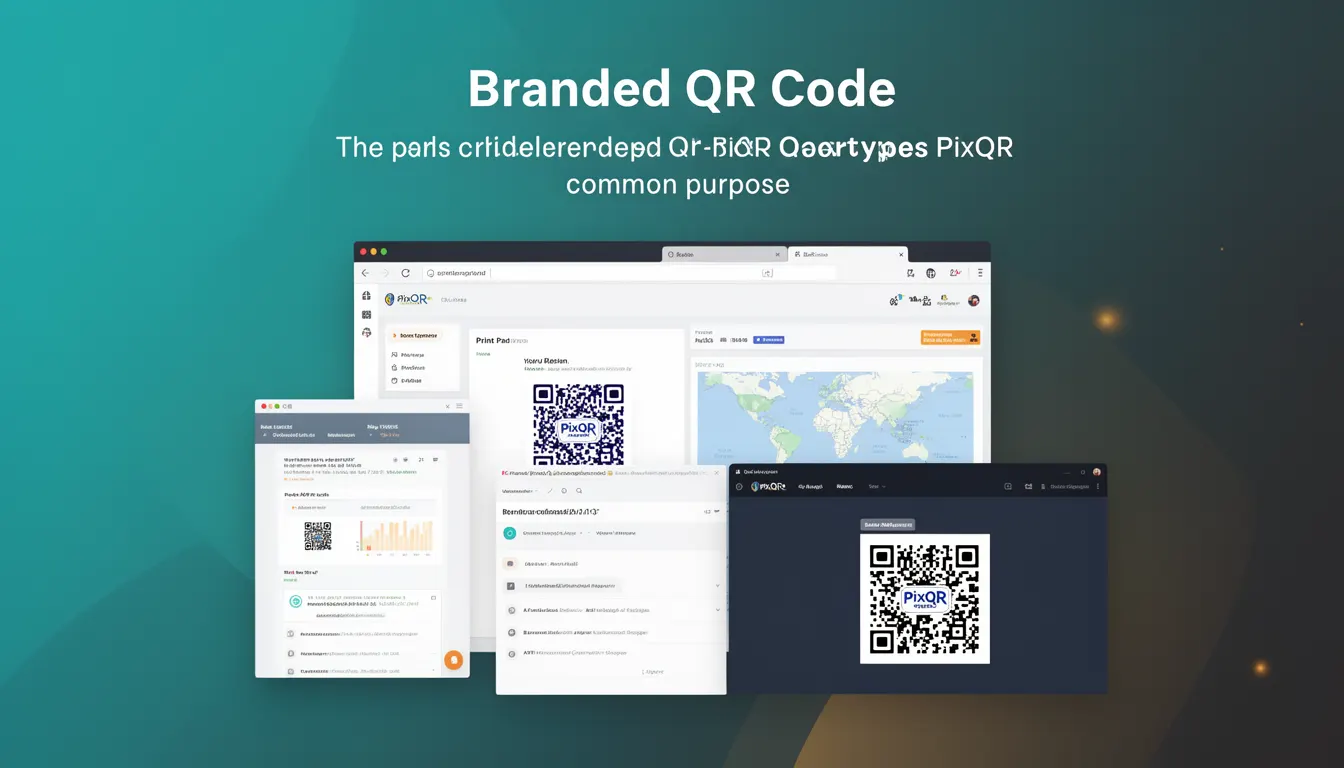
A Branded QR Code is a QR code variant that incorporates a company’s visual identity, such as logos, colors, or custom designs, into the QR code’s appearance while maintaining its functional integrity. Unlike standard QR codes, which are typically black and white, branded QR codes allow organizations to integrate their brand elements into the code’s visual structure without compromising scannability or data integrity.
Branded QR codes are used in marketing campaigns, product packaging, printed materials, and digital assets to increase brand visibility, improve recognition, and reinforce brand consistency. They are particularly common in promotional or advertising contexts where visual aesthetics matter as much as functionality.
Why It Matters
From a developer perspective, branded QR codes are important because they provide a balance between brand expression and technical reliability. When implemented correctly, they enhance user trust and engagement by aligning with brand identity, while still ensuring the QR code functions as intended. Poor implementation can lead to scannability issues, which undermine the code's purpose.
In production environments, branded QR codes must maintain compatibility with scanning applications and adhere to performance and security standards. Developers must ensure that any design modifications do not interfere with QR code data encoding or introduce vulnerabilities, such as visual obfuscation that could mislead users or compromise link integrity.
How It Works
A branded QR code is generated by applying visual modifications to a standard QR code structure. The process typically involves:
- Encoding the base QR code data using standard QR code algorithms (such as QR Code Model 2, which supports various error correction levels).
- Overlaying brand elements like logos or color schemes onto the QR code structure.
- Ensuring that the modifications do not interfere with the code’s scannability by preserving critical alignment patterns and timing patterns.
- Using error correction levels (L, M, Q, H) to maintain reliability in case of partial damage or visual distortion.
- Validating that the final output meets scanning standards across different devices and applications.
Branded QR codes are typically generated using libraries or APIs that support visual customization while maintaining the integrity of the underlying data structure. The process often involves:
- Setting up a base QR code with data and error correction parameters.
- Applying a visual mask or overlay that respects the QR code’s geometric structure.
- Configuring color schemes, logos, or design elements to align with brand guidelines.
- Testing the final output for scannability and performance under various conditions.
- Implementing dynamic QR code features (such as redirects or analytics) where applicable.
Quick Reference
| Item | Purpose | Notes |
|---|---|---|
| QR Code Error Correction Level | Ensures scannability despite visual modifications | Use level Q or H for branded codes |
| Alignment Patterns | Help maintain scannability during design | Must not be obscured by branding |
| Timing Patterns | Used for orientation during scanning | Must remain visible and unobstructed |
| Logo Placement | Customizes appearance without compromising data | Place in quiet zones or center area |
| Color Contrast | Ensures visibility and scannability | High contrast between foreground and background |
Basic Example
PixQR Example QR
This QR links directly to this glossary page, so printed notes, onboarding docs, and support material can bring scanners back to the current reference.

The following example demonstrates a basic approach to generating a branded QR code using a hypothetical PixQR API:
const qrCode = pixqr.generate({
  data: 'https://example.com',
  brand: {
    logo: 'https://example.com/logo.png',
    colors: ['#000000', '#FFFFFF']
  }
});
This example shows how to pass branding parameters to a QR code generator. The data field specifies the URL to encode, and the brand object defines the visual customization, including a logo and color scheme.
Production Example
In a production environment, a branded QR code must be generated with proper validation and error handling. Here is an example that includes configuration, error management, and scannability checks:
const generateBrandedQR = async (url, brandConfig) => {
  try {
    const response = await pixqr.create({
      data: url,
      errorCorrection: 'H',
      brand: {
        logo: brandConfig.logo,
        colors: brandConfig.colors,
        size: 'medium'
      }
    });

    if (response.success) {
      return response.qrCodeUrl;
    } else {
      throw new Error('QR code generation failed');
    }
  } catch (error) {
    console.error('Branded QR code generation error:', error);
    throw error;
  }
};
This version is more suitable for production because it includes error handling, uses high error correction, and validates the response before returning the QR code URL.
Common Mistakes
- Overlapping branding elements with alignment or timing patterns, which can break scannability.
- Using low error correction levels when incorporating visual elements that may distort the code.
- Ignoring contrast requirements, which can make the QR code hard to scan in low-light conditions.
- Placing logos or text in the quiet zones or center area, which are critical for scanning accuracy.
- Not testing the final QR code across multiple scanning applications and devices.
Security And Production Notes
- Ensure that branding elements do not obscure or misrepresent the QR code’s destination URL.
- Validate all external branding assets (logos, images) for integrity and origin to avoid malicious content.
- Use HTTPS for all external branding resources to prevent man-in-the-middle attacks.
- Implement error correction levels (H or Q) to maintain functionality even with visual modifications.
- Test the final QR code across a range of devices and scanning applications to ensure compatibility.
Related Concepts
Branded QR codes are closely related to several other QR code and digital asset concepts:
- Dynamic QR Codes – Branded QR codes can be dynamic, allowing redirects or analytics to be updated without regenerating the code.
- QR Code Error Correction – Essential for maintaining scannability when visual elements are applied.
- Scan Analytics – Branded codes often include tracking features to monitor engagement and user behavior.
- Print Quality Standards – Branded QR codes must be generated with sufficient resolution for print and digital display.
- Brand Compliance – Ensures that visual modifications align with brand guidelines and avoid legal or branding issues.