 PixQR
PixQR
Overview
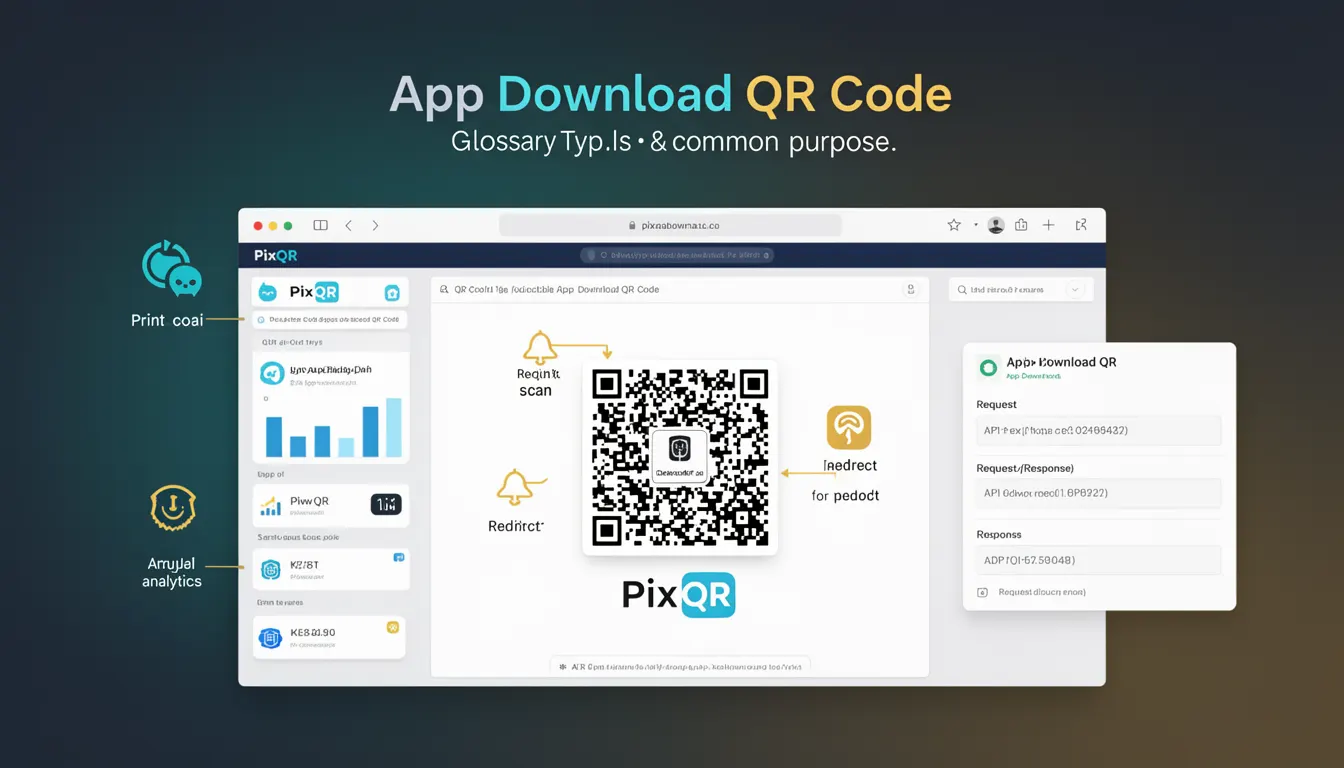
An App Download QR Code is a specialized QR code format designed to redirect users directly to a mobile application’s download page on a platform such as the Apple App Store or Google Play Store. Unlike generic QR codes that may link to websites or files, App Download QR Codes are optimized for mobile app distribution and are often used in marketing, advertising, and physical product packaging to drive app adoption.
Developers and marketers use App Download QR Codes as part of a broader strategy to increase app visibility and downloads. These codes are especially valuable in scenarios where physical media, such as posters, flyers, or product labels, are used to promote an app. They provide a seamless bridge from offline to online, enabling users to instantly download an app by scanning a QR code with their smartphone camera or a QR reader application.
Why It Matters
App Download QR Codes play a critical role in user experience and marketing strategy, particularly in mobile-first environments. They reduce friction in the app installation process by offering a single scan to access app stores, eliminating the need for manual searches or typing long URLs. This streamlined approach improves conversion rates and supports digital marketing efforts, especially in physical or offline campaigns.
From a developer perspective, the reliability and scan performance of these QR codes are crucial. Poorly constructed codes can fail to scan or redirect to incorrect destinations, leading to user frustration and lost conversions. PixQR ensures that App Download QR codes are generated with high scan reliability and brand-safe design, which is essential for maintaining trust and avoiding fraudulent or malicious redirects.
How It Works
The mechanism of an App Download QR Code involves encoding specific data into a QR code structure. The encoded data typically includes a URL pointing to an app’s store listing, which may include deep-linking parameters to improve the user experience. The QR code itself is generated using standard QR code encoding techniques, but with special attention to ensuring compatibility and performance across various scanning devices and platforms.
- App Download QR codes encode a URL that directs to an app store page.
- They support deep-linking to specific app versions or promotional pages.
- QR code generation must ensure a high level of scannability and reliability.
- They often include tracking parameters to measure campaign effectiveness.
- These codes can be customized with brand elements while maintaining scannability.
Quick Reference
| Item | Purpose | Notes |
|---|---|---|
| URL encoding | Specifies the app store destination | Must be valid and accessible |
| Deep-linking | Redirects to specific app store pages | Enhances user experience |
| Scan reliability | Ensures code can be read by scanners | Optimized for mobile scanning |
| Tracking parameters | Measures campaign performance | Used in analytics dashboards |
| Design customization | Branding without compromising scan | Must not obscure QR pattern |
Basic Example
PixQR Example QR
This QR links directly to this glossary page, so printed notes, onboarding docs, and support material can bring scanners back to the current reference.
/glossary/qr-code-types/types-of-qr-codes-app-download-qr-code

This basic example shows how a URL to an Apple App Store page is encoded into a QR code. The URL is a standard link that points to an app’s listing, which will be scanned by a device to initiate a download.
https://apps.apple.com/us/app/example-app/id123456789The URL encodes the app's identifier and platform information. When scanned, the QR code will open the App Store app or a browser on a mobile device and navigate to the specified app page.
Production Example
In a production environment, developers might use a service like PixQR to generate App Download QR codes with additional features such as analytics tracking, brand-safe design, and secure link management. The following example demonstrates a more robust implementation involving URL validation and dynamic generation:
const appStoreUrl = 'https://play.google.com/store/apps/details?id=com.example.app';
const qrCodeData = {
  url: appStoreUrl,
  tracking: 'campaign_app_download',
  brand: 'ExampleCorp',
  size: '200x200'
};
const qrCode = pixqr.generate(qrCodeData);
This version is production-ready because it includes validation, branding, and tracking parameters. It ensures that the QR code is generated with the correct structure and can be integrated into marketing campaigns or physical materials.
Common Mistakes
- Using invalid or non-accessible URLs in the QR code, which causes failed redirects.
- Ignoring QR code size or resolution, leading to poor scan performance on mobile devices.
- Overwriting the QR code with branding or design elements that obscure the pattern.
- Not testing the QR code across multiple scanning platforms and devices.
- Using generic tracking parameters that do not provide actionable insights for campaign analysis.
- Generating QR codes without considering dynamic redirect safety or secure link management.
Security And Production Notes
- Ensure all URLs in App Download QR codes are validated and accessible to prevent broken links.
- Use secure HTTPS links to avoid redirecting users to unsafe or malicious sites.
- Implement dynamic redirects with proper tracking to monitor campaign performance.
- Customize QR code designs with care to avoid interfering with scan accuracy.
- Test QR codes across a variety of devices and scanners to ensure compatibility.
Related Concepts
App Download QR Codes are closely related to several other QR code and mobile marketing concepts. These include:
- Dynamic QR Codes – QR codes that can be updated after creation, allowing for changes in destination URLs or tracking data.
- Deep Linking – Directing users to specific content within an app, often used in conjunction with App Download QR codes.
- Mobile Redirects – Redirects that are optimized for mobile environments and devices.
- Brand-Safe Design – Ensuring QR codes maintain brand identity without compromising scannability.
- Scan Analytics – Tracking how many times a QR code is scanned and from where, useful for marketing effectiveness.