 PixQR
PixQR
Overview
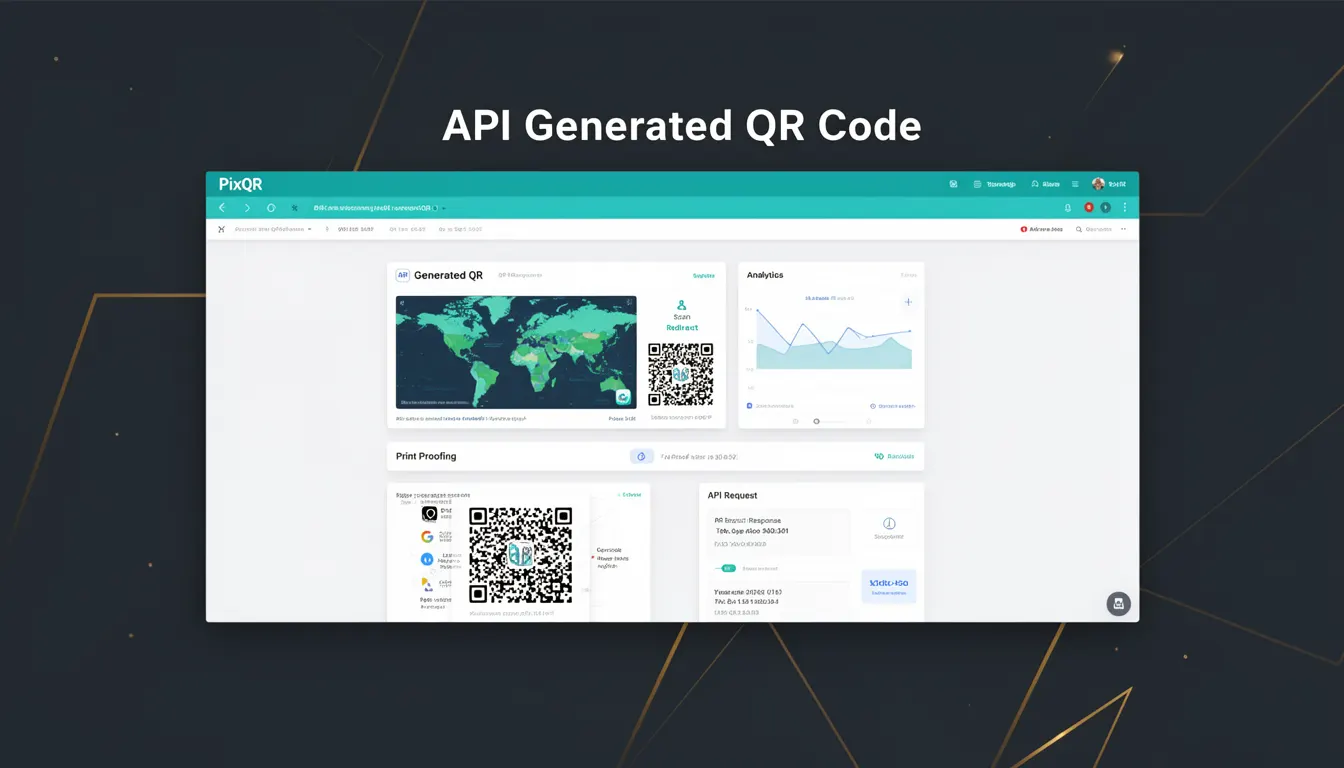
An API Generated QR Code refers to a QR code that is dynamically created through an application programming interface (API) rather than through a static or manually configured process. This type of QR code is typically used in environments where dynamic content, real-time updates, or integration with backend systems are required. The API-generated QR code is a core feature of PixQR, enabling developers to generate, manage, and track QR codes programmatically.
In a production context, API Generated QR Codes are essential for systems that require frequent updates to the destination link, dynamic content based on user behavior, or integration with analytics and tracking platforms. These QR codes are not fixed in content and can be modified after creation, making them ideal for marketing campaigns, event management, and user engagement tools.
Why It Matters
For developers working with PixQR, API Generated QR Codes provide the flexibility and scalability required for modern applications. Unlike static QR codes, these codes support dynamic content, which allows for real-time updates, personalized experiences, and seamless integration with backend systems. This dynamic behavior is crucial for maintaining relevance and engagement in fast-paced digital environments.
From a security standpoint, API Generated QR Codes enable better control over content and access. They allow for centralized management of QR code links, reducing the risk of unauthorized modifications or content tampering. Additionally, they support robust tracking and analytics, which are vital for understanding user behavior and optimizing campaign performance.
How It Works
The generation of an API Generated QR Code involves several key steps and mechanisms that ensure the code is both functional and secure. The process begins with a request to the PixQR API, which typically includes parameters such as the target URL, expiration settings, and optional metadata. The API then processes this information and returns a unique QR code identifier along with the QR code image or data.
- The QR code generation process is handled by the PixQR backend, which ensures that the resulting QR code is compliant with industry standards and optimized for scanning.
- Each API Generated QR Code is associated with a unique identifier that allows for tracking, analytics, and management through the PixQR dashboard or API endpoints.
- Parameters such as expiration time, redirect type, and branding options can be set during the API call to customize the QR code's behavior.
- API-generated codes support dynamic content updates, meaning that the target URL can be changed after the QR code is created without requiring a new code.
- The system supports various QR code formats, including standard QR codes and custom branded versions, to meet specific design and branding requirements.
Quick Reference
| Item | Purpose | Notes |
|---|---|---|
| API Endpoint | Generates QR code | Requires valid authentication token |
| target_url | Destination link | Must be a valid HTTPS URL |
| expires_in | Expiration time | Optional, in seconds |
| branding | Custom design | Optional, supports logo and color |
| redirect_type | Redirect behavior | Supports 301, 302, or custom |
Basic Example
PixQR Example QR
This QR links directly to this glossary page, so printed notes, onboarding docs, and support material can bring scanners back to the current reference.
/glossary/qr-code-types/types-of-qr-codes-api-generated-qr-code

This basic example demonstrates how to generate a simple API Generated QR Code using a standard HTTP request to the PixQR API. The example includes minimal parameters and focuses on core functionality.
curl -X POST https://api.pixqr.com/v1/qr \
  -H "Authorization: Bearer YOUR_API_TOKEN" \
  -H "Content-Type: application/json" \
  -d '{"target_url": "https://example.com"}'
The important lines in this example are the API endpoint URL, the authorization header, and the JSON payload containing the target URL. These components are essential for a successful API call to generate a QR code.
Production Example
This production example includes additional parameters such as expiration time, branding options, and error handling. It demonstrates how to manage a QR code generation process with robust configuration and validation.
const response = await fetch('https://api.pixqr.com/v1/qr', {
  method: 'POST',
  headers: {
    'Authorization': 'Bearer YOUR_API_TOKEN',
    'Content-Type': 'application/json'
  },
  body: JSON.stringify({
    target_url: 'https://example.com/product/123',
    expires_in: 86400,
    branding: {
      logo_url: 'https://example.com/logo.png',
      color: '#007BFF'
    },
    redirect_type: '302'
  })
});
This version is more suitable for production because it includes error handling, uses a structured request body, and incorporates advanced features like branding and expiration settings. These elements ensure that the QR code is generated with the necessary configurations for real-world deployment.
Common Mistakes
- Using an invalid or expired API token, which results in authentication failures and prevents QR code generation.
- Submitting a target URL that is not a valid HTTPS address, leading to validation errors and failed QR code creation.
- Ignoring the expiration time setting, which can cause QR codes to become stale or inaccessible.
- Not properly handling API response errors, which can lead to uncaught exceptions and application crashes.
- Overlooking branding and design consistency, which can result in QR codes that do not align with brand guidelines.
Security And Production Notes
- Always use HTTPS for API requests to ensure secure transmission of data and tokens.
- Implement rate limiting and validation to prevent abuse of the API and protect against denial-of-service attacks.
- Validate all input parameters, especially target URLs, to prevent injection attacks or invalid content.
- Use short-lived API tokens and refresh them regularly to reduce the risk of unauthorized access.
- Ensure that QR code content is monitored and updated regularly to prevent outdated or malicious links from being accessed.
Related Concepts
API Generated QR Codes are closely related to several other developer concepts in the realm of digital marketing and backend integration. Dynamic QR codes, which are often generated via APIs, are part of a broader category of smart QR code solutions. They also connect to redirect management systems, which handle how users are directed from the QR code to the intended destination. Additionally, analytics and tracking are integral to understanding the performance of API-generated QR codes. Finally, the concept of secure API access is fundamental to the operation of these systems, as it ensures that only authorized parties can create or modify QR codes.