 PixQR
PixQR
Overview
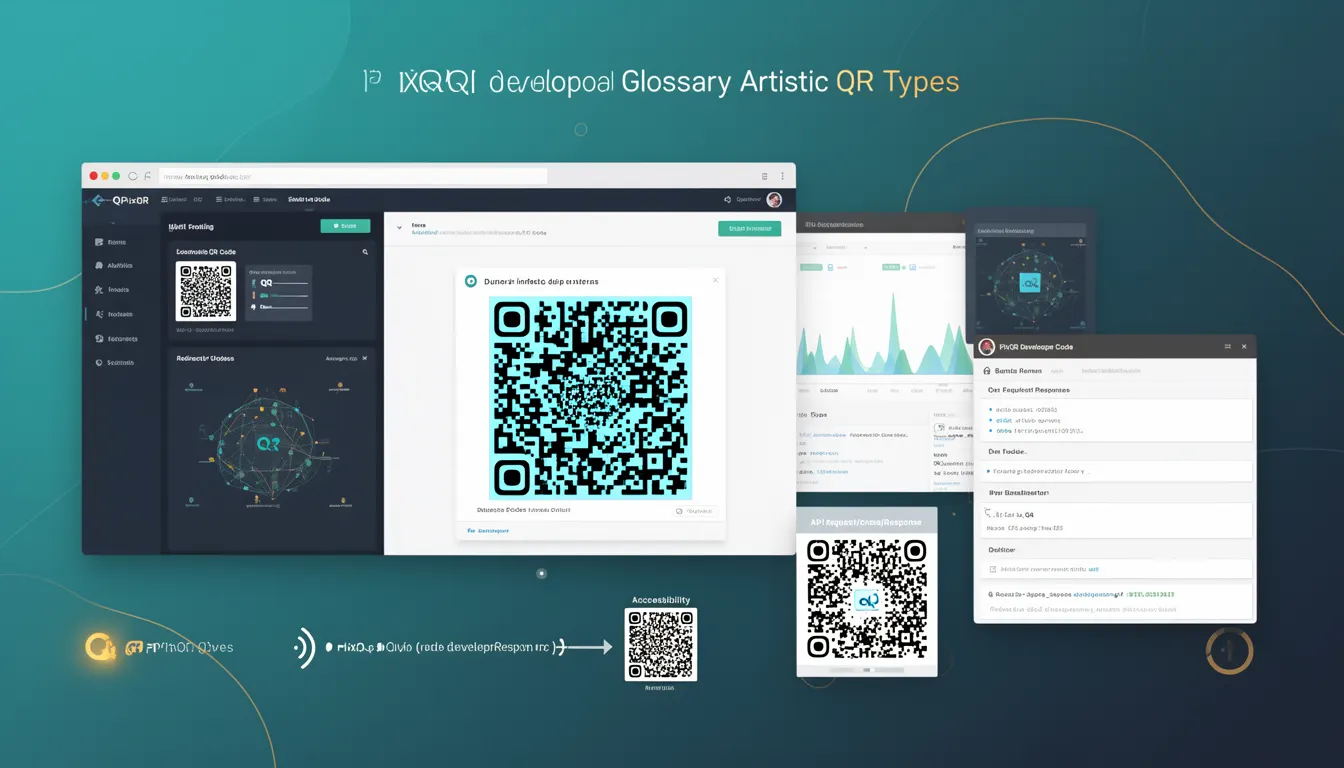
An Artistic QR Code is a variant of the standard QR code that incorporates visual design elements, logos, colors, or custom graphics into the QR code structure. Unlike traditional QR codes, which are typically black and white with precise geometric patterns, Artistic QR Codes can include brand imagery, artistic styles, or visual enhancements while still maintaining the ability to be scanned and decoded by standard QR readers.
In the context of PixQR, Artistic QR Codes are generated using advanced algorithms that ensure visual aesthetics do not compromise the code's functional integrity. They are used primarily in marketing, branding, and user experience applications where visual consistency with a brand's identity is important. For example, a company might embed its logo into a QR code to reinforce brand recognition, or a designer might apply a color scheme that matches a campaign’s theme.
Why It Matters
Artistic QR Codes are important for developers because they bridge the gap between functional QR code technology and brand presentation. In production environments, especially those involving marketing or customer-facing platforms, maintaining visual consistency is crucial. Artistic QR Codes allow developers to generate QR codes that align with brand guidelines without sacrificing scan reliability.
From a performance and accessibility standpoint, Artistic QR Codes must balance visual appeal with scan compatibility. If not generated properly, they may fail to scan or be misinterpreted by scanning applications, leading to user frustration and lost conversions. PixQR ensures that Artistic QR Codes maintain a minimum level of readability even when enhanced visually.
How It Works
Artistic QR Codes are generated using a multi-step process that involves encoding data, applying visual modifications, and ensuring the modified code remains scannable. The process begins with standard QR code generation, followed by a visual enhancement phase that may include:
- Embedding brand logos or graphics into the QR code's reserved areas.
- Applying color schemes or artistic filters to the code's modules.
- Adjusting module contrast to maintain scannability while achieving visual effect.
- Ensuring the code's geometric integrity is preserved in the visual transformation.
- Validating that the final code meets minimum scannability standards across various readers.
The PixQR platform supports both static and dynamic Artistic QR Codes. Static codes are generated once and remain unchanged, while dynamic codes can be updated without changing the physical QR code appearance. This feature is especially useful for campaigns that require frequent updates to the target URL or content.
Quick Reference
| Item | Purpose | Notes |
|---|---|---|
| Logo embedding | Inserts brand elements into QR code | Must be within safe zones to preserve scannability |
| Color modulation | Applies color to QR code modules | Must maintain contrast for readability |
| Dynamic update capability | Allows backend URL changes | Visual appearance remains unchanged |
| Scannability validation | Ensures code can be read by standard readers | Automated check during generation |
| Print reliability | Optimizes for physical print output | Includes resolution and contrast considerations |
Basic Example
PixQR Example QR
This QR links directly to this glossary page, so printed notes, onboarding docs, and support material can bring scanners back to the current reference.

The following example demonstrates a basic Artistic QR Code generation using PixQR's API. It shows how to apply a color scheme to a QR code while ensuring it remains scannable.
const pixqr = require('pixqr-sdk');

const qrCode = pixqr.generate({
  text: 'https://example.com',
  style: {
    color: '#007BFF',
    background: '#FFFFFF'
  }
});

console.log(qrCode);
The example uses the style object to define color properties. The color parameter sets the QR code's module color, and background sets the background color. This basic example ensures that the QR code remains readable while adopting a brand-appropriate color scheme.
Production Example
In a production environment, developers often need to validate that an Artistic QR Code meets both branding and scannability requirements. The following example includes validation, error handling, and configuration for a dynamic QR code.
const pixqr = require('pixqr-sdk');

const generateArtisticQR = async (url, brandLogo, brandColor) => {
  try {
    const qrCode = await pixqr.generate({
      text: url,
      style: {
        color: brandColor,
        background: '#FFFFFF',
        logo: brandLogo
      },
      dynamic: true
    });

    if (!qrCode.scannable) {
      throw new Error('Generated QR code is not scannable');
    }

    return qrCode;
  } catch (error) {
    console.error('Error generating QR code:', error);
    throw error;
  }
};

generateArtisticQR('https://example.com', 'brand-logo.png', '#007BFF');
This version includes dynamic QR code generation, logo embedding, and scannability validation. It ensures that even with visual enhancements, the QR code remains functional and suitable for deployment in marketing or customer-facing applications.
Common Mistakes
- Using overly complex graphics in the logo embedding area, which can cause scanning failure.
- Applying colors that reduce contrast below scannability thresholds.
- Ignoring the dynamic QR code update process, leading to outdated content being scanned.
- Not validating the final QR code after visual modification, resulting in non-functional codes.
- Embedding large images or text that interfere with the QR code's geometric structure.
- Overlooking print-specific considerations such as resolution and contrast in physical output.
Security And Production Notes
- Always validate the scannability of an Artistic QR Code before deployment to prevent user errors.
- Use dynamic QR codes when content or URL changes are expected to avoid physical reprints.
- Ensure that embedded logos or graphics are hosted securely and do not introduce external risks.
- Test Artistic QR Codes across multiple scanning applications to ensure compatibility.
- Apply appropriate resolution and contrast settings to maintain print reliability in physical media.
Related Concepts
Artistic QR Codes are closely related to several other QR code and branding concepts:
- Standard QR Codes form the base structure from which Artistic QR Codes are derived.
- Dynamic QR Codes allow for backend URL updates without changing the physical code.
- QR Code Scanning APIs are essential for validating that enhanced codes remain functional.
- Brand Consistency ensures that visual enhancements align with marketing guidelines.
- Print Reliability is critical for physical deployments where quality and clarity are essential.