 PixQR
PixQR
Overview
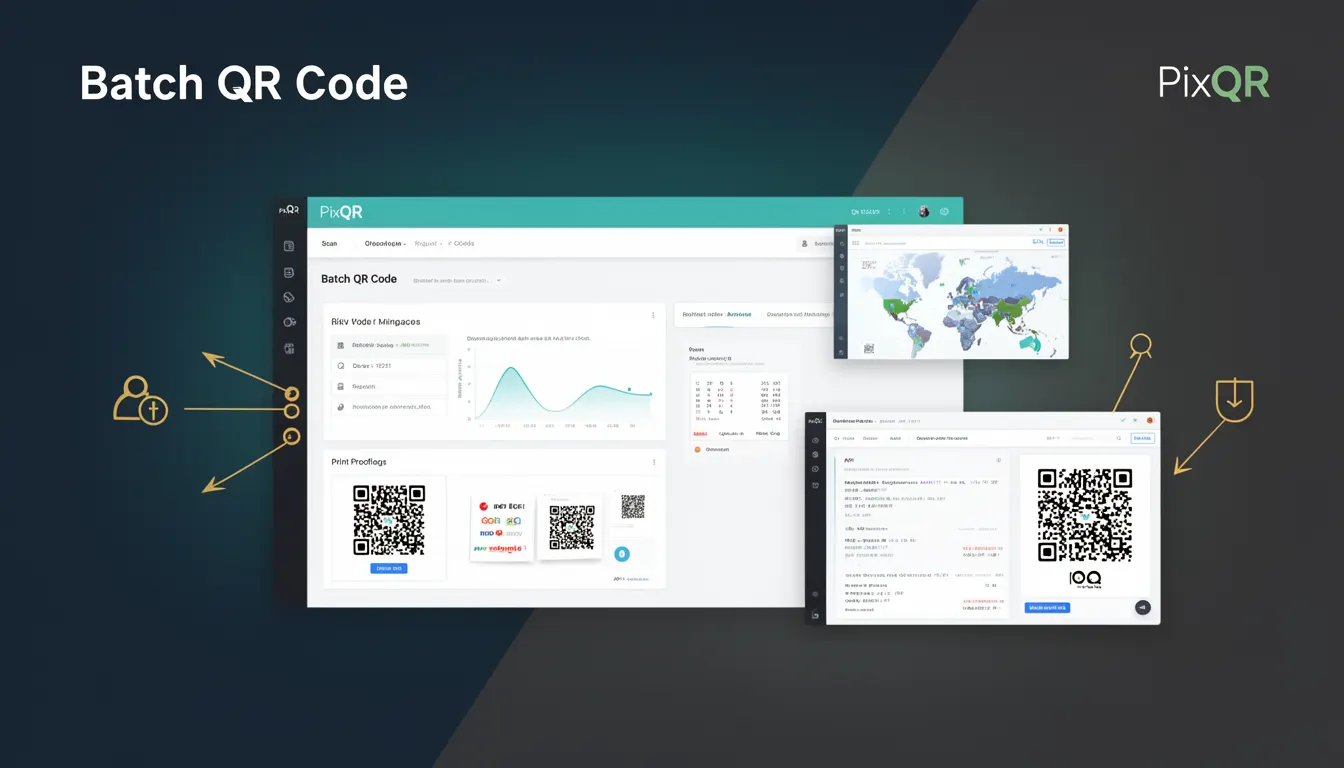
A Batch QR Code in the context of PixQR refers to a QR code generation method that allows developers to create multiple QR codes in a single API request or operation, rather than generating them individually. This approach is particularly useful for scenarios where a large number of unique QR codes are needed, such as for product tracking, event ticketing, or promotional campaigns.
Batch QR codes are implemented through specific APIs or endpoints that accept arrays or collections of data parameters. Each item in the batch can contain distinct attributes such as URLs, custom branding, expiration dates, or analytics tracking identifiers. The system processes these items in a single transaction, reducing the overhead of multiple API calls and improving efficiency.
Why It Matters
For developers working with PixQR, Batch QR Codes significantly improve operational efficiency when handling large-scale QR code deployments. Instead of making individual API requests for each QR code, a single batch request can generate hundreds or thousands of codes, reducing network overhead and API rate limits. This capability is essential for enterprise applications where QR code generation is part of automated workflows or inventory systems.
From a performance standpoint, batch processing minimizes latency and server load, especially in high-throughput environments. It also reduces the likelihood of API throttling, which can occur when too many individual requests are made in a short time. Additionally, batch generation supports better error handling and rollback strategies, ensuring that if one code in a batch fails, others can still be generated successfully.
How It Works
The core mechanism of a Batch QR Code involves submitting a structured data payload to a designated PixQR API endpoint. The system then iterates through the provided items and generates QR codes based on the specified parameters for each. This process is optimized for speed and reliability, using internal queuing and parallel processing where appropriate.
- Each item in the batch must conform to a defined schema, including required fields such as destination URL and optional fields like custom branding or expiration date.
- The system validates all inputs before processing, returning errors for malformed or missing data in the batch.
- Batch processing supports both synchronous and asynchronous modes, with asynchronous mode allowing developers to poll for results or receive callbacks upon completion.
- Each generated QR code is assigned a unique identifier that can be used for tracking, analytics, or future modifications.
- Batch operations support metadata tagging, enabling developers to associate additional data with each QR code for later retrieval or filtering.
Quick Reference
| Item | Purpose | Notes |
|---|---|---|
| batch | Defines a collection of QR code parameters | Array of objects with required fields |
| destination_url | Specifies where the QR code redirects | Required for each batch item |
| branding | Customizes appearance of QR code | Optional, supports image or color |
| expiration_date | Sets time limit for QR code validity | Optional, ISO 8601 format |
| analytics | Enables tracking and reporting | Optional, includes event tracking |
Basic Example
PixQR Example QR
This QR links directly to this glossary page, so printed notes, onboarding docs, and support material can bring scanners back to the current reference.

This example demonstrates a minimal batch QR code request structure. It includes a single item in the batch with a destination URL and basic branding.
{
  "batch": [
    {
      "destination_url": "https://example.com/product/123",
      "branding": {
        "color": "#000000"
      }
    }
  ]
}
The key elements are the batch array, which contains one or more objects, each defining a QR code. The destination_url is required, and branding is optional but enhances visual consistency.
Production Example
This example illustrates a more robust batch QR code request with multiple items, metadata, and error handling considerations. It includes expiration dates, analytics, and branding for each item.
{
  "batch": [
    {
      "destination_url": "https://example.com/event/ticket/1001",
      "branding": {
        "color": "#000000",
        "logo_url": "https://example.com/logo.png"
      },
      "expiration_date": "2025-12-31T23:59:59Z",
      "analytics": {
        "campaign": "holiday_promo",
        "source": "email_newsletter"
      },
      "metadata": {
        "event_id": "1001",
        "ticket_type": "VIP"
      }
    },
    {
      "destination_url": "https://example.com/event/ticket/1002",
      "branding": {
        "color": "#000000",
        "logo_url": "https://example.com/logo.png"
      },
      "expiration_date": "2025-12-31T23:59:59Z",
      "analytics": {
        "campaign": "holiday_promo",
        "source": "email_newsletter"
      },
      "metadata": {
        "event_id": "1002",
        "ticket_type": "Standard"
      }
    }
  ]
}
This version includes comprehensive fields for tracking, branding, and metadata, making it suitable for enterprise-level applications where detailed analytics and management are required.
Common Mistakes
- Not validating input data before sending to the batch endpoint, leading to partial failures or invalid QR codes.
- Using inconsistent or unsupported branding parameters, which can cause batch processing to fail or fallback to default styles.
- Ignoring the response structure of batch operations, particularly when handling errors or retrieving generated QR code IDs.
- Overloading a single batch with too many items, which may exceed API limits or cause timeouts.
- Not implementing proper error handling for individual items within a batch, resulting in silent failures or incomplete deployments.
Security And Production Notes
- Always sanitize destination URLs to prevent open redirect vulnerabilities or injection attacks.
- Implement rate limiting on batch requests to avoid abuse or denial-of-service scenarios.
- Validate branding assets (e.g., logo URLs) for malicious content or unauthorized use.
- Ensure that metadata and analytics fields do not inadvertently expose sensitive information.
- Use HTTPS for all batch API endpoints to prevent interception or tampering of data.
Related Concepts
Batch QR Codes are closely related to several core PixQR features and development practices:
- Dynamic Redirects: Batch QR codes can include dynamic redirect logic, allowing for URL changes without regenerating codes.
- Analytics: Each batch item can be tagged with analytics parameters to track performance across multiple codes.
- API Rate Limits: Batch processing reduces the number of API calls, helping avoid rate limit issues.
- QR Code Generation Lifecycle: Batch operations follow the same lifecycle as individual codes, including creation, modification, and expiration.
- Privacy Controls: Batch-generated codes support privacy settings, such as disabling scan tracking or anonymizing user data.