 PixQR
PixQR
Overview
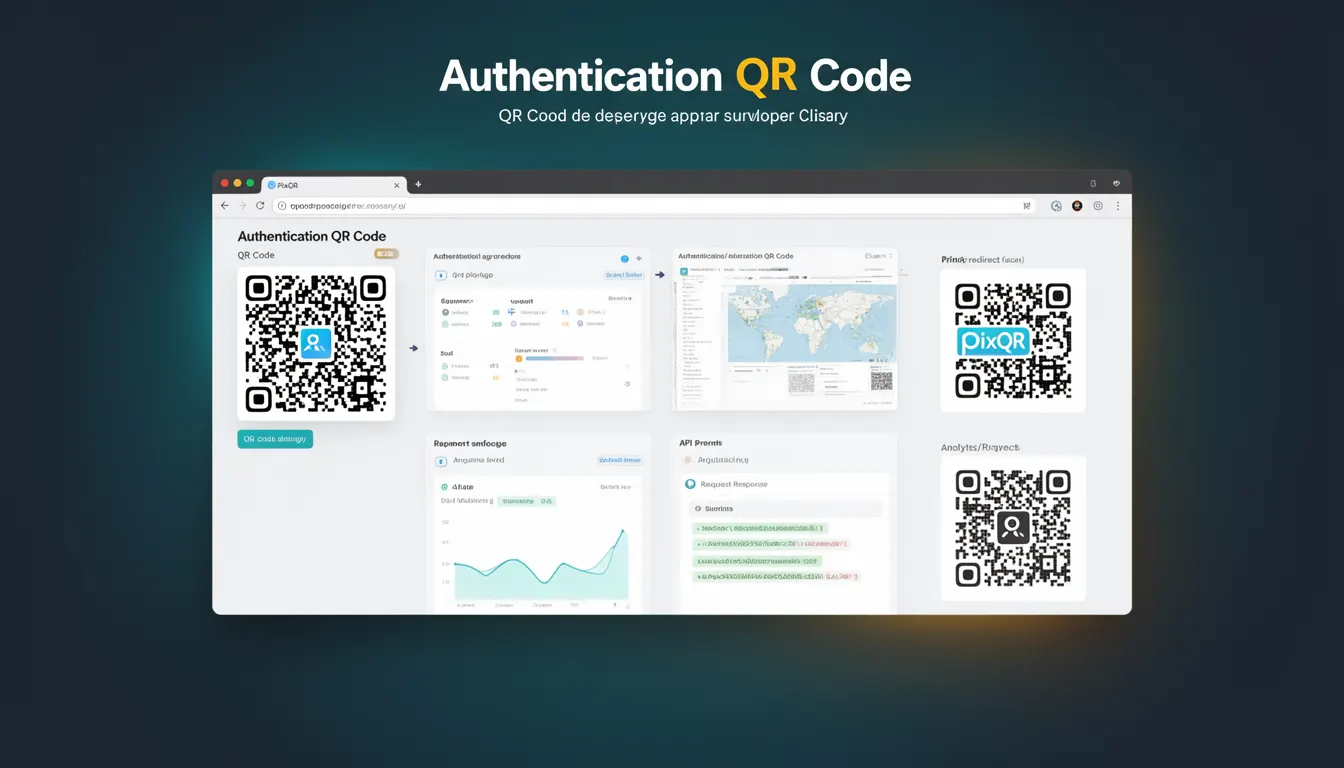
An Authentication QR Code is a specialized QR code type designed to facilitate secure authentication processes, typically for user login, session management, or access control. These QR codes are generated by systems to encode authentication tokens, session identifiers, or one-time passwords that users scan to authenticate themselves to an application or service.
They are commonly used in scenarios such as two-factor authentication (2FA), single sign-on (SSO), secure API access, and device pairing. In the PixQR platform, Authentication QR Codes are generated with a focus on privacy, reliability, and secure operational workflows, ensuring that sensitive authentication data is encoded in a way that minimizes exposure during transmission and scanning.
Why It Matters
Authentication QR Codes play a critical role in modern security practices, especially in environments where traditional username/password authentication is insufficient or impractical. They are used in secure environments such as enterprise systems, mobile applications, and IoT devices to provide a fast and secure way for users to authenticate without exposing credentials.
For developers working with PixQR, understanding Authentication QR Codes is essential for integrating secure login flows, managing access tokens, and ensuring that authentication data is encoded correctly to prevent unauthorized access or data leakage. The use of such QR codes can reduce reliance on less secure methods like SMS-based codes or manual credential entry, improving both usability and security.
How It Works
Authentication QR Codes are generated using a structured data format that includes authentication tokens, session IDs, or cryptographic keys. These codes are typically encoded using standard QR code specifications but are tailored for authentication purposes. The data encoded within the QR code is often signed or encrypted to ensure integrity and prevent tampering.
- The QR code data is usually structured using a protocol such as
otpauth://for time-based one-time passwords or custom authentication schemes. - Generated QR codes may include expiration timestamps to limit the time window during which the code is valid.
- Authentication QR codes often encode a URL or a data URI that points to an authentication endpoint or service.
- The QR code generation process in PixQR ensures that data is sanitized and validated before encoding to prevent injection attacks.
- Scanning the QR code triggers a redirect or a call to a backend service that validates the token or session identifier.
Quick Reference
| Item | Purpose | Notes |
|---|---|---|
| Authentication token | Encodes session or access credentials | Must be securely generated and validated |
| Expiration timestamp | Limits validity period of the QR code | Prevents replay attacks |
| Encoding format | Standard or custom QR data format | Must be compatible with scanning systems |
| Redirect URL | Points to authentication handler | Must be secure and validated |
| Signature or encryption | Ensures integrity and authenticity | Prevents tampering |
Basic Example
PixQR Example QR
This QR links directly to this glossary page, so printed notes, onboarding docs, and support material can bring scanners back to the current reference.
/glossary/qr-code-types/types-of-qr-codes-authentication-qr-code

This example shows how a basic Authentication QR Code might be structured for a time-based one-time password (TOTP) system. It demonstrates the encoding of a URI that a scanning application would interpret to set up 2FA.
otpauth://totp/Example:alice@example.com?secret=JBSWY3DPEHPK3PXP&issuer=ExampleThe example encodes a TOTP secret for a user named alice@example.com. The issuer field helps identify the service, and the secret is a base32-encoded key used to generate the OTP.
Production Example
In a production environment, Authentication QR Codes are generated with additional security and operational controls. This example shows how PixQR might generate a QR code for a session-based login with a redirect URL and a time-limited token.
https://api.pixqr.com/auth/login?token=abc123xyz&expires=1672531200&redirect=https%3A%2F%2Fapp.example.com%2FcallbackThis URL is encoded into a QR code. It includes a token, an expiration timestamp, and a redirect URL. The token is validated by the backend when the QR code is scanned, and the redirect ensures the user is sent to the correct application endpoint.
Common Mistakes
- Using unencrypted or unauthenticated data in the QR code, leading to potential exposure of session tokens or credentials.
- Generating QR codes without expiration timestamps, increasing the risk of replay attacks.
- Not validating the redirect URL or allowing open redirects, which could be exploited for phishing or malicious redirection.
- Reusing the same QR code for multiple authentication attempts, which undermines security by enabling unauthorized access.
- Ignoring proper sanitization of input data, which can lead to injection vulnerabilities or malformed QR code content.
Security And Production Notes
- Always use secure, HTTPS-based URLs in Authentication QR Codes to prevent man-in-the-middle attacks.
- Implement token expiration and one-time use policies to mitigate replay and session hijacking risks.
- Validate all inputs before encoding them into QR codes to prevent injection or malformed data issues.
- Use cryptographic signatures or encryption for sensitive data within the QR code to ensure integrity.
- Ensure that scanning systems are configured to validate QR code content and reject invalid or untrusted sources.
Related Concepts
Authentication QR Codes are closely related to several core concepts in secure application development and QR code systems:
- Two-Factor Authentication (2FA): Authentication QR Codes are often used to set up 2FA systems, providing an additional layer of security.
- Session Management: These codes can encode session identifiers that allow users to resume authenticated sessions.
- OAuth and OpenID Connect: Authentication QR Codes can be used in OAuth flows to simplify user authorization and token exchange.
- Time-Based One-Time Passwords (TOTP): A common format for encoding authentication tokens in QR codes, especially in 2FA systems.
- QR Code Security: The overall principles of QR code encoding, including data sanitization, encryption, and integrity checks, are critical to secure QR code usage.