 PixQR
PixQR
Overview
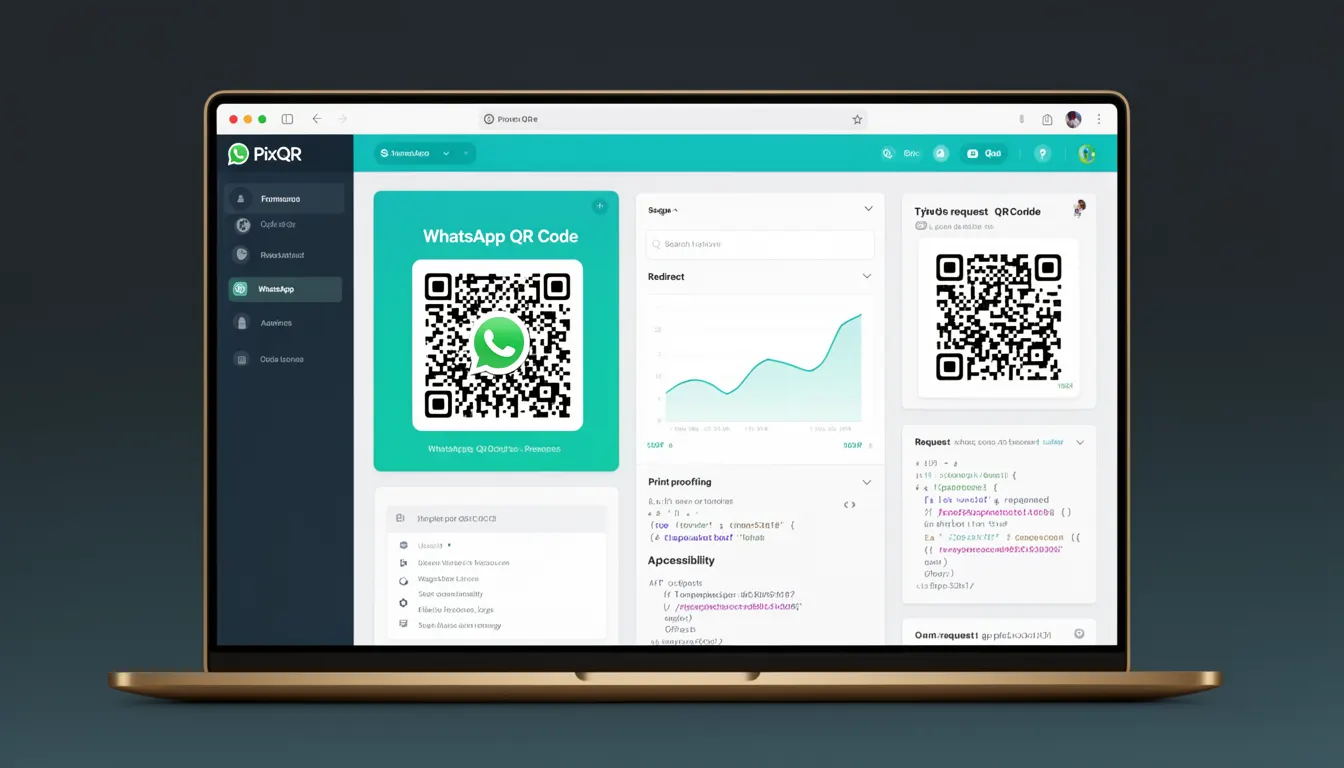
A WhatsApp QR Code is a specific type of QR code designed to facilitate direct communication with a WhatsApp user or business. It encodes a WhatsApp-specific link that, when scanned, opens the WhatsApp application and either initiates a new chat or navigates to an existing conversation.
These QR codes are commonly used by businesses to simplify customer support, provide easy contact options, and enhance accessibility for users who prefer to initiate conversations via QR scanning. In the context of PixQR, WhatsApp QR codes are generated and managed as part of a secure, brand-safe workflow that ensures reliable scanning, privacy compliance, and operational integrity.
Why It Matters
WhatsApp QR codes are essential for businesses aiming to provide seamless, user-friendly communication pathways. They reduce friction in initiating conversations, particularly in scenarios where users may not have a contact saved or prefer scanning a code for speed and convenience.
From a developer perspective, understanding WhatsApp QR codes is critical for ensuring compatibility with WhatsApp's API, managing dynamic redirects, and maintaining secure operational workflows. PixQR's platform ensures that these codes are generated with proper encoding, validated for safety, and tracked for analytics without compromising user privacy or scan reliability.
How It Works
WhatsApp QR codes are generated using a specific URI format that adheres to the WhatsApp protocol. The QR code encodes a link that includes a phone number and an optional message. When scanned, the QR code directs the user to WhatsApp, where the application either opens a new chat or navigates to an existing conversation.
- The QR code format is based on the
whatsapp://sendURI scheme, which is recognized by the WhatsApp mobile application. - It supports both direct phone number links and pre-filled messages to improve user engagement.
- The QR code must be generated with appropriate encoding and error correction to ensure reliable scanning.
- When using PixQR, the QR code generation process includes validation to prevent invalid or malicious inputs.
- Dynamic redirects can be configured to ensure that the QR code always points to the correct endpoint, even if the underlying contact information changes.
Quick Reference
| Item | Purpose | Notes |
|---|---|---|
| whatsapp://send?phone=1234567890 | Initiates a new chat with a phone number | Validates phone number format |
| whatsapp://send?phone=1234567890&text=Hello | Pre-fills a message to the recipient | Message is URL-encoded |
| QR Code Encoding | Ensures scan reliability | Uses ECC level M or higher |
| Dynamic Redirect | Updates QR code target without regeneration | Configurable via PixQR dashboard |
| Privacy Compliance | Ensures no PII is exposed in QR code | Validates input before generation |
Basic Example
PixQR Example QR
This QR links directly to this glossary page, so printed notes, onboarding docs, and support material can bring scanners back to the current reference.
This example demonstrates the minimal structure of a WhatsApp QR code link used to initiate a chat with a specific phone number.
https://api.whatsapp.com/send?phone=1234567890This link encodes a phone number that, when scanned, opens WhatsApp and starts a new chat. It is simple, functional, and suitable for basic use cases.
Production Example
This example shows how a WhatsApp QR code can be generated and managed within PixQR for production use, including dynamic redirect and message prefill.
https://api.whatsapp.com/send?phone=1234567890&text=Hello%20there!This version includes a pre-filled message and uses URL encoding to ensure compatibility. It is configured with dynamic redirect capabilities to maintain consistency even if the underlying phone number changes.
Common Mistakes
- Using invalid phone number formats, which leads to QR code scanning failures or incorrect routing.
- Forgetting to URL-encode the message parameter, resulting in broken links or misinterpreted text.
- Generating QR codes without error correction, which reduces scan reliability in real-world usage.
- Not validating inputs before QR code generation, which can expose users to phishing or spoofing risks.
- Using static QR codes in dynamic environments, leading to outdated or broken communication paths.
Security And Production Notes
- Always validate phone number formats to ensure correct routing and prevent malformed QR codes.
- Use URL encoding for message parameters to avoid character conflicts in the URI.
- Implement error correction levels (e.g., M or H) in QR code generation for improved scan reliability.
- Ensure dynamic redirects are configured securely to prevent unauthorized changes or malicious redirections.
- Comply with privacy regulations by not embedding sensitive information in QR codes or tracking parameters.
Related Concepts
WhatsApp QR codes are closely related to several other QR code types and platform features. Dynamic QR codes allow for real-time updates, while brand-safe design ensures that the QR code aligns with company branding and communication standards. Privacy compliance ensures that user data is not exposed in QR code content. Scan tracking and analytics help businesses understand user behavior and engagement. Finally, operational workflows ensure that QR code generation and management are secure, scalable, and maintainable.